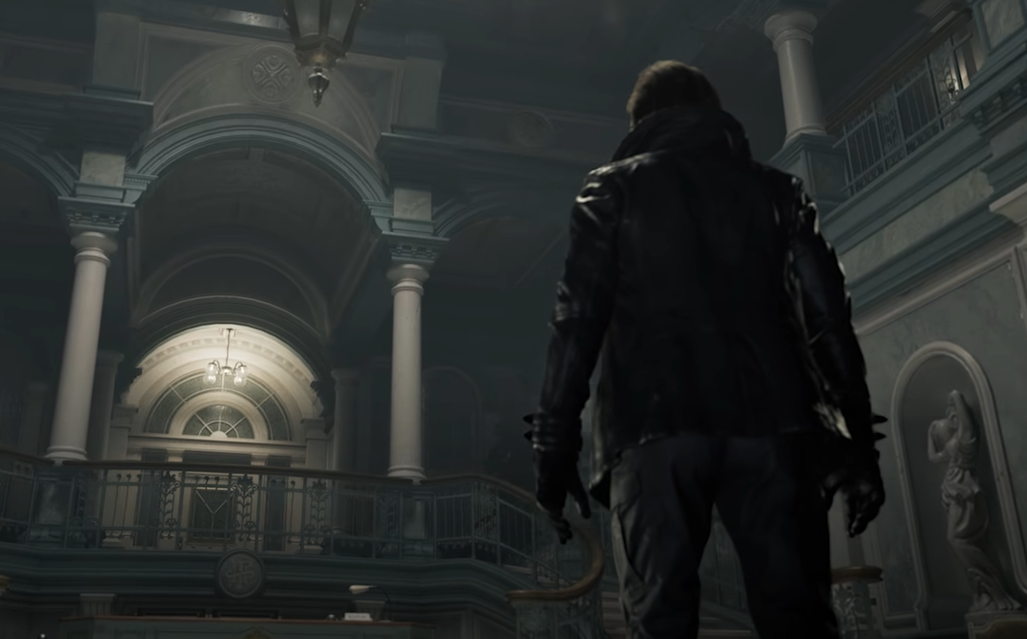
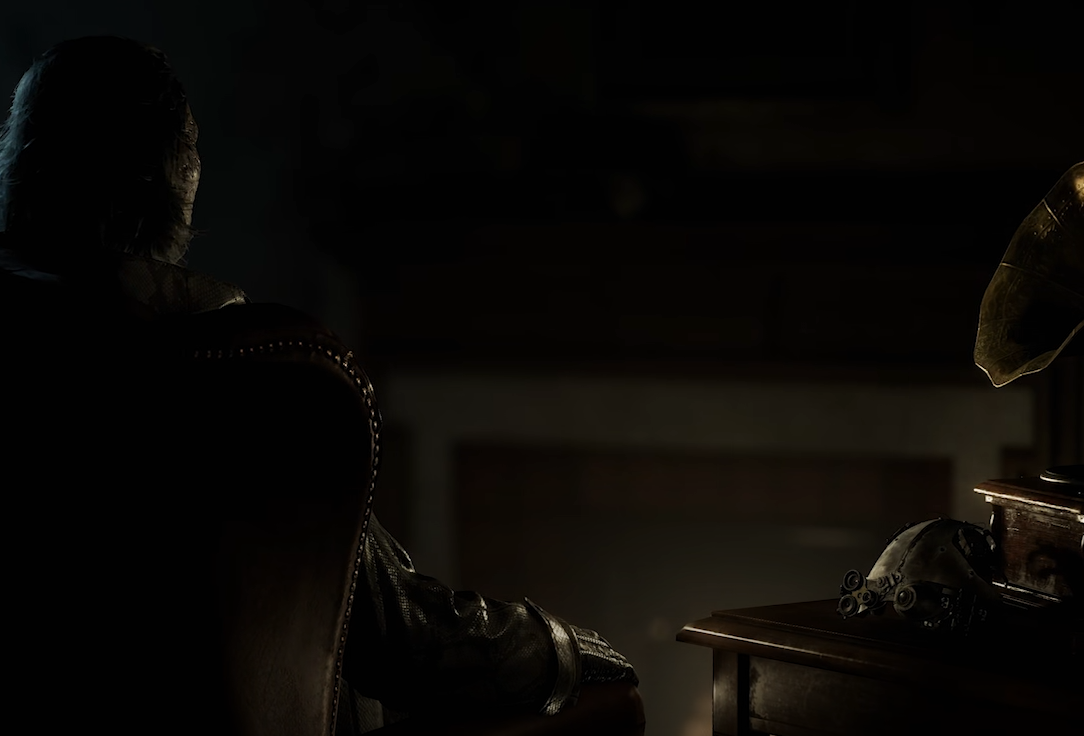
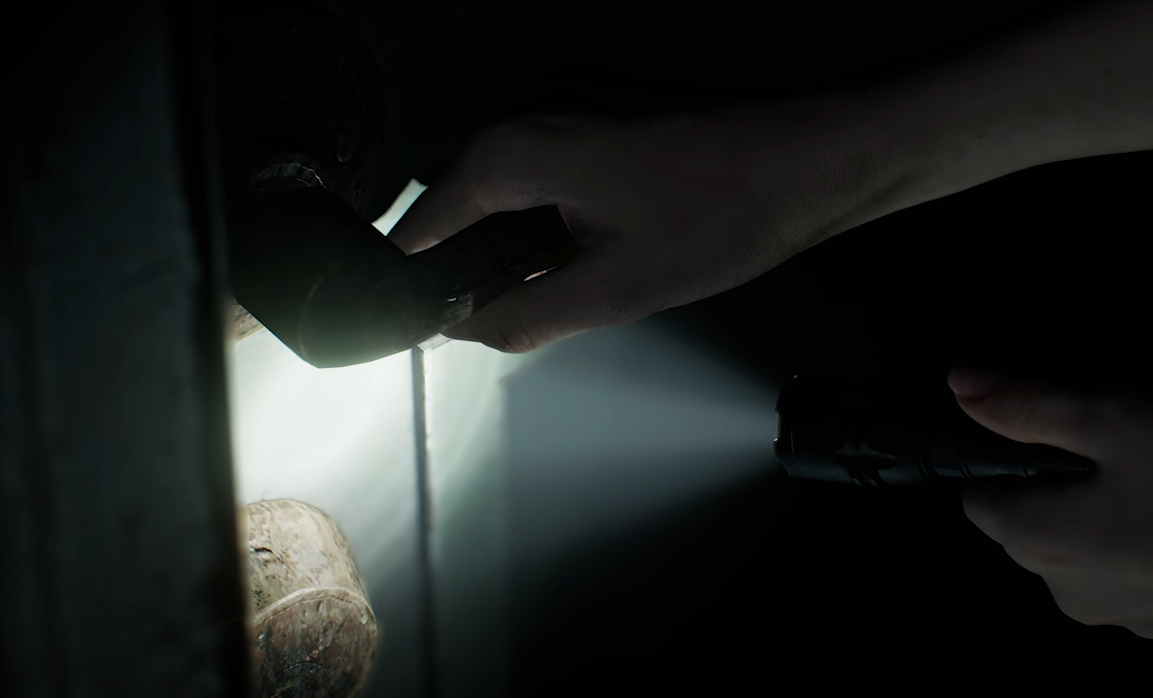
If Resident Evil Requiem looks blurry, grainy, or lower quality than RE4 Remake or Village, it is not just you. On console, the game runs at a lower internal resolution and uses upscaling, and film grain appears to be forced on by default. On PC, film grain, ray tracing noise, DLSS, or driver issues can also make the image look soft or dirty.
The result is an image that can feel less sharp than previous Resident Evil titles, especially in darker scenes.
Why Resident Evil Requiem Looks Grainy
Several things can make the game look rough depending on platform.
On Xbox Series X and base PS5, the game renders around 1080p internally and upscales toward 4K. Upscaling can introduce softness and shimmering edges, especially on fine details like faces and item textures.
Other common causes include:
Forced film grain effect
Chromatic aberration
Lens distortion
HDR calibration issues
Ray tracing noise on PC
FSR or DLSS softness
Film grain is the biggest complaint. It adds a noisy layer over the entire screen, which can make textures look dirtier than they actually are.
Console Graphics Quality Explained
On console, there are very limited graphics options. You cannot fully disable film grain or switch to a true native 4K mode.
That means what you see is mostly locked in. Compared to RE4 Remake, which looked extremely clean and sharp, Requiem has a heavier cinematic filter and more aggressive upscaling.
That combination makes faces and small environmental objects look softer.
PC Grain And Blur Causes
On PC, the issue can vary by settings and hardware.
Common fixes to test:
Disable ray tracing
Disable DLSS or FSR and test native resolution
Disable chromatic aberration
Disable lens distortion
Add slight sharpening in GPU control panel
Some players report that ray tracing introduces noise that looks like heavy film grain. Others say certain Nvidia drivers increase denoiser artifacts.
If you are using DLSS, try switching between Quality and Native to compare clarity.
Can You Turn Off Film Grain
On console, there is currently no in game toggle to disable film grain.
On PC, some players have edited configuration files or used mod tools to disable film grain, though this may require third party tools. Without mods, the in game option may not fully remove the effect.
If film grain is the main issue, PC offers more flexibility. Console players are limited to brightness and HDR adjustments.
Is It Worse Than RE4 Remake
Visually, RE4 Remake is sharper and cleaner on console. Requiem uses heavier post processing and lower internal resolution on base systems.
On high end PC with path tracing enabled, Requiem can look significantly better than previous titles, but it requires very strong hardware.
On standard console settings, it can look softer than expected.
Final Blurb
If Resident Evil Requiem looks grainy or blurry to you, you are not imagining it. Film grain, upscaling, and post processing are doing most of the damage. On console, you are mostly locked into the default presentation. On PC, tweaking ray tracing and upscaling settings can noticeably improve clarity.
It is still a good looking game overall, but it definitely leans into a dirtier cinematic style compared to RE4 Remake.
FAQ
Why does Resident Evil Requiem look blurry on Xbox Series X
The game runs at a lower internal resolution and upscales to 4K, and film grain is applied by default, which can reduce sharpness.
Can you turn off film grain in Resident Evil Requiem
On console, there is no built in toggle. On PC, configuration edits or mods may allow removal.
Does ray tracing cause grain in Resident Evil Requiem
Some PC players report noise artifacts when ray tracing is enabled, especially with certain drivers.
Is Resident Evil Requiem lower quality than RE4 Remake
On console, it can appear softer due to heavier post processing and upscaling, while RE4 Remake presents a cleaner image.