The Subnautica 2 battery charger disabled issue usually happens because the Battery Terminal has been manually turned off, the base does not have enough usable power, the wrong charger is being used, or the terminal is caught in an Early Access power bug. The fastest fix is to click the small screen or text area where it says Disabled, then check base power if batteries still do not charge.
Jump To
How To Fix Battery Charger Disabled In Subnautica 2
To fix the battery charger disabled issue in Subnautica 2, click the small screen or text area on the Battery Terminal where it says Disabled to toggle it back to Enabled.
The Battery Terminal can be manually turned off and on. That feature is useful because it stops the terminal from using base power when batteries do not need charging, but it is also easy to toggle by accident. When that happens, the charger can look broken even though it is only disabled.
The confusing part is that the interact spot is not always obvious. The fix is not only pressing the normal use button near the terminal. The important interaction is the small display area where the terminal shows Disabled. Click that text window, then check whether it switches back to Enabled.
If the charger still refuses to work after being enabled, then the problem is probably base power, battery placement, the wrong charger type, or an Early Access power bug.
Click The Disabled Text On The Battery Terminal
The first fix is to click directly on the Battery Terminal screen where the Disabled label appears.
This is the most common cause of the problem. The Battery Terminal has an enable and disable toggle, and it can be switched off by mistake while interacting with it. Once disabled, it will not charge batteries even if the base has enough power.
| What The Terminal Says | What To Do |
|---|---|
| Disabled | Click the display text or screen area to toggle it back on. |
| Enabled | Check base power, battery placement, and charger type. |
This is a small UI problem more than a crafting problem. The game gives the terminal a manual power state, but the toggle is easy to miss. Beautifully subtle. Maybe too subtle, considering the entire point is making dead batteries less annoying.
Check Base Power If Batteries Still Will Not Charge
If the Battery Terminal is enabled but batteries still are not charging, check the base power supply next.
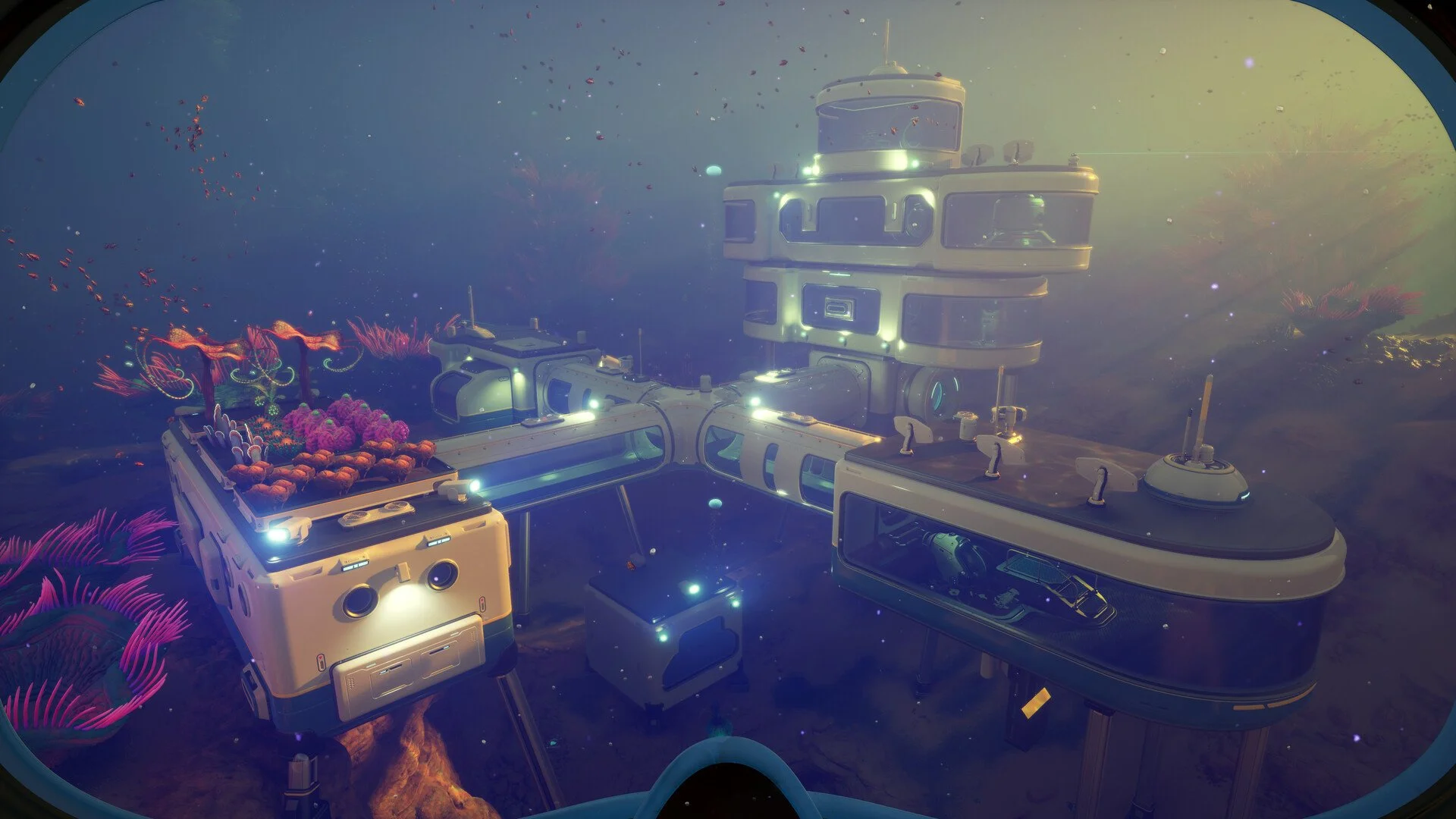
The Battery Terminal draws from habitat power. A base with weak power, drained power, or unstable power can make the terminal seem broken. If machines are running, crafting stations are active, or other modules are drawing power, the base may not be keeping up.
Solar Panels can work for early bases, but they lose value at night and depend on placement near light. A Bioreactor can help with steady interior power, while Hydroelectric Turbines and Thermal Plants may need a proper power route back to the habitat.
For base power setup, the Subnautica 2 Bioreactor guide covers recipe, fuel, and power modes for one of the easier backup options.
Make Sure The Battery Is Actually Loaded
The Battery Terminal only charges batteries that are removed from tools and placed into the terminal.
A common mistake is expecting the terminal to charge the tool itself. It does not work that way. The battery needs to be unloaded from the Scanner, Wakemaker, Sonic Resonator, or another handheld tool, then placed into the Battery Terminal charging slot.
| Problem | Fix |
|---|---|
| Tool still has the dead battery inside it | Open the tool battery menu and remove the battery. |
| Battery is in the inventory | Place it inside the Battery Terminal. |
| Battery is loaded but not charging | Check Enabled status and base power. |
The best habit is to keep a few spare batteries rotating through the terminal. Load drained batteries into the charger before leaving base, take charged batteries out before a long route, and stop making every tool death become another copper hunt.
Rebuild Or Reload If The Charger Still Does Not Work
If the Battery Terminal is enabled, the base has power, and the battery is loaded correctly, rebuild the Battery Terminal or save and reload the game.
Rebuilding is a low risk fix. Deconstruct the Battery Terminal, place it again, reload batteries, and check whether it starts charging. If that does not work, save and reload. Subnautica 2 is in Early Access, so some power and base behavior can break in ways that are not solved by normal interaction.
Use this order before assuming the base itself is bugged:
| Step | Fix |
|---|---|
| 1 | Click the Disabled text on the Battery Terminal. |
| 2 | Check that the terminal says Enabled. |
| 3 | Confirm the base has enough power. |
| 4 | Remove the battery from the tool and place it into the terminal. |
| 5 | Deconstruct and rebuild the Battery Terminal. |
| 6 | Save, quit, and reload. |
That order keeps the fix simple. Most cases should be solved by enabling the terminal or fixing base power. Rebuilding and reloading are for the stubborn cases where the game is clearly doing Early Access things.
Early Access Battery Charger Power Bug Workaround
Some Subnautica 2 players have reported a deeper base power bug where the charger shows the right state but batteries still do not charge.
The warning sign is a base power number that seems stuck or does not change correctly, even when power sources are removed or machines should be drawing energy. In that case, the Battery Terminal may not be the real problem. The base power network itself may be bugged.
If that happens, the safest workaround is to build a small separate test base nearby with its own power source and a new Battery Terminal. If the new terminal works there, the original base power setup is likely the issue. That is annoying, but it is better than destroying half a main base without knowing what is actually broken.
| Bug Sign | Workaround |
|---|---|
| Battery Terminal toggles Enabled and Disabled but never charges | Save and reload, then test again. |
| Base power number appears stuck | Build a small separate powered base and test a new terminal. |
| Rebuilt terminal still does not work in the same base | Try a new unconnected base before tearing down the old one. |
I would not start by deleting the entire base. That is the panic button. Test a fresh mini base first. If the new charger works, then the problem is likely connected to the old base power grid rather than the Battery Terminal item itself.
Battery Terminal Vs Power Cell Charger
The Battery Terminal charges Basic Batteries and Advanced Batteries, not larger power cells.
This distinction causes a lot of charger confusion. Handheld tools use normal batteries. Larger systems and vehicle related power use power cells, which need a different charging setup. If the item will not go into the Battery Terminal, it may simply be the wrong power type.
| Power Item | Correct Charger |
|---|---|
| Basic Battery | Battery Terminal |
| Advanced Battery | Battery Terminal |
| Power Cell | Power cell charging station |
The full unlock route, fragment locations, recipe, battery swapping steps, and charger differences are covered in the Subnautica 2 Battery Charger guide.
Subnautica 2 Battery Charger Disabled Quick Fix Checklist
The fastest fix is to enable the terminal first, then check the power setup if charging still does not start.
| Issue | Fix |
|---|---|
| Battery Terminal says Disabled | Click the small screen or Disabled text to turn it back on. |
| Terminal says Enabled but batteries do not charge | Check base power and power generation. |
| Tool battery is still dead | Remove the battery from the tool and place it in the terminal. |
| Power cell will not charge | Use the correct charger for power cells. |
| Terminal still refuses to work | Rebuild the terminal, then save and reload. |
| Base power seems bugged | Test a new Battery Terminal in a separate powered mini base. |
The Battery Terminal disabled issue is usually simple, but the rare power bug can make it look worse. Start with the UI toggle, then base power, then battery placement. Only move into rebuilding, reloading, or testing a fresh base if the normal fixes fail.
Final Blurb
The Subnautica 2 battery charger disabled fix is usually to click the Battery Terminal screen where it says Disabled, which toggles the charger back to Enabled. If that does not work, check base power, make sure the battery has been removed from the tool and loaded into the terminal, and confirm the item is a normal battery rather than a power cell.
If the Battery Terminal still does not charge after all of that, rebuild the terminal, reload the game, or test a new charger in a separate powered base. Most cases are a hidden toggle or weak base power. The ugly cases are Early Access power bugs, because apparently even the ocean’s electrical grid wanted to join the survival horror.