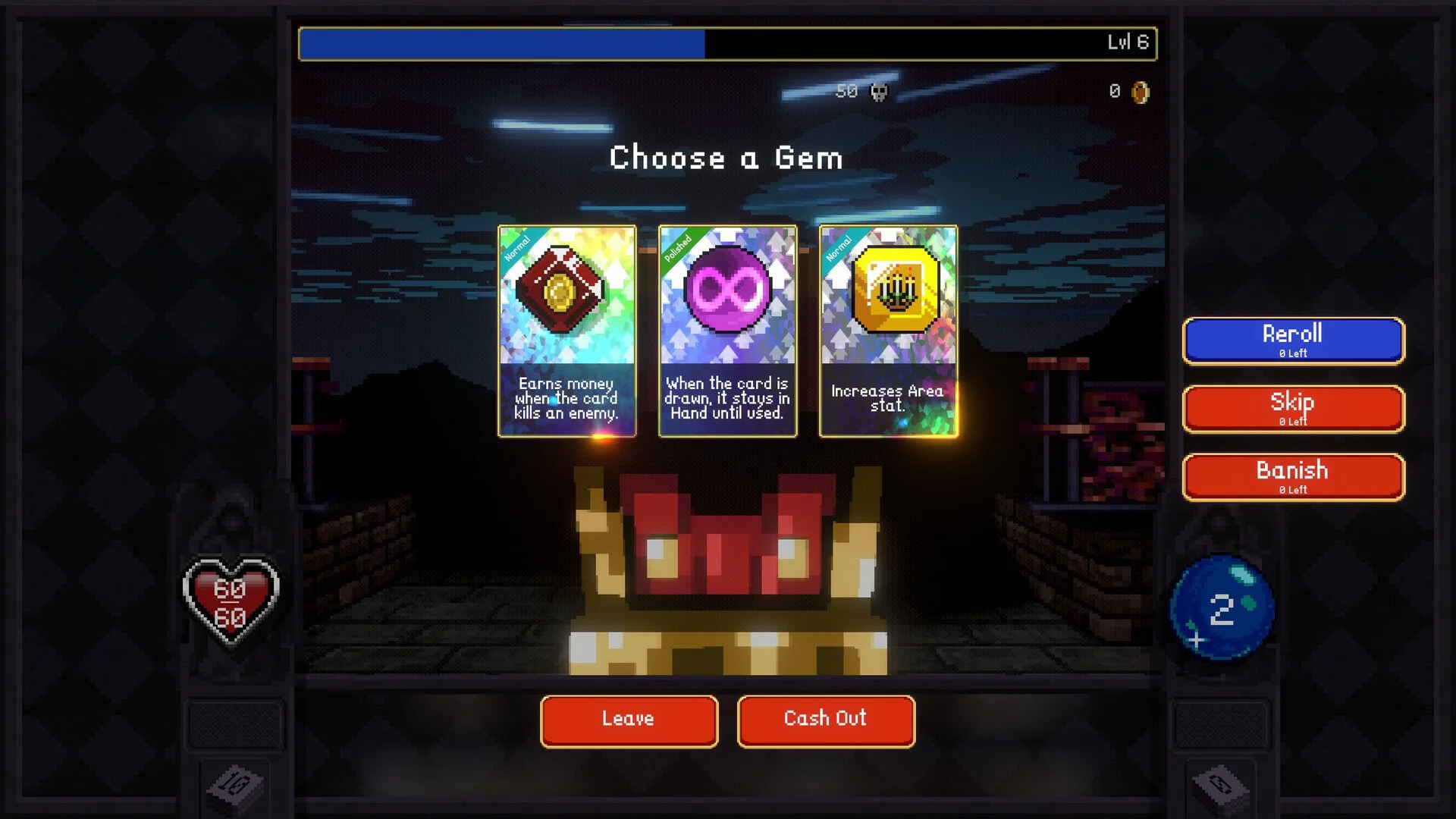
Quitting a run in Vampire Crawlers feels harder than it should because the game hides the exit path and does not clearly explain what happens to your progress. The important part is that quitting and saving are connected, but only after the right moment in a run.
How To Exit And Autosave In Vampire Crawlers
To quit and save your game in Vampire Crawlers, finish your current encounter, pause the game, open Settings, choose Exit to Menu, then quit from the main menu. The game autosaves after each completed encounter.
That second sentence is the part that actually protects your run. The menu path only handles leaving. The save happens when the encounter ends. Once the fight is over, progress is locked in and the run is safe to leave.
This is why quitting can feel confusing at first. A player looking for a simple desktop exit is really trying to solve 3 things at once. Where the quit button is, whether the run will be lost, and whether returning to the village is required. The answer is cleaner than the menu makes it look. Finish the fight, then leave.
Read More: Vampire Crawlers Disarm Mechanic Guide
Where The Quit Button Actually Is
The quit option is not sitting on the pause screen in a clean obvious spot. During a run, pause first, then move into Settings. From there, use Exit to Menu. Once back at the main menu, the normal quit option appears.
That extra layer is what throws people off. It makes the game look like it has no proper exit, even though it does. If the goal is simply to close the game without risking a run, the safest habit is to treat the end of each encounter as your checkpoint, then use the Settings path to back out.
When Your Progress Is Safe
Autosave happens after every completed encounter. That is the confirmed save point, and it is the piece that decides everything.
If a fight has ended, the run can be left and picked back up later. If the fight is still in progress, that part of the run is not the safe point yet. In practice, this means the best time to step away is right after combat ends, before jumping into the next encounter. That keeps the run intact and avoids losing recent progress.
This also changes how longer sessions feel. You do not need to force an entire run into one sitting. A finished encounter is enough. Once that becomes part of the rhythm, quitting stops being annoying and starts feeling predictable.
Exit To Menu Vs Return To Village
These two actions do different jobs, and mixing them up is where a lot of frustration starts.
Returning to the village ends the run. That is the proper choice when the run is done and rewards are being cashed in. Exit to Menu is different. It backs out of the session without sending the run through its normal ending. If the last encounter was completed first, the run can still be resumed through Continue later.
That difference matters because a player trying to take a break does not want to accidentally close out a good run. Returning to the village is for ending progress on purpose. Exiting after an autosave is for pausing that progress and coming back later.
How To Leave Mid Run Without Losing Progress
The safest sequence is simple. Finish the fight, pause, go to Settings, exit to menu, then quit. When the game is opened again, use Continue to return to the saved run.
That means the real problem is never the quit button by itself. The real problem is leaving at the wrong time and assuming the game saved somewhere it did not. Once the encounter based autosave is understood, the rest becomes routine.
This helps even more on longer or stronger runs where stopping suddenly would otherwise feel risky. You do not need a separate manual save feature to protect a run if you leave on the correct checkpoint.
Final Blurb
Vampire Crawlers does save your run, but it does it on its own schedule. Finish the encounter first, then back out through Settings and quit from the main menu. Once that timing is clear, quitting stops feeling hidden and your run stays exactly where it should be when you come back.