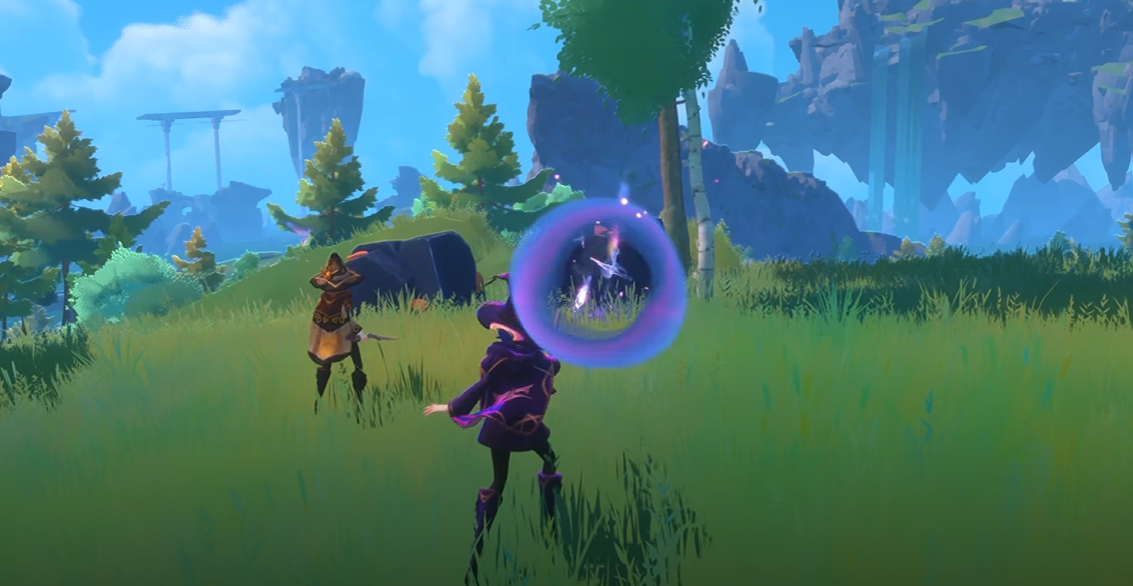
Witchspire: How Many Players Can Play? Co-Op & Multiplayer Guide
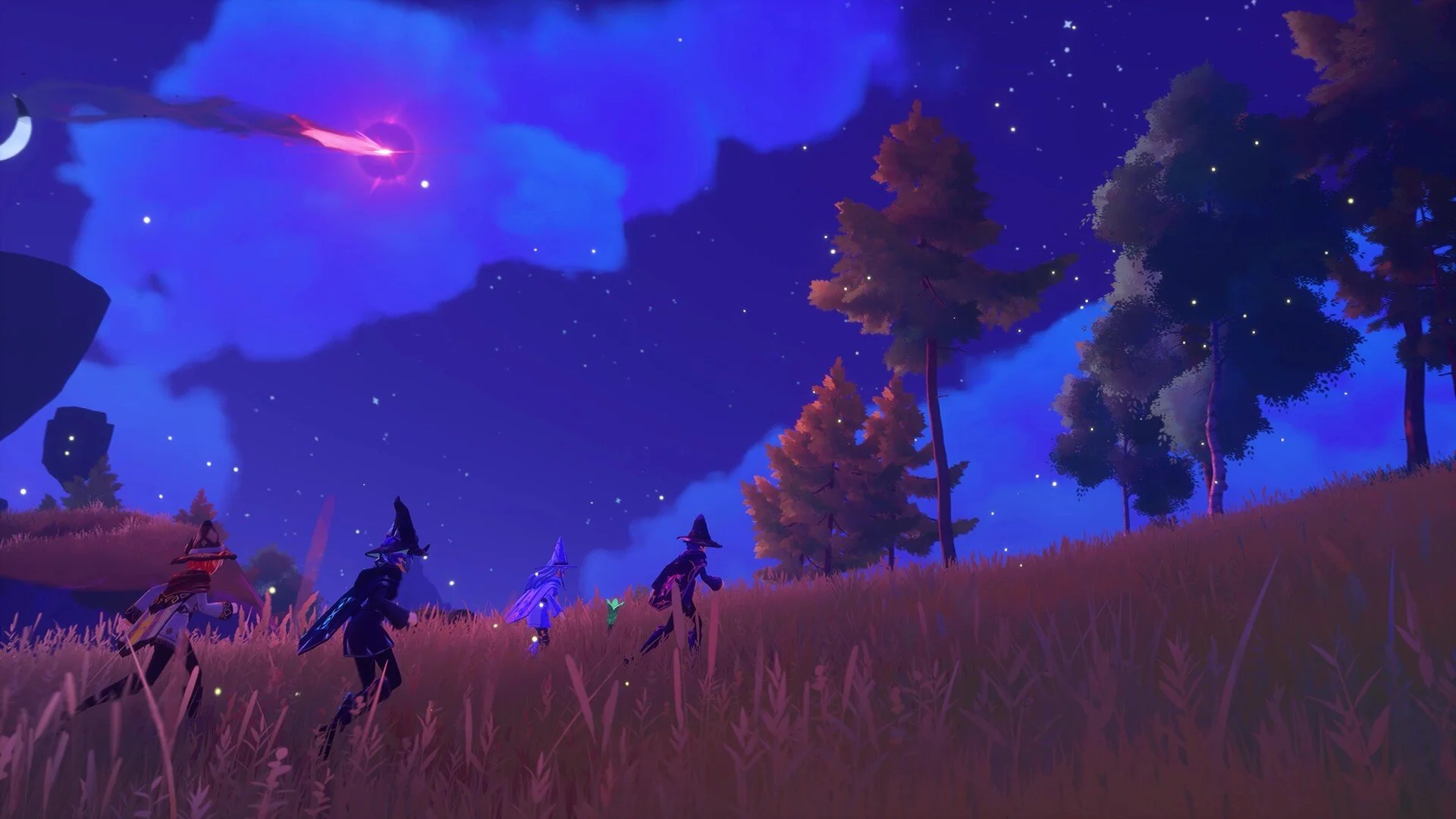
Witchspire is a co-op multiplayer survival-crafting game that officially recommends groups of up to 4 players. You can play solo, host a world for friends, or join a friend's active world through Steam. Larger groups may be possible if the host PC and internet connection can handle it, but 4 players is the safest recommended co-op player count.
Jump To
How Many Players?
How Co-Op Multiplayer Works
How To Play With Friends
How To Host A World
How To Join Friends
Is There Crossplay?
Best Player Count
How Many Players Can Play Witchspire?
Witchspire officially recommends co-op groups of up to 4 players. The game can be played solo, but multiplayer lets friends build, explore, gather resources, fight creatures, and progress through the same world together.
The important detail is that 4 players is the recommended group size, not necessarily the only possible number of players. Larger groups may be able to join if the host has a strong enough PC and stable internet connection, but 4 players is the safest answer for normal co-op play.
| Mode | Player Count | What It Means |
|---|---|---|
| Solo | 1 player | You play alone in your own world. |
| Recommended co-op | Up to 4 players | The safest intended multiplayer group size. |
| Larger groups | Possible with a strong host | May work, but performance depends on the host PC and connection. |
For most players, the clean answer is this: plan around 1 to 4 players unless your host has the hardware and internet to test a larger group.
How Co-Op Multiplayer Works In Witchspire
Witchspire co-op multiplayer lets players share a world and work together. Friends can gather resources, build a base, fight hostile creatures, explore new areas, complete quests, and progress through the survival-crafting loop together.
This matters because Witchspire has a lot of overlapping jobs. One player can collect resources, another can upgrade the Hearth, another can farm familiars, and another can scout for new points of interest. That is much smoother than one person trying to do every magical chore alone like an overworked apprentice with a broom problem.
| Co-Op Activity | Why It Helps |
|---|---|
| Gathering resources | Multiple players can collect Wood, ore, flowers, monster drops, and crafting materials faster. |
| Base building | Friends can help build and upgrade the settlement instead of leaving one player to do everything. |
| Combat | Groups can handle hostile creatures and bosses more safely. |
| Exploration | Players can split up to reveal the map, find points of interest, and scout resources. |
| Familiar farming | Friends can help defeat creatures while hunting for lingering spirits. |
If your group is also trying to build a stronger companion setup, the Witchspire best familiar guide covers the best familiars to get first for early progression.
How To Play With Friends In Witchspire
To play Witchspire with friends, one player needs to host a world, then invite friends through Steam. Everyone you want to invite needs to be on your Steam friends list because Witchspire uses Steam's friend system for multiplayer invites.
| Step | What To Do |
|---|---|
| 1 | Start Witchspire from the main menu. |
| 2 | Select Start Game. |
| 3 | Create or load a world. |
| 4 | Press Esc while in the world. |
| 5 | Select Invite Friends. |
| 6 | Invite players from your Steam friends list. |
The setup is pretty simple. The only real catch is that the host matters. If the host's PC or internet is weak, multiplayer may feel worse, especially if you try to push beyond the recommended 4-player group size.
How To Host A Multiplayer World
To host a multiplayer world in Witchspire, select Start Game from the main menu, create a world, choose your world name and difficulty, then load into the game. Once inside, open the pause menu and invite friends.
When creating the world, you can adjust several gameplay settings, including things like damage, EXP multipliers, and penalties. This is useful for co-op because not every group wants the same experience. Some players want a cozy building and exploration run. Others apparently want every creature to hit like it has student debt.
| Host Setting | Why It Matters |
|---|---|
| World name | Helps identify the save your group is using. |
| Difficulty | Controls how punishing the world feels. |
| Damage settings | Can make combat easier or harder for the group. |
| EXP multipliers | Can adjust how quickly players and familiars progress. |
| Death penalty | Changes how harsh mistakes feel in multiplayer. |
The best host is the player with the strongest PC and most stable internet connection. Do not give hosting duties to the friend running twelve browser tabs, a recording app, and a dying router from 2016.
How To Join Friends In Witchspire
To join a friend in Witchspire, use the Join Friends option from the main menu. This opens the Steam friends interface and lets you connect to a friend's active Witchspire world if you have access.
You can also join after receiving a direct Steam invite from the host. Since multiplayer uses Steam friends, make sure everyone is already added before the group starts troubleshooting the wrong problem.
| Joining Problem | What To Check |
|---|---|
| You cannot see the host | Make sure they are on your Steam friends list. |
| The world is not available | Confirm the host is loaded into the world. |
| Invite does not work | Restart Steam or have the host send another invite. |
| Multiplayer feels laggy | Have the strongest PC and connection host the world. |
Does Witchspire Have Crossplay?
Witchspire does not currently have crossplay because it is only available on PC through Steam. There is no console version right now, so there is no PlayStation, Xbox, Switch, or cross-platform multiplayer support.
That means all current co-op multiplayer runs through Steam. Friends need the PC Steam version and need to connect through Steam's friend system.
| Feature | Current Status |
|---|---|
| Online co-op | Yes, through Steam. |
| Crossplay | No. |
| Console multiplayer | No console version currently. |
| Steam friends invite | Yes. |
Console versions may be considered closer to full release, but for now, Witchspire multiplayer is a Steam PC co-op setup.
Best Player Count For Witchspire
The best player count for Witchspire is 2 to 4 players. Two players keeps things simple, three players gives good task coverage, and four players is the recommended full co-op group size for most players.
| Player Count | Best For | Warning |
|---|---|---|
| 1 player | Solo exploration and learning systems. | Everything takes longer alone. |
| 2 players | Clean co-op with easy communication. | Still limited when building, fighting, and gathering all at once. |
| 3 players | Balanced resource gathering, combat, and exploration. | Needs some coordination. |
| 4 players | Recommended full co-op group. | Host quality matters more. |
| More than 4 players | Testing larger group chaos. | Performance depends heavily on the host. |
For most groups, 4 players is the clean answer. It gives enough witches to divide jobs without turning the world into a magical group project where nobody knows who brought the resources.
Final Blurb
Witchspire officially recommends co-op groups of up to 4 players, though larger groups may be possible depending on the host PC and internet connection. You can also play solo if you prefer exploring and building alone.
To play multiplayer, host a world, press Esc, choose Invite Friends, and invite players through Steam. To join someone else, use Join Friends from the main menu or accept their Steam invite. For the smoothest co-op experience, let the player with the strongest PC and most stable connection host the world.