Keeping a water pouch filled gives you a reason to stop at lakes and wells during your travels in Enshrouded. Refilling involves selecting the pouch and using its fill action, and the way you select a hotbar item can affect whether that action becomes available.
Jump To Section:
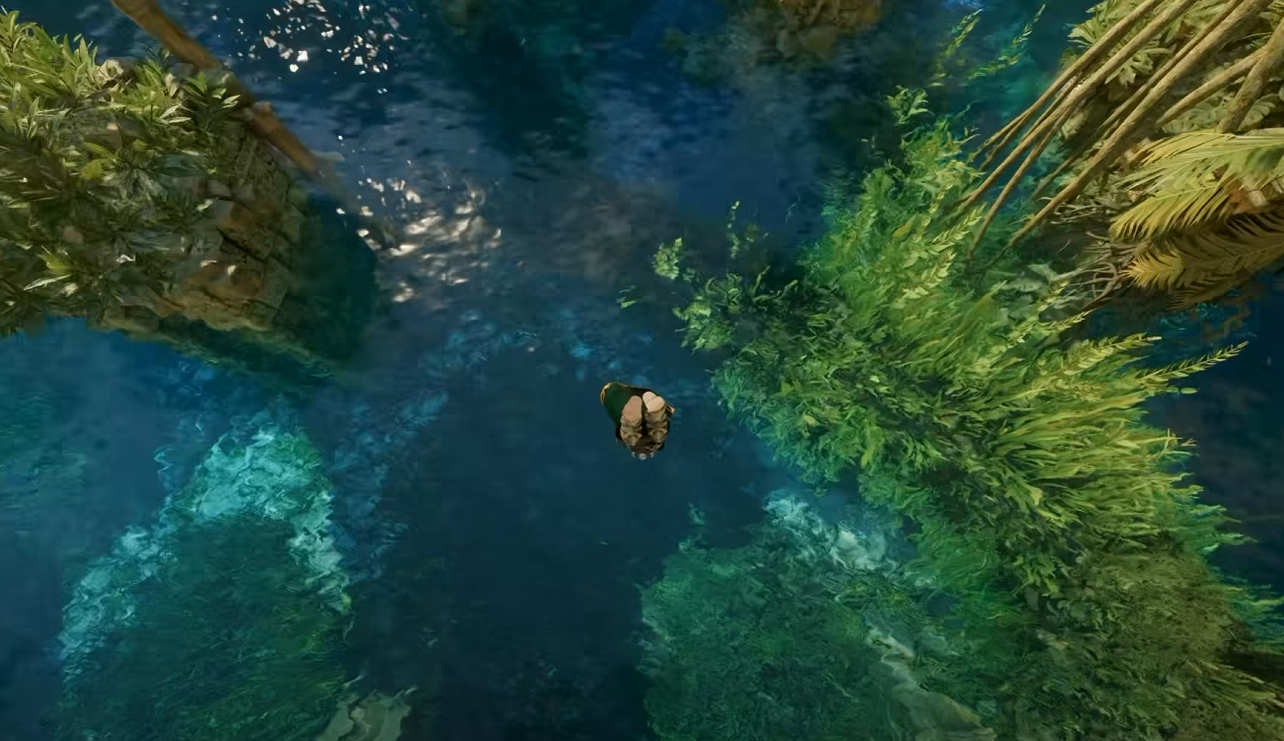
Fill a Water Pouch at a Lake or Well
Fix a Pouch That Will Not Equip
Refilling With a Controller
Select the Pouch With the Mouse Wheel, Then Hold Right Click
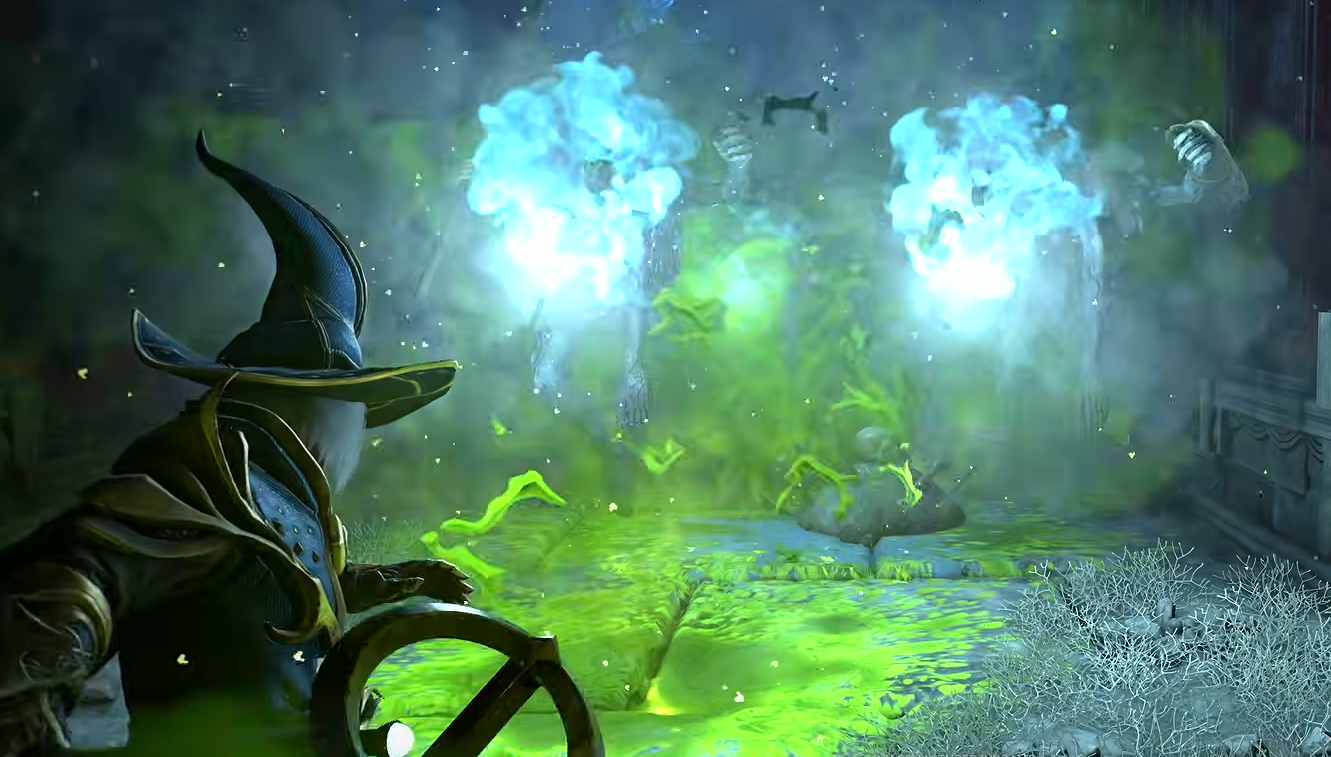
To fill a water pouch on PC, place it on your hotbar and use the mouse wheel to scroll to its slot. Stand in the water at a lake, or approach a well, then hold the right mouse button to refill it.
Keep holding through the brief delay and watch the pouch’s fill bar. A quick click may not be enough to start and complete the action.
The key distinction is selecting the pouch rather than activating its numbered shortcut. Number keys can trigger the item’s use action instead of equipping it for refilling. If pressing the pouch’s number leaves you unable to fill it, try scrolling to that same slot before changing anything else.
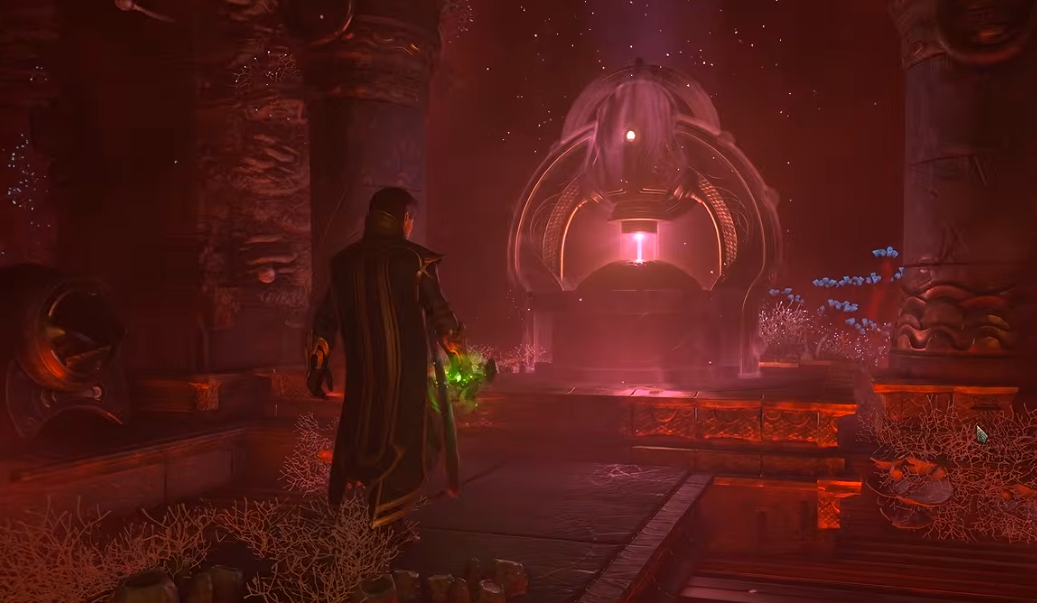
At a well, use the selected pouch’s refill action. Interacting with the well to drink is a separate action and does not establish that your pouch has been filled.
Fix the Hotbar Selection Before Trying Another Water Source
If scrolling does not equip the pouch, try placing it into an already selected empty slot. Open your inventory, move the pouch out of its hotbar slot, select that empty slot, and then put the pouch back into it. Return to the water and test the refill action.
Another workaround is to use the alternate hotbar. Put the pouch in the slot directly beneath your currently selected slot, then switch bars. For example, with slot 1 selected on the first bar, place the pouch in slot 1 on the second bar and press Alt to switch using the default PC binding.
These are selection workarounds rather than requirements for every refill. Try them when the pouch will not become your active item; there is no need to rearrange both bars if normal mouse-wheel selection works.
Select the Pouch and Hold LB on a Controller
With a controller, put the pouch on the hotbar and select it before attempting to refill. At the water source, try holding LB, the left bumper, and watch the pouch’s fill indicator.
The supplied controller method uses LB, while the PC method uses a held right click. In either case, make sure the pouch is selected before testing the fill input.