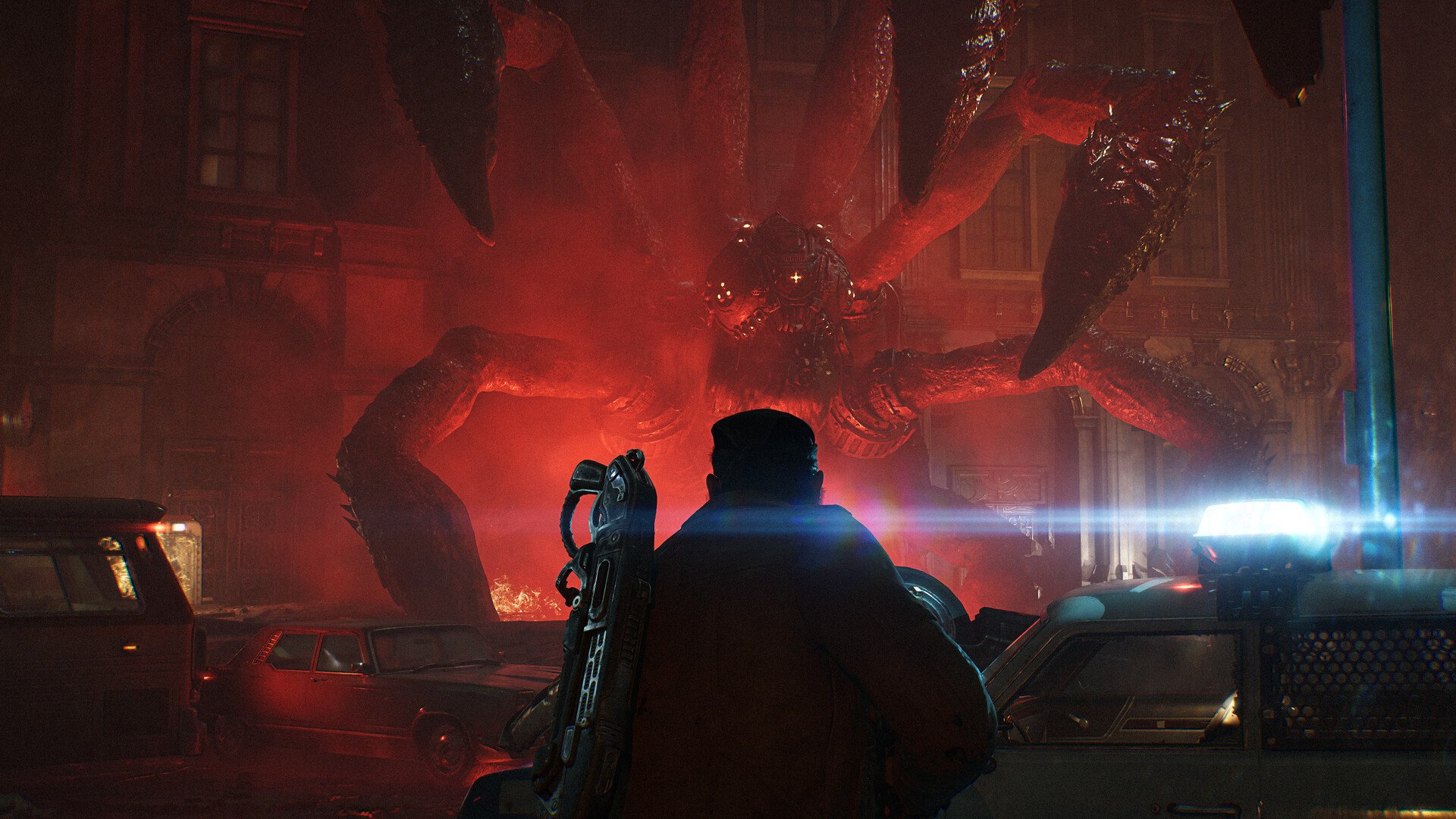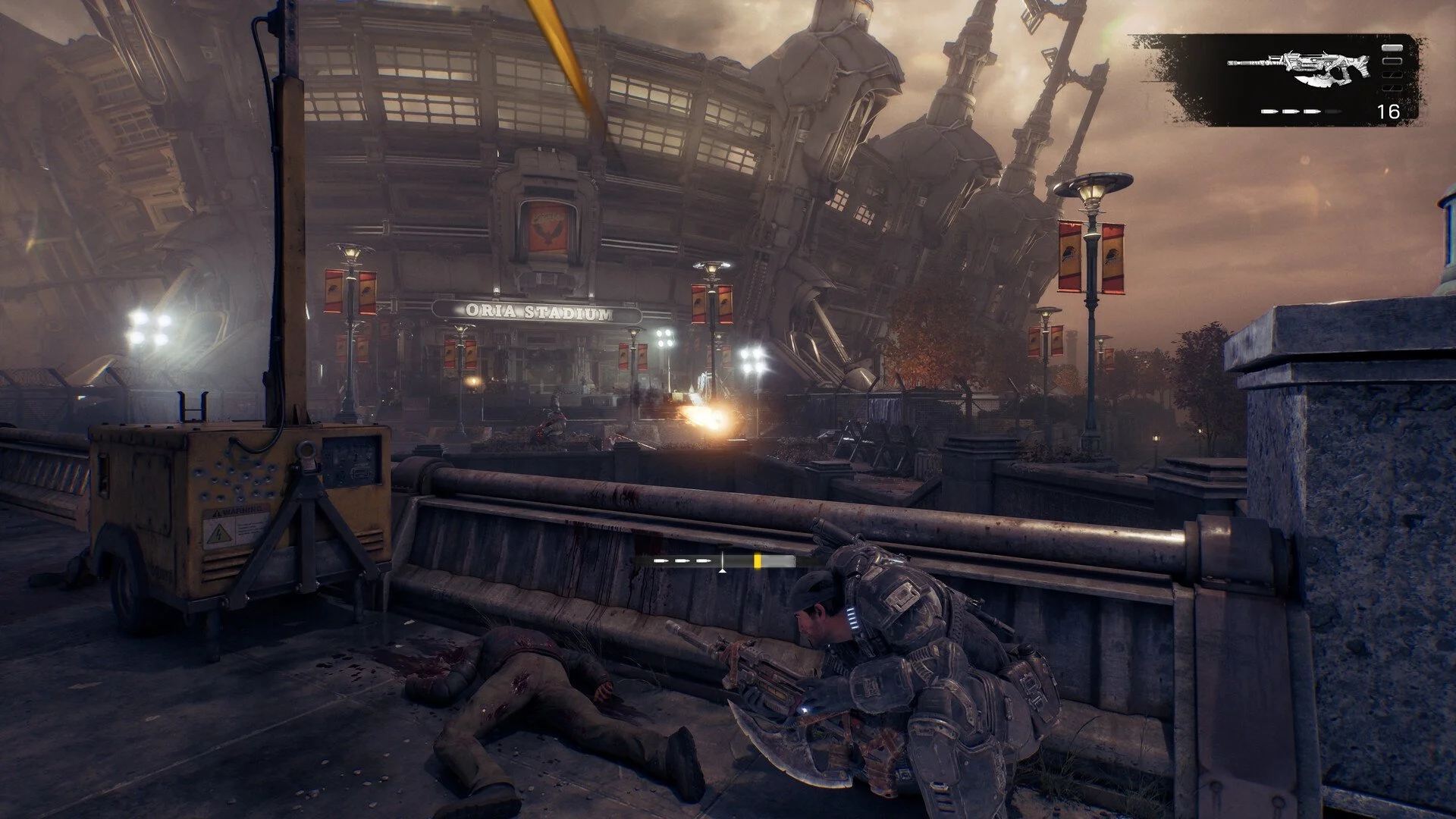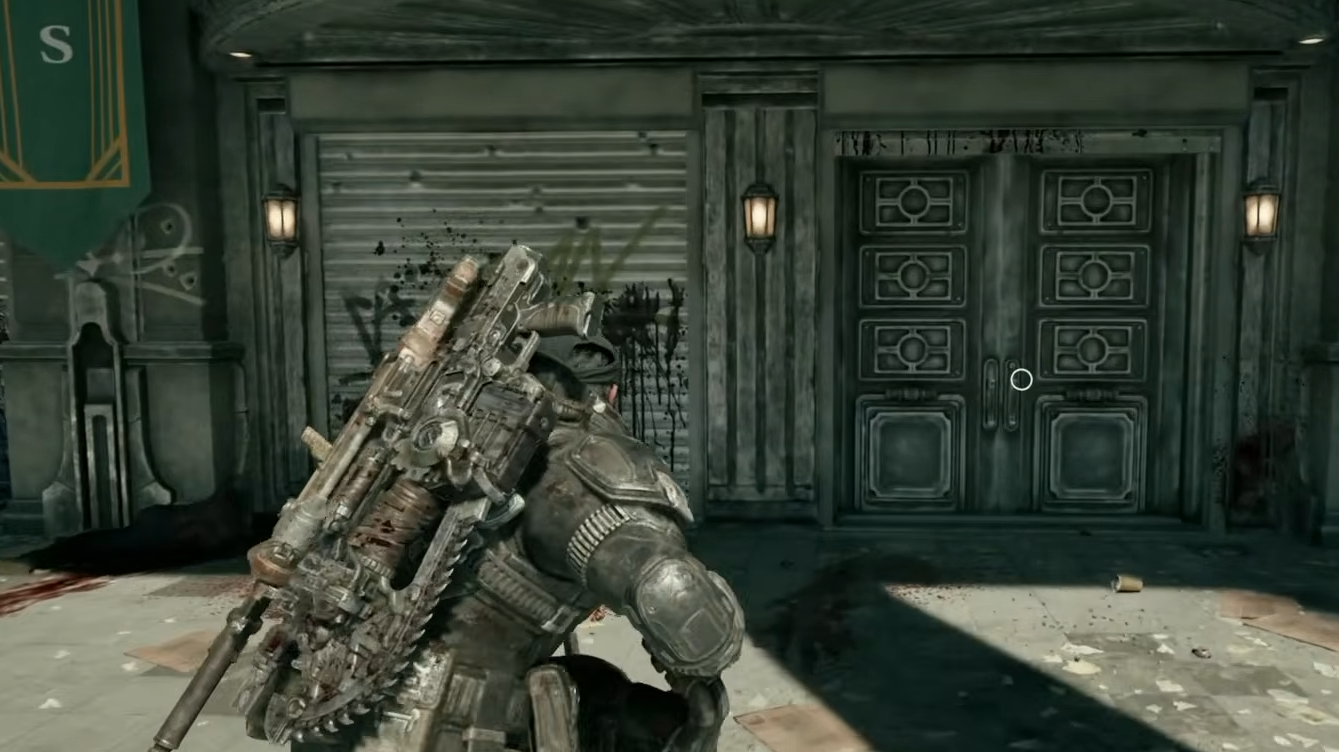
Gears of War: E-Day uses ray tracing for its lighting, shadows, and reflections, which can put considerable pressure on your graphics card. Players looking to improve FPS may notice that the graphics menu allows them to lower ray tracing settings but doesn't offer the usual option to disable everything. Here's what you can actually change and how to reduce the performance impact.
Jump To Section:
Can You Turn Off Ray Tracing?
How to Lower Ray Tracing
Can You Play Without Ray Tracing?
Can You Turn Off Ray Tracing in Gears of War E-Day?
No, you cannot completely turn off ray tracing in Gears of War: E-Day. The full release requires hardware ray tracing, and there is no setting that disables its underlying lighting system. Even selecting the lowest available graphics options leaves ray tracing active.
This is different from games where ray tracing is an optional visual enhancement. E-Day uses Unreal Engine 5's Lumen lighting system, with hardware ray tracing forming part of the game's rendering requirements.
Some individual features can be disabled, including RTX Mega Geometry, but switching those off does not remove the base ray tracing requirement.
Completely Disable Ray Tracing: No
Lower Ray Tracing Quality: Yes
Disable RTX Mega Geometry: Yes, where supported
Hardware Ray Tracing GPU Required: Yes
How to Lower Ray Tracing for Better FPS
The closest alternative to turning off ray tracing is reducing its individual settings to their lowest available values. Open the PC graphics settings and adjust the following options rather than relying on the overall quality preset.
Global Illumination: Low
Ray Tracing Geometry: Low
Ray Traced Shadows: Lowest Available
Reflections: Low
Sunlight Shadows: Low
RTX Mega Geometry: Off
These settings reduce the quality or complexity of lighting effects without removing ray tracing entirely. RTX Mega Geometry is a separate NVIDIA feature that increases the geometric detail used for ray-traced effects, so disabling it can reduce GPU workload while keeping the game's required lighting intact.
If your frame rate is still too low, try DLSS, FSR, or XeSS upscaling at Balanced before moving to Performance. Upscaling reduces the resolution used internally to render the game, which can help compensate for the cost of mandatory ray tracing.
One useful distinction is that lowering ray tracing quality and lowering resolution address different workloads. If reducing lighting settings barely changes your FPS, test a lower internal resolution using the game's built-in benchmark. That will help determine whether additional GPU optimization is worthwhile.
Can You Play Gears of War E-Day Without Ray Tracing?
You need a graphics card capable of hardware ray tracing to run Gears of War: E-Day. The official minimum GPU examples include the NVIDIA RTX 2060 and AMD Radeon RX 6600, both of which support hardware ray tracing.
Older GPUs without that capability, such as the GTX 1080 Ti, are not officially supported. Lowering graphics settings won't bypass the requirement because the game still relies on ray tracing to render its environments.
This also explains why lowering everything to Low may not deliver the same performance improvement you would expect in a game with fully optional ray tracing. E-Day can reduce the cost of its lighting effects, but it cannot switch over to a completely traditional lighting system through the graphics menu.
For players with supported hardware, I would start by disabling RTX Mega Geometry, lowering the ray tracing options, and testing upscaling before sacrificing unrelated settings such as texture quality. That gives you the best opportunity to improve performance while preserving the visual details that have a smaller impact on FPS.