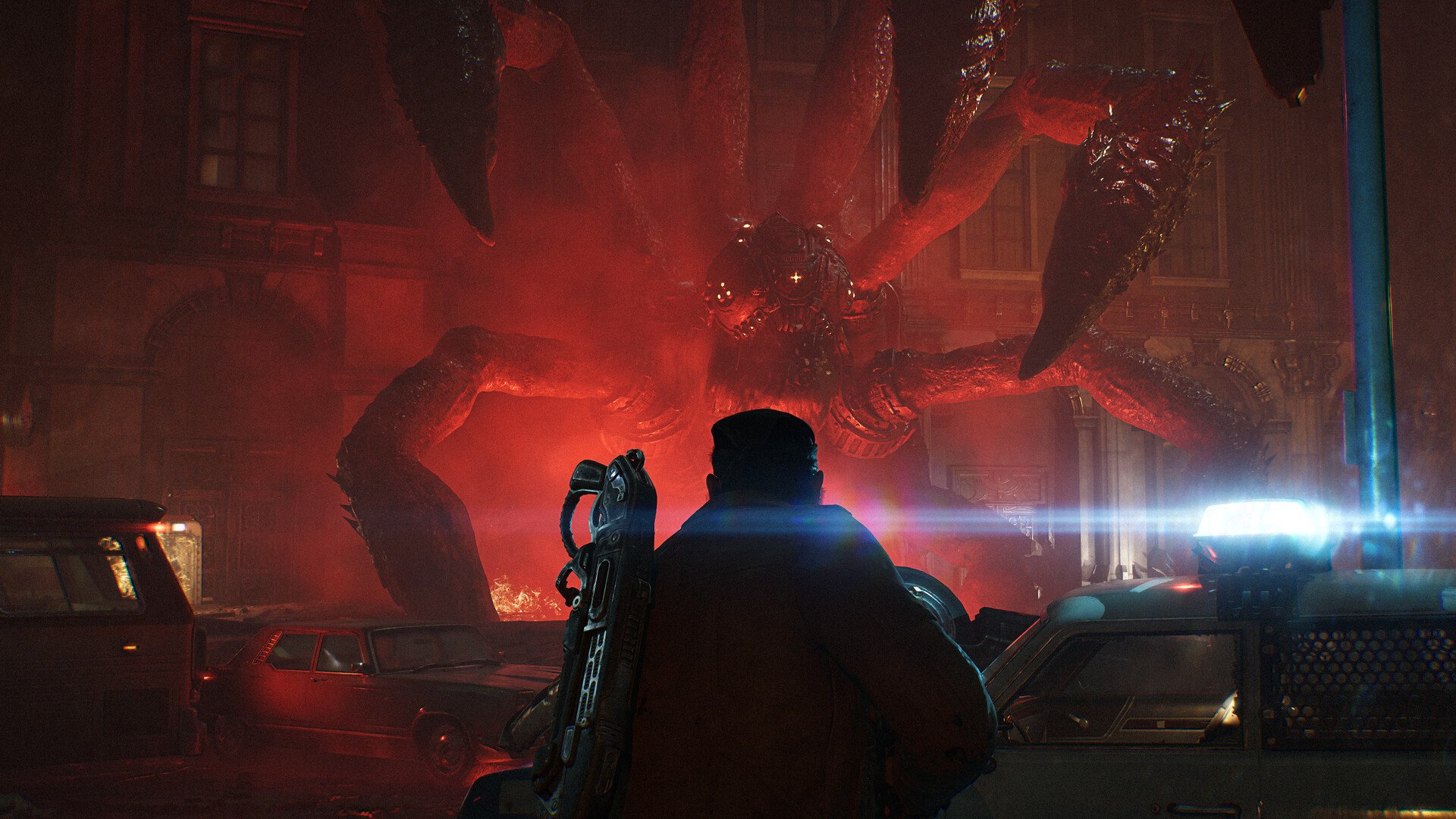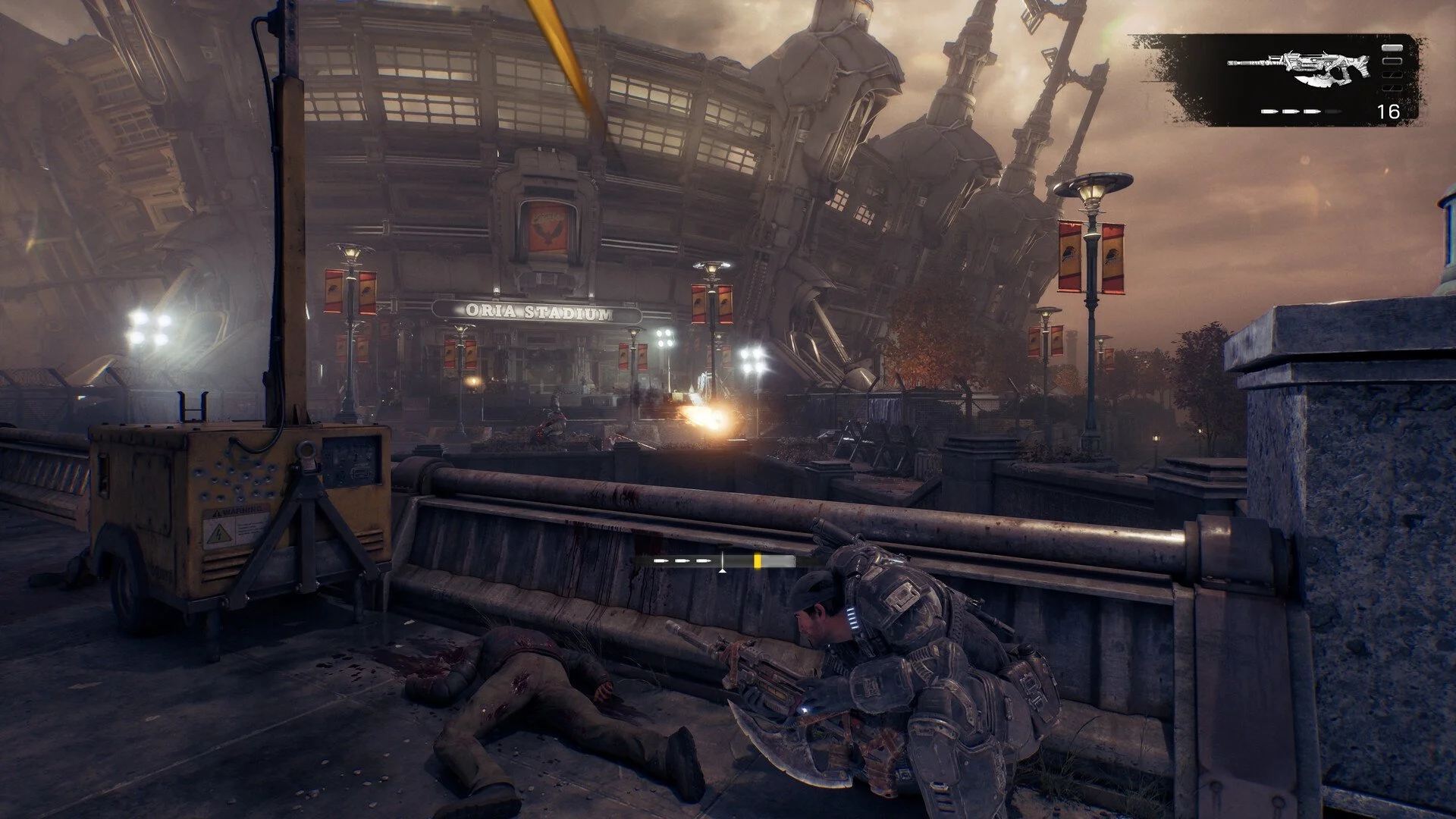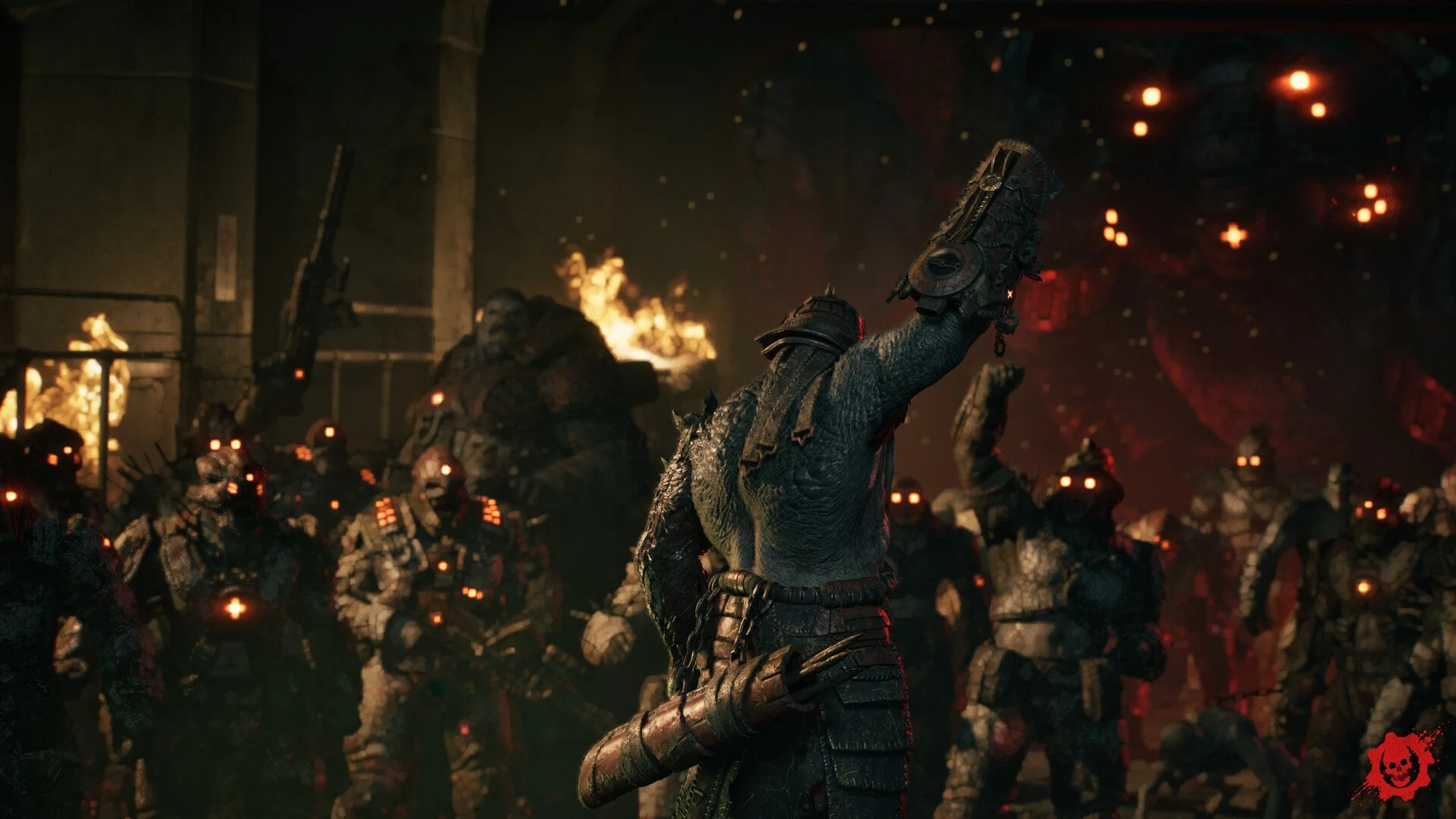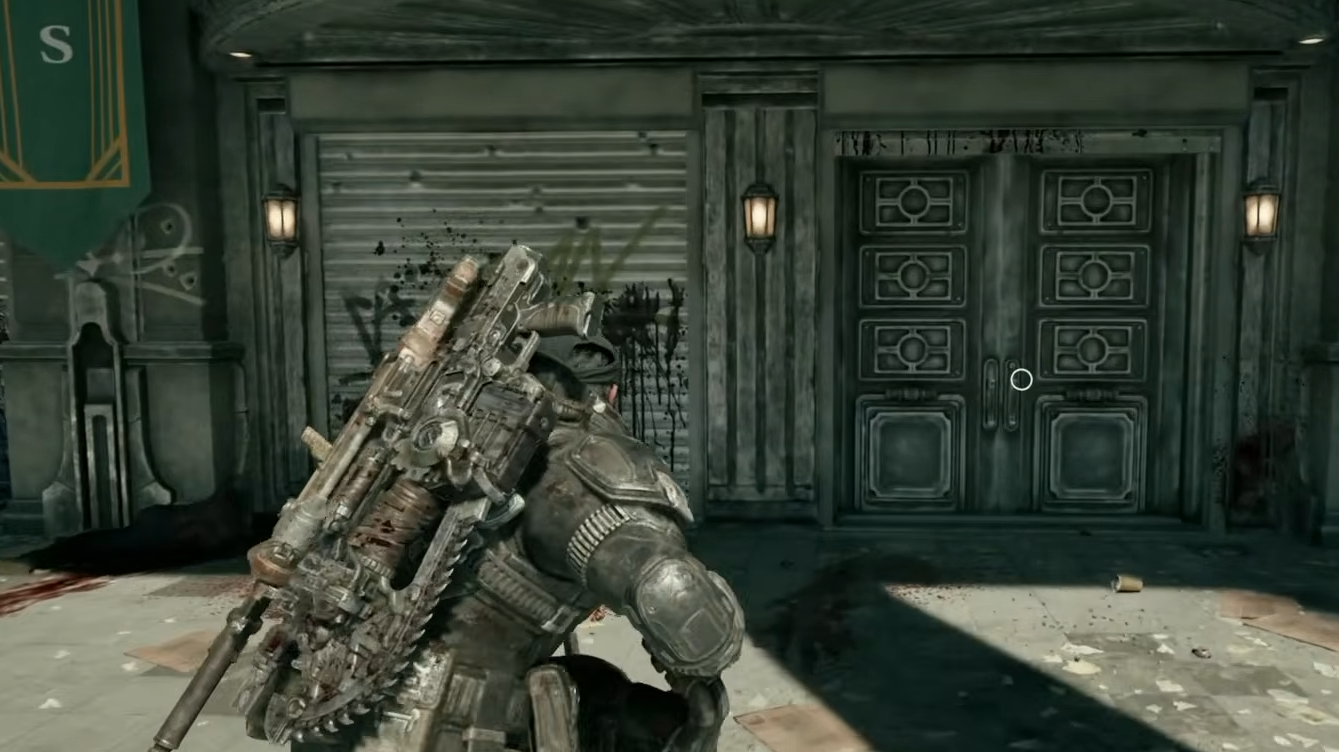
Gears of War: E-Day can spend an unusually long time compiling shaders before you even reach the main menu. Some PC players are reporting waits of 10–20 minutes or longer, with the process occasionally repeating whenever they launch the game. Microsoft has introduced a system designed to dramatically reduce this wait, but it doesn't work on every graphics card or PC installation yet.
Jump To Section:
How to Fix Slow Shader Compilation
Advanced Shader Delivery
Why Shaders Compile Every Launch
What to Do if Shaders Are Stuck
How to Fix Gears of War E-Day Compiling Shaders Taking Forever
If Gears of War: E-Day is taking forever to compile shaders, the first thing to check is whether your PC supports Microsoft's Advanced Shader Delivery (ASD). This feature downloads precompiled shaders instead of forcing your processor to build them locally, potentially reducing a wait of several minutes to just a few seconds.
Without ASD, shader compilation still happens on your PC. There isn't a universal setting that removes this process, although you can take a few steps to avoid unnecessary recompilation.
1. Let the initial shader compilation finish without repeatedly restarting the game.
2. Check whether Advanced Shader Delivery is supported by your GPU and installation.
3. Install a compatible graphics driver and available game updates.
4. Avoid clearing your shader cache unnecessarily, since this can force another complete compilation.
5. If every launch takes just as long, check for a shader caching problem rather than assuming the first compilation never finished.
A long first-time compilation doesn't automatically mean something is broken. However, waiting 15 minutes on every launch after successfully completing the process is a different problem and deserves additional troubleshooting.
How to Use Advanced Shader Delivery
Microsoft introduced Advanced Shader Delivery support for Gears of War: E-Day to address the lengthy startup process. According to Microsoft, the technology reduces shader compilation time by approximately 95% on supported systems.
As of October 9, 2026, the published support requirements include AMD RDNA graphics cards and Qualcomm Snapdragon X2 devices. NVIDIA RTX and supported Intel graphics are scheduled to receive support later in October.
Windows Requirement: Windows 11 24H2 or newer
AMD: RDNA 1, 2, 3, 3.5, and 4
Required AMD Driver: Adrenalin 26.6.1 or newer
Qualcomm: Snapdragon X2 Series
Required Driver: 2026.08.3 or newer
NVIDIA RTX: Support planned for October 2026
Intel: Supported hardware rollout planned for October 2026
Microsoft specifically recommends installing the Xbox PC app before downloading E-Day to use Advanced Shader Delivery. When the feature is working, the game's launch window should display "Precompiled shaders installed."
There is an important distinction for Steam players. Installing the Xbox PC app alone does not guarantee that your existing Steam installation will use ASD. Microsoft's documented setup uses the Xbox PC app, and broader storefront support is still being expanded.
If you have an NVIDIA or Intel GPU, updating your driver is still worthwhile for compatibility and bug fixes, but don't assume that installing the newest driver automatically enables ASD before support has rolled out.
Why Does Gears of War E-Day Compile Shaders Every Time?
Shaders are normally cached after compilation so the game can reuse them on future launches. Gears of War: E-Day may still perform a shorter preparation process when restarting, but repeating the entire initial wait every time is not the intended experience.
Players have reported full recompilation even after successfully completing the process and playing the campaign. Some Intel Arc users also encountered repeated shader compilation during the game's beta, which was acknowledged as a known issue.
There are several possible explanations for the repeated wait:
Graphics Driver Update: New drivers can invalidate previously compiled shaders.
Game Update: Changes to the rendering pipeline may require fresh shaders.
Shader Cache Problems: Previously compiled shaders may not be retained or reused correctly.
GPU-Specific Issues: Certain graphics cards may experience additional compilation or driver-related problems.
If the game only recompiles after an update, that's not necessarily a problem. If it repeats the full process without any changes to your system, check that you have sufficient free space on your system drive and that your shader cache isn't being cleared by cleanup software.
I would avoid repeatedly deleting shader caches as a general performance fix. Doing so guarantees that the affected shaders must be rebuilt and can make startup times worse.
What to Do if Shader Compilation Is Stuck
If the shader percentage has stopped moving, first determine whether the game is still working. Open Windows Task Manager and check whether Gears of War: E-Day is actively using CPU resources. Continued CPU activity can indicate that compilation is still running, even when the progress bar appears unchanged.
There is no reliable time limit that distinguishes a slow compilation from a frozen one. Some players report waiting over 20 minutes, so the percentage alone isn't enough to diagnose the problem.
If progress remains completely unchanged and the game is no longer using meaningful system resources, try the following:
Restart: Close the game completely and restart Windows.
Steam: Open the game's Properties, select Installed Files, and verify the integrity of game files.
Xbox PC App: Check for game updates and use the app's available repair options if installation files appear damaged.
Drivers: Check for a compatible GPU driver, especially if compilation crashes instead of finishing.
Storage: Make sure your system drive has free space and isn't preventing shader cache files from being written.
One thing I wouldn't prioritize is lowering graphics settings before the shaders finish. Reducing textures or resolution can improve performance after reaching the game, but it doesn't resolve the underlying problem of shaders failing to compile or being rebuilt on every startup.
For now, the biggest difference is whether Advanced Shader Delivery is active. Supported installations can avoid most of the initial compilation workload, while other PCs may still experience lengthy startup times until additional driver and storefront support becomes available.