Some of the most useful tricks in Moon Sweepers have nothing to do with buying a better brush. Once you start transporting dust, building machinery, or playing with friends, small details can determine whether your operation runs smoothly or becomes a constant maintenance job.
For example, you can manually introduce capsules into conveyor belts to test a delivery route, use any garage to recall an owned vehicle, and avoid unnecessary rebuilding by understanding how splitters and machine connections behave.
These Moon Sweepers tips and tricks focus on useful mechanics and ways to take advantage of them, rather than repeating the usual beginner upgrade recommendations.
Jump To Section:
Conveyor Tricks
Factory and Power Tricks
Travel and Cleaning Tricks
Multiplayer Tricks
Use a Single Capsule to Test Your Entire Delivery Route
You don't need to wait for a Robot Vacuum or another machine to fill up before checking whether your conveyor system works.
Moon Sweepers lets you place a capsule you're carrying directly onto a conveyor belt at the point you're aiming. This makes it possible to test a delivery route using a capsule you've already collected.
Here's a useful way to take advantage of that:
- Collect or pick up a dust capsule.
- Walk to the beginning of the conveyor route you want to test.
- Aim at the belt and place the capsule onto it.
- Follow the capsule through the network.
- Check whether it arrives at the intended machine or Depot intake.
If the capsule reaches the Depot and you receive the expected payment, you've confirmed that the transport route can complete a delivery.
If it gets stuck, you've found a specific connection to investigate without having to wait for your entire collection system to produce another load.
This is particularly useful after extending a conveyor network or replacing machinery. Test the change before leaving the area.
Don't Assume a Splitter Is Broken After One Capsule
Splitters are another source of confusion. They distribute capsules between outgoing conveyor routes, and players have reported that they alternate between connected outputs automatically.
That means watching one capsule take a particular route doesn't prove the other route is disconnected.
When testing a splitter, send several capsules through it and watch both exits. If the material travels down both paths, the junction may be behaving normally even if it isn't distributing capsules the way you expected.
Also, don't treat a splitter as a machine that automatically prioritizes whichever destination needs more material. An adjustable priority system has not been established.
For machinery that needs a consistent supply of one specific material, a dedicated conveyor route may be easier to manage than relying on a splitter to make decisions for you.
Keep a Direct Selling Route Available When Processing Stops
Processing Moon Dust into more valuable materials is useful, but it creates a problem that basic dust collection doesn't have: your income can become dependent on electricity.
A Pressure Chamber needs 10 kW of power to operate. If your electricity supply falls short, dust can stop progressing through the processing stage even when the incoming conveyor is delivering material correctly.
One practical approach is to keep a short direct route to the Depot available for unprocessed dust.
That doesn't require a complicated switching system. A separate conveyor leading to the Depot gives you somewhere to place dust capsules manually when your processing equipment is offline.
Instead of waiting for electricity to recover before selling anything, you can temporarily deliver raw dust and keep some money coming in.
It's a useful fallback, especially for factories relying heavily on solar power. You'll earn the raw material's value rather than the potentially higher processed value, but the material won't be stuck waiting for a machine to restart.
Check Power Numbers Before Adding Another Machine
If your factory seems slow, don't immediately assume you need another Pressure Chamber.
A single Pressure Chamber has a theoretical processing rate of 25 kg of dust per minute, provided it stays powered and continuously supplied.
Before buying another, watch the existing machine. If it spends much of its time waiting for dust, adding more processing capacity won't solve your shortage of incoming material.
If it regularly has dust waiting at the entrance while operating continuously, additional processing capacity may be more useful.
Power also needs to be considered. A basic Solar Post provides 3 kW of nominal generation. Three posts give you 9 kW, which isn't enough to cover a 10 kW Pressure Chamber even before considering other equipment.
Four posts provide 12 kW under suitable conditions, but that doesn't guarantee uninterrupted operation at night or when other machines are drawing power.
The useful habit is to examine what the existing machine is waiting for: dust, electricity, or somewhere to send its output. Each problem requires a different fix.
Don't Rebuild a Base Just Because a Machine Crosses a Foundation Seam
Large machines can be awkward to position, particularly when you've already placed smaller foundations around your base.
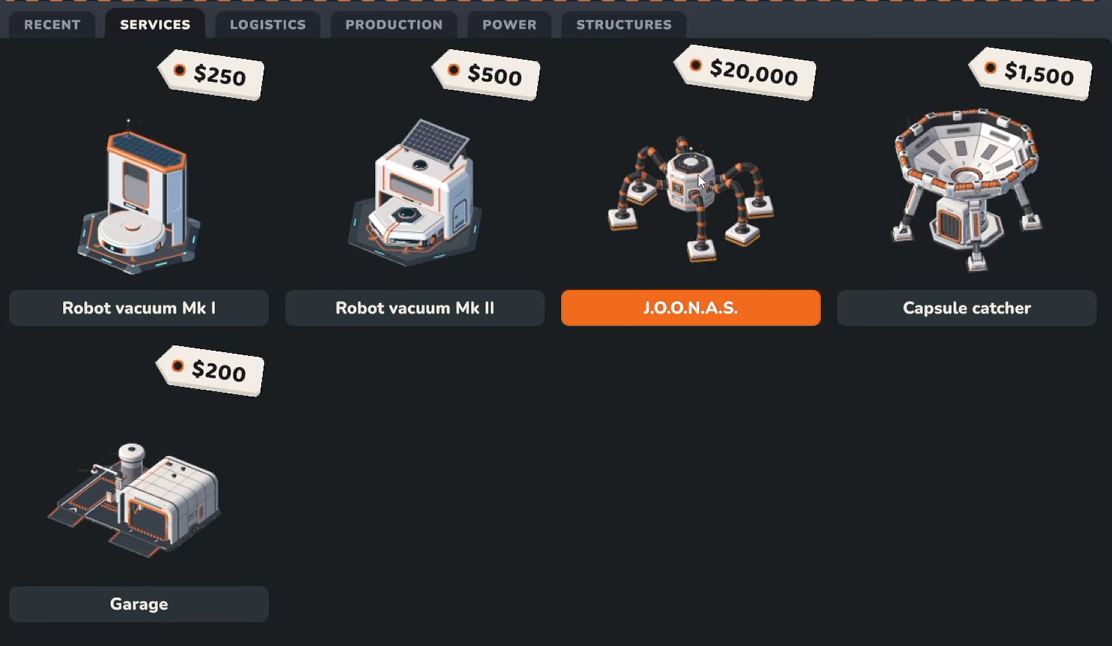
However, Moon Sweepers now supports machinery spanning several foundations. Pressure Chambers, Stone Presses, and Garages are among the structures covered by this change.
If a large machine doesn't fit neatly inside one foundation tile, try positioning it across adjacent foundation pieces instead of immediately demolishing your existing layout.
Leave room for conveyor inputs, outputs, and vehicle access where necessary. Being able to place a structure across foundations doesn't mean its connections will automatically line up with the equipment around it.
Use Garages as Vehicle Access Points, Not Permanent Parking Spots
An easy detail to overlook is that your vehicles are no longer tied to the Garage where they were originally purchased.
In the updated game, any Garage can recall, store, and upgrade a vehicle you own.
This opens up a useful approach when your cleaning work moves farther away from the starting base.
Instead of treating one Garage as your only vehicle location, you can establish another Garage closer to a distant working area. That gives you access to your existing vehicle without purchasing a duplicate.
This works particularly well alongside station travel. If you're returning to a distant part of the Moon, a nearby Garage can serve as a more convenient starting point for another cleaning session.
There is also less risk when reorganizing your setup than there was at launch. Since Patch 1.0.3, demolishing a Garage no longer deletes its stored vehicles. They're transferred to another Garage or remain available when a replacement is built.
That said, the fix doesn't establish that demolition provides a full refund, so moving buildings purely for convenience can still have a cost.
Use the Current-Sector Scan When the Ground Looks Clean
Not every unfinished area has an obvious patch of dust visible from where you're standing.
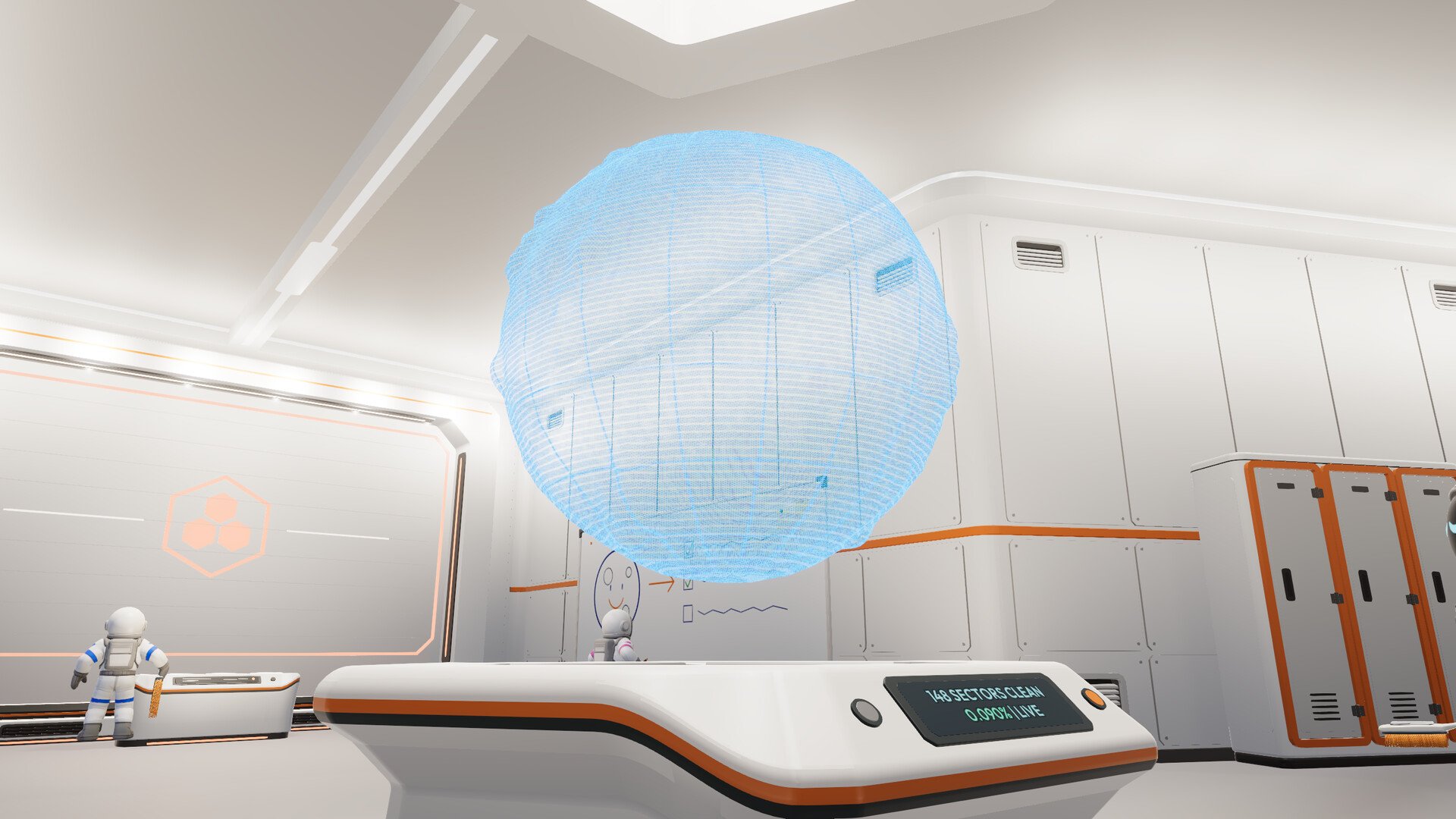
When a section looks clean but still hasn't registered as complete, the Field Manual is worth checking. Open it with H on keyboard to find information about the game's current-sector scan.
The scan is useful for understanding local cleaning progress instead of relying entirely on how the ground looks from a distance.
This is especially relevant when dealing with narrow strips of leftover dust or terrain where the lighting makes the difference between cleaned and dirty ground difficult to see.
Use the sector information to confirm whether you're still missing dust in the area before repeatedly sweeping ground that's already clean.
Check Existing Upgrade Levels Before Spending Money in an Older Co-op Save
Moon Sweepers changed how its Upgrade Matrix works in multiplayer, and that change has an interesting consequence for groups returning to older saves.
As of Patch 1.0.3, the host's Upgrade Matrix is shared with the entire crew. When someone purchases an upgrade, everyone receives its benefit.
But older worlds also preserve the highest upgrade level that any player had previously purchased.
For returning groups, that means it's worth checking the shared matrix before deciding what to buy next.
If one teammate had already invested heavily in a particular upgrade, that progress may now be available to everyone through the updated shared system.
This doesn't mean individually purchased vehicles are shared. It's specifically the Upgrade Matrix that received the multiplayer-wide change.
An Accidentally Banned Friend Doesn't Require a New World
There's also a useful multiplayer management feature that's easy to miss.
The host can open the ESC menu and access Your Crew to manage players. This includes kicking or banning players from the current save.
More importantly, the host can also reverse a ban through the same menu.
If someone was banned accidentally and can no longer rejoin the world, check Your Crew before assuming the group needs to abandon its existing save.
And if your crew can't connect after an update, check everyone's installed version first. Patch 1.0.3 requires all participants to be on that version to play together.
A Few Useful Habits That Make Moon Sweepers Easier
The biggest advantage in Moon Sweepers often comes from understanding how your existing equipment behaves rather than buying more of it.
Test conveyor routes using individual capsules, watch multiple deliveries before judging a splitter, and check whether processing machines are waiting for resources or electricity. These small checks can prevent expensive changes that don't actually address the problem.
Beyond your base, make use of the updated Garage system and in-game sector information. In multiplayer, check shared upgrades and host controls before spending more money or abandoning a world.
For a broader explanation of equipment purchases and starting progression, see our Moon Sweepers beginner guide. This article is intended for players looking to get more out of the systems they've already unlocked.