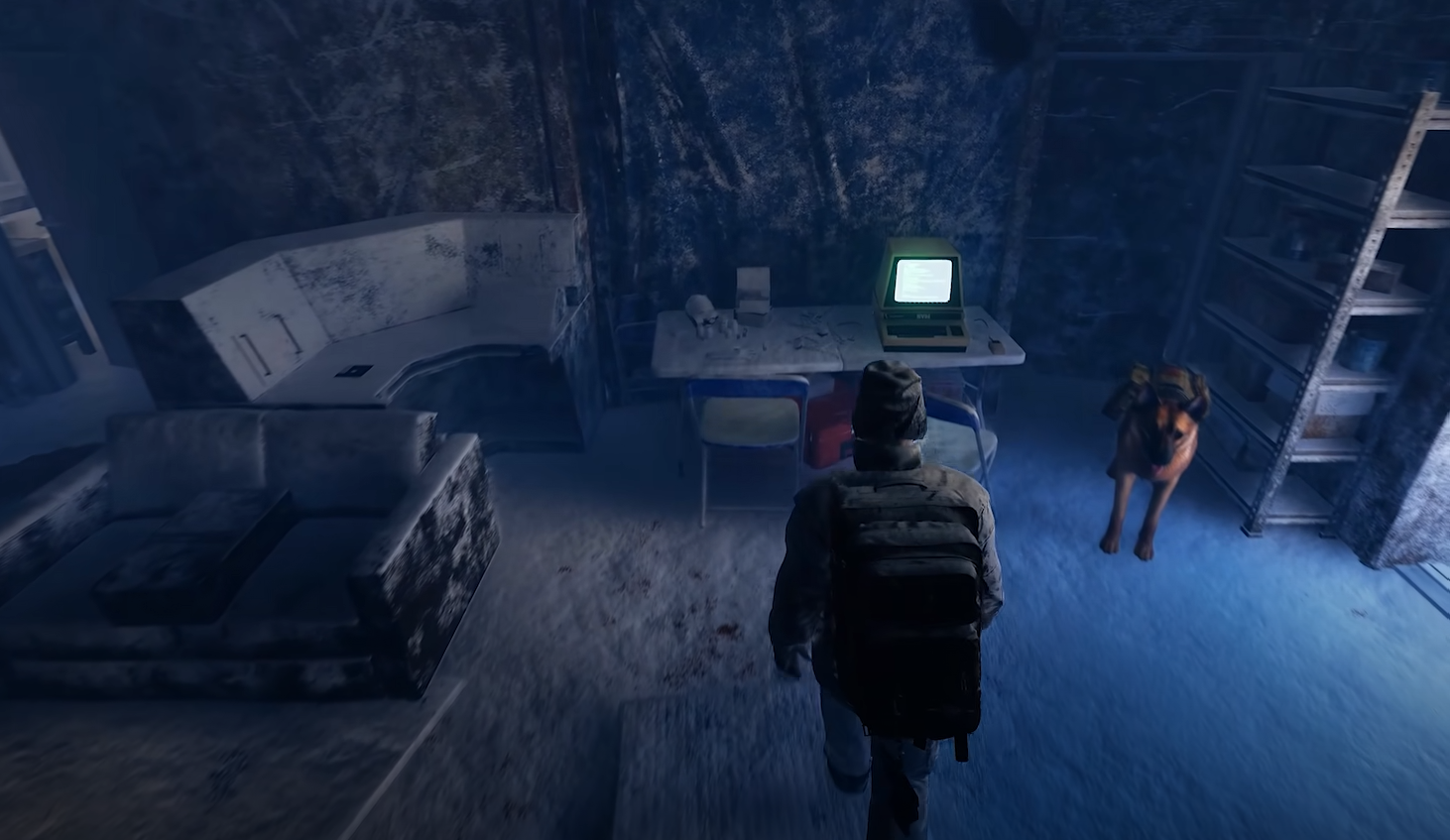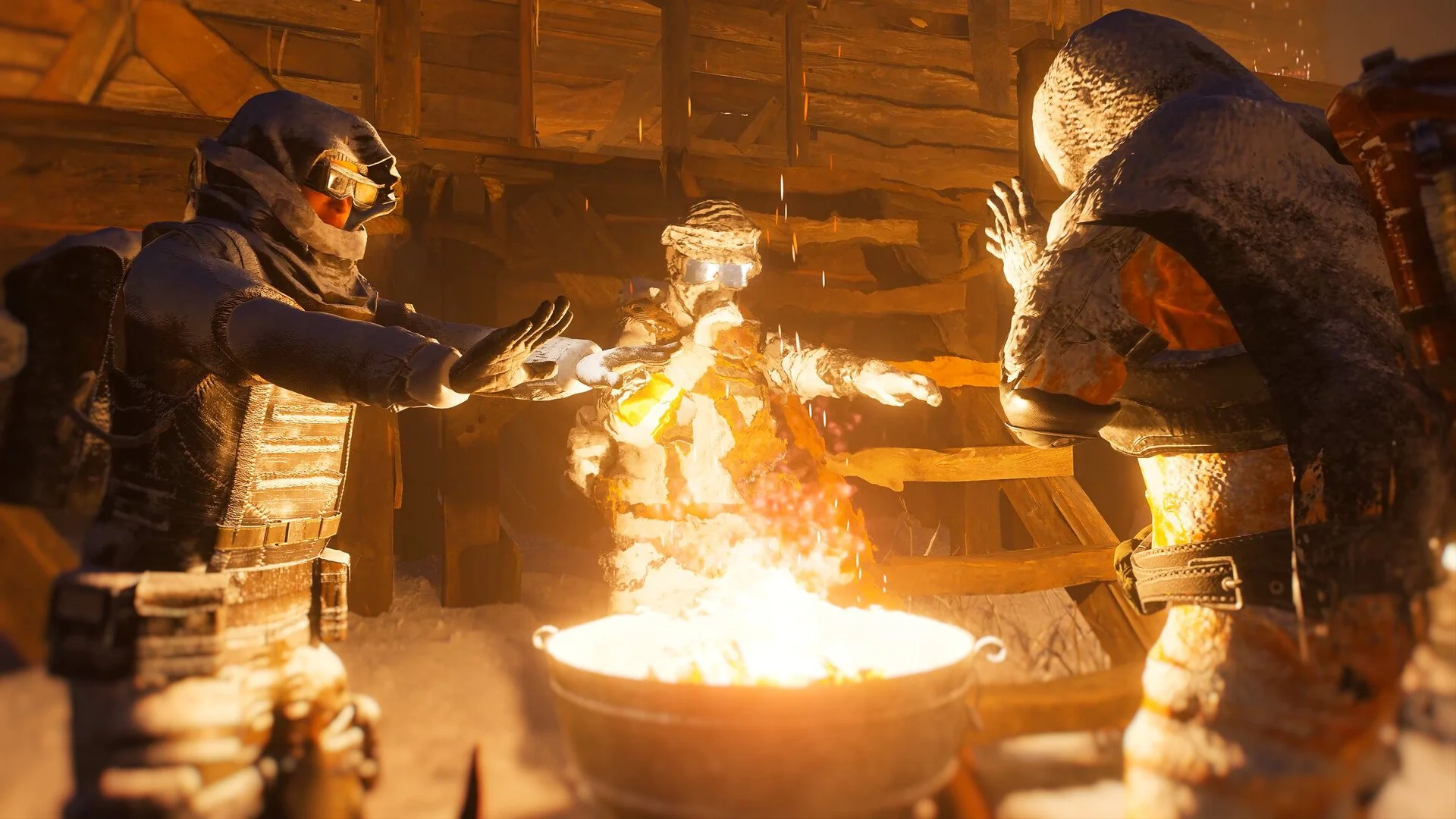
Permafrost supports online co-op for up to four players, allowing you to explore the frozen world together. Inviting friends works through the multiplayer session browser, where one player hosts a world and everyone else joins it. You can use an existing save or create a new one, although getting your friends into the same session requires a few specific steps.
Jump To Section:
How to Invite Friends
Friends Can't Find Your World
How to Invite Friends in Permafrost
To invite friends in Permafrost, open the main menu and select Play, then Host. Choose an existing world or create a new one, configure your multiplayer settings, and start hosting. Your friends can then select Play, choose Join, and search for your world name to connect.
Hosting a World:
1. Open Play → Host from the main menu.
2. Create a world or select an existing save.
3. Set the player limit and add a password if desired.
4. Start the world and share its name with your friends.
Joining a Friend:
1. Open Play → Join from the main menu.
2. Search for the host's world name.
3. Select the correct session from the results.
4. Enter the password if required and join.
You can invite up to three friends, bringing the total to four players including yourself. Everyone needs their own copy of Permafrost, but you don't need a separate save specifically for multiplayer.
I'd recommend using a recognizable world name so your friends can identify it in the session browser. If you're creating a new world, remember that its difficulty settings are established during creation, so choose those before starting your multiplayer session.
Why Can't Friends Find Your World in Permafrost?
If your friends can't find your world, have them refresh the multiplayer session list and search again. Permafrost's browser only loads a selection of currently available worlds, meaning a session can be online without appearing in the initial results.
This also means typing the exact world name won't necessarily find it immediately. Your friend may need to refresh several times before the session appears.
World Not Showing: Refresh the Join list and search again.
Wrong Session: Check that your friend is searching for the correct world name.
Unable to Connect: Verify the password and make sure the lobby has an available player slot.
Host Disconnected: Have the host restart the world so everyone can join again.
One limitation worth knowing is that the multiplayer world only remains available while its host is playing. If the host closes Permafrost or loses their connection, everyone else will be disconnected as well.
For groups planning to play together regularly, I would have whoever plays most often host the shared world. That gives everyone a consistent session to join without needing to create another save each time.