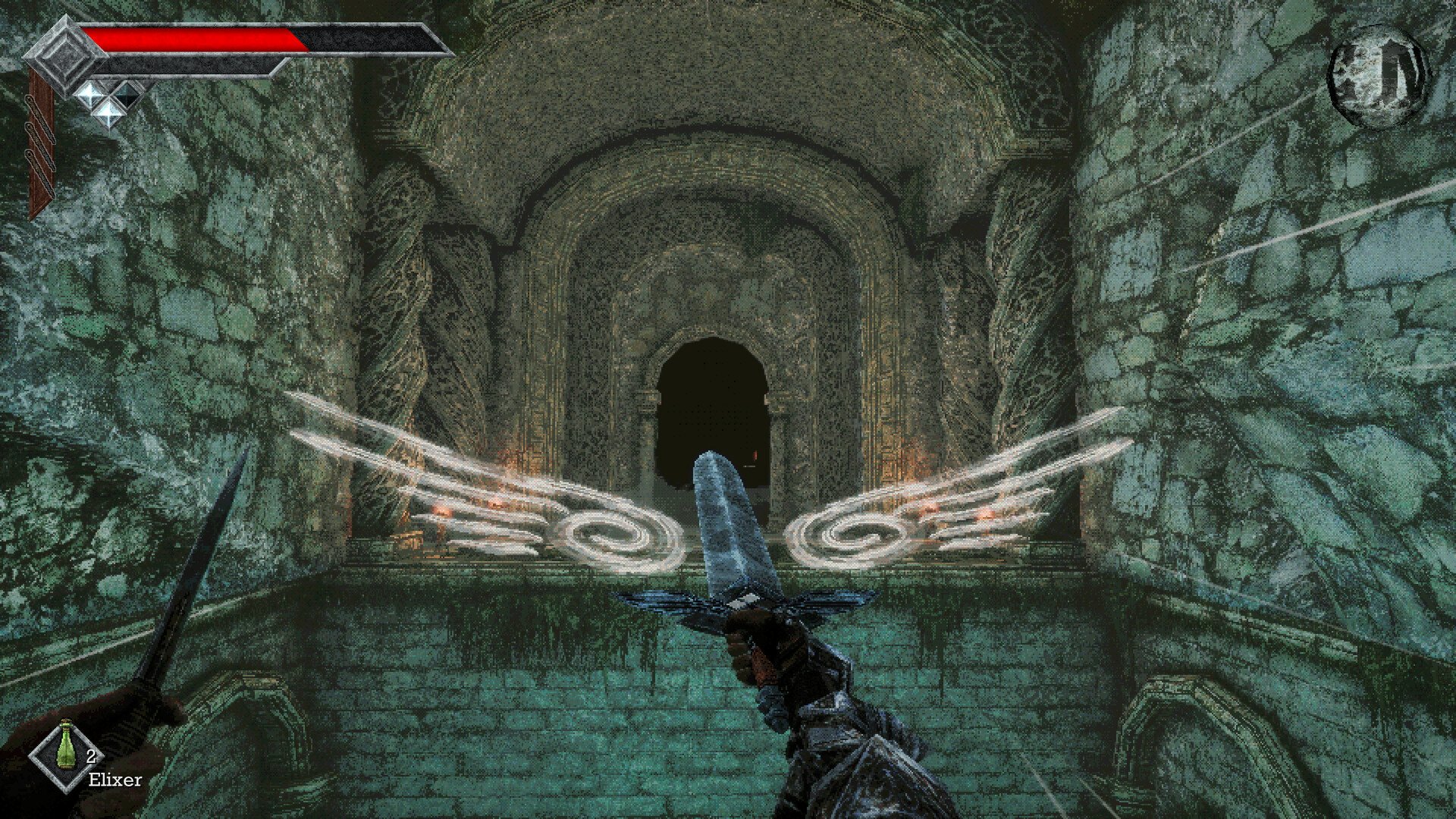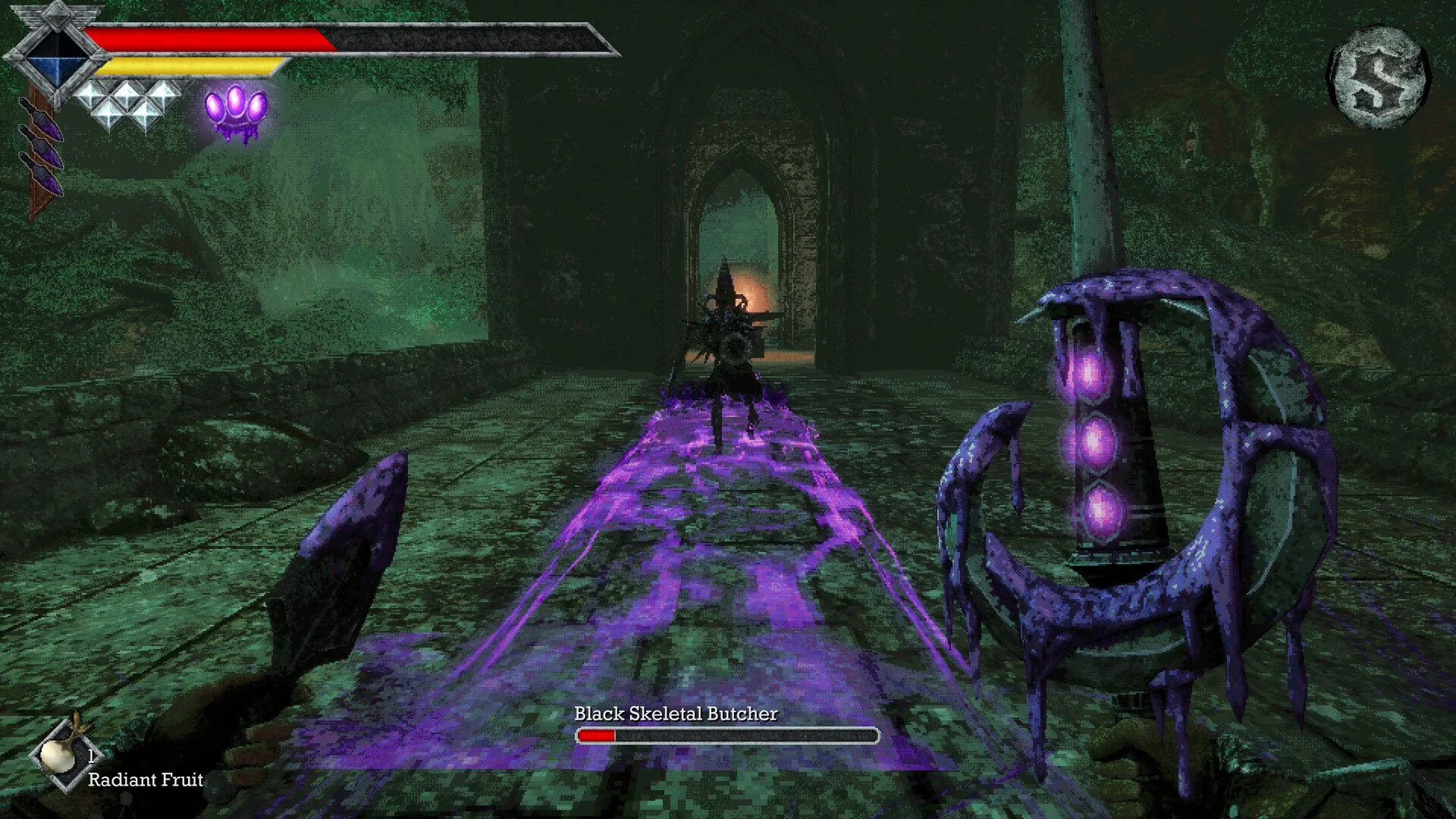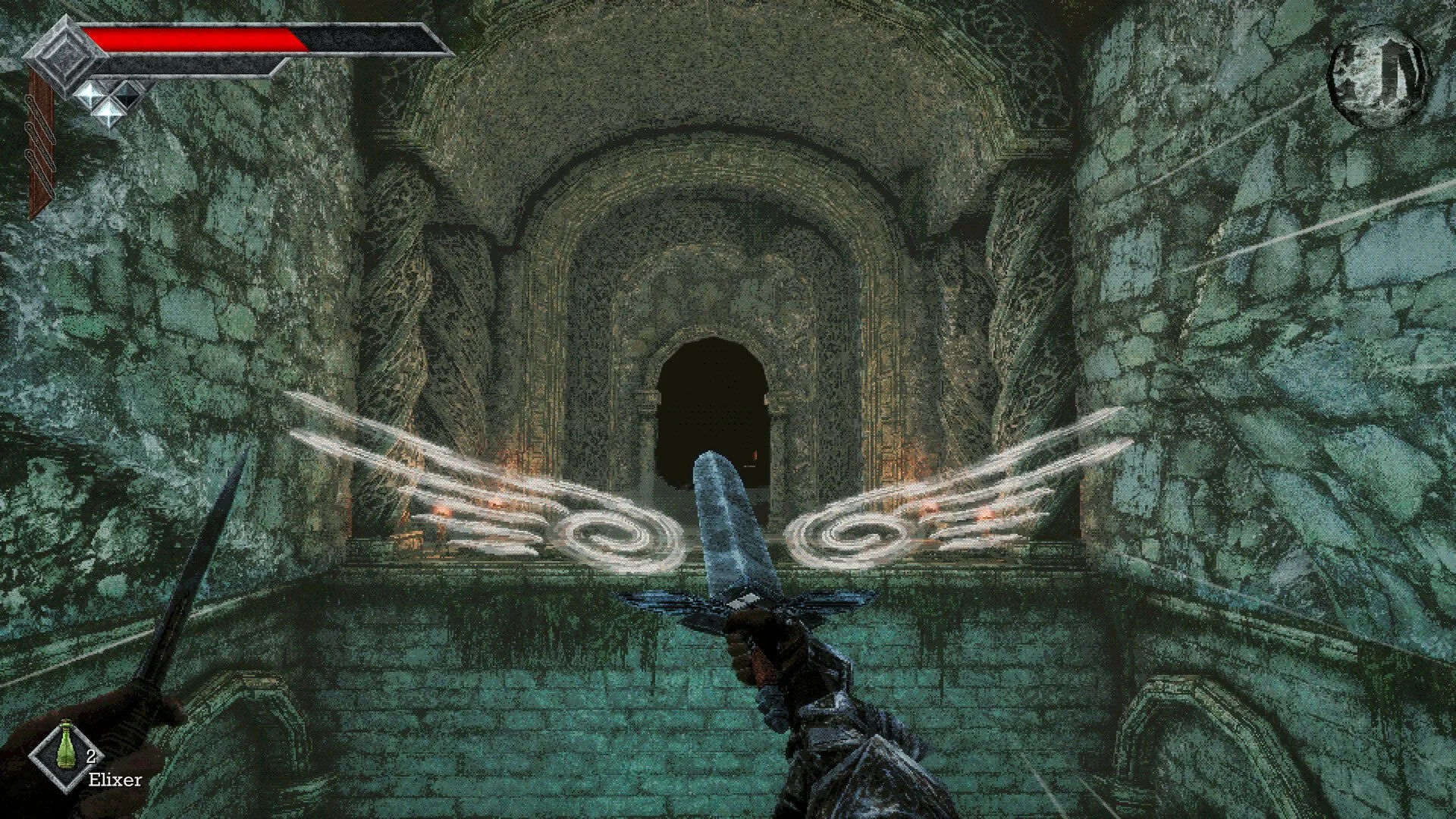
Saving your progress in Queen's Domain is especially important when exploring unfamiliar areas or preparing for difficult fights. The game uses a traditional save system, so knowing where to record your progress can save you from having to repeat entire sections.
Jump To Section:
How to Save Your Game
Does Queen's Domain Autosave?
Saving and Resting at Crystals
How to Save Your Game in Queen's Domain
To save in Queen's Domain, interact with a Crystal Monument and select the Save option. You'll encounter your first monument within the opening few minutes of the game, so there's no special quest or ability required to unlock saving.
Crystal Monuments are found throughout the world, and you can return to them whenever you need to record your progress. I recommend saving before entering a dangerous area, particularly if you've recently collected valuable items or defeated a difficult enemy.
Does Queen's Domain Have Autosave?
No, Queen's Domain doesn't have autosaves, and you can't manually save from the pause menu or inventory. Crystal Monuments are the only normal way to record your progress.
If you die, you'll reload from your last save, losing any progress made since then. This includes exploration and other accomplishments you haven't saved.
Before ending a session, make your way back to a Crystal Monument rather than assuming your current position will be saved automatically.
Saving and Resting at Crystal Monuments
Crystal Monuments also let you Rest, which restores your health and removes negative status effects. However, resting causes defeated enemies to respawn.
You don't need to rest every time you save. If you're simply recording your progress, use the Save option without resetting the area's enemies.
This is particularly useful when you're working through a difficult dungeon. Saving preserves your progress, while resting can prepare you for another fight at the cost of bringing enemies back.
For more advice on surviving the game's tougher areas, check out our Queen's Domain Tips: 13 Things You Should Know.