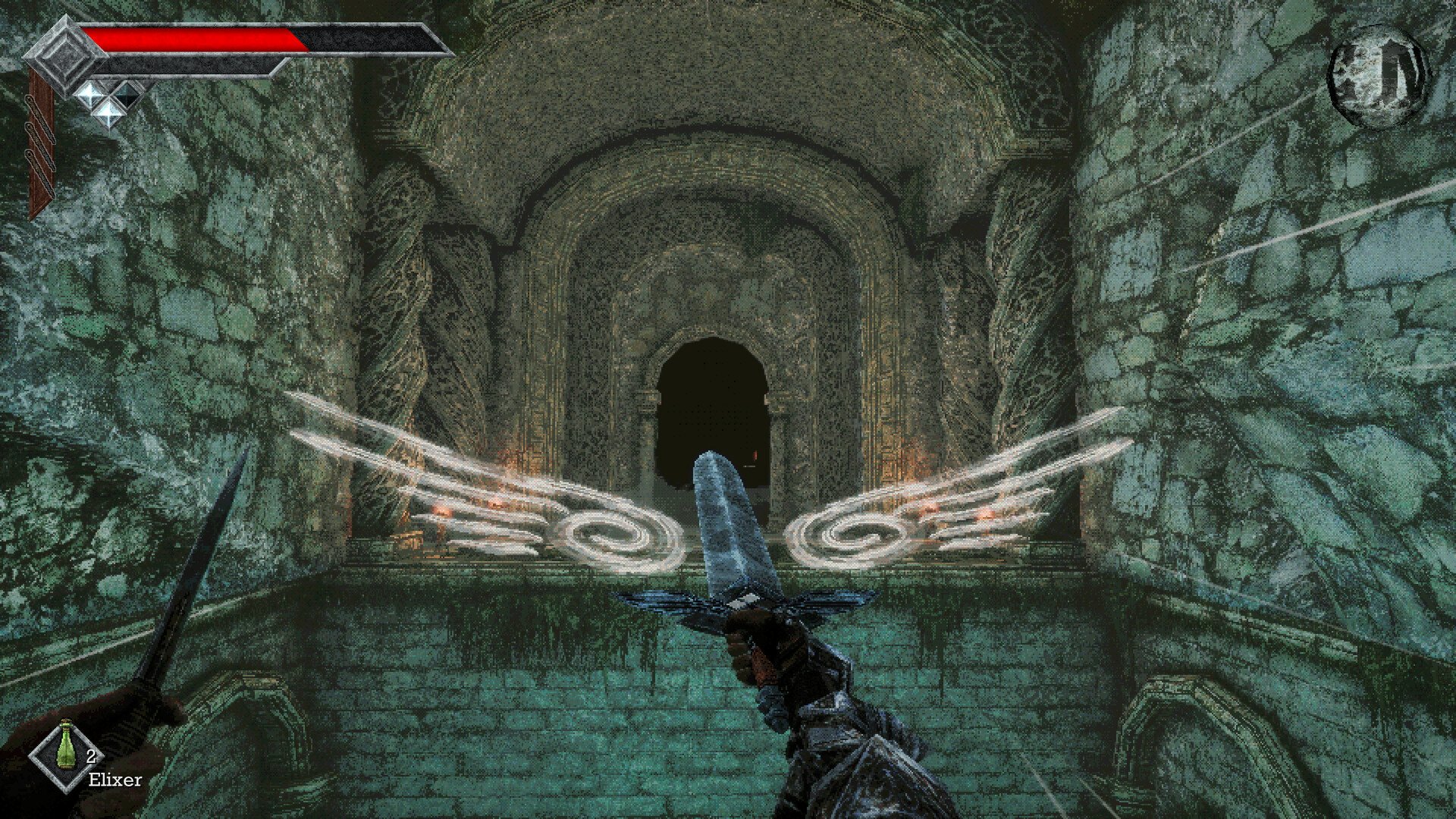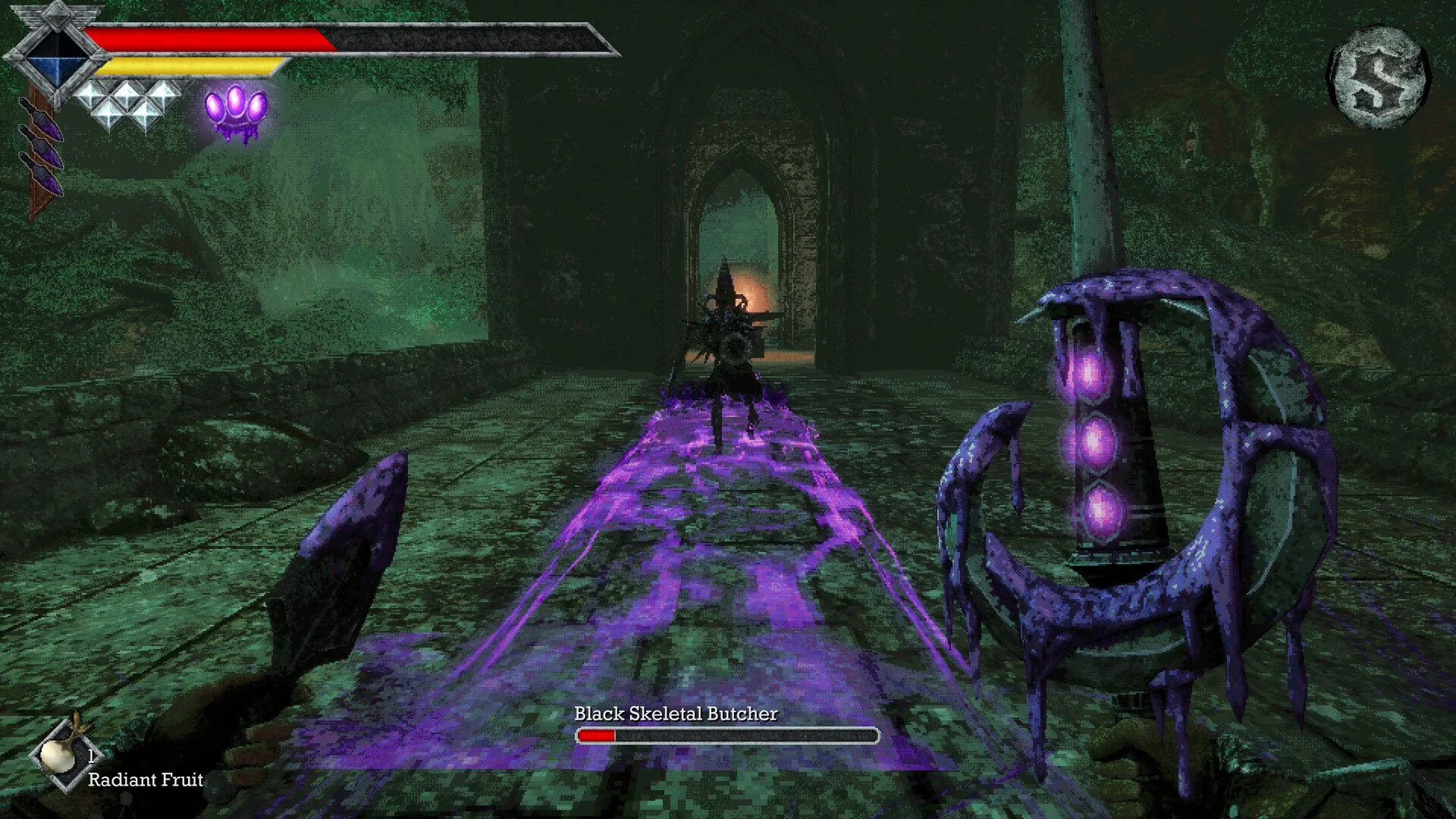
The Storm Gem is a special combat ability you can obtain while exploring the Tower of Knowledge in Queen's Domain. It gives you another attack to use during fights, with its own energy meter that fills as you defeat enemies.
Jump To Section:
How to Use the Storm Gem
Storm Gem Not Working
Where to Go Next
How to Use the Storm Gem in Queen's Domain
Press R on PC to unleash the Storm Gem's special attack once it's charged. Defeating enemies fills its energy meter, which you can monitor on your HUD.
You can activate the ability regardless of which weapon you're wielding. If you prefer a different button, open the keybinding settings and change the Special action to whatever feels comfortable.
Why Isn't the Storm Gem Working?
If the ability won't activate, check your energy meter. You'll need to defeat more enemies before using it again if the charge is insufficient.
If the meter is ready, check your controls for a changed or conflicting Special keybinding. Controller players should also look there for their assigned input.
Where to Go After Getting the Storm Gem
Collecting the Storm Gem doesn't finish the Tower of Knowledge. You still need to find your way to the upper floors and defeat the area's boss, and using the gem isn't required to advance.
The tower has several branching paths, so check for overlooked doors and switches if you hit a dead end. I recommend clearing each floor methodically rather than moving between levels without keeping track of the routes you've explored.
For more combat and exploration advice, see our Queen's Domain Tips: 13 Things You Should Know.