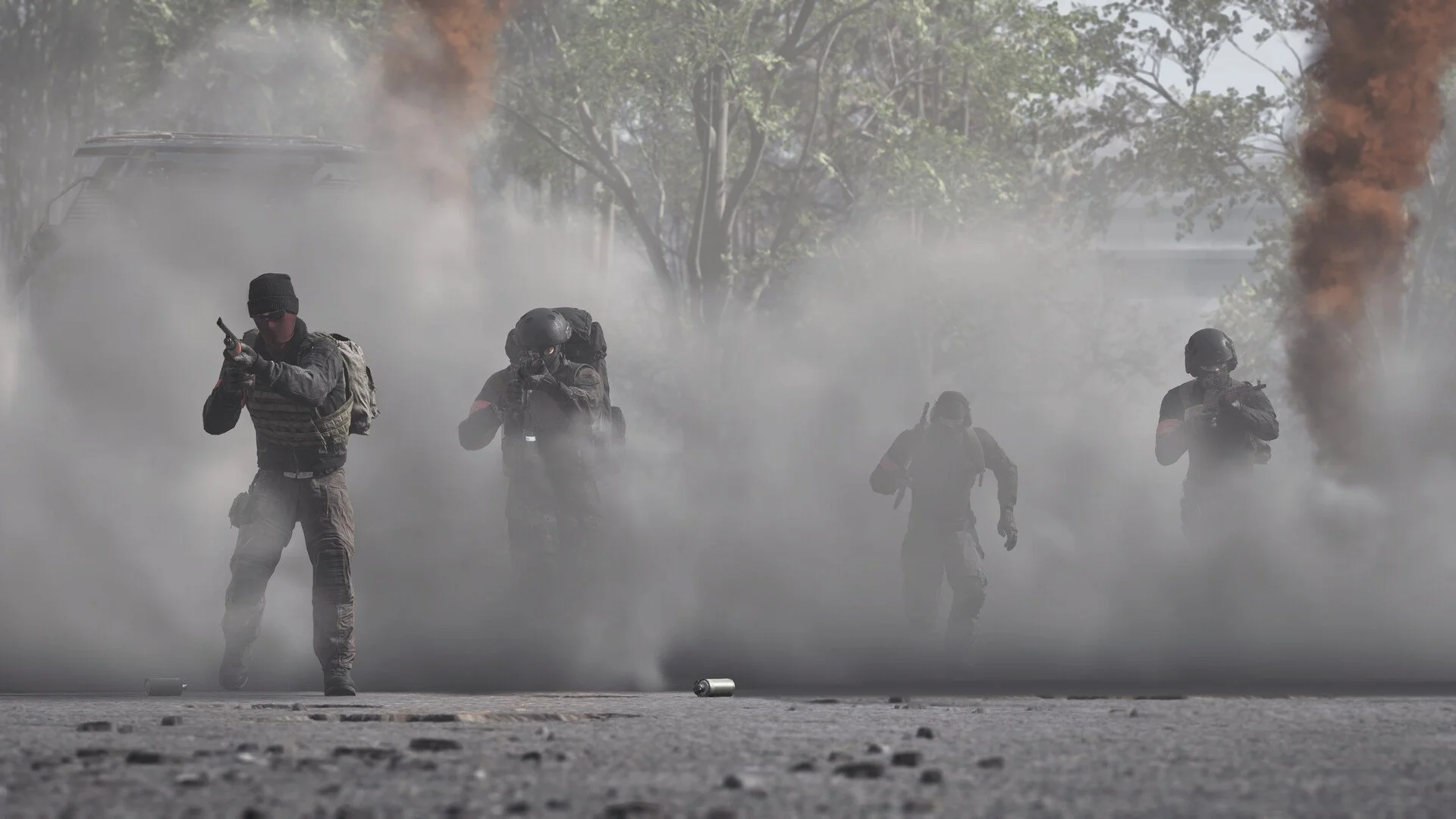
WARDOGS hides more communication inside its emote menu than you might expect. On PC, hold the middle mouse button to open the wheel, move through the available actions, highlight what you want, then release the button to use it. This covers quick signals such as Point and Halt, Rock Paper Scissors, surrendering, and any extra emotes you've purchased.
Jump To Section:
How to Emote
Purchased Emotes
Surrender Warning
Change the Emote Key
Hold Middle Mouse to Open the WARDOGS Emote Wheel
Hold the middle mouse button rather than clicking it once. While keeping the button held, scroll through the actions on the wheel and highlight the one you want. Release middle mouse to perform the selected action.
WARDOGS Emote Controls
Hold Middle Mouse — Open the emote/context wheel
Scroll — Move through the available actions
Release Middle Mouse — Use the highlighted emote
The default page isn't limited to cosmetic animations either. It contains practical battlefield signals including Point, Move Up, and Halt alongside Rock, Paper, and Scissors.
That makes the wheel useful even if you never buy another emote. Pointing or signaling a halt can communicate something immediately without needing to explain it over VOIP.
Your Purchased Emotes Are on a Different Page
If you bought an emote and can't find it on the wheel, it hasn't disappeared. WARDOGS separates the standard actions from purchased emotes.
Open the wheel with middle mouse and look for the page prompt on-screen. Press F while the wheel is open to switch pages. Your additional purchased emotes should appear on the other page rather than mixed into the starting set.
This is worth checking before assuming an emote purchase failed. The first page can look like the entire menu if you don't notice the page-switch indicator.
Holster Your Gun Before Using the Surrender Emote
The surrender action deserves its own warning because it can do more than make your character raise their hands.
If you're holding a weapon when you surrender, that weapon can be dropped. Players have reported discovering this after using the gesture inside helicopters and then reaching the battlefield without the gun they started with.
Before Surrendering
Stow or holster whatever you're holding first. Don't test the surrender animation with an expensive primary equipped unless you're prepared to go pick it back up.
This isn't just a theoretical edge case. Multiple players have reported losing their equipped weapon this way, including while messing around with the emote during helicopter transport.
You Can Rebind the Emote Wheel
If middle mouse is awkward on your setup, you don't have to leave the emote wheel there. Open Settings > Controls > Keybindings and change the binding to something that works better with your controls.
I'd put it somewhere accessible without interfering with movement or weapon inputs. WARDOGS gives the wheel enough useful communication options that burying it on an uncomfortable bind makes the entire system much less useful during an actual fight.
If you're already changing your control setup, the WARDOGS best controller settings guide covers the broader aiming and controller setup separately.
The short version is simple: hold middle mouse, select the action you want, release to perform it, and use F when you need the purchased-emote page. Just remember the one WARDOGS-specific trap before experimenting with everything on the wheel: put your gun away before you surrender.