Using your parachute in WARDOGS should be simple, but there are two things that make it surprisingly easy to get wrong: parachutes are actual equipment rather than something every soldier automatically carries, and a current keybind issue can leave the deployment control completely unbound. Once those are sorted, actually opening the parachute only takes one input.
Jump To Section:
How to Deploy Parachute
Parachute Not Deploying Fix
Fix Missing Parachute Keybind
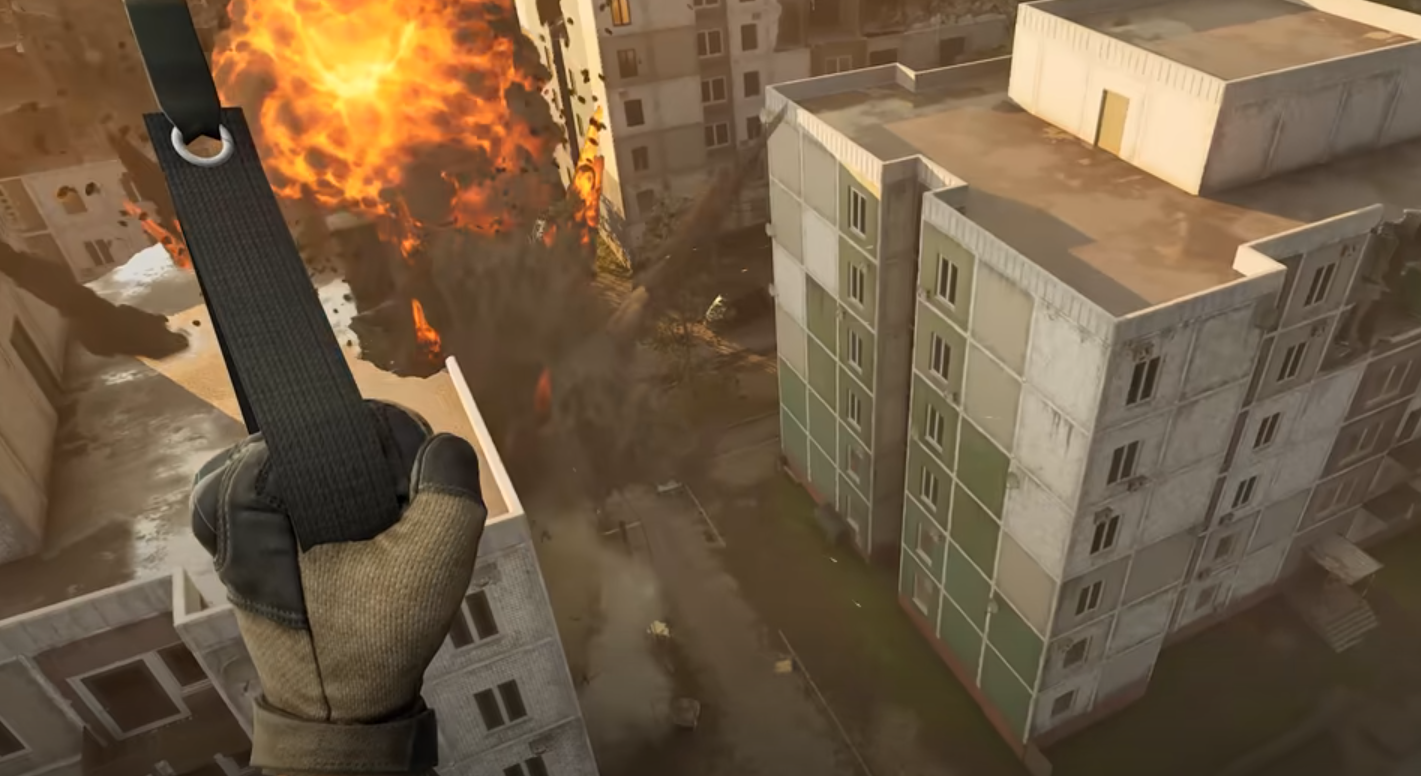
Press Space While Falling to Deploy Your Parachute
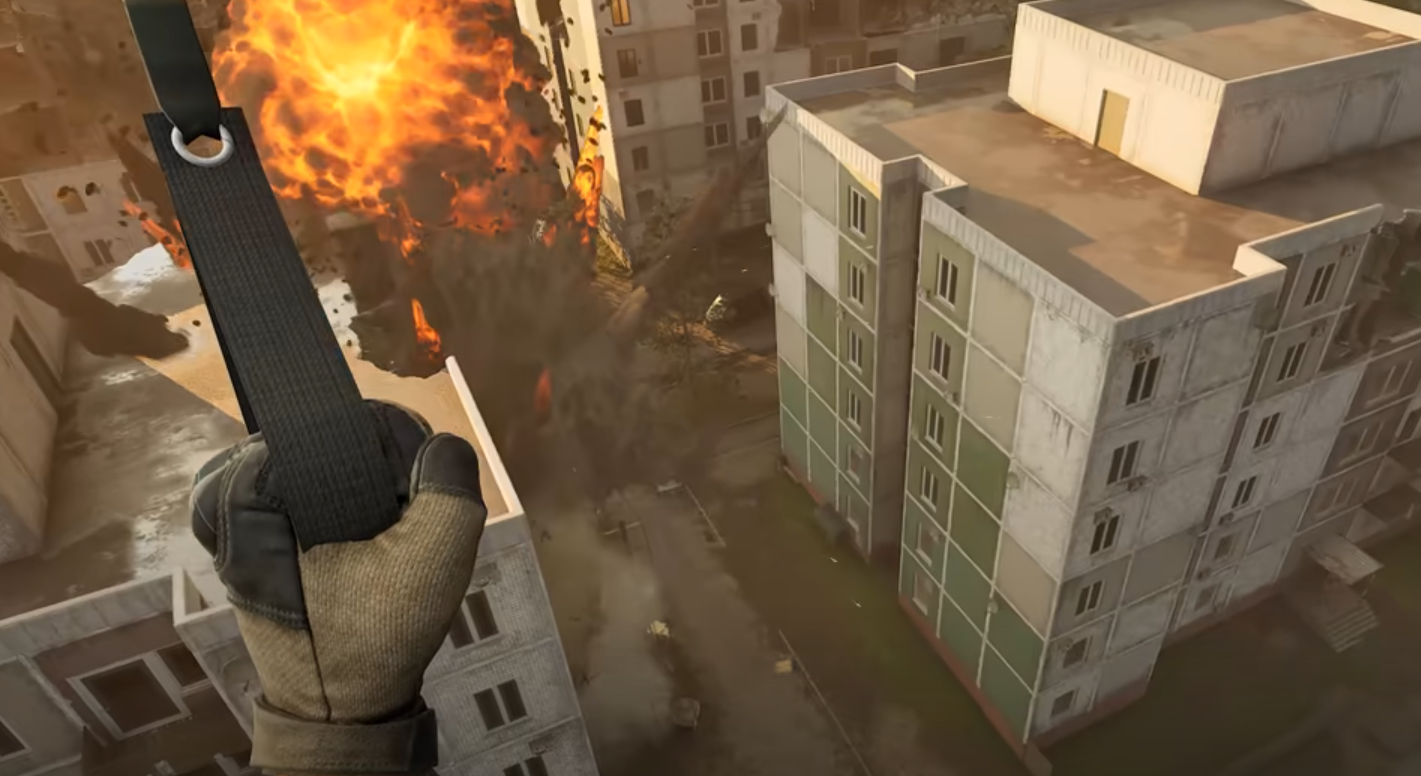
To deploy your parachute in WARDOGS on PC, press Space after jumping from a helicopter or otherwise falling from enough height. You must already have a parachute equipped in your Traversal slot before the jump.
The important part is that the parachute does not open automatically. The deployment input is manual, and it is contextual, so you need to actually be airborne and falling before the parachute can be deployed.
I would not use the absence of a parachute prompt while standing on a rooftop or inside a helicopter as evidence that your controls are broken. Jump first, begin falling, and then press Space. If you have a parachute equipped and Space still does nothing while you are in the air, then you may be dealing with the current keybind bug.
Both the Basic Parachute and Sport Parachute have to be manually deployed. The main difference after deployment is that the Basic Parachute cannot be manually controlled, while the Sport Parachute gives you control over your descent and landing position.
Make Sure You Actually Have a Parachute Equipped
If pressing Space does nothing, check your equipment before changing any settings.
WARDOGS does not automatically give every soldier a parachute. Parachutes are purchased through the Equipment Vendor and occupy the Traversal slot, so jumping out of a helicopter without one equipped is simply going to result in a very unpleasant meeting with the ground.
If the parachute is definitely equipped, the next thing I would check is whether you previously changed helicopter controls.
Space is the default Deploy Parachute key, but players commonly bind Space to helicopter Collective Up because it feels natural for ascending. WARDOGS can then remove Space from Deploy Parachute, leaving the parachute action without a usable key.
This is particularly worth checking if your parachute worked before you changed your aircraft setup. If you have been adjusting flying controls using our WARDOGS best helicopter controls and settings, verify the parachute binding before your next actual jump.
Fix the WARDOGS Deploy Parachute Keybind Bug
If your parachute is equipped but Space no longer deploys it, WARDOGS may have removed the Deploy Parachute binding. The problem is especially annoying because the missing binding may not be reliably restored through the normal in-game control options.
On Windows, completely close WARDOGS and press Windows + R. Enter the following location:
%LOCALAPPDATA%\Wardogs\Saved\Config\WindowsClient
Open GameUserSettings.ini and search for:
Input.NamedActions.Player.DeployParachute
If its PrimaryKey is empty, the parachute action has been left without its normal Space binding. The relevant entry can be changed so the PrimaryKey contains:
Key=SpaceBar,bIsCustom=True
Save GameUserSettings.ini, close it, and restart WARDOGS. I would then test the parachute from a safe drop before jumping out of a helicopter over an actual fight.
There is also a community-reported alternative of deleting the empty DeployParachute override entirely so WARDOGS falls back to its default binding. Since the direct fix is simply restoring Space as the key, I would try explicitly restoring Space first and avoid changing anything else in the configuration file.
WARDOGS Parachute Controls Explained
If you only need the answer: equip a parachute in your Traversal slot, jump, wait until you are actually falling, and press Space to deploy it. The parachute will not deploy automatically.
If Space does nothing despite having a parachute equipped, check the Deploy Parachute binding. Remapping Space for helicopter controls can currently leave that action unbound, in which case restoring Space in GameUserSettings.ini should get parachute deployment working again.