Assassin’s Creed Black Flag Resynced: How to Unlock Fast Trave
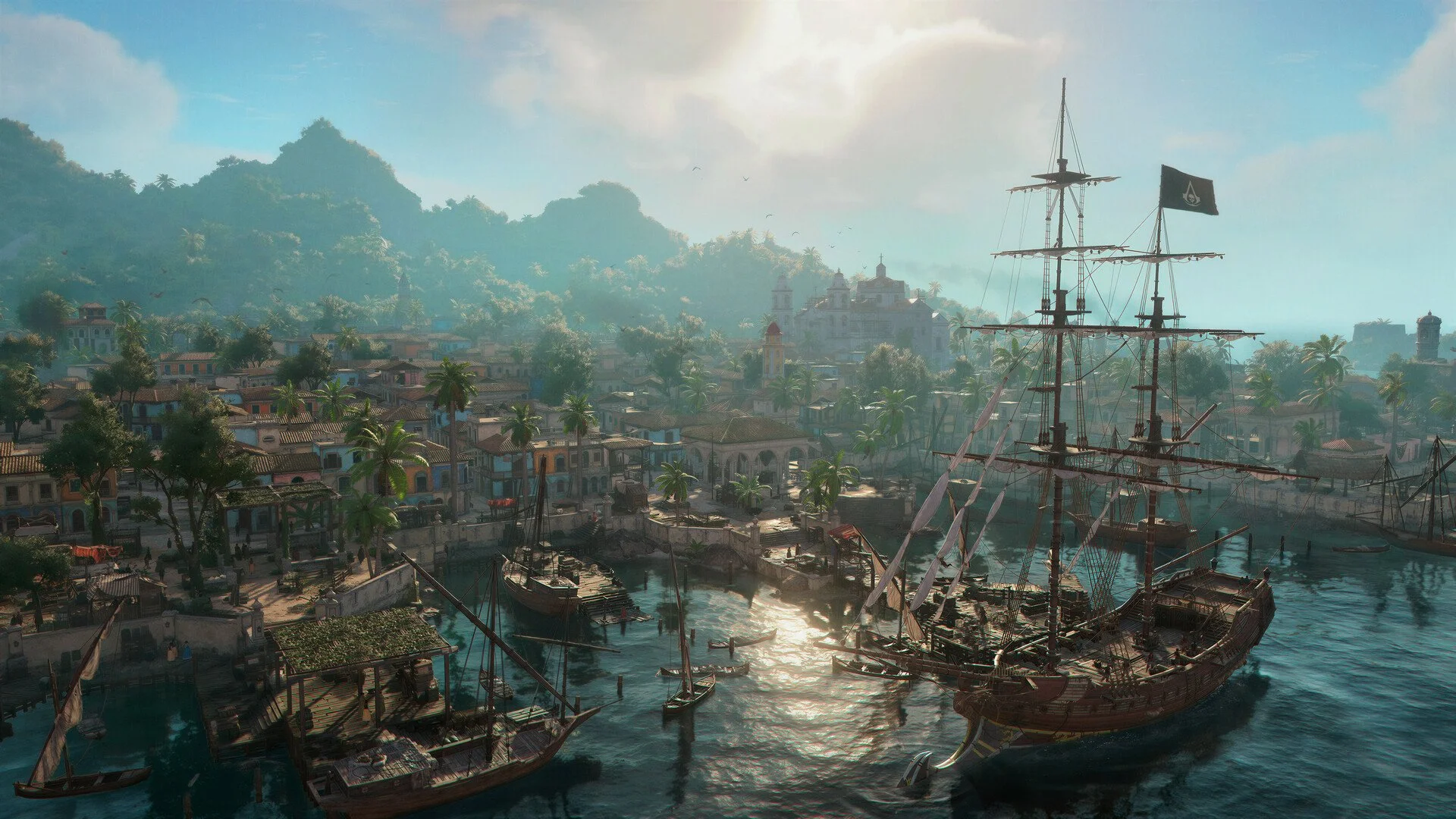
Fast travel unlocks in Assassin’s Creed Black Flag Resynced after you complete This Tyro Captain in Sequence 3. Once the system is available, you can use the world map to travel to synchronized viewpoints, discovered named locations, and the Jackdaw.
Before that point, the option will not appear because the opening hours are built around manual sailing, docking, and learning how the Caribbean is connected through the Jackdaw. After Sequence 3 opens the system, fast travel becomes one of the easiest ways to cut down on long return trips without removing the need to discover the map yourself.
Jump To
What Fast Travel Changes
Fast travel does not turn the Caribbean into a fully open teleport menu. It makes previously visited or unlocked points easier to revisit, which is especially useful once the story starts sending you between islands, towns, forts, and naval routes more often.
The system is best treated as a cleanup and return tool. Sailing is still a major part of Assassin’s Creed Black Flag Resynced, and you will still need to explore manually to uncover locations, find viewpoints, collect resources, and reach areas for the first time. Fast travel mainly removes the repeat journey after you have already done the legwork.
That distinction matters because players often expect the map to open up all at once after fast travel unlocks. In practice, your travel options are only as useful as the places you have discovered and synchronized, so skipping every viewpoint early will make later cleanup slower than it needs to be.
How to Use Fast Travel
Open the world map, move the cursor over an eligible fast travel point, and hold the travel input until the command confirms. On PC, hold Space. On PS5, hold Triangle. On Xbox, hold Y.
| Platform | Fast Travel Input |
|---|---|
| PC | Hold Space |
| PS5 | Hold Triangle |
| Xbox | Hold Y |
The input has to be held, not tapped. If the prompt appears but nothing happens, keep the destination highlighted and hold the correct button until the game accepts the command.
If no prompt appears at all, the map point is probably not eligible yet. That usually means the viewpoint has not been synchronized, the named location has not been properly discovered, or the game is temporarily blocking travel because of combat or mission restrictions.
Viewpoints vs Named Locations
Viewpoints and named locations both support fast travel, but they solve different problems. Viewpoints are better for precision, while named locations are better for getting back to a general area without sailing there again.
| Fast Travel Type | How It Works | Best Use |
|---|---|---|
| Viewpoints | Unlocked by climbing and synchronizing eagle icons | Reaching objectives, collectibles, contracts, and inland areas more directly |
| Named Locations | Unlocked by discovering a location on the world map | Returning to an island, settlement, or dock from a distance |
Viewpoints appear as eagle icons on the map. A viewpoint needs to be climbed and synchronized before it becomes a fast travel point, so simply seeing the icon is not enough.
Named locations are broader destinations. They can return you to an island or settlement you have already discovered, but they usually place Edward near the dock or arrival point. That is useful for getting back to the area, but less helpful if your actual objective is deeper inland.
For that reason, viewpoints are usually the better long-term unlock. Named locations get you back to the island. Viewpoints make the island easier to navigate once you are there.
How Jackdaw Fast Travel Works
The Jackdaw can also be selected from the world map as a fast travel destination. Highlight the ship and hold the fast travel input to return to it.
This is especially useful after finishing island activities, collecting items away from the dock, or wrapping up side content when you want to get back to sailing quickly. Since the Jackdaw is tied to naval combat, upgrades, cargo, and long-distance movement, returning to the ship quickly keeps the game from turning every detour into a slow walk back to the water.
It also gives fast travel a practical role outside of towns and viewpoints. If you are done with land exploration and ready to move back into naval travel, jumping to the Jackdaw is often the cleanest route back into the main flow of the game.
Why Fast Travel May Not Work
Fast travel can fail for a few different reasons, and the fix depends on whether the system is still locked, the destination is invalid, or the game is temporarily restricting travel.
| Issue | What to Check |
|---|---|
| The fast travel option is missing | Continue the main story until This Tyro Captain in Sequence 3 is complete |
| A viewpoint cannot be used | Climb and synchronize the viewpoint first |
| A named location drops you at the dock | That is normal for broad location fast travel |
| The input does not confirm | Hold the button instead of tapping it |
| Travel is blocked | Leave combat, finish the active objective, or exit the restricted state |
Mission states, hostile encounters, and active objectives can temporarily prevent fast travel even after the system has been unlocked. If the map destination looks valid but the command will not trigger, finish the current objective or get out of combat before checking again.
The best way to make the system useful throughout the game is to synchronize viewpoints as you naturally visit new islands and towns. You do not need to clear every icon immediately, but building out those travel points early saves time later when you start returning for contracts, collectibles, upgrades, and cleanup.