

Battlefield 6 Controls Guide (BF6 PC Keybinds)
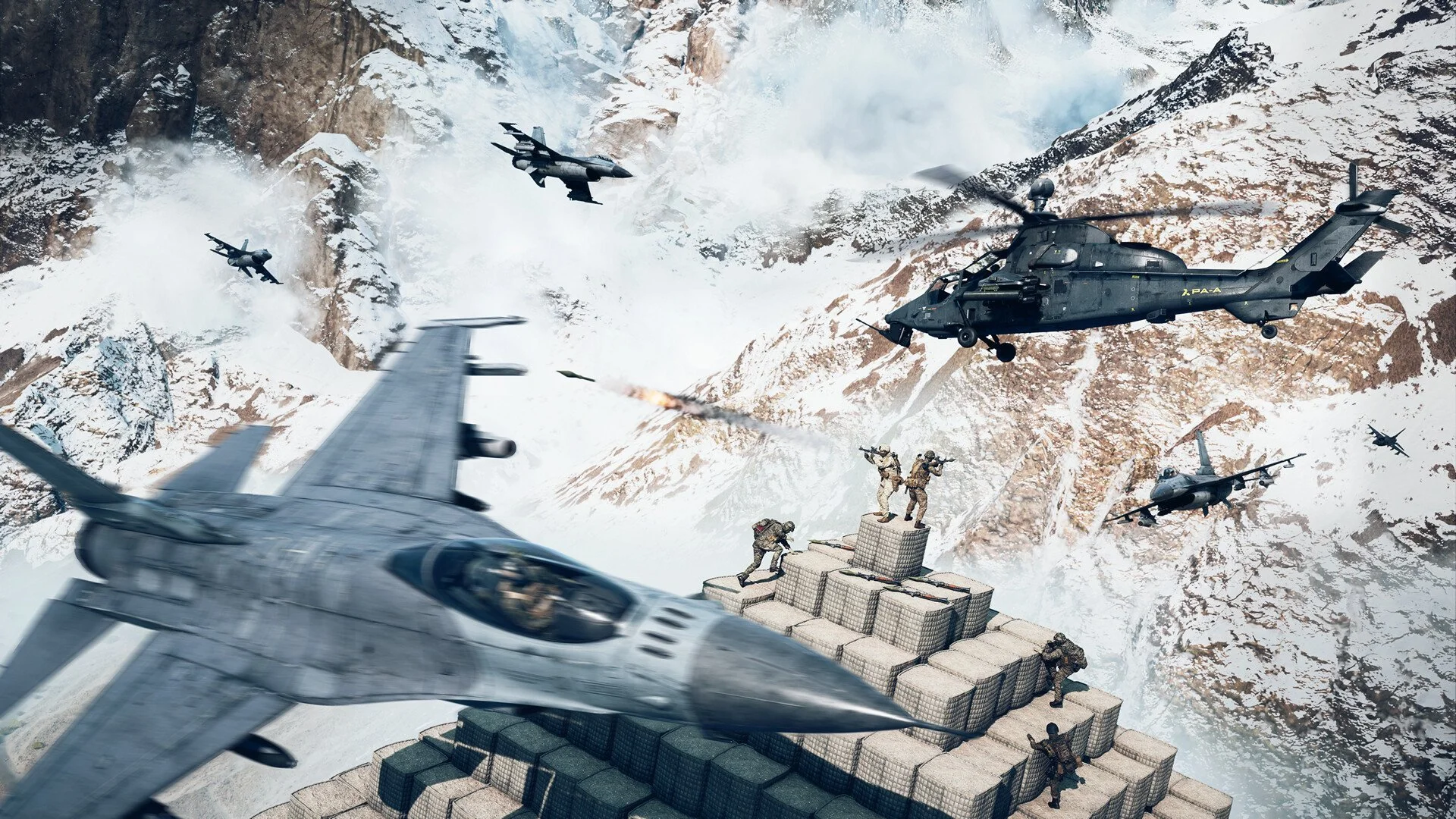
These are the full default controls for Battlefield 6 on PC. All inputs are listed alphabetically by category and pulled directly from the latest in-game build. If something feels off during gameplay, check this first.
Everything is grouped for infantry, vehicles, aircraft, and UI. Use this guide to remap keys, troubleshoot broken inputs, or just learn the full layout before jumping into the match.
Infantry Controls (PC)
| Action | Key |
|---|---|
| Contextual Action | 5 |
| Crouch (Hold) | Left Control |
| Crouch (Toggle) | C |
| Cycle Primary/Secondary Weapon | Mouse Wheel Up/Down |
| Deploy Bipod / Mount | F |
| Fire | Left Mouse / Right Control |
| Fire Mode / Zeroing | B |
| Full Map | M |
| Gadget One | 3 |
| Gadget Two | 4 |
| Grenade | G |
| Inspect Weapon | I |
| Interact / Enter Vehicle | E |
| Jump / Vault / Parachute | Space |
| Look (All Directions) | Arrow Keys |
| Melee / Takedown | F |
| Modify Ammo | 4 |
| Modify Barrel | 2 |
| Modify Sight | 1 |
| Modify Underbarrel | 3 |
| Ping / CommoRose | Q or Middle Mouse |
| Primary Weapon | 1 |
| Prone | Z |
| Quick Loadout Customization | Y |
| Reload | R |
| Secondary Weapon | 2 |
| Sprint | Left Shift |
| Squad Progression / Class Gadget | X |
| Steady Scope | Left Shift |
| Strafe Left | A |
| Strafe Right | D |
| Spot | Q |
| Toggle Laser / Flashlight | T |
| Toggle Scope | V |
| Walk Backward | S |
| Walk Forward | W |
| Zoom | Right Mouse |
Vehicle Controls (PC)
| Action | Key |
|---|---|
| Accelerate | W |
| Brake / Reverse | S |
| Change Seat 1–6 | F1 – F6 |
| Chase Camera | C |
| Driver Zoom | Right Mouse |
| Exit Vehicle | E |
| Fire | Space or Left Mouse |
| Full Map | M |
| Handbrake | Z |
| Lock Turret | V |
| Ping / CommoRose | Q or Middle Mouse |
| Primary Weapon | 1 |
| Quick Loadout Customization | Y |
| Secondary Weapon | 2 |
| Switch Weapon | F or Middle Mouse Up |
| Turn Left | A |
| Turn Right | D |
Aircraft & Helicopter Controls (PC)
| Action | Key |
|---|---|
| Afterburner | Left Shift |
| Change Seat 2–6 | F2 – F6 |
| Chase Camera | C |
| Exit Vehicle | E |
| Fire | Space or Left Mouse |
| Flight Mode | Z |
| Freelook | V |
| Full Map | M |
| Heli Assist Ascend | Space |
| Heli Assist Descend | Left Control |
| Pitch Down | Down Arrow |
| Pitch Up | Up Arrow |
| Ping / CommoRose | Q or Middle Mouse |
| Primary Weapon | 1 |
| Quick Loadout Customization | Y |
| Roll Left | Left Arrow |
| Roll Right | Right Arrow |
| Secondary Weapon | 2 |
| Switch Weapon | F or Middle Mouse Up |
| Throttle Down | S |
| Throttle Up | W |
| Yaw Left | A |
| Yaw Right | D |
Gunner & UI Controls (PC)
| Action | Key |
|---|---|
| Aim (Gunner) | Arrow Keys |
| Activate Equipment Slot | 3 or Mouse 3 |
| Change Seat | F1 – F6 |
| Chase Camera | C |
| Exit Vehicle | E |
| Fire | Space or Left Mouse |
| Full Map | M |
| Gunner Zoom | Right Mouse |
| Ping / CommoRose | Q or Middle Mouse |
| Primary Weapon | 1 |
| Quick Loadout Customization | Y |
| Reload | R |
| Secondary Weapon | 2 |
| Switch Weapon | F or Middle Mouse Up |
| Chat (All) | J |
| Open / Close Chat | Enter |
| Party Chat Channel | P |
| Push to Talk | Caps Lock |
| Scoreboard | Tab |
| Social Menu | Tab |
| Squad Chat Channel | L |
| Team Chat Channel | K |
| Toggle Chat | H |
| Vehicle Customize (Deploy Screen) | F |
Final Blurb
Battlefield 6 doesn’t reinvent the controls, but it sharpens them. Small changes make a big difference in heat-of-the-moment decisions. If you want full control of your kit, seat, or flight path, mastering these inputs is non-negotiable.
Always start here before customizing your layout.
FAQ
Can I change these controls in settings?
Yes. You can fully rebind all keys and controller buttons from the options menu.
What is the default bipod key on PC?
F, but it only works while aiming down sights near cover or prone.
Are controller bindings the same as Battlefield 2042?
Most are similar but not identical. Some layout changes reflect new systems like attachment modifiers.
How do I know if a control is active?
Contextual actions like bipod or scope mods only activate if your stance or position allows them.
Is this layout final for launch?
These are from the current public build. Final release may change minor mappings.
More Battlefield 6 Articles


