

Battlefield 6 How to Deploy Bipod (BF6 Support Class Guide)
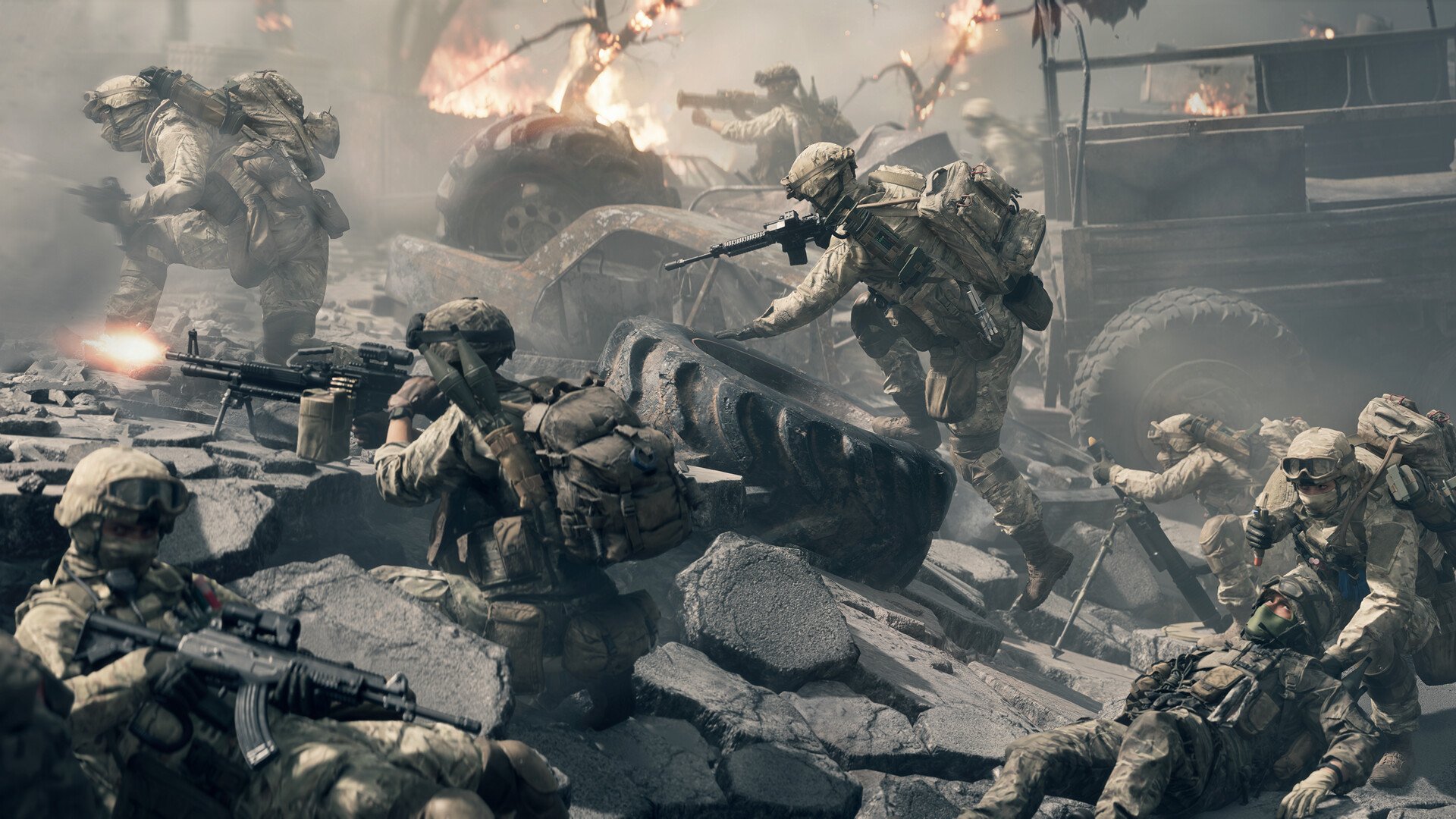
To use the bipod in Battlefield 6 (BF6), aim down sights near cover or while prone, then press F to deploy it. The bipod only works when you're properly positioned and scoped in.
You can’t deploy it while standing freely or just by pressing the key alone. If your gun isn’t centered and locked in place after pressing F while aiming, it hasn’t deployed.
This guide explains the exact conditions needed, what weapons support it, and how to troubleshoot when it won’t work.
How bipod deployment works in BF6
You must be aiming down sights near cover or lying prone.
Then press F (default) to deploy.
If successful, your weapon shifts to a locked, centered position. This reduces recoil dramatically.
You won’t see the bipod extend visually like in past games.
There’s no graphic cue, only the way your weapon behaves.
If you’re standing in open air or not scoped in, the bipod won’t deploy.
Requirements for bipod to work
You must be using a weapon that supports a bipod
You must be near cover (like a table, low wall, or ledge) or prone
You must aim down sights
You must press the deploy key (F by default)
All four must be true. If even one is missing, it won’t activate.
How to tell if bipod is deployed
The only sign is your weapon locking into the center of the screen.
It stops shaking and becomes steady.
You won’t get a sound effect or animation.
The recoil change is immediate and very noticeable when deployed.
Can you toggle the bipod?
No. You cannot toggle the bipod freely.
You can’t run around with it like in Battlefield 2042.
It deploys automatically when the above conditions are met.
Older Battlefield games handled it this way too. BF6 keeps that same system.
What to do if bipod won’t deploy
Check your settings. Rebinding F can sometimes break it.
Try resetting to default controls.
Make sure your gun supports bipods.
Only light machine guns and certain marksman rifles qualify.
Try different surfaces. Flat terrain, windowsills, or sandbags all work.
Some uneven props won’t trigger it.
Make sure you're aiming down sights. It won’t work otherwise.
Crouch or lie down if cover isn’t nearby.
Restart the game if nothing else works. Some users report temporary bugs.
Bipod compatible weapon types
Not all guns support bipods.
Supported classes include:
Light machine guns (Support Class)
Some designated marksman rifles
Special weapon builds with bipod attachments
Check the customization screen to confirm.
Bipod vs older Battlefield games
In Battlefield 2042, you could run while the bipod was deployed.
In Battlefield 6, it’s stricter.
You need to be still and positioned properly.
Earlier Battlefield titles like BF4 also used passive bipod logic.
BF6 follows that same path: scoped in, near surface, auto-deploy.
Final Blurb
Battlefield 6 limits bipod use to specific conditions. Just aim, press F, and brace yourself near cover. Once it locks in, you’ll feel the difference.
FAQ
Why won’t the bipod deploy when I press F?
You're likely not aiming down sights or near cover. All conditions must be met.
Is there a bipod animation in BF6?
No. There's no visual cue. You'll know it's deployed when the gun locks in and recoil drops.
Do I have to use F to deploy?
Yes, unless you've rebound the key. Make sure it's mapped correctly in settings.
Can I use the bipod while running?
No. It only works while stationary, scoped, and properly placed.
Does every gun have a bipod option?
No. Only certain LMGs and some DMRs support bipod deployment. Check your loadout.
More Battlefield 6 Articles


