Best Gears of War Reloaded Graphics Settings for FPS

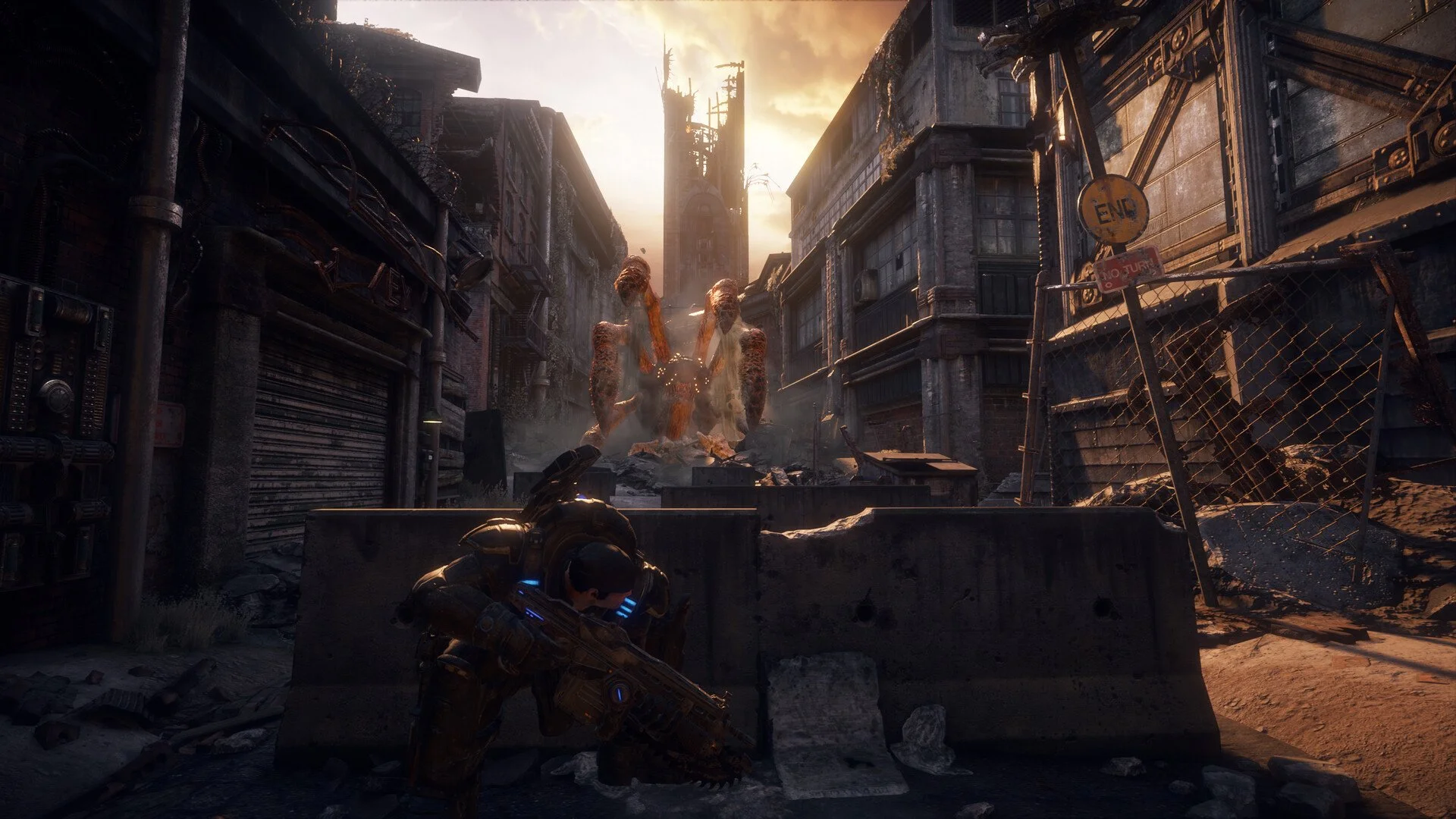
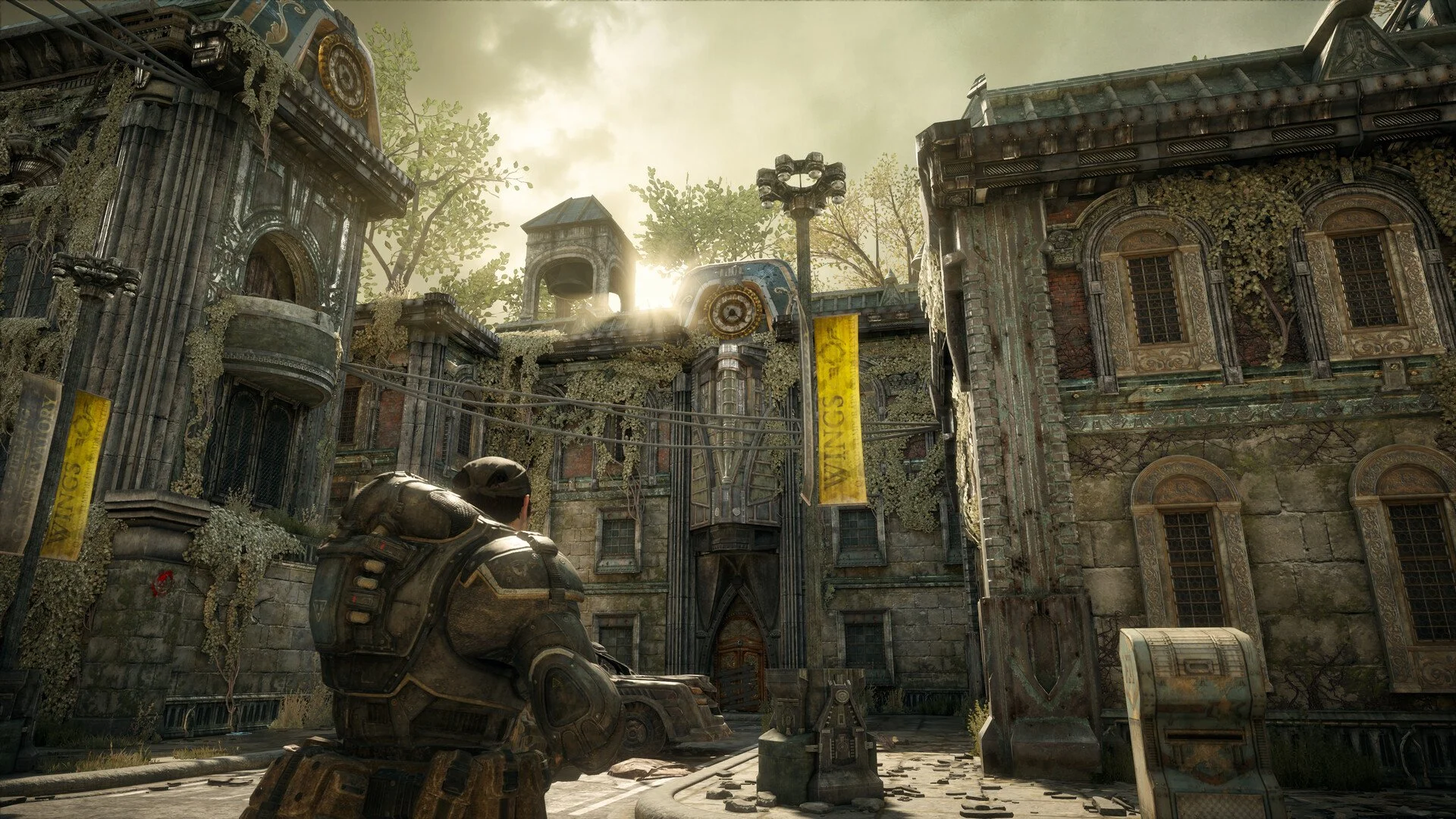
Gears of War Reloaded is here, and whether you’re replaying the campaign or diving into multiplayer, smooth performance matters. The game looks sharp thanks to improved textures and lighting, but that also means your setup needs the right tweaks to avoid lag and get consistent FPS.
Here are the best settings to use on PC, whether you’re running a low-end laptop, a solid mid-tier rig, or a high-end desktop.
General Tips to Reduce Lag
Update graphics drivers for AMD or Nvidia before launch.
Cap FPS between 60 and 120 for stable performance.
Disable V-Sync to reduce input delay.
Use DLSS or FSR if your GPU supports it, since both are well-implemented.
Avoid Motion Blur for a cleaner look and faster reaction time.
Best Display Settings (Balanced Setup)
Screen Resolution: 1920×1080 (go higher if hardware allows)
Full Screen: On
Frame Rate Limit: 60–120
HDR: On if your monitor supports it
Idle and Inactive Energy Savings: On
V-Sync: Off
Best Graphics Settings
Overall Preset: Medium or High depending on GPU
Anti-Aliasing: DLSS 3.5 or FSR 3.1 (Balanced mode recommended)
Resolution Scaling: Balanced
Texture Quality: Medium (set to High on modern GPUs)
Anisotropic Filtering: 4x
Shadow Quality: Medium
Ambient Occlusion: Performance
Motion Blur: Off
Screen Space Reflections: Off
Flash Reduction: Off
Visual Effects: Medium
Low-End PC Settings
If you’re on older hardware:
Preset: Low or Custom Low
Resolution: 1080p
Upscaling: FSR Balanced
Textures: Medium (keeps visuals decent without much FPS loss)
Shadows and Reflections: Off
This should keep you above 60 FPS with minor dips in big fights.
Mid-Tier PC Settings
For RTX 3060, RX 6700 XT, or similar cards:
Preset: High
Resolution: 1440p or 1080p at higher FPS
Upscaling: DLSS/FSR Balanced
Textures: High
Shadows: Medium
Effects: High
Expect 80–120 FPS depending on scene.
High-End PC Settings
For RTX 4070 Ti and above, or RX 7900 XT:
Preset: Ultra
Resolution: 4K
Upscaling: DLAA or Native AA for best visuals
Textures: Ultra
Shadows: High
Reflections: On (minimal performance drop)
Even at 4K, you should hold 100+ FPS with a modern rig.
Steam Deck / Rog Ally (Handheld) Settings
For Steam Deck or ROG Ally:
Preset: Low or Medium
Resolution: 720p–900p
Upscaling: FSR Balanced
Textures: Medium
Shadows: Off
Effects: Low
You’ll average 40–60 FPS, but expect drops in large outdoor battles.
Final Blurb
Gears of War Reloaded is well optimized for desktops but requires careful tuning on laptops and handhelds. Stick with medium to high textures, use DLSS or FSR, and keep motion blur off for the smoothest gameplay. With the right mix, you can enjoy crisp visuals and steady frames no matter your setup.
FAQ
What’s the best setting to increase FPS fast in Gears of War Reloaded?
Lower shadow quality and disable screen space reflections. These have the biggest impact on performance.
Does Gears of War Reloaded support DLSS and FSR?
Yes, both Nvidia DLSS 3.5 and AMD FSR 3.1 are supported.
Can Gears of War Reloaded run on Steam Deck?
It runs, but expect FPS drops in open areas. A Low preset with FSR Balanced gives the best results.
Is V-Sync worth using in this game?
No, it increases input lag. Leave it off for smoother play.
More Gears of War: Reloaded