EU5 Army Won’t Move Fix | Europa Universalis 5
Original Guide by GamerBlurb.com | Published on 11/06/2025 at 2:00 AM CST
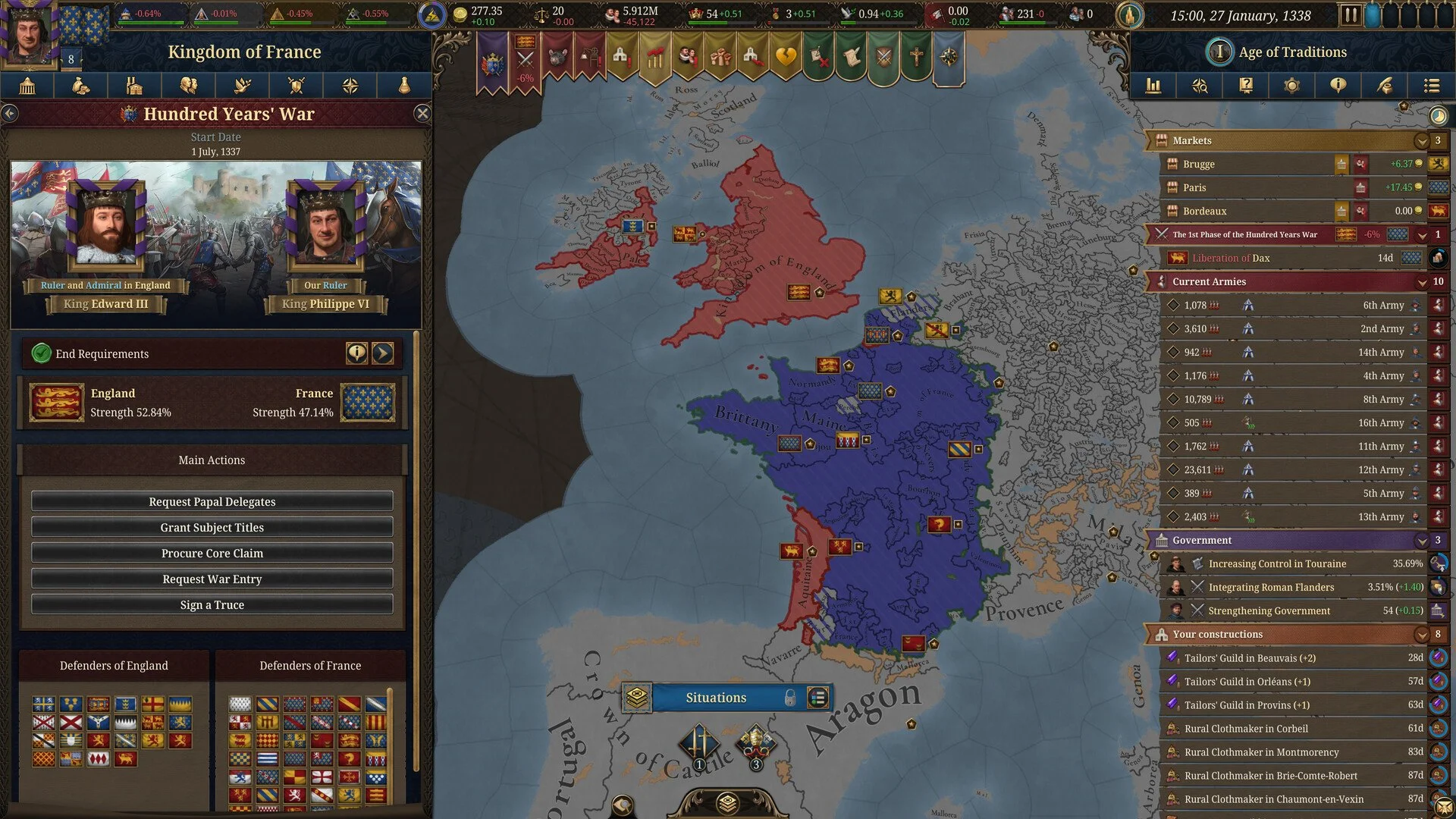
When your army in Europa Universalis 5 suddenly refuses to move it can ruin a whole campaign. You right-click a province, and instead of marching, the game just opens the province menu like your soldiers decided to retire early. Luckily, there are a few clear causes behind this bug and some easy workarounds to get your troops moving again.
How to Fix Armies That Won’t Move in EU5
If your armies won’t respond to movement commands, first check for a Zone of Control, harsh winter conditions, or UI glitches. These are the most common reasons units get stuck. Fort zones, climate locks, or even desyncs in control settings can all block pathing.
Check for Fort Zones of Control
Forts project a Zone of Control that can trap armies in occupied areas until the controlling fort is taken. It’s one of the easiest mistakes to miss when rushing a siege.
Look for enemy forts adjacent to your army’s position.
If your occupied province touches an active enemy fort, that’s likely the issue.
Try moving into the fort province if possible, then move out again once captured.
If you can’t, you’ll need to siege or bypass that fort before movement returns.
Verify Terrain and Winter Conditions
In mountainous regions or cold climates, severe winter can completely lock units in place. This happens often in regions like Scandinavia, the Alps, and Siberia.
Hover over the province to see if it lists severe winter effects.
Armies may be frozen in place until spring, sometimes lasting from November to May.
Keep an eye on supply and attrition, since stuck units still lose manpower.
Try Merging or Rebuilding the Army
If it’s not terrain or forts, your unit might just be bugged. A few players have fixed it by forcing a game refresh.
Merge the stuck army with a functioning one nearby.
If merging isn’t possible, disband the unit and recruit it again.
Save and reload the game after doing this to reset pathfinding.
Check for UI or Input Glitches
Sometimes the right-click behavior breaks after opening too many province menus or switching interfaces. It’s a small UI bug that appears rarely but can stop commands from registering.
Try selecting another army, move it, then switch back.
If that fails, change camera zoom or toggle map modes to refresh input focus.
Restarting the client fixes this most of the time.
Final Blurb
When your EU5 army refuses to move, it’s usually not rebellion but often mechanics. Fort zones, winters, or small pathfinding bugs all cause units to lock up. Check the map for enemy forts, wait out the cold, or merge and rebuild to clear stuck regiments. Once fixed, your troops will march again like nothing happened.
FAQ
Why won’t my army move in EU5
They’re likely trapped in a fort’s Zone of Control or stuck due to severe winter. It’s a game mechanic, not just a random glitch.
How do I know if a fort is blocking movement
If your army is next to an active enemy fort and can’t move in certain directions, that fort’s Zone of Control is restricting you.
Can winter really stop armies from moving
Yes, in mountain provinces with severe winters. Armies can’t move until the weather passes.
What if merging doesn’t fix the army
Try disbanding and rebuilding it, then reload your save to refresh unit pathfinding.
Does this bug ruin saves
No, but it can stall wars if ignored. Fort captures or weather changes usually resolve it without restarting your campaign.
© 2025 GamerBlurb. Linking is welcome with credit to GamerBlurb.com. Copying or reproduction without permission is prohibited.
More Europa Universalis V