Everything Is Crab: How To Change Attacks Guide
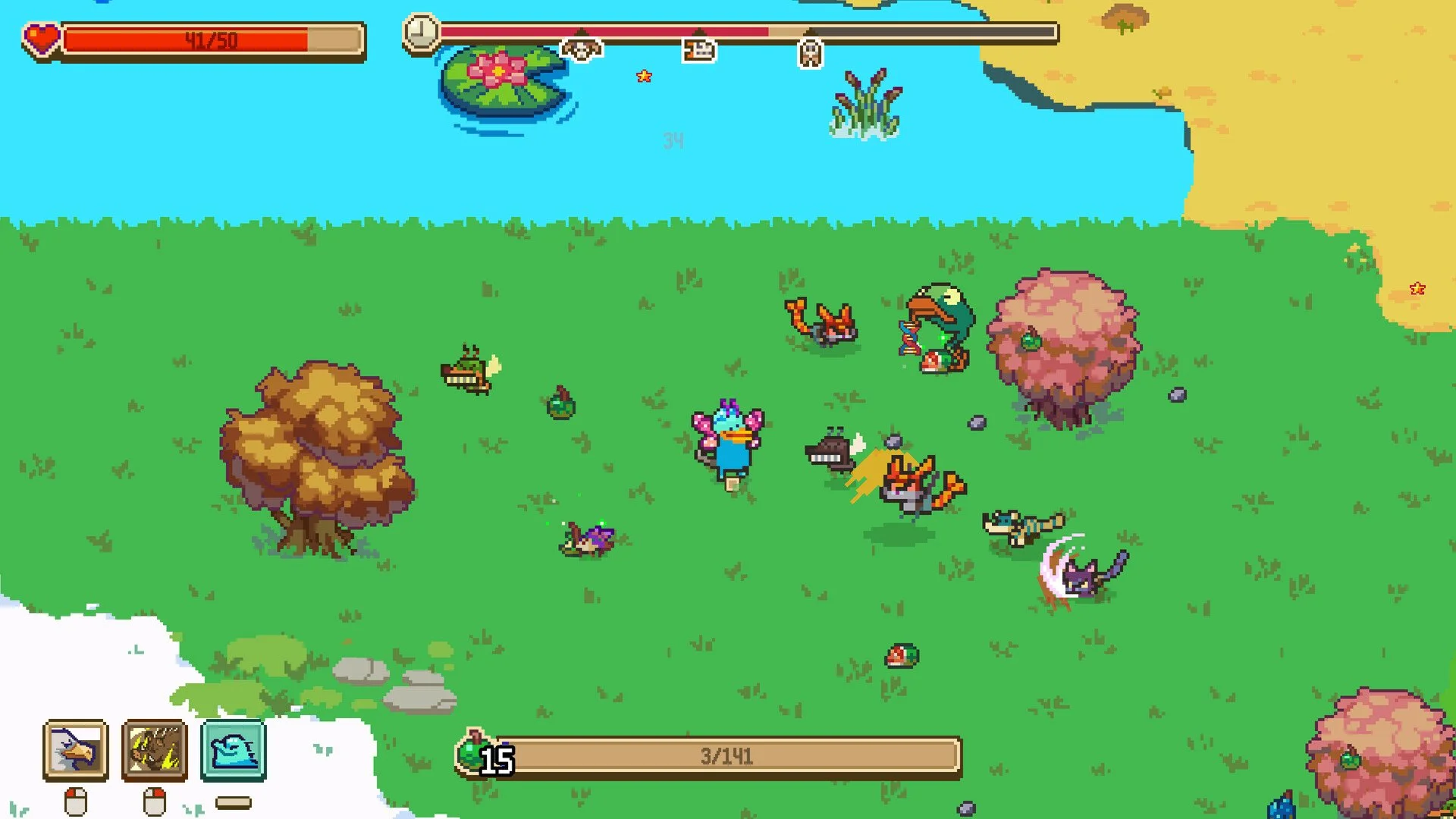
Changing attacks in Everything Is Crab is done from the evolution screen, not from a separate weapon menu. Attacks and dashes can be moved into active slots by dragging evolutions from the box on the left, which makes slot management an important part of keeping a build clean during a run.
For broader early game help with food routing, boss prep, Trunk, Cheek Pouch, Pressure, and beginner mistakes, read the Everything Is Crab beginner guide.
Jump To
How To Change Attacks In Everything Is Crab
To change attacks in Everything Is Crab, open the evolution screen, use the box on the left, then click and drag another evolution into one of the attack slots.
Attacks are not changed from a normal equipment screen. The game handles active attacks through the evolution screen. If a run has more attacks than active slots, the left side box is where available evolutions can be moved from, and the active attack slots are where they need to be placed.
This is especially important when a run gets bonus skills, extra attack choices, or an attack that does not fit the current build. A higher rarity attack is not automatically better if the current build does not support it. The active slot should hold the attack that the run is actually scaling.
The clean rule is simple: the evolution screen decides the slot, and the slot decides the button.
Where The Attack Slots Are
The attack slots are on the evolution screen, with movable evolutions shown in the box on the left.
That layout is the reason the system can be easy to miss. Everything Is Crab does not treat attacks like weapons that are equipped from a backpack. It treats them as active evolution slots. To swap an attack, the player needs to move the attack evolution into the active slot.
The box on the left is the key area to check when an attack is unlocked but not being used. If the evolution is sitting there, it can be dragged into the attack slot. Once it is placed, the matching attack control will use that evolution.
This also means attack slot management is part of build management. A run with the wrong attack equipped can feel weak even if the evolution choices are good.
Everything Is Crab Attack Controls
On keyboard and mouse, Left Mouse is Attack 1 and Right Mouse is Attack 2.
Those buttons read from the active attack slots. If Trunk is in the first attack slot, Left Mouse uses Trunk. If another attack is in the second slot, Right Mouse uses that attack. Changing the slot changes what the button does.
On controller, the attack buttons are assigned to the controller attack inputs shown in the control menu. The same slot logic still applies. The important part is not the device. The important part is which attack evolution sits in Attack 1 or Attack 2.
Mouse players also have a useful comfort option: the same attack can be mapped to both mouse buttons. That can make a primary attack feel easier to use repeatedly, especially when the build is centered on 1 main attack instead of juggling several different ones.
How To Change Dashes In Everything Is Crab
Dashes are changed from the evolution screen the same way attacks are changed.
Open the evolution screen, find the dash evolution in the left side box, then drag it into the active dash slot. Once the dash is placed, the dash input uses that active dash evolution.
This matters because movement is not a side system in Everything Is Crab. A better dash can be more valuable than another attack if the run is dying to boss pressure, bad terrain, poison, water, cold, heat, or the final boss.
Damage helps end fights, but movement decides if the crab survives long enough for that damage to matter. A strong attack with a weak movement plan is still a bad run wearing a confident hat.
When To Swap Attacks
The best time to swap attacks in Everything Is Crab is when the new attack fits the build better than the current active attack.
Do not swap attacks just because a new option has higher rarity. Rarity shows strength, but fit decides value. A rare or legendary attack that scales with the wrong stats can be worse than a lower rarity attack that matches the run’s actual route.
Good reasons to swap attacks include getting a stronger attack for the same build, finding an attack that matches current stats, replacing an unsupported attack, or moving a utility attack out of the main slot once the run has a real damage tool.
Bad reasons include swapping into a shiny attack that uses the wrong scaling, replacing the only reliable boss tool, or filling both slots with attacks that need completely different stats.
| Swap Situation | Correct Decision |
|---|---|
| New attack matches your main stats | Swap it into an active attack slot. |
| New attack has higher rarity but wrong scaling | Skip it or leave it inactive. |
| Current attack is not helping bosses | Replace it with a more reliable boss tool. |
| You already have 1 strong main attack | Use the second slot for coverage, utility, or safety. |
| The build has no damage plan | Commit to 1 supported attack before chasing extras. |
Best Attack Slot Setup
The best attack slot setup in Everything Is Crab is 1 main supported attack plus 1 secondary attack that adds coverage, safety, or build utility.
A clean setup is stronger than a crowded one. The first attack slot should usually hold the attack the build is actually scaling. If the run is built around Trunk, Trunk should stay active. If the run is built around Body Slam, the slot should support that plan. If the run is built around Social, charm tools and a backup damage option become more important.
The second attack slot should solve a problem the first attack does not handle. That could mean better reach, safer boss damage, area coverage, poison support, or a quick option for smaller enemies.
The mistake is treating both slots like a collection screen. Everything Is Crab rewards focused builds. A crab with 2 attacks that share a plan is stronger than a crab with 4 cool ideas and no actual route.
How Attack Build Fit Works
Attack fit matters more than attack rarity because every strong Everything Is Crab build needs the active attack to match its stats, evolutions, and survival plan.
Trunk needs Physical and Ability balance. Body Slam needs HP, defense, Mass, Revenge, and bulk support. Big Physical attacks want size, reach, and Physical damage. Poison routes need time, movement, and survival. Gregarious routes need Social and charm tools, not random damage picks that distract from the swarm.
Charm builds are the clearest example of why slot choices matter. A Social run needs active tools that support allies, charm, and survival, while still keeping a backup attack for fights where charmed enemies do not finish the job cleanly. The Everything Is Crab charm guide explains how charm works and why Social builds need a real plan instead of just collecting followers.
| Build Direction | Attack Slot Priority |
|---|---|
| Trunk route | Keep Trunk active and support Physical plus Ability. |
| Body Slam route | Use Body Slam after HP and defense are already strong. |
| Physical route | Use 1 main Physical attack with size, reach, and Physical damage. |
| Poison route | Use poison tools with movement and sustain. |
| Social route | Use charm support plus a backup attack for bosses. |
Common Attack Swap Mistakes
The biggest attack swap mistake in Everything Is Crab is replacing a supported attack with a higher rarity attack that does not fit the build.
The second mistake is forgetting that attacks and dashes are changed from the evolution screen. If a player is looking for a weapon menu, equipment page, or separate skill screen, the system feels hidden. It is not there. It is in the evolution screen.
The third mistake is keeping too many attacks active in the player’s decision making. The active slots are limited for a reason. Pick the attack that wins the run, then use the other slot to support what the build lacks.
| Mistake | Why It Hurts | Better Play |
|---|---|---|
| Taking the rarest attack every time | The attack may not match the build. | Pick the attack that scales with the current route. |
| Looking for a weapon menu | Attacks are not swapped there. | Use the evolution screen and left side box. |
| Ignoring dash swaps | Movement problems can kill strong damage builds. | Change the dash when survival needs it. |
| Using 2 attacks with different stat needs | The build becomes split and weak. | Use attacks that share stats or solve clear problems. |
| Replacing the only boss-safe attack | The run may lose its reliable boss option. | Keep the attack that handles bosses cleanly. |
Attack swapping should make the run cleaner. If the swap makes the build harder to scale, harder to control, or worse against bosses, it is not an upgrade.
Final Blurb
To change attacks in Everything Is Crab, open the evolution screen and drag another evolution from the box on the left into an active attack slot. Dashes are changed the same way. Left Mouse uses Attack 1, Right Mouse uses Attack 2, and the active slots decide what those buttons do.
The strongest attack setup is not always the rarest one. Keep the attack that fits the build, use the second slot for coverage or utility, and swap only when the new evolution supports the run better. Everything Is Crab is much easier when the active slots match the build instead of turning every level up into a crab shaped identity crisis.