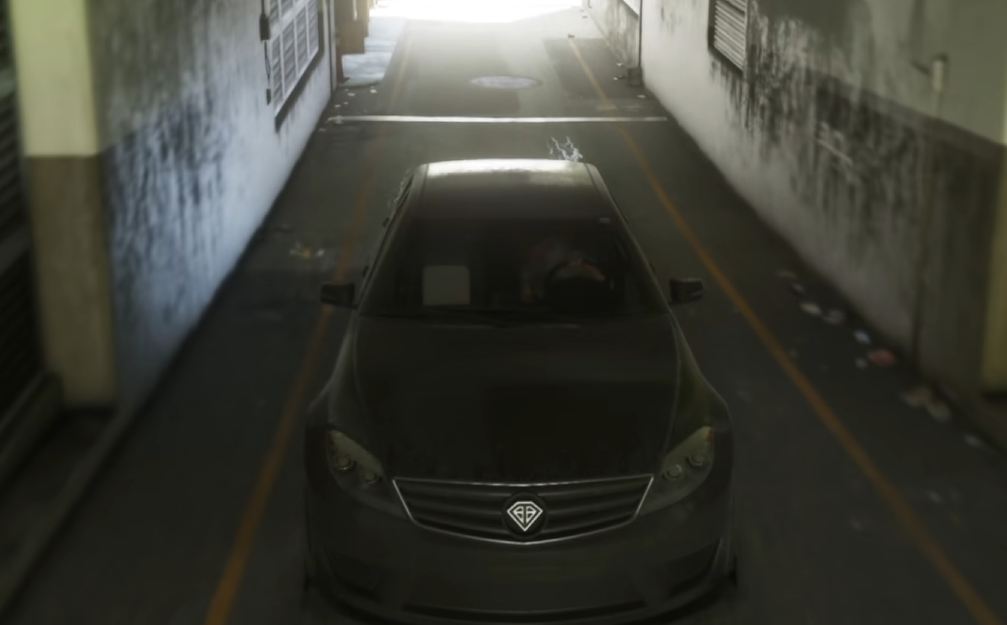
GTA 6 has an auto-drive feature that lets Jason and Lucia travel to a waypoint without manual steering. It's tucked away inside the cinematic camera controls rather than the usual vehicle settings, making it easy to miss. Here's how to activate it on PS5 and Xbox.
How to Turn On Auto Drive in GTA 6
To enable auto drive in GTA 6, set a waypoint while inside a vehicle, switch to the Cinematic camera, and hold Circle on PS5 or B on Xbox Series X|S. Jason or Lucia will take over driving and automatically follow the route.
The camera will shift between cinematic angles as the vehicle travels. Auto drive generally follows traffic rules, so expect stops and delays rather than a nonstop sprint to your destination.
GTA 6 Auto Drive Controls for PS5 and Xbox
You can adjust the driving speed after activating auto drive, although your character still needs to navigate traffic and road conditions.
| Action | PS5 | Xbox |
|---|---|---|
| Open camera options | Hold D-pad Down | Hold D-pad Down |
| Select Cinematic view | Options | Menu |
| Auto drive | Hold Circle | Hold B |
| Cycle driving speed | L2 / R2 | LT / RT |
| Exit auto drive | Hold D-pad Down | Hold D-pad Down |
Auto drive isn't a substitute for fast travel. Your character physically drives the route, meaning traffic jams and accidents can interrupt the journey. It's better suited to longer, relaxed drives through Vice City than getting somewhere as quickly as possible.
Can You Auto Drive Boats in GTA 6?
Yes. GTA 6 supports automatic navigation in water vehicles, provided you set a waypoint somewhere the boat can reach through navigable water.
The activation method is the same as driving on land: switch to Cinematic view and hold the auto-drive button.
There is one important limitation. A boat cannot complete a journey that requires traveling onto land. If your waypoint is inland, automatic navigation will take you as far as the water permits before switching itself off.
For cars, the most reliable setup is a road-accessible waypoint. For boats, keep the destination within connected waterways. That distinction matters more than the distance of the trip.