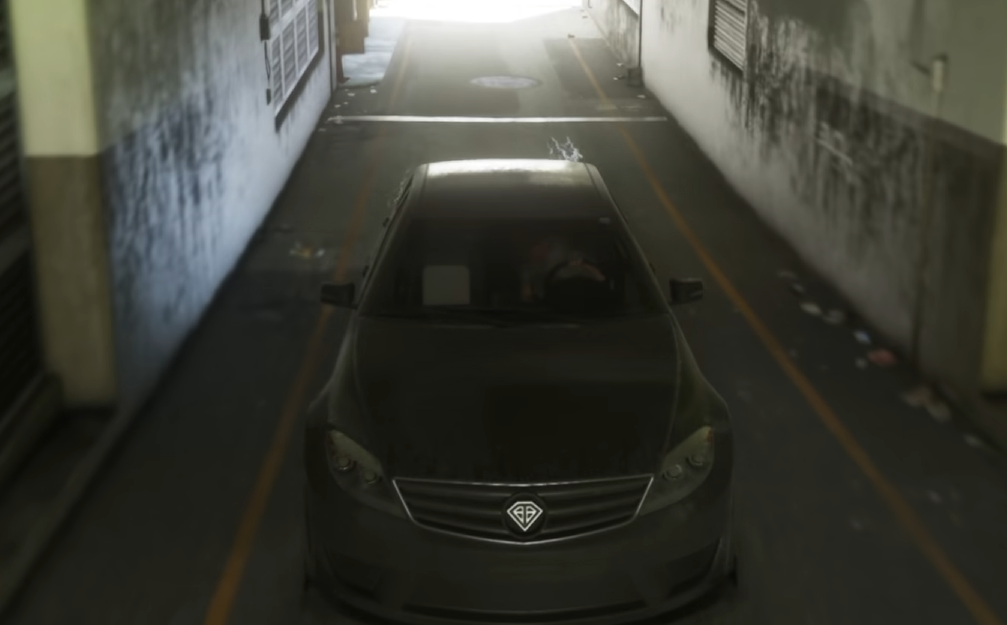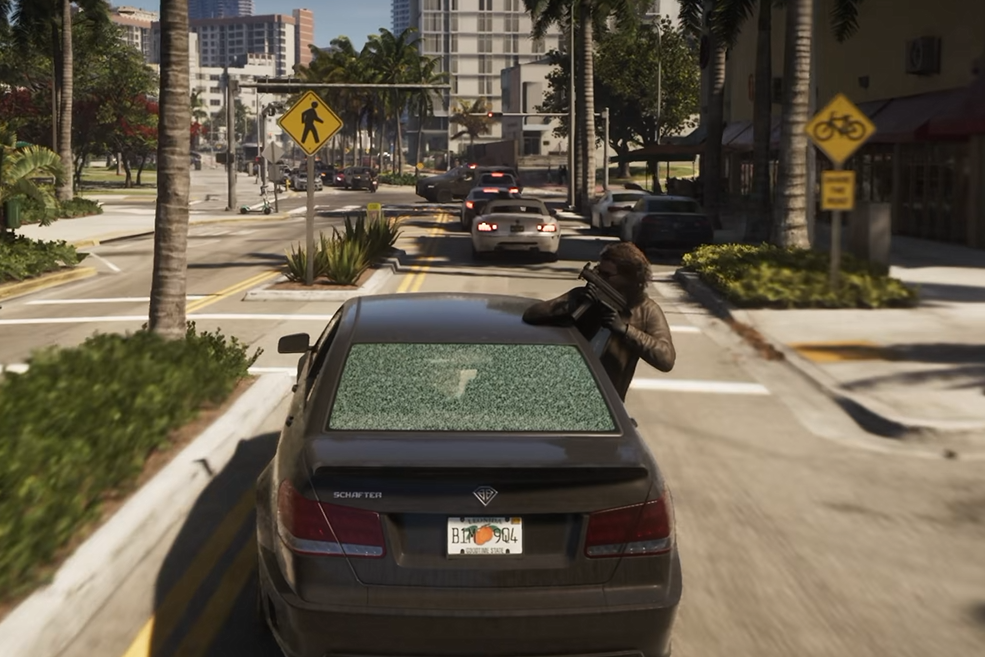
Drive-by shooting works differently in GTA 6 than regular combat on foot. You can fire from the driver's seat without stopping your vehicle, but the usual aiming trigger is used for braking instead. Knowing the vehicle controls makes it easier to fight back during police chases and other pursuits.
How to Aim While Driving
Let Your Partner Drive
Drive-By Shooting Tips
How to Shoot While Driving in GTA 6
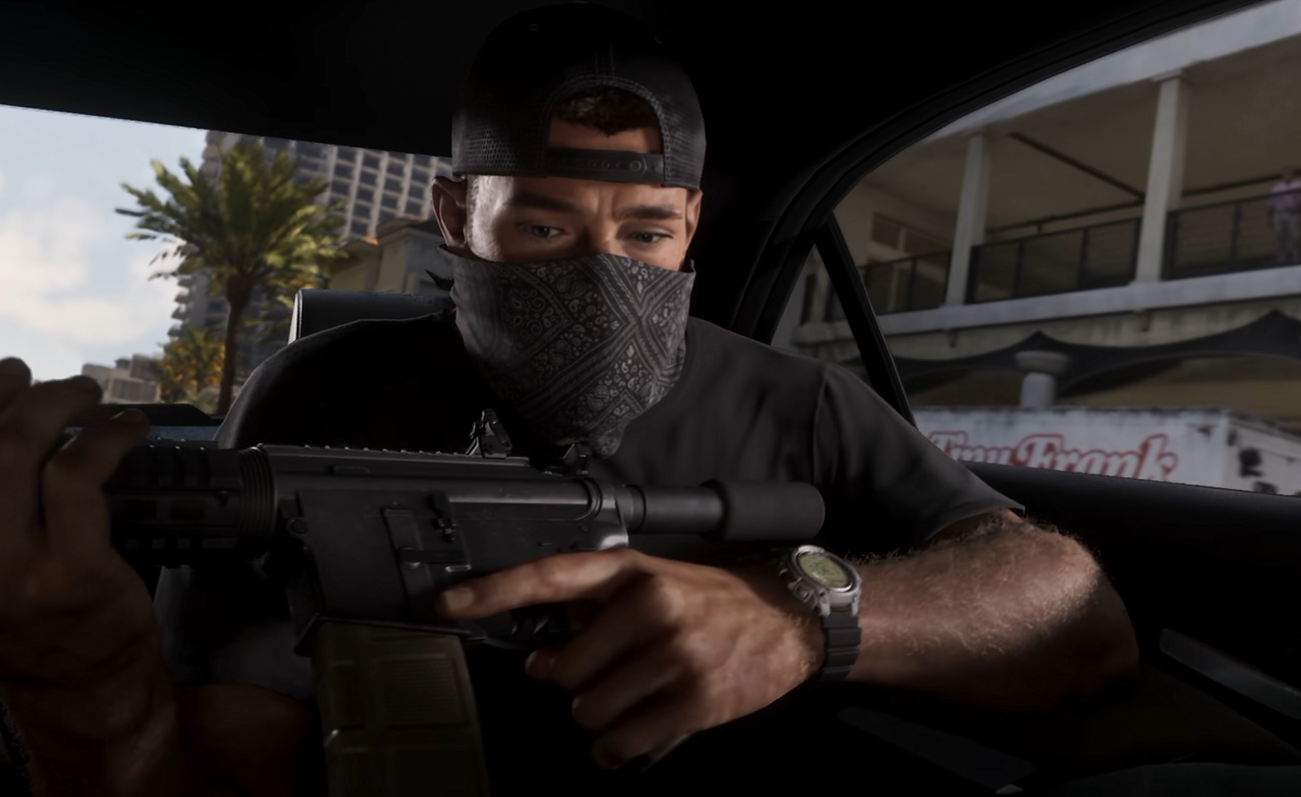
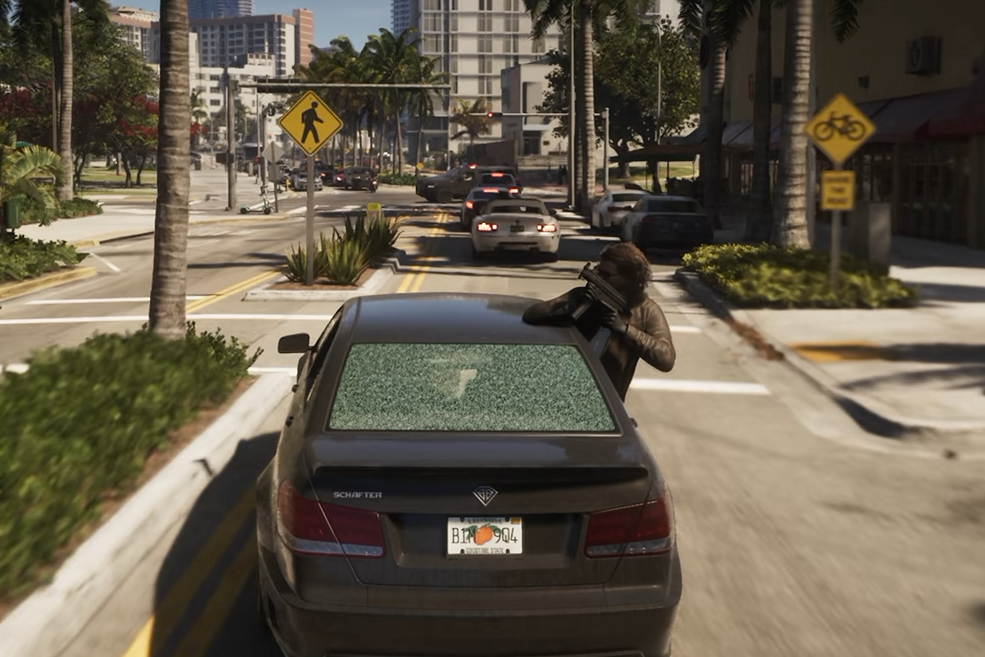
To shoot while driving in GTA 6, press R1 on PS5 or RB on Xbox while behind the wheel. These are the default vehicle firing controls, allowing Jason or Lucia to attack enemies without getting out of the car.
If the firing button doesn't work as expected, check your selected control scheme. The instructions above use the default layout, and alternate control settings can change button assignments.
How to Aim While Driving in GTA 6
Aiming from the driver's seat is different from aiming on foot. L2 on PS5 and LT on Xbox normally let you aim a weapon while walking, but those triggers control braking and reversing inside a vehicle.
Instead, use the right stick to adjust the camera toward the enemy or vehicle you're trying to shoot, then fire with R1 or RB. You still need to manage the direction of the car and your speed while shooting.
The available driving controls do not identify a separate aim-down-sights button for drivers. They establish camera movement and vehicle firing, so there's no reason to press the normal on-foot aiming trigger expecting it to work the same way.
Can Jason or Lucia Drive While You Shoot?
Yes. GTA 6 allows one protagonist to handle driving while the other fires from the passenger seat. This makes coordinated drive-bys possible without requiring you to steer and shoot simultaneously.
When Jason and Lucia are traveling together, switching control to the passenger lets the other character take over the driving. Certain story sequences also use this arrangement during vehicle pursuits.
It's a useful alternative when you want to concentrate on shooting instead of dividing your attention between the road and enemies.
Drive-By Shooting Tips
Shooting from a moving vehicle is useful during pursuits, but firing at the wrong target can create more problems than it solves.
Target Tires to Stop Pursuing Vehicles
Enemy tires can be more useful targets than the occupants. Damaging a pursuing vehicle's tires can interfere with its ability to continue the chase, potentially creating obstacles for other vehicles behind it.
It's also an alternative to deliberately killing pursuing officers, which matters because GTA 6 tracks your criminal behavior through its Criminal Profile system.
Don't Forget That You're Still Driving
Camera movement and firing don't remove the need to control your car. If you're driving through traffic or approaching a tight turn, managing the road should take priority over extending a shooting exchange.
For longer chases involving both protagonists, having your partner drive can make shooting less demanding.
Change Vehicles After a Witnessed Shootout
Police can identify the vehicle involved in a witnessed crime. Even if you escape the immediate pursuit, continuing to drive the same recognizable car can create complications.
Once you're clear of danger, swapping vehicles may be more useful than simply continuing in the car used during the shootout.
The essential GTA 6 drive-by control is R1 on PS5 or RB on Xbox. Use the right stick to orient your camera while driving, or let your partner take the wheel when you want to focus on shooting rather than steering.