GTA 6 limits how many weapons Jason and Lucia can carry, making storage an important part of managing your loadout. Your car's trunk doubles as a mobile gun locker, and certain Ammu-Nation stores provide access to the same inventory. You can also put away smaller weapons without storing them.
Using Ammu-Nation Lockers
How to Retrieve and Switch Guns
How to Put Away a Weapon
How to Store Weapons in Your Car in GTA 6
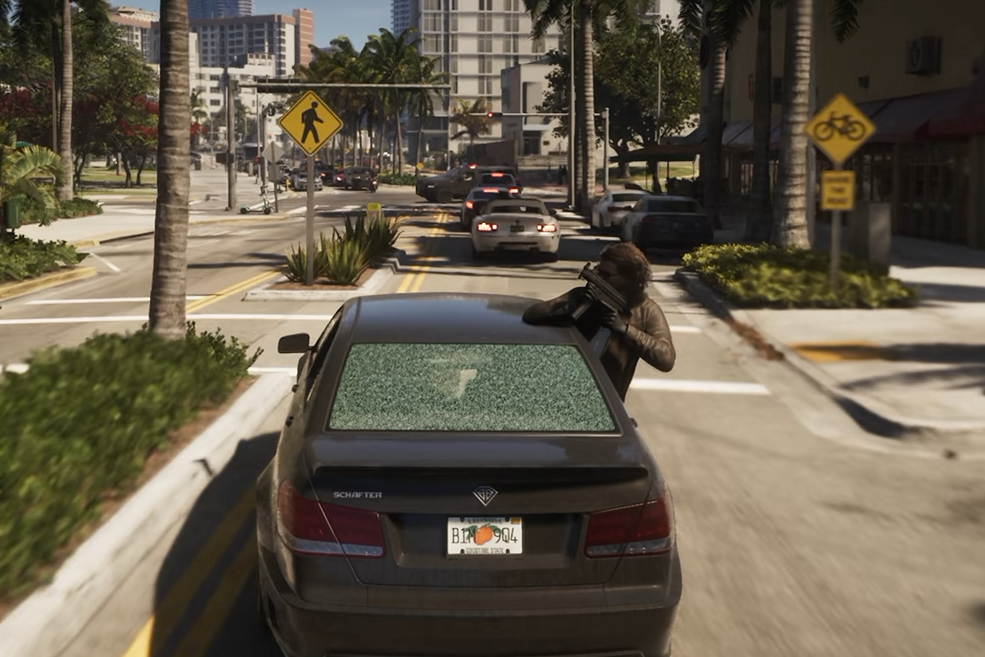
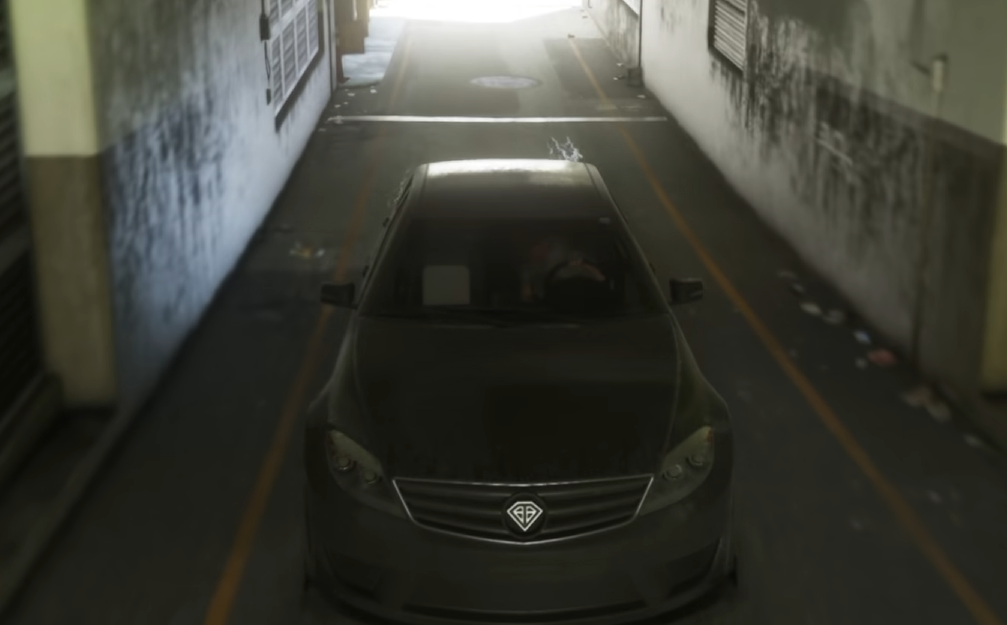
To store guns in GTA 6, approach the trunk of your vehicle, open it, and access Storage through the Loadout menu. You can deposit weapons you aren't currently using, including shotguns and assault rifles, to free up space in your carried loadout.
This is how you store longarms, sidearms, and other guns without having to discard them. It's particularly useful when you want to change your equipment before a mission or remove a visible firearm from your character.
Your weapon storage isn't restricted to one particular car. Guns placed in a vehicle's trunk can also be retrieved through the storage system in other vehicles.
How to Store Guns at Ammu-Nation
Car trunks aren't your only storage option. Some Ammu-Nation stores contain weapon lockers that let you deposit and retrieve guns without using your vehicle.
Open the map and look for an Ammu-Nation location marked with the gun icon. Hover over the shop to check whether it has a weapon locker, since not every branch offers one.
The important distinction is that Ammu-Nation lockers and vehicle trunks share the same stored weapon inventory. A gun deposited at a shop doesn't need to be collected from that exact location later.
How to Retrieve Guns and Change Your Loadout
GTA 6 limits you to carrying one weapon of each type at a time. If you have multiple guns in the same category, you'll need to swap your equipped weapon with one from storage.
Stand beside an open trunk or an Ammu-Nation weapon locker, then hold L1 or LB to bring up the Loadout menu. Highlight the weapon category you want to change and use L2/R2 on PS5 or LT/RT on Xbox to cycle between the available guns.
To equip a weapon from storage, press X on PS5 or A on Xbox.
| Storage Action | PS5 | Xbox |
|---|---|---|
| Open trunk | Triangle | X |
| Open storage | Hold L1 | Hold LB |
| Store weapon | Square | Y |
| Equip weapon | X | A |
| Cycle weapons in category | L2 / R2 | LT / RT |
Because your loadout has limited space, storing spare guns makes it easier to prepare for different situations without abandoning weapons you may want later.
How to Put Away Your Gun Without Storing It
Putting away a weapon and storing it are two different actions in GTA 6. If you're carrying a smaller firearm, you can holster it without returning to your car.
Hold L1 on PS5 or LB on Xbox to open the Loadout menu, then move the right stick to the Unarmed option, marked with a fist icon. This puts away the gun you're holding.
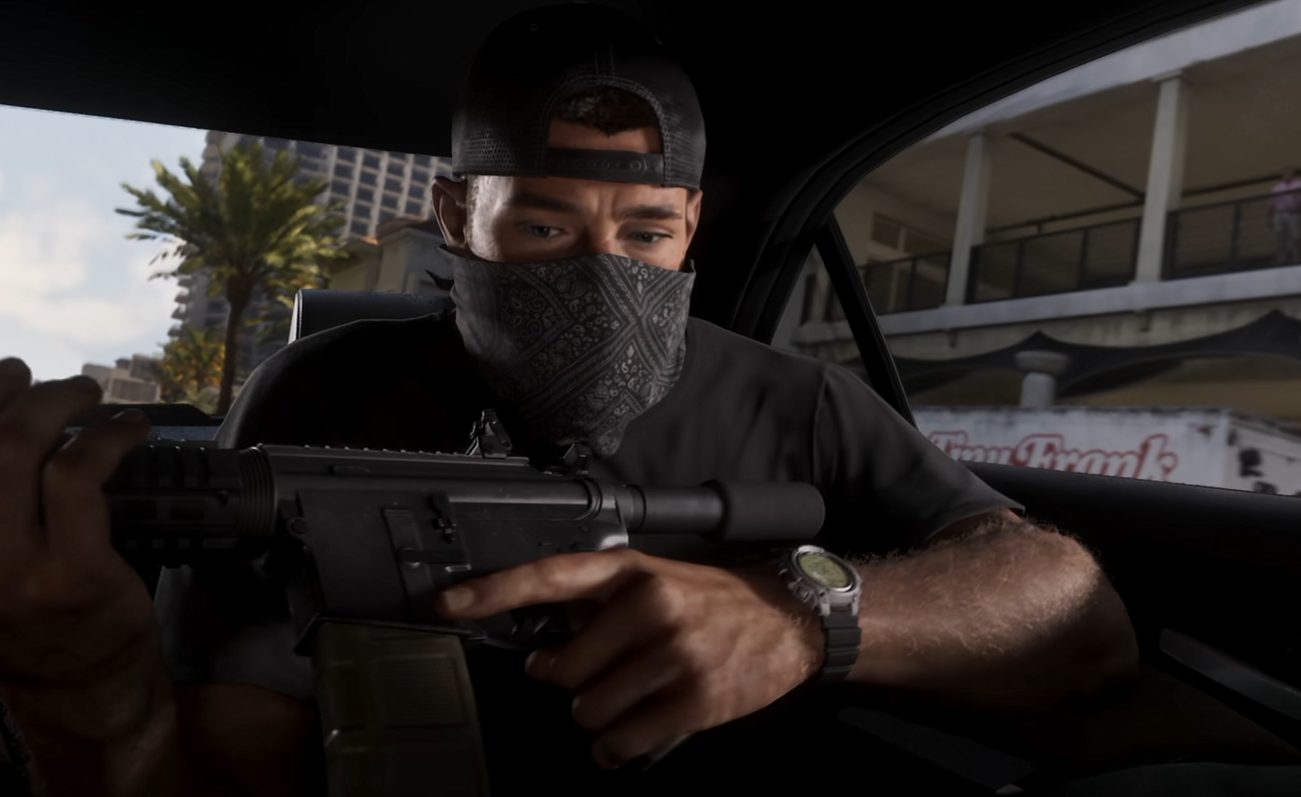
Longarms work differently. Shotguns and assault rifles can remain visibly strapped to your back even after selecting Unarmed. Civilians may still consider you a threat and contact the police when they see one.
To fully conceal a longarm, put it in your vehicle's trunk or an Ammu-Nation weapon locker rather than simply holstering it.
For everyday travel, the simplest arrangement is to keep only the guns you intend to use in your loadout and leave the rest in storage. Your car becomes a convenient way to change equipment, while weapon lockers provide another access point when you're away from your vehicle.