WoW Housing How to Change Neighborhood
© 2025 GamerBlurb.com | Published on 12/3/2025 at 1:25 AM CST
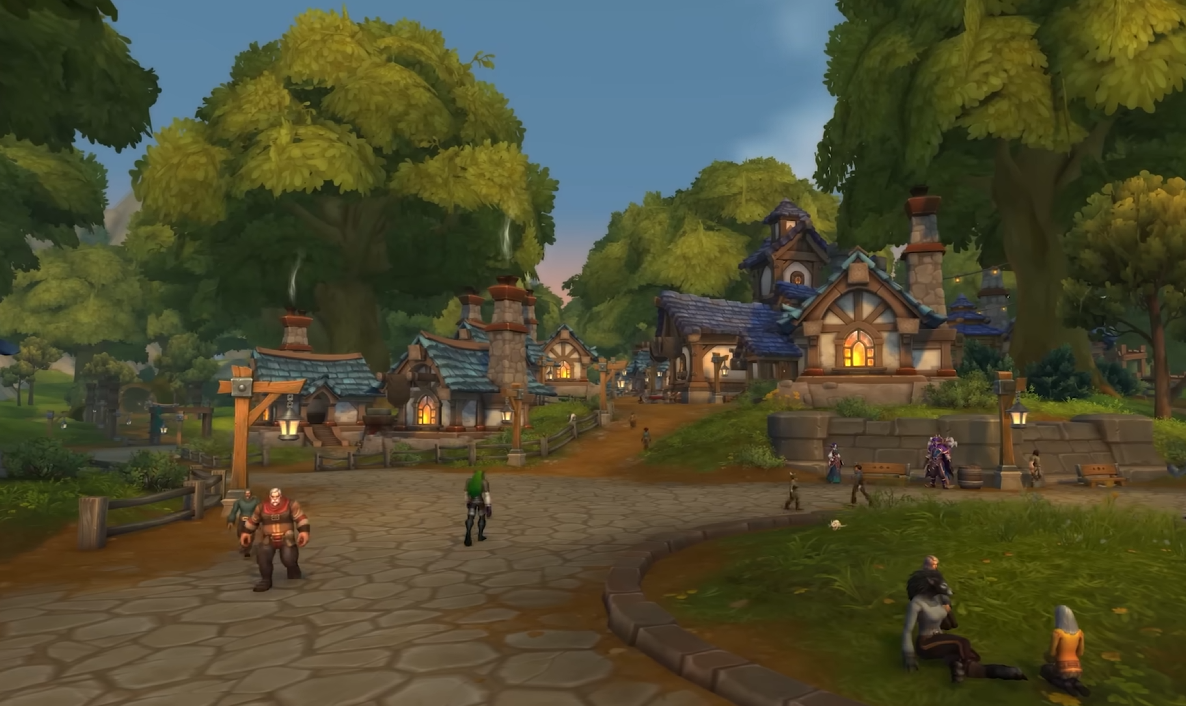
Switching your home’s neighborhood in World of Warcraft sounds like it’d be simple, but launch week lag and full plots can make it a bit of a headache. Here’s how to actually move your house and what to do if the board keeps spinning.
Changing Your Neighborhood Step by Step
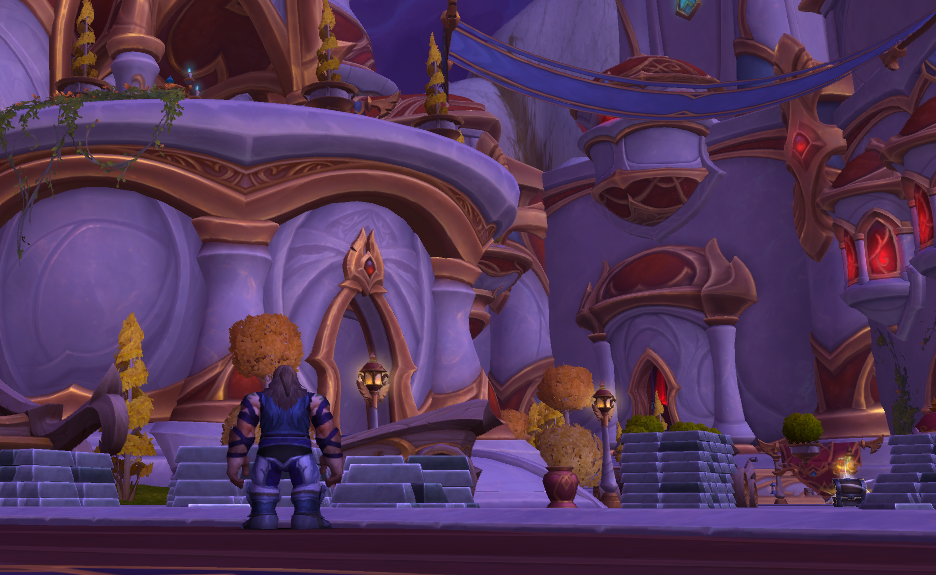
To change neighborhoods, interact with the signboard in front of your current house. This opens the relocation menu, letting you pick a new available plot or a different neighborhood entirely. Confirm your choice, pay the gold fee, and your house will be packed up automatically. You’ll keep all your decor and layout settings when you move.
If the signboard won’t load or keeps spinning, go back to your faction capital instead. For Alliance, head to Stormwind. For Horde, go to Orgrimmar. Use the housing portal again, and it will usually drop you into a new neighborhood instance. From there, interact with the new neighborhood’s sign to claim your plot.
Common Problems and Fixes
During patch launch or peak hours, housing services can overload. When that happens, you might see endless loading or fail to enter a new instance. Try these quick fixes:
Leave the neighborhood and re-enter through the capital city portal
Log out for a few minutes to refresh your connection to the housing instance
Wait for lower traffic hours if you’re on a crowded realm like Moon Guard or Area 52
If you’re trying to coordinate plots with friends, wait until both of you can see open spots in the same neighborhood instance before claiming
What Happens When You Move
Moving neighborhoods doesn’t delete your items or reset your progress. Everything is stored account-wide, so your decor, dyes, and upgrades follow you automatically. The only cost is the new plot’s price in gold. Once you confirm the purchase, your old house is released and replaced by your new one instantly.
If you’re switching between public, guild, or charter neighborhoods, keep in mind that membership still matters. For example, if you move into a guild neighborhood, at least one toon on your Warband must be in that guild.
Final Blurb
The move system works fine once the servers stop melting. The spinning board bug is temporary and usually fixes itself after reloading through Stormwind or Orgrimmar.
Just remember, your decor and progress always stay safe, so take your time finding that perfect new spot.
FAQ
Why does the neighborhood board keep spinning
It’s a temporary connection issue during heavy server load. Use the portal in your faction city to refresh.
Will I lose my furniture if I move
No, all decor and layouts are saved automatically.
Does moving cost gold
Yes, you pay the standard price for the new plot only.
Can I move between guild and public neighborhoods
Yes, but you need an active guilded toon if you want to move into a guild neighborhood.
How do I find a less crowded neighborhood
Try logging in at off-peak hours or using the portal reset trick to load into a quieter instance.
© 2025 GamerBlurb. Linking is welcome with credit to GamerBlurb.com. Copying or reproduction without permission is prohibited.
More World of Warcraft