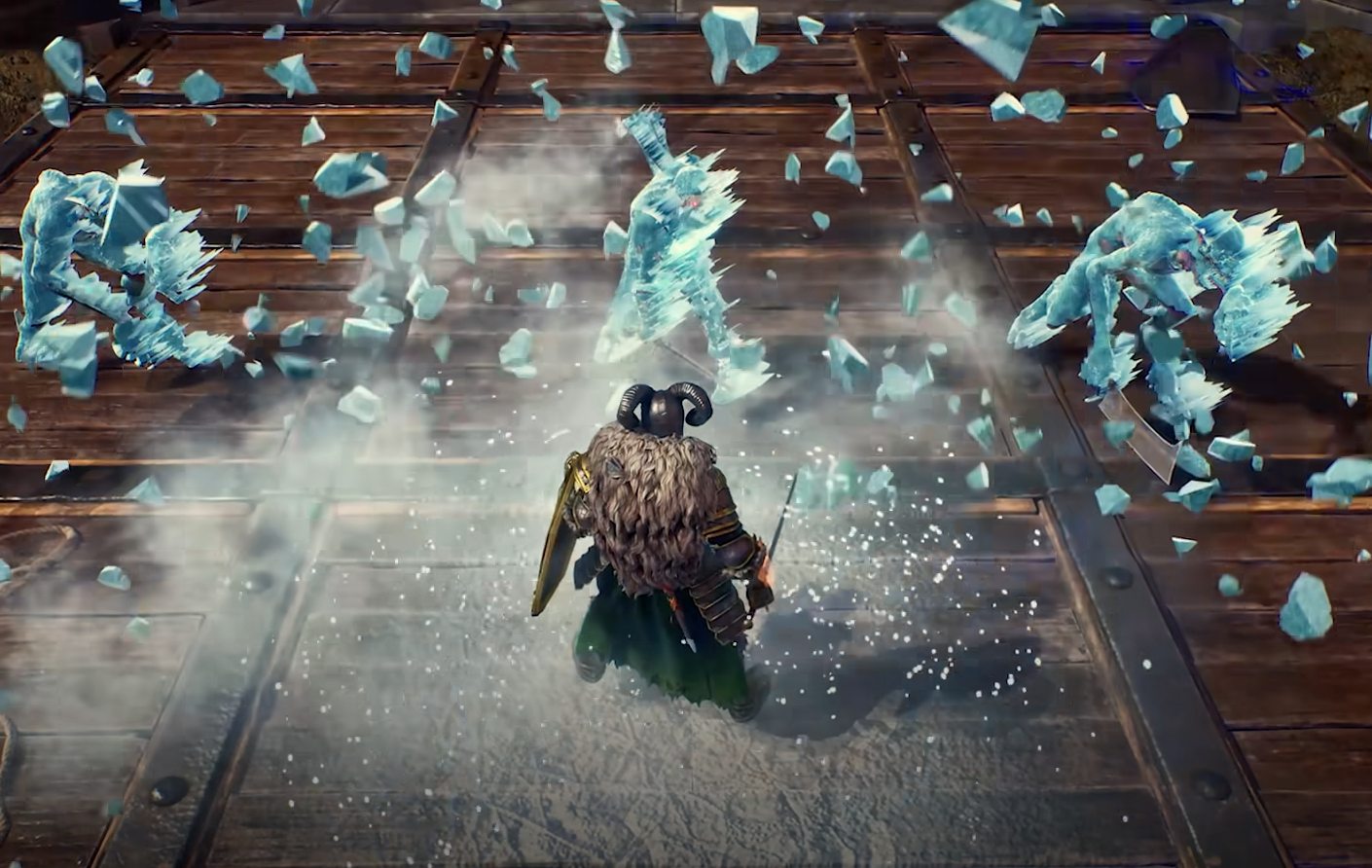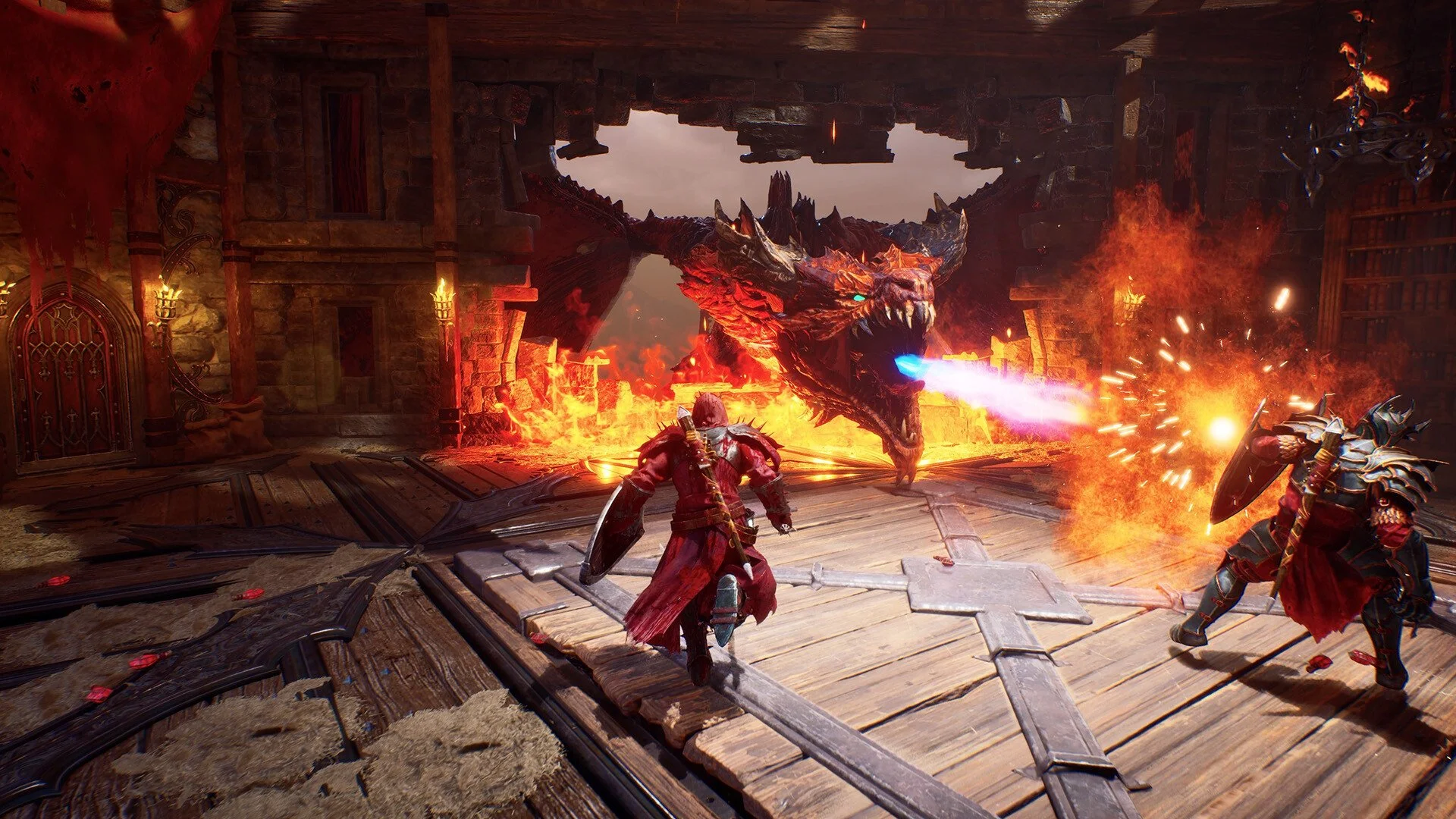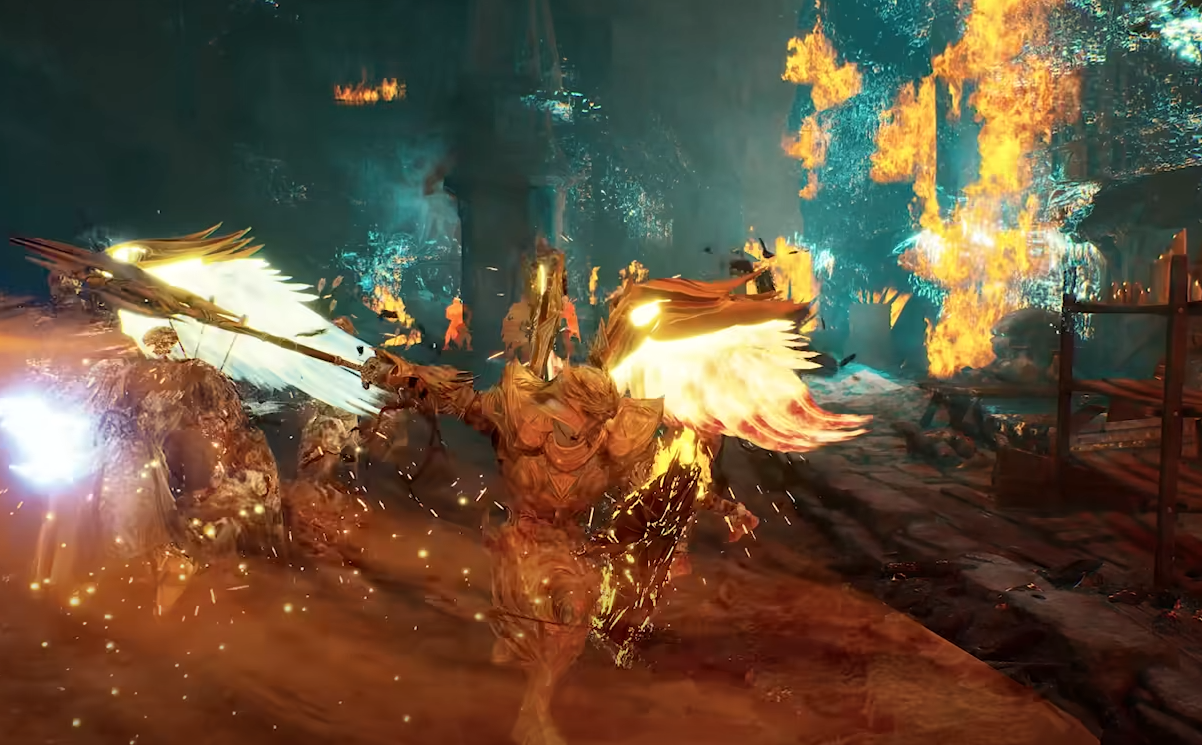
To parry in Crimson Moon, press Q on PC, L2 on PS5, or Left Trigger on Xbox. The important part is the timing: Crimson Moon's parry is not something you generally want to press at the exact instant an enemy attack hits you. The window feels earlier than that, so try to activate the parry while the enemy's weapon is still moving toward you.
This is also why parrying can initially feel delayed or outright broken. A number of players are having the same problem at launch, especially when approaching it like Sekiro and waiting until the final moment before impact. I had much better luck thinking about the input as intercepting the enemy's swing rather than reacting to the hit itself.
Jump To Section:
How to Parry
Best Parry Timing
How to Perfect Parry
Why Parrying Feels Delayed
Shield vs Two-Handed Parry
What to Do If You Keep Missing
How to Parry in Crimson Moon
The default Crimson Moon parry controls are Q on keyboard, L2 on a PS5 controller, and Left Trigger on an Xbox controller. Parry is separate from blocking, which uses Ctrl on PC, L1 on PS5, and Left Bumper on Xbox.
Don't hold the block button and expect it to automatically become a parry. Crimson Moon treats the two actions separately, with blocking providing the safer defensive option and parrying requiring its own timed input.
When an enemy begins an attack, watch the actual weapon rather than only the enemy's body animation. Press parry as the weapon is moving into the portion of the swing that would connect with you. Waiting until the weapon is already touching your character is usually too late.
If you're trying to figure out which weapons are actually worth using, my Crimson Moon best weapons ranked guide covers the strongest options, their Weapon Arts, and which ones stand out for Frost, Bleed, Poison, Fire, and ranged pressure.
Best Parry Timing in Crimson Moon
The most useful adjustment is to parry earlier than you probably expect. Players coming from games where defensive inputs are made almost exactly at the point of impact are having a particularly rough time with Crimson Moon's timing.
A good way to visualize it is that you're trying to meet the attack during the swing. Don't wait for the enemy's sword, axe, or other weapon to reach your character and then press the button. Begin the parry while that weapon is still traveling toward you.
This makes learning individual enemy animations important. A long wind-up followed by a quick swing can bait you into pressing too early, while a slower attack gives you more time to recognize when the damaging part of the animation actually begins. I would practice against basic enemies and deliberately watch the weapon for a few attacks rather than immediately trying to kill them.
How to Perfect Parry in Crimson Moon
Crimson Moon distinguishes successful defensive timing enough to include Perfect Parry as a specific combat mechanic, including an achievement for performing one. The goal is to land your parry within the correct window of the incoming attack rather than simply blocking the damage.
If you're trying to land a Perfect Parry, don't repeatedly tap the parry button hoping one input catches the attack. Crimson Moon's animation commitment makes that unreliable. Instead, learn the enemy's wind-up, identify when the actual swing starts moving toward you, and commit to one deliberate parry.
The timing may initially look early compared with the point where the hit would visually connect. That's normal based on how the current parry behaves. Think "catch the swing," not "press when hit."
Why Does Parrying Feel Delayed in Crimson Moon?
If parrying feels strange, you're definitely not the only player noticing it. Launch-day discussions are filled with reports that the parry animation or input feels delayed and that the usable window is more predictive than reactive.
That doesn't necessarily mean every failed parry is caused by input delay, but it does explain why waiting for a last-second visual cue can feel inconsistent. Multiple players have reported better results after moving their input earlier and treating Crimson Moon more like an older Dark Souls-style parry than a Sekiro-style deflection.
There are also players reporting similar delayed-feeling responses with dodge and block, so some of the awkwardness may be part of Crimson Moon's current combat responsiveness rather than the parry mechanic alone. Until that changes, adjusting your timing earlier is the most practical workaround.
Shield vs Two-Handed Parry Timing
Your equipment may also change how comfortable the timing feels. Early player reports suggest that shield parries can feel slower, while two-handed weapon parries appear to come out faster or at least have a quicker-looking animation.
I wouldn't treat that as confirmed frame data yet, because players are still comparing their experiences rather than working from measured parry windows. It is useful in practice, though: if you've learned the timing with a two-handed weapon and suddenly start missing everything after switching to a shield, don't assume the exact same visual timing will feel identical.
Some experienced Souls players have specifically compared Crimson Moon's shield timing to the slower kite-shield parries from the original Dark Souls. Whether that comparison is exact or not, the takeaway is useful: give the parry animation time to become active instead of pressing it at the last possible frame.
What to Do If You Keep Missing Parries
If you're constantly getting hit while the parry animation is starting, move your input earlier. That's the clearest sign that you're reacting too late. If you're finishing the parry animation before the enemy attack reaches you, you've moved too far in the opposite direction.
I would also stop trying to parry every attack while learning the system. Use block or dodge when you're unsure, then practice parrying against attacks with obvious and repeatable wind-ups. Once you've learned where the parry window sits on those attacks, the timing becomes much easier to translate to faster enemies.
Don't ignore your build either. Crimson Moon can attach effects to parries and other combat actions through the equipment you find during a Hunt, which can make a parry-focused setup much more valuable than the defensive action alone. My Crimson Moon best builds guide covers how equipment effects, Boons, Weapon Arts, and other synergies can completely change how a run plays.
If you're still learning the broader combat and progression systems, my Crimson Moon tips and tricks beginner guide also covers Hunts, equipment, purification, upgrades, and building around the gear you find.
Crimson Moon Parry Timing Explained
Use Q on PC, L2 on PS5, or Left Trigger on Xbox to parry. Instead of waiting until an enemy attack physically connects with your character, press the parry slightly earlier while the attacking weapon is still moving toward you.
If you've been trying to parry exactly at the point of impact and getting hit repeatedly, change that timing before assuming you're doing something fundamentally wrong. Crimson Moon's current parry feels more predictive than reactive, and learning to intercept the swing is the biggest adjustment you can make.