AION 2 hides your equipped weapon when you leave combat by default, but you can keep it visible while standing, running, and exploring. The option is buried in the Graphics settings rather than the combat menu, and changing it only affects how your equipped weapon is displayed outside combat.
Jump To Section:
How to Show Your Weapon
What the Setting Actually Changes
Does It Show Weapon Skins?
Weapon Still Not Showing
How to Show Your Weapon Outside Combat in AION 2
Open Settings, select the Graphics tab, then open Camera / Direction and scroll down to Miscellaneous Effects. Turn Display Weapon Outside of Combat from Off to On.
Menu: Settings → Graphics → Camera / Direction
Section: Miscellaneous Effects
Setting: Display Weapon Outside of Combat
Set it to: On
The change should apply as soon as you close the Settings menu. Your equipped weapon will remain visible on your character while you are idle or moving around instead of disappearing as soon as combat ends.
What Display Weapon Outside of Combat Actually Changes
This is purely a visual setting. It does not change your weapon, damage, attack speed, equipment stats, or combat behavior.
When the option is disabled, AION 2 hides the weapon model once you leave combat. Turning it on keeps the equipped model attached to your character while you explore.
That also explains why the option is located under Graphics instead of Combat. You are changing how your character is rendered outside combat, not changing when or how the weapon is used.
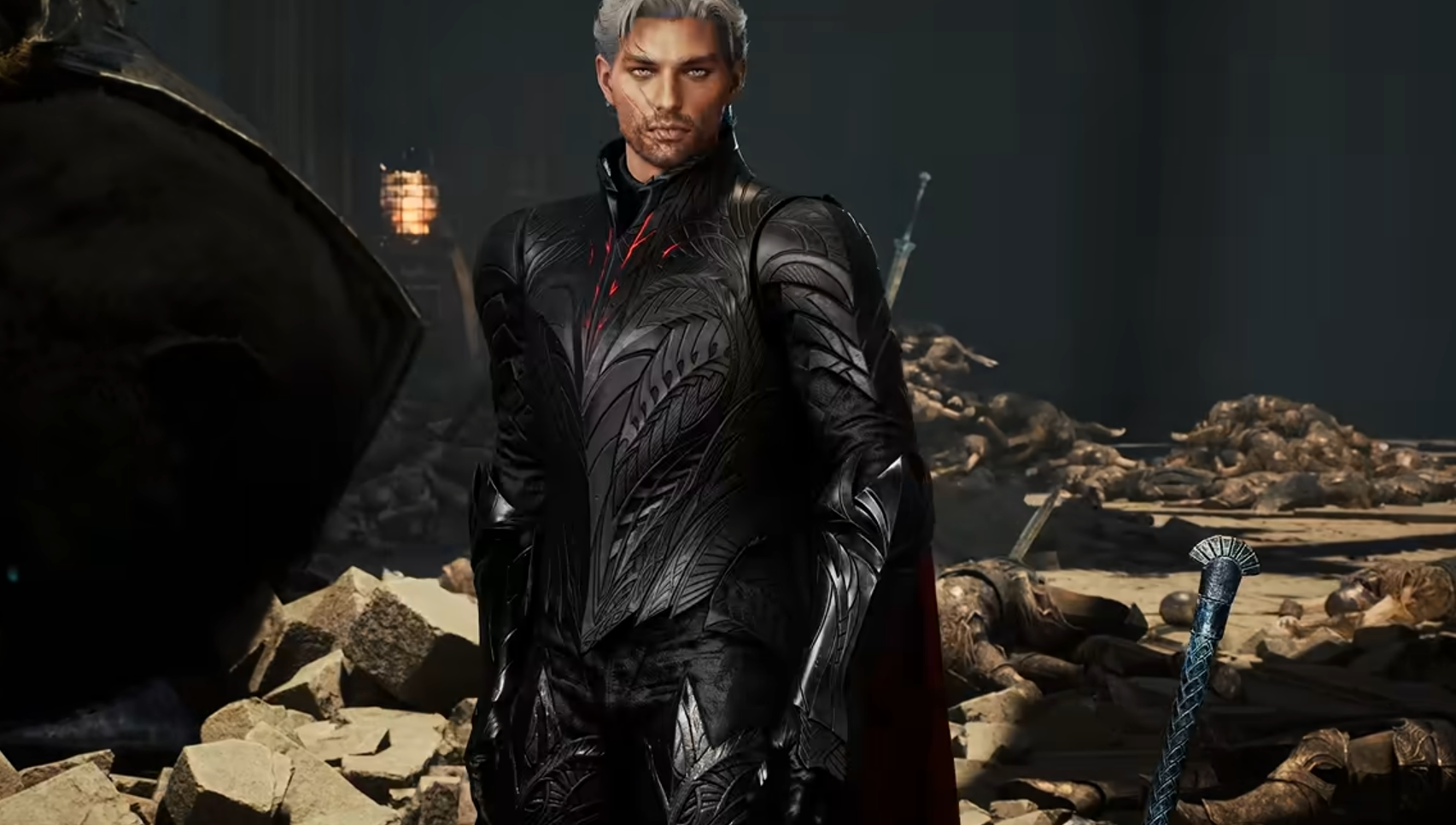
The difference is especially noticeable on classes with larger weapons. Gladiator Greatswords, for example, remain visible across the character's back instead of appearing only when an attack starts. If you are actually building the class rather than only changing its appearance, our AION 2 Gladiator build guide covers the broader setup.
Does Display Weapon Outside of Combat Show Weapon Skins?
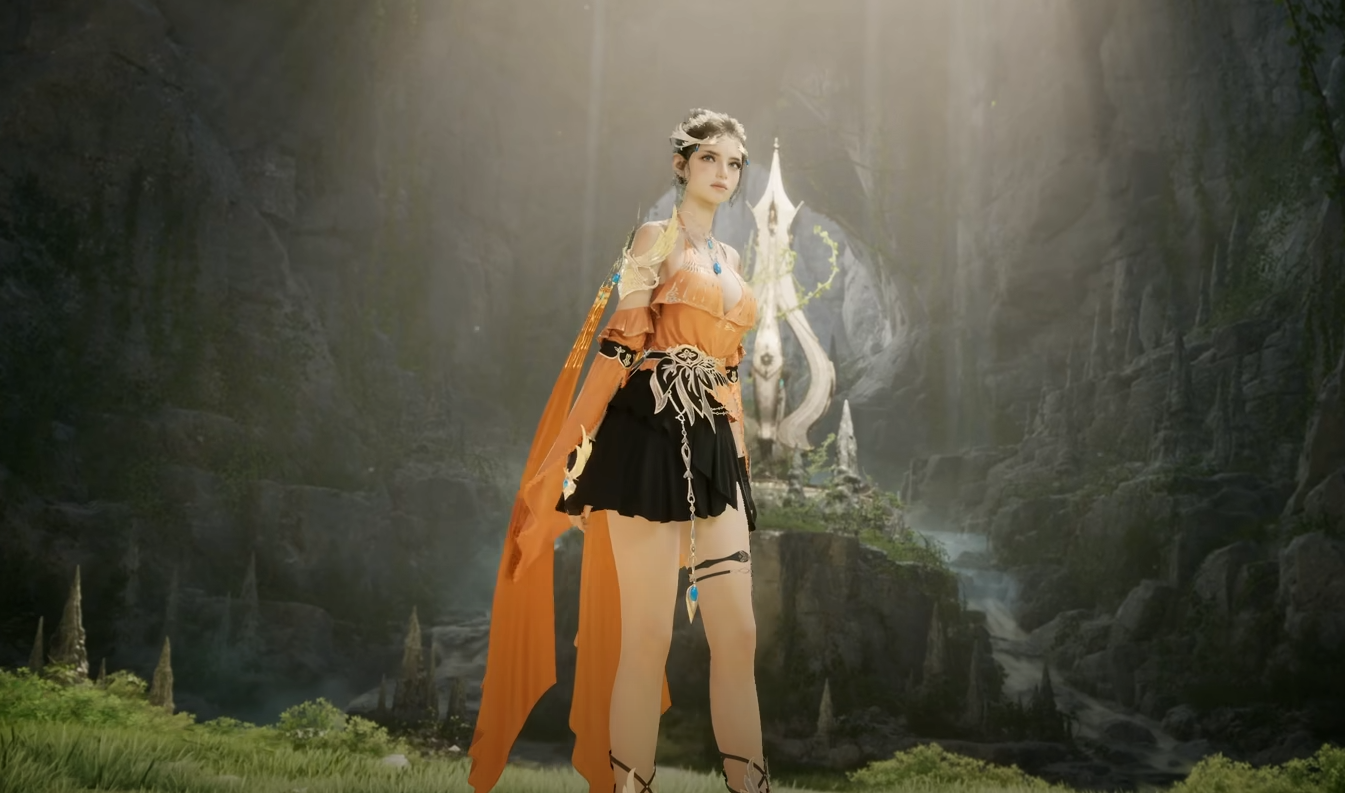
Yes. The option displays the appearance currently being used by your equipped weapon, so a weapon skin remains visible outside combat as well.
That makes the setting much more useful if you care about your character's overall appearance. There is little reason to spend time setting up a weapon cosmetic if it disappears for most of the time you spend walking through towns or exploring.
The weapon's appearance and its actual equipment stats are still separate. Applying a cosmetic changes what you see, while the underlying weapon continues providing its normal stats.
The same idea applies to the rest of AION 2's appearance systems. If you are also adjusting your character itself, our AION 2 character presets guide covers importing, saving, and using character appearances.
What to Do if Your Weapon Still Is Not Showing
If Display Weapon Outside of Combat is already turned on but you still do not see a weapon, first make sure you actually have a weapon equipped in the slot your class is currently using.
Then close the Settings menu completely and move your character. The model should appear without needing to relog or reload the zone.
If you recently changed equipment or applied a skin, check the equipped item again before assuming the setting is broken. The option can only display whatever weapon appearance your character is currently using.
Setting is Off: Turn Display Weapon Outside of Combat on
Setting is On but nothing appears: Confirm a weapon is equipped
Wrong appearance is showing: Check the currently applied weapon skin
Want the weapon hidden again: Return to the same setting and switch it back Off
Should You Keep Your Weapon Visible?
There is no gameplay advantage either way, so this mostly comes down to how you want your character to look.
Larger weapons benefit the most because they become a major part of the character silhouette while moving through the world. Smaller weapons are less dramatic, but keeping them visible can still make your equipped gear and skins feel more consistent outside combat.
If you prefer a less cluttered character model, leaving the setting off is perfectly fine. The option is fully reversible, so you can switch between the two whenever you want without changing your equipment.