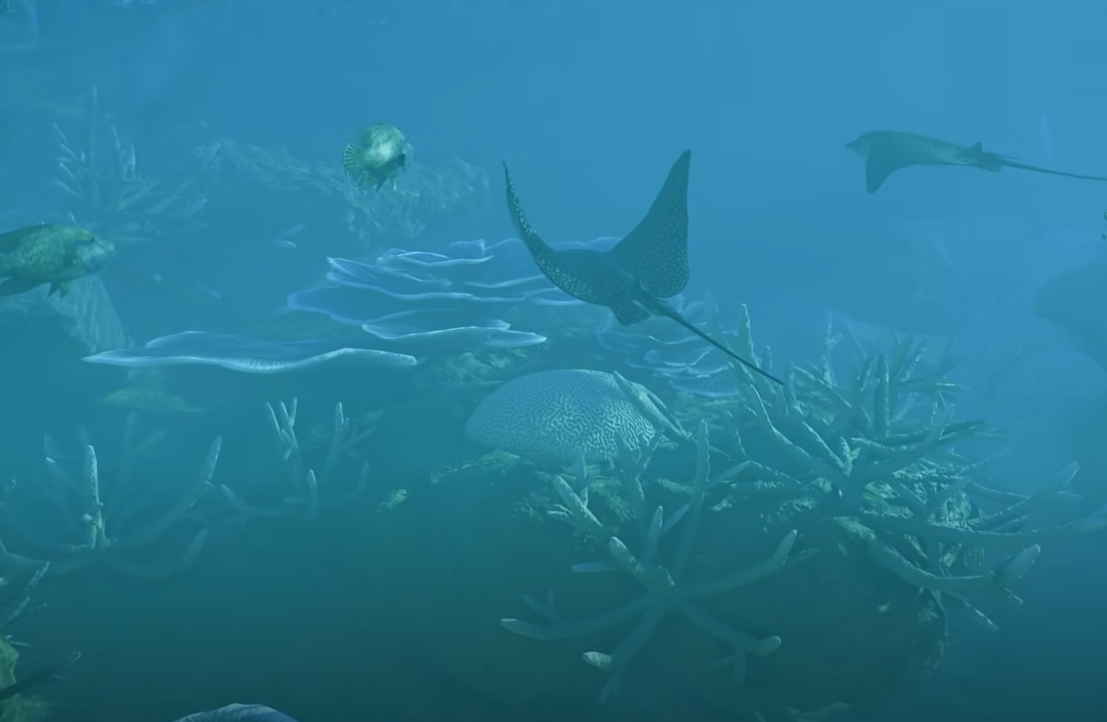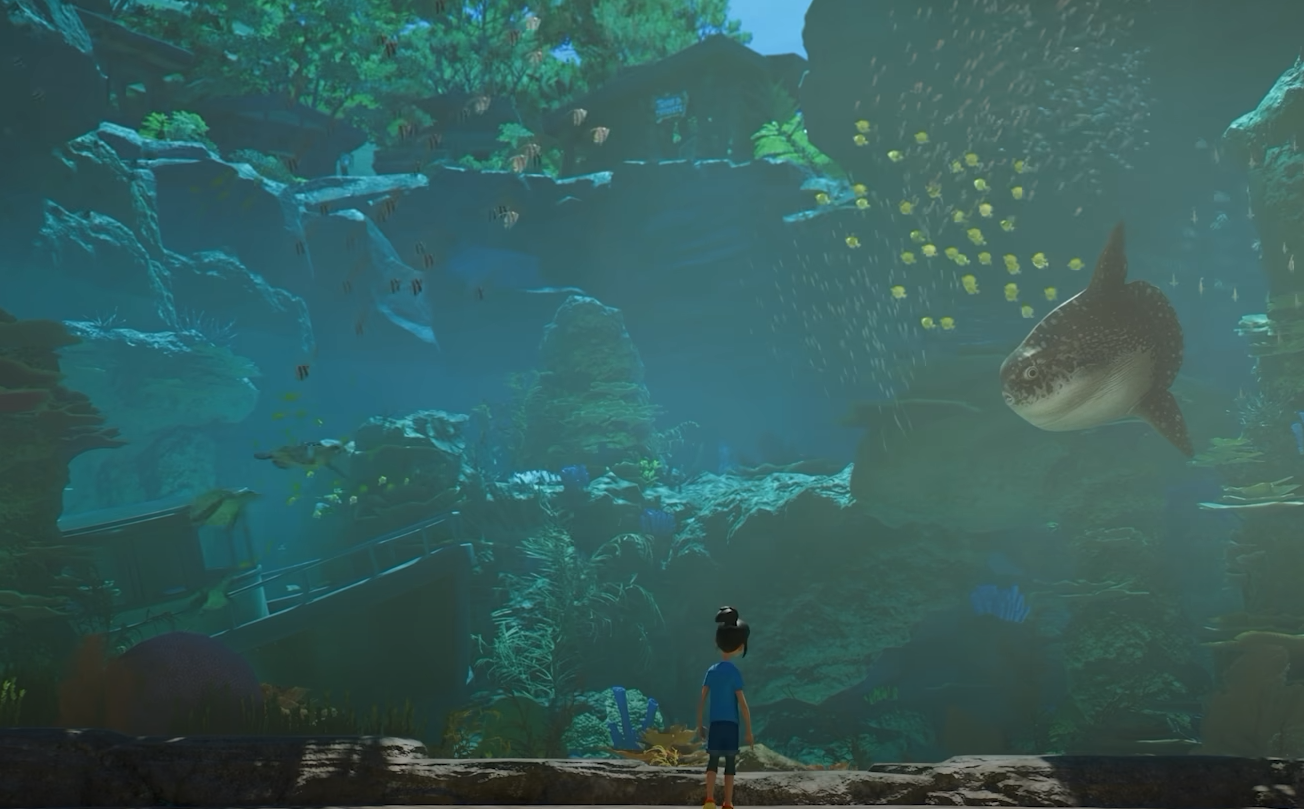
Aquariums are one of Planet Zoo 2's major new Habitat systems, letting you build dedicated underwater environments for sharks, rays, fish, turtles, manatees, and other fully aquatic species. Unlike a basic enclosure, an Aquarium depends on filtration, salinity, temperature, staff access, Barrier condition, and two separate cleanliness systems, so getting the infrastructure right matters just as much as designing the tank itself.
Jump To Section:
How Aquariums Work
Planet Zoo 2 Aquarium Animals
How to Build an Aquarium
Aquarium Filtration
Freshwater, Brackish & Saltwater
Aquarium Temperature
Water & Tank Cleanliness
Leaks & Maintenance
How to Edit an Aquarium
Common Aquarium Problems
How Aquariums Work in Planet Zoo 2
Aquariums are the Habitat type used for fully aquatic animals in Planet Zoo 2. To make one work, you need Aquarium Barriers, an Aquarium Staff Gate, a powered Filtration Network, the correct salinity and temperature, and staff who can keep both the tank and its Barriers maintained.
The Aquarium Staff Gate is the center of the setup. Staff enter the water through it in diving equipment, the Filtration Network connects through a node on the gate, and powering the gate allows you to control the Aquarium's temperature.
The basic process is to build the tank, add the Staff Gate, connect filtration and power, configure the water conditions, and then move your animals in once the environment is ready. From there, Keepers handle Tank Cleanliness while Mechanics maintain the Aquarium Barriers.
Planet Zoo 2 Aquarium Animals
Planet Zoo 2 has 37 animals that can live in Aquariums. Twenty-two are dedicated Aquarium species, while another 15 can be kept in either an Aquarium or an Exhibit.
The 22 Aquarium-only animals are:
- Great Hammerhead
- Longfin Batfish
- Hawksbill Turtle
- Blacktip Reef Shark
- Ocean Sunfish
- Blackspotted Puffer
- Humphead Wrasse
- Golden Trevally
- Pacific Sardine
- Red Lionfish
- Indo-Pacific Leopard Shark
- Dolphinfish
- Ocellated Eagle Ray
- Clown Triggerfish
- Sailfin Snapper
- Pacific Bluefin Tuna
- West Indian Manatee
- Indian Ocean Oriental Sweetlips
- Giant Grouper
- Javanese Cownose Ray
- Sand Tiger Shark
- Koi
Another 15 species can be housed in either an Aquarium or an Exhibit:
- Blue and Gold Fusilier
- Yellow Tang
- Schooling Bannerfish
- Palette Surgeonfish
- Brown Trout
- Blunthead Cichlid
- African Tigerfish
- Clown Loach
- Indo-Pacific Sergeant
- Boeseman's Rainbowfish
- Bluespine Unicornfish
- Common Rudd
- Giant Gourami
- Clown Anemonefish
- Threespot Damselfish
The Great Hammerhead, Longfin Batfish, and Blue and Gold Fusilier are Deluxe animals. The Great Hammerhead and Longfin Batfish are dedicated Aquarium species, while the Blue and Gold Fusilier can use either an Aquarium or an Exhibit.
Not every aquatic animal needs the same tank. Species can have different salinity, temperature, space, enrichment, and welfare requirements, so the Zoopedia should be the first place you check before designing a mixed-species Aquarium.
Planet Zoo 2 also uses shoals for some aquatic animals. Shoals operate differently from individually managed animals: they regenerate their population rather than using the normal individual breeding system, do not use Genetics, and can split as their numbers increase. Contraception can be used to stop a shoal from splitting, while sustained poor welfare can cause its population to decline.
If you still need to stock the tank, the Planet Zoo 2 how to get animals guide covers Animal Trading, Animal Storage, and moving animals into their Habitat.
How to Build an Aquarium in Planet Zoo 2
Open the Barrier menu and select the dedicated Aquarium Barriers, then draw the tank in the same general way you would create another Habitat. Once the enclosure is in place, add an Aquarium Staff Gate so staff can enter and the tank has a connection point for its Filtration Network.
The Staff Gate can be raised off the ground because staff enter the Aquarium directly into the water wearing a diving suit. This makes it possible to build deeper tanks or position staff access higher along the Aquarium wall without requiring the entrance to sit at the bottom of the enclosure.
Finish the support systems before adding animals. Connecting filtration, setting salinity and temperature, confirming power, and giving Keepers and Mechanics reliable access will save you from trying to correct multiple welfare problems after the Aquarium is already occupied.
How Aquarium Filtration Works
Every Aquarium needs to stay connected to a working Filtration Network. The connection is made through the node on the Aquarium Staff Gate, not directly through one of the Aquarium Barriers.
The network uses Water Filters, and those Facilities need a nearby Power source before they can operate. Once everything is powered and connected, the network provides a Filtration Rate that must be high enough to meet the Aquarium's current demand.
Filtration demand increases with both the volume of water and the number of animals inside the Aquarium. That means a network that handles a newly built tank can eventually become too weak if you expand the enclosure or add substantially more animals.
If Filtration Rate falls below demand, Water Cleanliness begins to decline. Bringing filtration back above the required level allows the water quality to recover.
For the exact connection process, including the Aquarium Staff Gate node and Water Filter setup, see our Planet Zoo 2 Water Filter guide.
Freshwater, Brackish and Saltwater Aquariums
Planet Zoo 2 Aquariums can use Freshwater, Brackish, or Saltwater, and the correct salinity depends on the animals living in the tank.
Salinity is controlled through the Filtration Network. Select the Water Filter, edit its Filtration Network, and change the current water type to Freshwater, Brackish, or Saltwater as needed.
This is separate from Aquarium temperature. Salinity is handled by filtration, while temperature is configured through the Aquarium itself.
Always check the Zoopedia before moving a new species into the tank, particularly when combining several animals in one Aquarium. If the water type needs changing, our Planet Zoo 2 salinity guide covers the process in more detail.
How to Change Aquarium Temperature
Each Aquarium animal has a water-temperature range it can tolerate before its welfare begins to fall. You can find that range in the Zoopedia.
Once the Aquarium Staff Gate has power, select the Aquarium and open the Environment tab of its Info Panel to configure the temperature.
The temperature you choose also affects running costs. The larger the difference between the Aquarium's set temperature and the current weather temperature, the more expensive the tank becomes to maintain.
That makes temperature worth considering when planning several Aquariums. Keeping species with similar environmental requirements together can make the overall setup easier to manage, provided they are otherwise compatible.
Aquarium Water Cleanliness and Tank Cleanliness
Water Cleanliness and Tank Cleanliness are two separate Aquarium values in Planet Zoo 2, and each is maintained differently.
Water Cleanliness comes from the Filtration Network. As long as Filtration Rate meets or exceeds the Aquarium's demand, the network can maintain the water. If the network cannot keep up, Water Cleanliness gradually drops.
Tank Cleanliness is handled by Keepers. It decreases over time and is restored when a Keeper enters the Aquarium and cleans it.
The two systems also affect one another. Poor Water Cleanliness makes Tank Cleanliness deteriorate much faster, meaning weak filtration can increase both the water-quality problem and the amount of Keeper work the Aquarium needs.
- Water Cleanliness is maintained by the Filtration Network.
- Tank Cleanliness is restored by Keepers.
- Filtration Rate must meet the Aquarium's demand.
- Dirty water makes the tank itself become dirty faster.
- Low Water or Tank Cleanliness can create a Disease Risk.
If cleanliness drops far enough for disease to become a problem, affected animals may need to be quarantined and treated by a Vet.
Aquarium Leaks and Barrier Maintenance
Aquarium Barriers lose Condition over time and need Mechanics to service them. If Barrier Condition gets too low, cracks begin to appear and can eventually develop into leaks.
Leaks affect more than the animals inside the tank. Guests close to a leaking Aquarium will flee, and an Inspector who spots a leak can end the Inspection and issue a Fine.
Mechanics should therefore be able to reach Aquarium areas before the Barriers become critically damaged. Keepers and Mechanics handle different parts of the enclosure: Keepers maintain Tank Cleanliness, while Mechanics keep the physical Aquarium structure in working condition.
How to Edit an Aquarium in Planet Zoo 2
You cannot reshape an Aquarium while its water and animals remain inside. The animals need to be boxed up and the tank drained before you can make changes to the Barrier.
Select the Aquarium and use the Drain Water button below its Info Panel to empty it quickly. Once the Aquarium is clear, use the Barrier Tool to alter its shape, change the height of the walls, or lower the terrain beneath the tank.
When the construction work is finished, refill the Aquarium and make sure its filtration, salinity, temperature, and other environmental settings are still correct before returning the animals.
Because edits require temporarily clearing the enclosure, it is worth giving larger Aquarium animals enough room from the start rather than planning around repeated expansions later.
Common Planet Zoo 2 Aquarium Problems
Most Aquarium problems come from one of the supporting systems rather than the tank itself. If animals are losing welfare or the Aquarium is showing warnings, check the setup in a consistent order.
- Make sure the Aquarium Staff Gate is accessible.
- Check that the Filtration Network connects to the Staff Gate node.
- Confirm the Water Filter has power.
- Compare Filtration Rate with the Aquarium's current demand.
- Make sure the salinity matches the animals in the tank.
- Check the water temperature against Zoopedia requirements.
- Check Water Cleanliness and Tank Cleanliness separately.
- Make sure Keepers can enter the Aquarium.
- Check Aquarium Barrier Condition for cracks or leaks.
- Verify each species' space, enrichment, and environmental requirements.
A well-built Aquarium is mostly about keeping these systems balanced. Once filtration, power, temperature, salinity, staff access, cleanliness, and Barrier maintenance are all handled properly, the tank can support Planet Zoo 2's aquatic animals without requiring constant intervention.