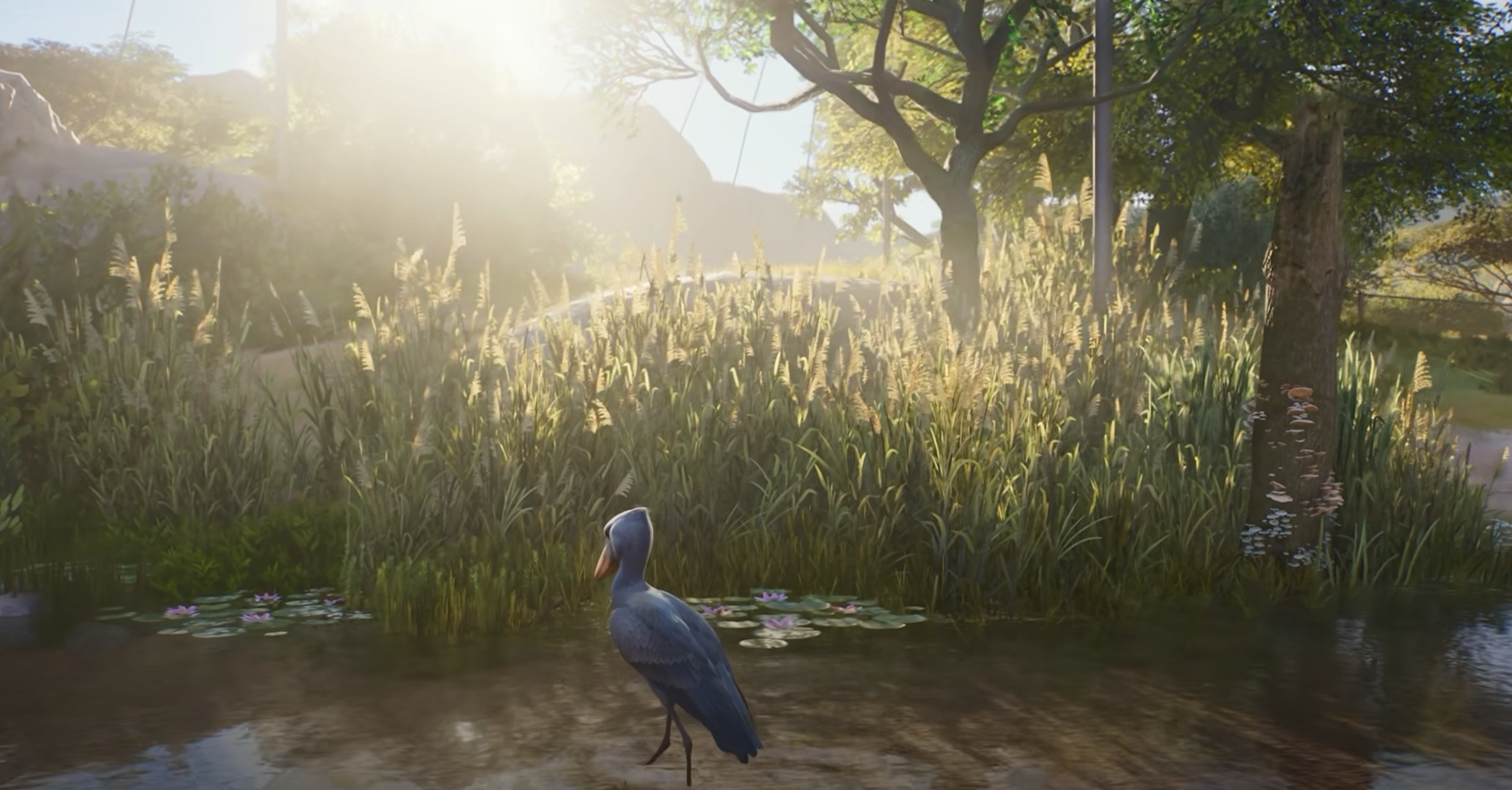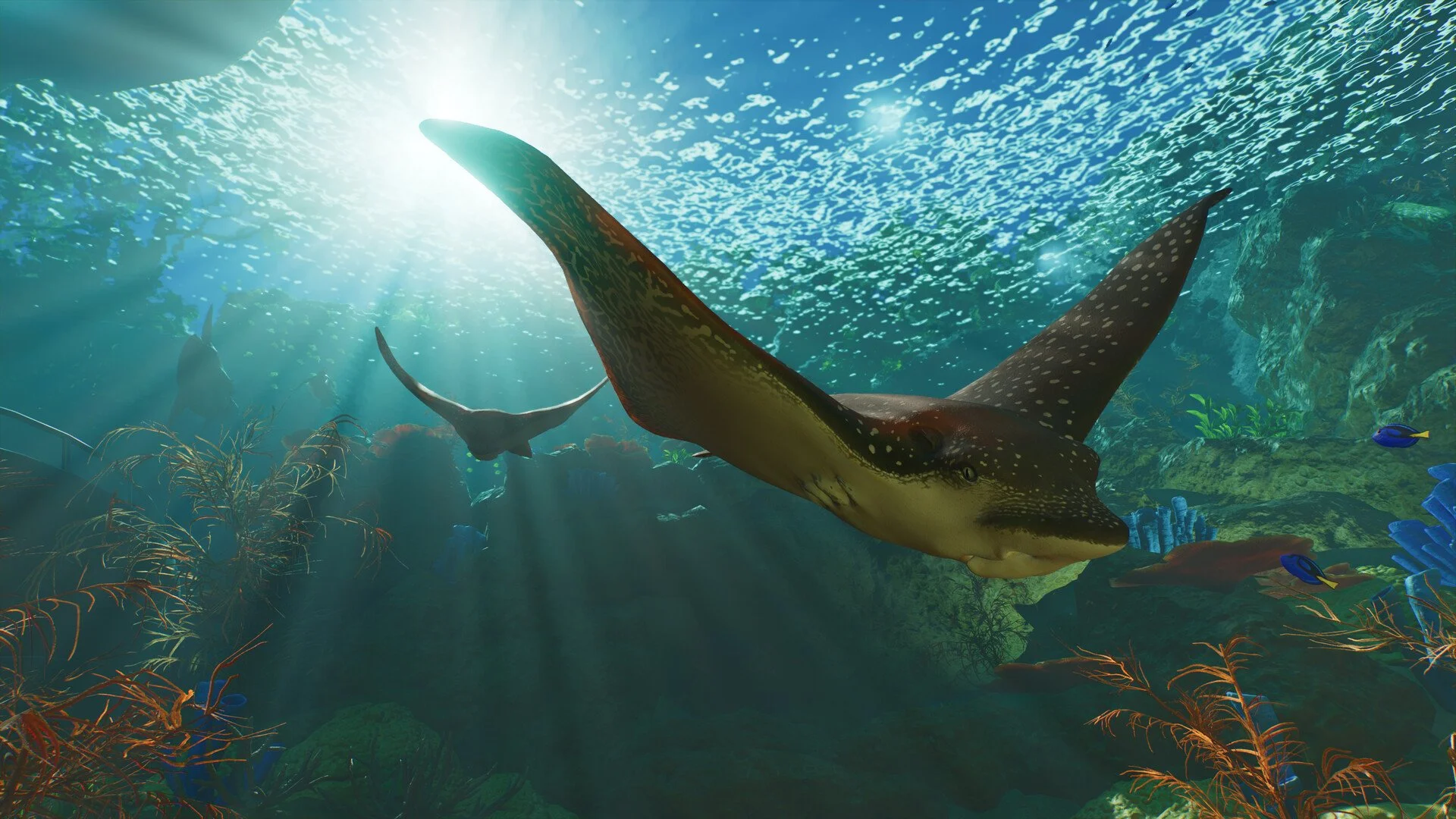
Getting new animals in Planet Zoo 2 is handled through the game's trading system rather than by simply selecting a species and placing it directly into a habitat. Your zoo needs the right facility first, and once an animal is acquired it passes through Animal Storage before staff can deliver it to its new enclosure.
Jump To Section:
How to Get Animals
Build a Trade Centre
Use Animal Trading
Move Animals From Storage
Why Some Animals Are Locked
Getting Animals in Franchise Mode
Where Different Animals Go
How to Get Animals in Planet Zoo 2
To get animals in Planet Zoo 2, build a functional Trade Centre and open Animal Trading. Choose the animal you want to adopt, complete the trade, and the animal will be placed in your shared Animal Storage. You can then move it from storage into a suitable habitat, aquarium, aviary, or other appropriate enclosure.
- Build a Trade Centre.
- Make sure it is connected to your zoo's path network.
- Open Animal Trading.
- Adopt the animal you want.
- Find the new animal in Animal Storage.
- Move it into a suitable enclosure.
The important distinction is that buying an animal does not immediately place it inside the zoo. Adoption and placement are separate steps, so a newly acquired animal can remain safely in storage while you finish preparing its habitat.
How to Buy Animals in Planet Zoo 2
To buy animals in Planet Zoo 2, use Animal Trading after building a functional Trade Centre in your current location. Select the animal you want to adopt, complete the purchase, and the animal will be placed into Animal Storage until you move it into a suitable Habitat, Aquarium, Aviary, or Exhibit.
Build a Trade Centre Before Getting Animals
Animal Trading is only available when the current location has a functional Trade Centre. If you have just opened a new zoo and cannot find a way to adopt animals, check this first.
The Trade Centre also needs to be connected to the main path network. Planet Zoo 2 uses it as the physical facility through which animals enter and leave the zoo, so staff cannot complete animal moves if the building is inaccessible.
This makes the Trade Centre one of the facilities worth placing before you commit to your first major habitat. You can prepare the infrastructure, adopt the animals you need, leave them in storage, and then move them once the enclosure is ready.
How Animal Trading Works
Animal Trading is the menu used to adopt new animals for your zoos. Available animals can differ by mode and by your current progression, but the basic process is the same: choose an available animal, acquire it through Trading, and it moves into Animal Storage.
Before choosing one, it is worth looking beyond the species name. Different animals have their own social requirements, space needs, preferred terrain, temperature ranges, plant requirements, and other welfare conditions. The Zoopedia is useful for checking those requirements before spending money or Conservation Credits on an animal your current zoo cannot support properly.
Planning first is particularly useful for larger or more specialized species. Terrestrial animals need barrier habitats, flying animals require aviaries, and fully aquatic species need aquariums. Buying the animal before you know what kind of enclosure it requires can leave it sitting in storage while you rebuild part of the zoo.
How to Move New Animals From Animal Storage
Every newly acquired animal is placed into Animal Storage rather than appearing directly in the zoo. Animal Storage is shared across your zoos, making it possible to hold animals until you decide where they should go.
Once the destination is ready, select the animal from storage and assign it to the appropriate habitat or facility. An available Caretaker or Vet will handle the physical transport, boxing the animal at the Trade Centre and delivering it to the selected destination.
If an animal refuses to move, check that the Trade Centre and destination can actually be reached through the path network. Planet Zoo 2 requires a connected Trade Centre for animal moves to take place.
Prepare the Habitat Before Adopting Animals
You can adopt animals before their enclosure is finished because Animal Storage gives you somewhere to hold them, but preparing the habitat first usually makes management easier.
Each species has its own minimum requirements for things such as walking space, shelter, swimming or climbing area, terrain, plants, drinking water, temperature, and enrichment. Social requirements also matter because some animals need groups while others prefer smaller populations or specific gender ratios.
For aquatic species, you may also need to account for water quality and salinity. Aviary species need appropriate flying space and nesting areas, while Exhibit animals have their own temperature, humidity, salinity, and environmental requirements.
Checking those requirements before adoption means the animal can move directly from storage into a functioning enclosure instead of arriving in a habitat that immediately lowers its welfare.
Why Are Some Animals Locked in Planet Zoo 2?
If a species appears in Animal Trading but is unavailable because of your Accreditation Tier, you need to increase Accreditation before that part of the roster becomes available.
Planet Zoo 2 does not give a new Franchise access to every species immediately. Higher Accreditation Tiers open additional animals in Trading, so having enough Cash or Conservation Credits alone is not always enough to adopt the species you want.
The Planet Zoo 2 Accreditation guide covers the tier requirements and how to unlock more animals in both Franchise and Career.
If your goal is eventually to build a Franchise zoo with a much larger portion of the roster, Accreditation is therefore part of the process. Building one successful zoo does not unlock everything by itself because the higher tiers require development across multiple locations.
How to Get Animals in Franchise Mode
Franchise Mode adds an online player economy to Animal Trading. Players can list eligible animals for Conservation Credits, and other players can adopt those animals at the listed price.
This means Franchise availability can fluctuate. A species may be unlocked for your Accreditation Tier but still have few desirable animals available at that moment, or the animals that are listed may be expensive because the market is driven partly by what other players are selling.
Animals being sold through Franchise must also meet trading requirements. They need to be healthy, stable adults and cannot be traded while Juvenile, Gestating, Elderly, Sick, or Injured.
Because Franchise uses online Animal Trading, connection problems can also stop you from getting animals even when your zoo is set up correctly. If Trading or Franchise itself is unavailable, the Planet Zoo 2 Franchise Mode server error guide covers the current connection troubleshooting.
Do Animals Cost Cash or Conservation Credits?
The exact method depends on the mode and the type of transaction. Planet Zoo 2 supports animal trading and other animal-management options involving both Cash and Conservation Credits, while Franchise specifically allows players to list animals for Conservation Credits.
That makes Conservation Credits especially important if you plan to use Franchise Mode's player market regularly. You can also gain CC by releasing eligible animals rather than keeping every animal your breeding programs produce.
Do not confuse currency restrictions with Accreditation restrictions. Having enough Conservation Credits does not override a species that is still locked behind a higher Accreditation Tier.
Where Do Different Animals Go?
Getting the animal is only the first half of the process because Planet Zoo 2 separates species according to the environment they require.
- Terrestrial animals → Barrier Habitats.
- Semi-aquatic animals → Habitats containing both land and suitable water.
- Avian animals → Aviary Habitats with barriers, supports, and mesh roofing.
- Fully aquatic animals → Aquariums.
- Smaller Exhibit species → Exhibits.
The Zoopedia provides the individual requirements for each species, including population limits and environmental needs. Checking that information before adopting multiple animals is especially important because adding more adults can increase the amount of space the habitat needs.
How to Get More Animals After Your First Adoption
You are not limited to repeatedly buying every animal you want. Once healthy adults are established in suitable social groups, many species can reproduce and create new generations inside your zoo.
Breeding depends on factors such as age, welfare, Genetics, species Research, mating conditions, and whether contraception is enabled. This can eventually turn a small starting population into a much larger group without continually returning to Animal Trading.
Breeding is also useful if you want animals for conservation or Franchise trading. Healthy adult animals can be moved between zoos, released, or traded when they meet the relevant conditions, giving you more ways to expand your collection than simply adopting every animal individually.