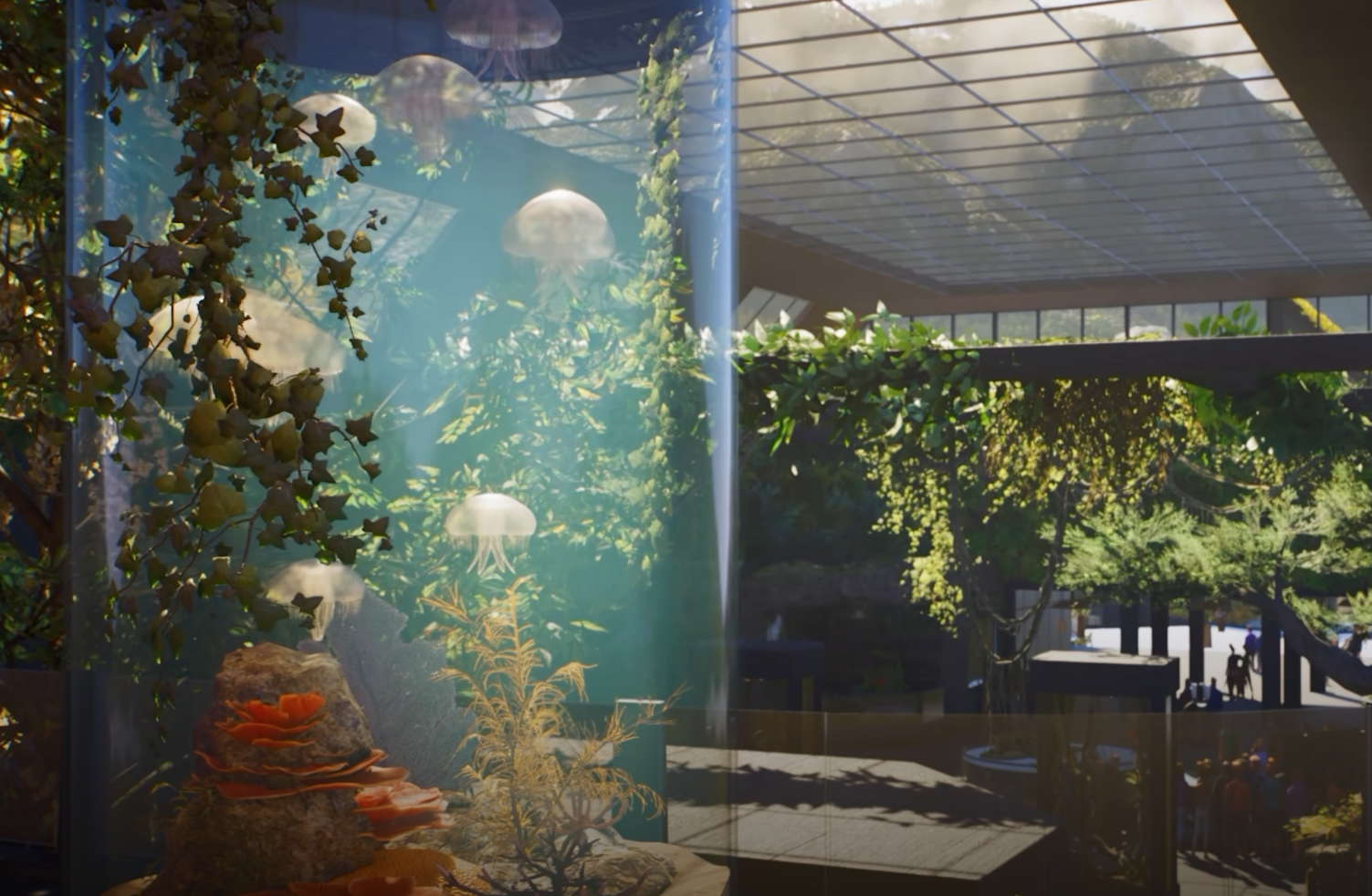
Planet Zoo 2 handles Aquarium water differently from the lakes and ponds you may be used to building elsewhere in a zoo. There is no separate water-placement step for the tank itself; filling is triggered by completing the Aquarium enclosure correctly, which also makes a dry tank relatively easy to troubleshoot.
Jump To Section:
How to Fill an Aquarium With Water
Why Your Aquarium Is Not Filling
Do You Need a Water Filter First?
What to Build Before Filling
How to Drain an Aquarium
How to Fill an Aquarium With Water
To fill an Aquarium in Planet Zoo 2, select Habitat Barrier → Aquarium and build a completely enclosed tank, then place an Aquarium Staff Gate on the barrier. Once the Aquarium barrier is fully closed and the staff gate has been added, the tank fills with water automatically.
There is no separate Fill Aquarium button you need to press and you do not need to place a Water Filter before the water can appear. The important part is that the game recognizes the structure as a complete Aquarium rather than an unfinished barrier.
After placing the gate, connect it to your path network so Keepers and other staff can reach the Aquarium. The staff entrance can be positioned above the normal ground level because Aquarium staff enter the water in diving equipment, giving you more freedom when incorporating the entrance into a larger build.
Why Your Aquarium Is Not Filling
If your Aquarium remains empty after you finish building it, first check whether the Aquarium barrier forms one completely closed perimeter. A missing connection between two barrier sections prevents the enclosure from reaching its finished state, even if the gap is small enough that the tank looks complete from a distance.
Next, make sure you have placed an Aquarium Staff Gate. Closing the barrier by itself is not the entire setup; the staff entrance is what completes the Aquarium and allows it to fill.
If both are present, trace the barrier around the entire enclosure and confirm that every section belongs to the same Aquarium. There is little reason to start rebuilding filtration or adding water utilities while the tank itself is still dry, because those systems are not what triggers the initial fill.
Do You Need a Water Filter Before Filling an Aquarium?
No. The Water Filter and the Aquarium's ability to contain water are separate systems.
A completed Aquarium can fill successfully while still showing a No Connected Water Filter warning. Filtration is required to maintain suitable water conditions for the animals, but a missing filtration connection is not normally the reason an otherwise unfinished Aquarium remains completely dry.
Once the tank is filled, place a Water Filter and connect it through Edit Filtration Network to the node on the Aquarium Staff Gate. Simply placing the filter near the Aquarium is not enough; it needs to be part of the same filtration network.
Our Planet Zoo 2 Water Filter guide covers the connection process if the tank is already filled but you are still getting a filtration warning.
Water type is controlled separately as well. Aquariums begin with Freshwater, while species may require Freshwater, Brackish, or Saltwater conditions. If the enclosure is filled but animal welfare is being affected by the water type, our Planet Zoo 2 Water Salinity guide covers that part of the setup.
What to Build Before Filling the Aquarium
Although closing the enclosure and adding the staff gate is enough to fill it, it is usually better to finish the major parts of the tank while it is still dry.
This is especially useful if you want an underwater guest tunnel. Aquarium guest gates and tunnels can be added through the Aquarium building tools, with tunnel sections placed at different heights inside the enclosure. Building the route while the tank is empty makes it easier to judge its height, check clearance around rocks, and see where the tunnel sits relative to the Aquarium floor.
The same applies to large scenery pieces and the basic shape of the enclosure. You do not need every decorative object finished before adding water, but getting the structural work right first can save you from draining an occupied Aquarium later just to change the barrier or correct part of the layout.
How to Drain an Aquarium in Planet Zoo 2
If you need to change the Aquarium after it has been filled, remove or box the animals first and use Drain Water from the Aquarium information panel. Once the water is removed, you can return to editing the barrier and make the structural changes you need.
This is why the order of construction can matter more with Aquariums than with a simple decorative water feature. Building the main tank shape, staff entrance, viewing tunnels, and major scenery before stocking the enclosure reduces how often you need to drain and rebuild it later.
After refilling, check the Aquarium's filtration, salinity, temperature, animal environment, and staff access separately. A tank successfully filling with water confirms that the enclosure itself is working, but those additional systems determine whether it is actually ready to house aquatic animals.