GTA 6 players are experiencing crashes on PS5, PS5 Slim, and PS5 Pro, sometimes before they can finish the opening cutscene. Others can play for a while before the game freezes or displays an error. Several troubleshooting methods are worth trying, including a display settings workaround that has helped some players.
Clear Cache and Rebuild Database
CE-108255-1 and Repeated Crashes
How to Fix GTA 6 Crashing on PS5
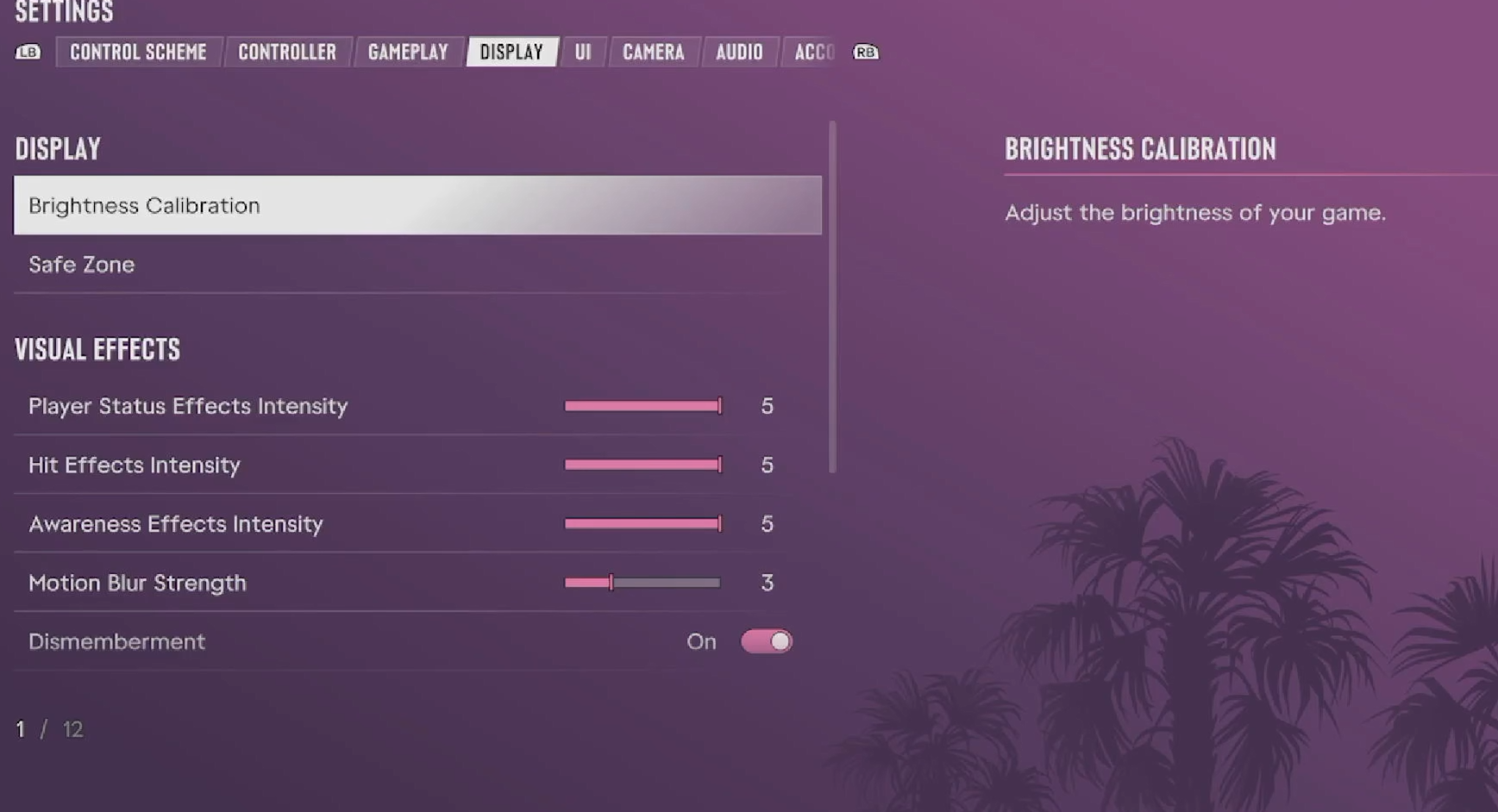
If GTA 6 keeps crashing on PS5, first check for game and system updates. If both are current, try temporarily disabling HDR and 120 Hz output and switching your resolution to 1080p. This combination has helped some players get past repeated crashes during startup and gameplay.
This is a temporary troubleshooting configuration, not a confirmed permanent fix. If GTA 6 runs normally afterward, you can restore the display options individually to identify whether one setting is contributing to the problem.
Players have also reported crashes continuing despite lowering their resolution or changing video settings. If that happens, move on to the PS5's system troubleshooting options.
How to Clear Cache and Rebuild Database on PS5
Clearing the system cache and rebuilding the database are two separate PS5 maintenance options. They can help with certain system and game-loading problems without requiring you to factory reset your console.
Some players have reported success after combining these steps with updated system software. Others experienced no improvement, so there's no guarantee that rebuilding the database alone will stop GTA 6 from crashing.
GTA 6 CE-108255-1 Error and Crashes That Won't Stop
CE-108255-1 is a PS5 error indicating that a game or application has encountered a problem. In GTA 6, players have encountered it during loading screens, cutscenes, and ordinary gameplay.
If you've already tried the display workaround and Safe Mode maintenance, check the following before taking more drastic action:
Check for updates: Highlight GTA 6 on your home screen, press Options, and select Check for Update. Also visit Settings > System > System Software > System Software Update and Settings.
Reinstall GTA 6: Some players have restored normal gameplay after downloading a fresh installation, although others still experience crashes afterward. Reinstall the game without deleting your saved data.
Check other games: If several demanding games are also crashing, investigate a possible console problem rather than assuming the issue is exclusive to GTA 6.
What If GTA 6 Completely Shuts Down Your PS5?
A full console shutdown is different from GTA 6 closing to the dashboard with an error. Make sure the PS5 has adequate airflow and that its ventilation openings aren't blocked.
However, overheating isn't a confirmed explanation for every crash. Reports also involve newly purchased consoles and systems running other games normally. If your PS5 repeatedly loses power, especially in multiple games, contact PlayStation Support for further diagnosis.
We wouldn't recommend factory resetting the console, deleting your save files, or opening the PS5 to replace internal components as routine GTA 6 troubleshooting. None of those actions is an established universal fix.
For now, the best approach is to update the game, test the temporary display settings workaround, and try the PS5's cache and database options. If the crashes persist after reinstalling, an updated game or system software fix may be necessary.