GTA 6 players on Xbox Series X and Series S are experiencing crashes during missions, cutscenes, and regular gameplay. Some players get sent back to the dashboard after several hours, while others can't make it through the opening mission. Here are the fixes worth trying first.
How to Fix GTA 6 Crashing on Xbox Series X|S
If GTA 6 keeps crashing on Xbox, start by completely closing the game, restarting your console, and checking for updates. These are the safest first steps before attempting a full reinstall or changing system settings.
Test the game after each step. Some players have reported crashes returning even after reinstalling, so downloading the entire game again isn't guaranteed to resolve the issue.
Other GTA 6 Xbox Crash Workarounds
Players have also experimented with display settings and storage space. These changes have produced mixed results, but they may be worth testing if the standard fixes don't work.
Try Lowering Your Display Output
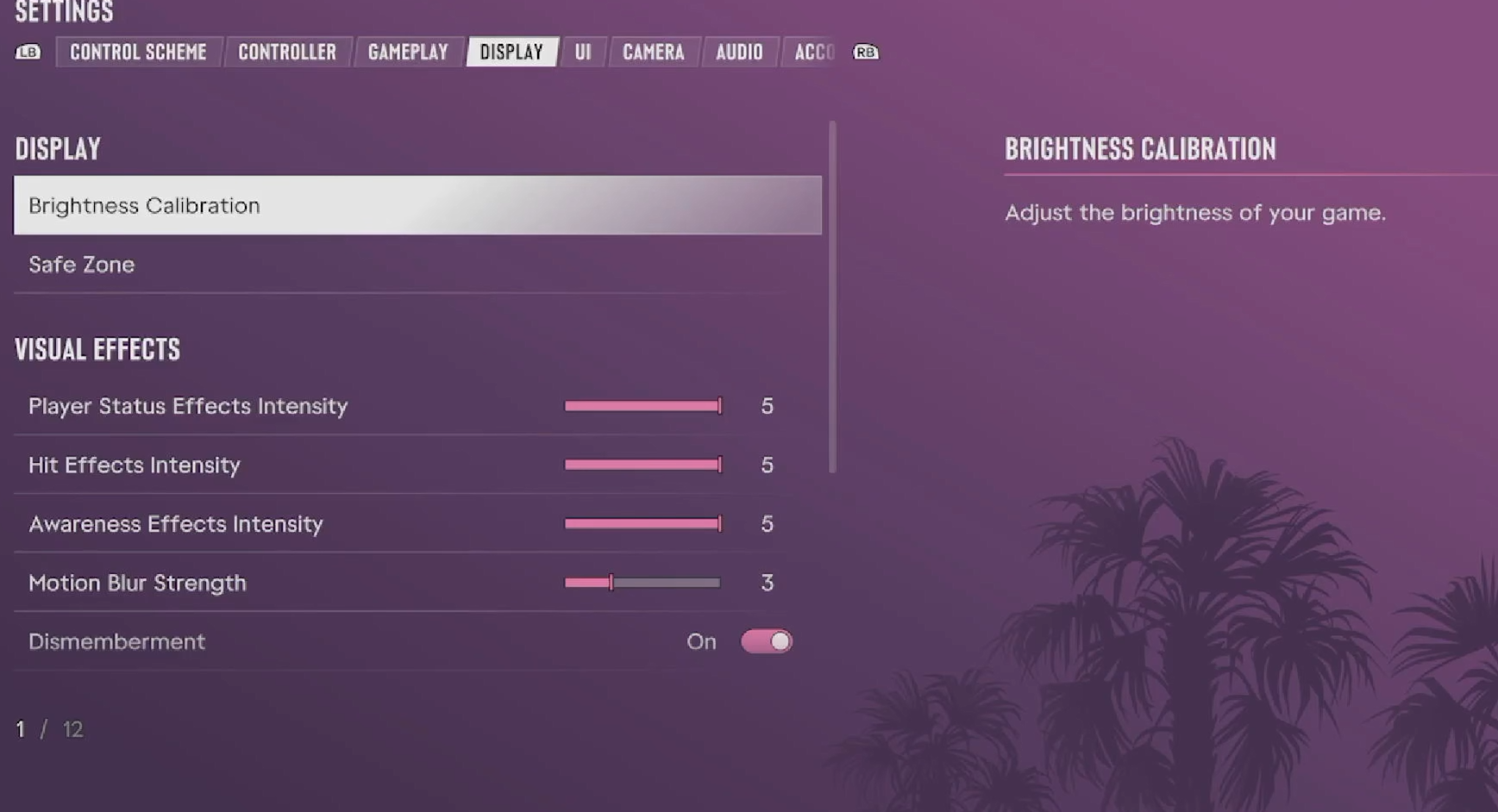
One reported workaround involves changing Xbox output from 4K to 1440p and temporarily disabling HDR10. You can find these options under Settings > General > TV & display options.
This isn't a confirmed solution, and other players report that changing resolution or refresh rate made no difference. Record your original settings so you can restore them afterward.
Check Storage and Installation Location
Make sure your Xbox has sufficient free storage and that GTA 6 is installed on compatible storage. Some players suspect limited storage contributes to crashes, but there is no verified minimum free-space requirement that specifically fixes this problem.
We wouldn't recommend deleting other games simply to reach an arbitrary amount of free space unless you're actually running low on storage.
What If GTA 6 Shuts Down Your Entire Xbox?
There's an important difference between GTA 6 closing to the Xbox dashboard and the entire console turning off or restarting unexpectedly.
If your Xbox shuts down completely, check that its ventilation openings are unobstructed and that it has adequate airflow. Avoid keeping it inside a tightly enclosed cabinet while playing.
However, crashing doesn't automatically mean your Xbox is overheating. Players with clean, well-ventilated consoles have also experienced GTA 6 crashes.
If other demanding games are crashing or shutting down your console as well, the issue may extend beyond GTA 6. In that case, Xbox hardware or system troubleshooting becomes more important than repeatedly reinstalling the game.
For crashes limited to GTA 6, checking for new updates remains worthwhile. There is currently no single workaround confirmed to fix every Xbox Series X|S crash.