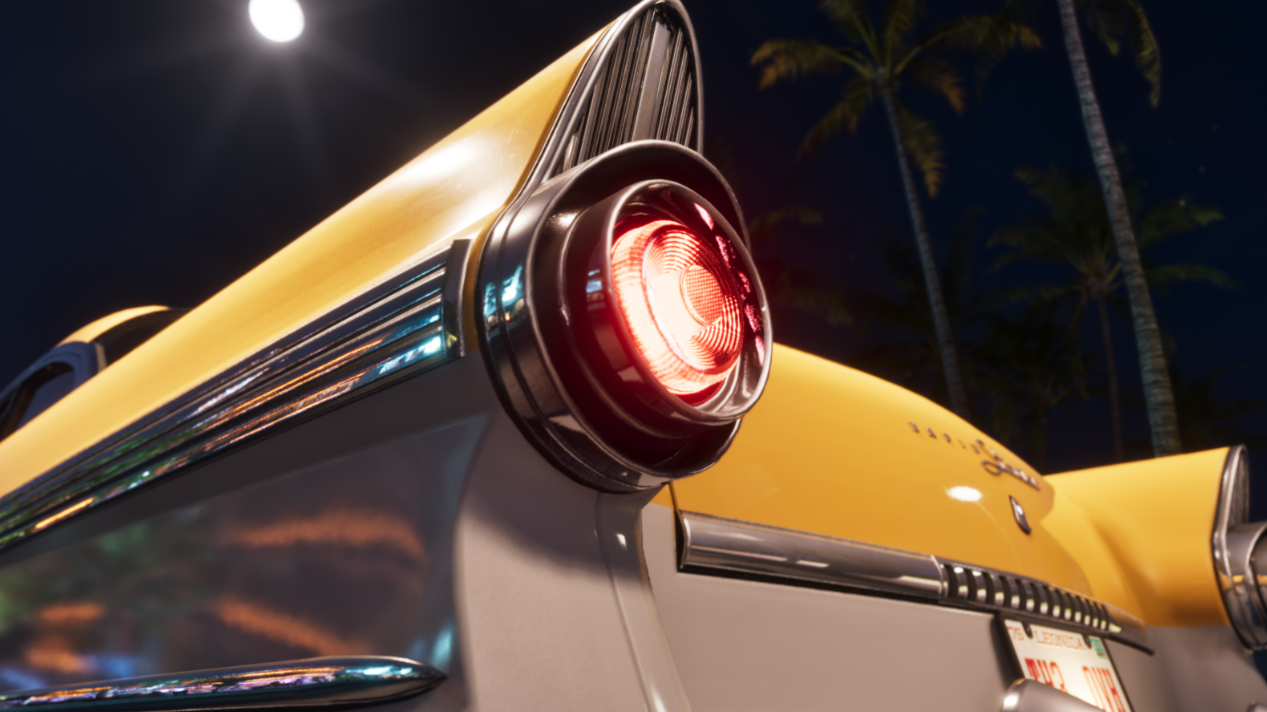
GTA 6 finally lets you use turn signals while driving through Vice City and the rest of Leonida. Whether you're obeying traffic laws or simply enjoying a more realistic driving experience, the controls are easy to use once you know the difference between tapping and holding the D-pad.
How to Use Turn Signals in GTA 6
To use turn signals in GTA 6, get inside a vehicle and tap Left or Right on the D-pad. The controls are identical on PS5 and Xbox Series X|S using the default controller layout.
The important part is to tap the button rather than hold it. Holding a D-pad direction can open a separate vehicle or character menu, depending on your controls.
You can activate the blinkers before turning instead of waiting for the game to recognize your movement. This makes them useful when approaching intersections, changing lanes, or pulling over.
How to Turn On Hazard Lights in GTA 6
GTA 6 also includes hazard lights, which flash both sets of indicators at once.
To access them, hold Left on the D-pad while inside a vehicle to open the vehicle menu. Find Hazards among the available vehicle options and select it to toggle the lights.
Do Turn Signals Affect Traffic in GTA 6?
Turn signals are a functional driving detail, but there is currently no confirmed advantage to using them during ordinary traffic. It's unclear whether nearby drivers consistently respond to your indicators or whether police enforce signaling rules.
For now, their clearest purpose is immersion. You can approach a stoplight, indicate your next turn, and drive through Vice City without treating every trip like a getaway chase.
It's a small feature, but one that gives players more control over their vehicles. And unlike GTA 5's single-player driving, you don't need mods to use blinkers in GTA 6.