How to Fish Black Screen Fix Guide
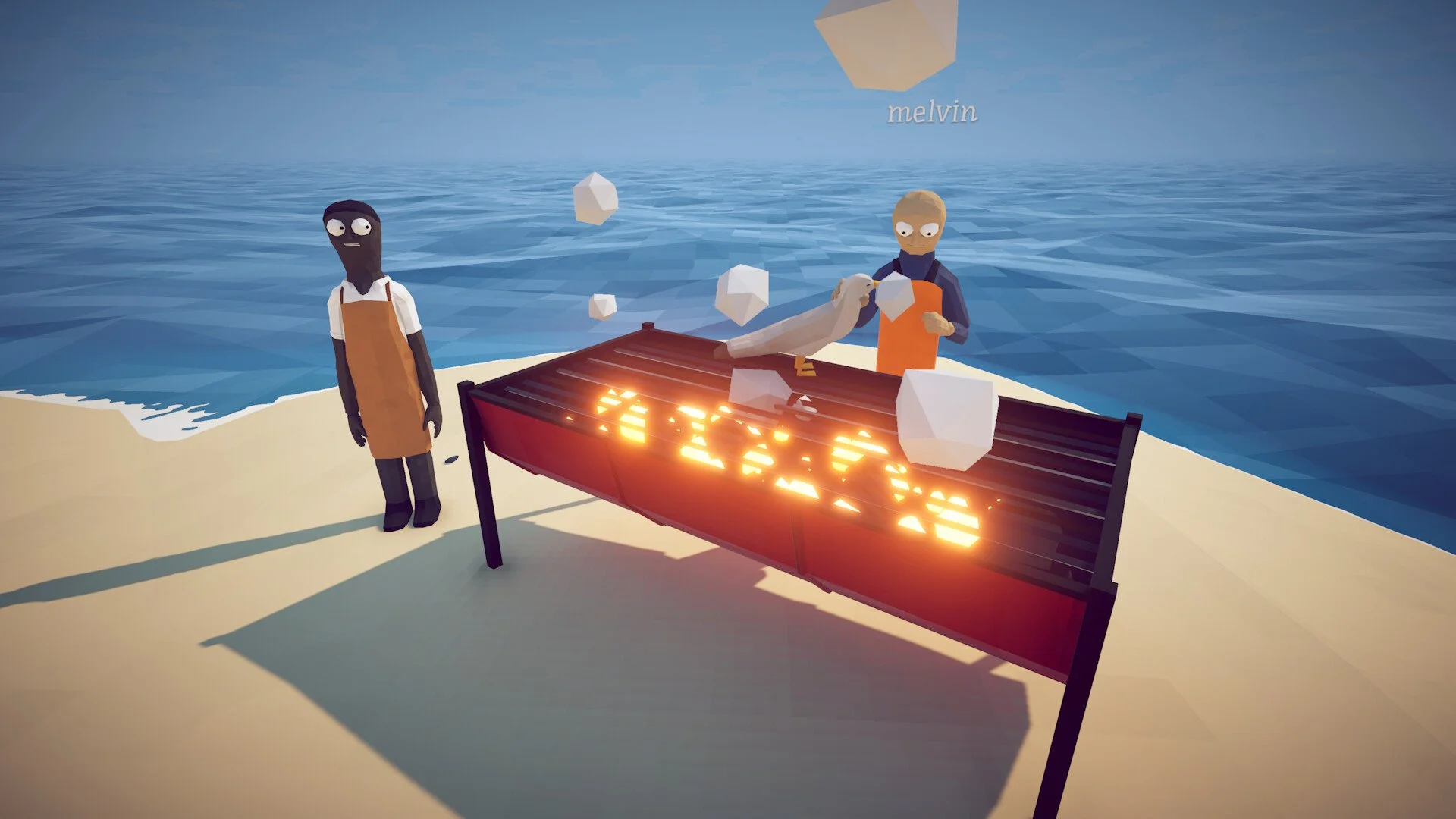
The How to Fish black screen primarily appears when joining a friend’s multiplayer session. The affected player may still be able to start a solo game normally, but joining through Steam or entering an existing lobby either produces a completely black screen or does nothing at all.
Current player reports point more strongly toward a stalled multiplayer session than a conventional graphics failure. The most successful workaround is to close the existing lobby, restart the game, create a completely new session, and have everyone join before that session has been running for long.
Jump To Section:
Identify The Multiplayer Black Screen
Create A Fresh Lobby
Restart The Game In The Correct Order
Switch Join Methods
Let Another Player Host
Verify The Game Files
Check Firewall Access
Do Drivers Fix The Black Screen?
Confirm You Have The Multiplayer Black Screen
This guide applies when How to Fish launches correctly and allows you to begin a solo game, but fails once you attempt to join another player. The failure can appear as a permanent black screen, an unresponsive join button, or a partially frozen state where the pause menu remains visible after pressing Escape but the mouse cursor disappears.
That pattern is important because it separates the problem from a normal startup black screen. If the game also displays a black screen before reaching the menu or when starting solo, the cause may be unrelated to the multiplayer-session bug discussed here.
The issue has been reported on Windows 10 as well as systems that use both Linux and Windows. Players with current graphics drivers have encountered it, while another player found that reverting to an older driver did not help. Those reports do not eliminate every possible local conflict, but they make reinstalling graphics drivers a poor first troubleshooting step when solo mode already works.
Create A Completely Fresh Multiplayer Lobby
The best current workaround is to abandon the affected session and create a new one. One player reported that joining a recently created game worked while joining a session that had been active for approximately two hours resulted in the black screen.
Do not have the host remain in the same lobby and repeatedly send invitations. The existing session may already be in the state that prevents new players from loading correctly. The host should leave, close the game, relaunch it, and create an entirely new multiplayer session.
Everyone should attempt to join shortly after the replacement lobby opens. There is no confirmed time limit before a lobby becomes problematic, and the issue has also happened to someone attempting to connect only several minutes late. Joining immediately is therefore a workaround rather than a guaranteed permanent fix, but it removes the potentially stale session from the equation.
Restart The Host And Joining Players
Restarting only the player stuck on the black screen may leave the original problem intact if the host’s session is what failed. Have both sides close How to Fish completely rather than returning to the main menu.
The host should relaunch first and create the new session. Once the lobby is ready, the joining player can relaunch and connect immediately. A player in the original discussion was reportedly able to join after restarting the game, making a full restart one of the few workarounds with at least some reported success.
If the first new lobby fails, recreate it once more rather than continuing to reconnect to the same broken session. Repeatedly joining the exact same lobby is unlikely to produce a different result if the session itself never initialized correctly for that player.
Switch Between Steam Join And ID Join
How to Fish provides more than one way to connect with friends. If joining through the Steam friends list produces a black screen or no response, try connecting through the game’s session ID instead.
The reverse is also worth testing. If the ID method fails, have the host send a new Steam invitation from the newly created lobby. Switching methods will not repair a session that is already stuck, so combine this with the full lobby restart instead of testing both methods repeatedly against the same old game.
Changing the connection method helps determine whether the failure is occurring during the invitation process or after the game begins loading the multiplayer world. If both methods reach the same black screen, the session or synchronization process is the more likely blocker.
Let A Different Player Create The Session
If one friend consistently receives the black screen while everyone else joins normally, close the lobby and let a different member of the group host. This creates a new session under a different connection and can avoid a problem tied to the original host’s lobby.
Test the smallest possible group first. Have the new host create the game and invite the affected player immediately. If that connection succeeds, bring the remaining players in afterward rather than rebuilding the entire group before confirming that the black-screened player can load.
You can also let the affected player host as a diagnostic test. If everyone else can join their game but they cannot join anyone else, that result narrows the problem to how their system receives or synchronizes another host’s session rather than their ability to run multiplayer entirely.
Verify The How To Fish Game Files
File verification is not the primary community-reported solution, but it is a reasonable cleanup step if fresh sessions continue failing. A missing or corrupted multiplayer-related file could prevent the joining player from finishing the loading process even though solo mode still starts.
Open Steam, enter your Library, right-click How to Fish, and select Properties. Open Installed Files and choose Verify integrity of game files. Allow Steam to finish checking the installation before launching the game again.
The host and affected player should also confirm that Steam has finished downloading every available game update. If one installation is on a different build, recreating the lobby will not correct the version mismatch.
Allow How To Fish Through The Firewall
A firewall conflict has been suggested by players, but no specific port or confirmed port-forwarding fix has been established. Do not begin opening random router ports based on guesses.
Instead, check whether Windows Defender Firewall has permission for How to Fish and Steam on private networks. If Windows displayed a firewall prompt during the first multiplayer attempt, confirm that access was not denied.
Third-party antivirus suites can contain their own firewall or application-control settings, so inspect those separately if How to Fish never responds when selecting Join Friend’s Game. Add the game as an allowed application rather than permanently disabling the entire security program.
If firewall permission changes do not affect the result, restore your normal security configuration and return to the fresh-lobby workaround. There is currently no evidence that every occurrence of this black screen is caused by blocked traffic.
Do Graphics Drivers Fix The Black Screen?
Graphics drivers do not appear to be the main cause of this specific multiplayer issue. The black screen has affected a player using the latest drivers, and another reported that reverting to an older version changed nothing.
The same behavior occurring under both Linux and Windows also weakens the theory that dual booting or one operating system is responsible. Another affected player was using a standard Windows 10 setup without dual booting at all.
If How to Fish runs normally in solo mode, prioritize the multiplayer session, restart, host, invitation, and firewall checks before reinstalling or rolling back GPU software. Driver troubleshooting becomes more relevant only when black screens also appear outside multiplayer.
The Best Current Workaround
There is not yet one confirmed permanent fix that works for every player. The strongest current workaround is for everyone to close the game, let the host relaunch and create a brand-new lobby, and have the affected player join immediately. If that fails, switch between Steam invitations and session-ID joining or move hosting duties to another player.
A black screen that only appears while joining friends is unlikely to be solved by endlessly changing graphics settings or cycling through GPU drivers. Rebuilding the multiplayer session targets the part of the game that is actually failing and gives the group the best chance of connecting while waiting for a broader game update.