How to Skip the Intro in Deltarune
Written by Aarav Agarwal
If you’ve already played through Chapter 1 of Deltarune, there’s a quick way to skip the entire intro just by going back to bed. No need to sit through the long school scene again... Kris handles that for you while you snooze.
How to Skip the Intro
Go back to sleep
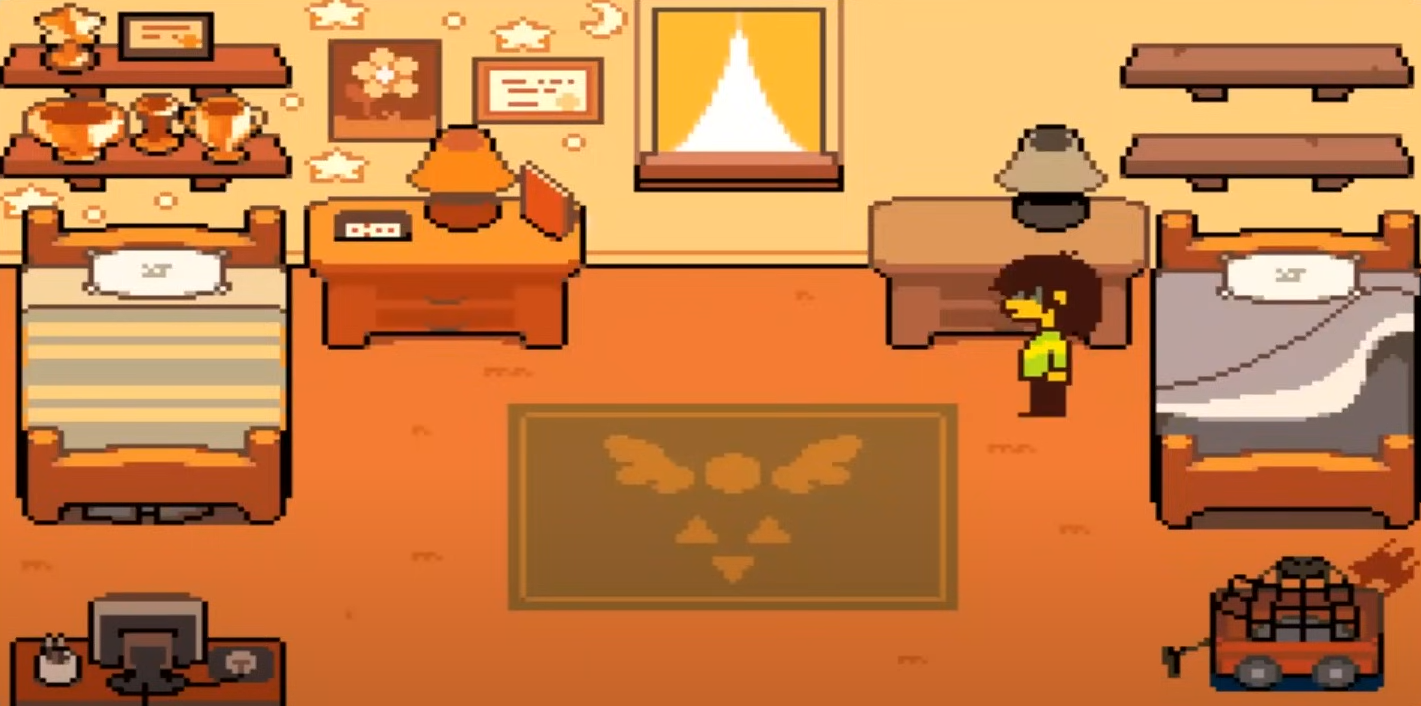
When you start a new file after finishing Chapter 1 at least once, walk over to Kris’ bed and interact with it again. Instead of getting up and heading to school, you’ll go right back to sleep.
Note: this is only possible on subsequent playthroughs.
Skip straight to the Dark World
By doing this, the game assumes you’ve already done the setup. Kris will auto-complete the early school section and take you right to the closet and into the Dark World.
You skip all the dialogue, classroom scenes, and walking around town.
Not available on your first run
This only works after you’ve already completed Chapter 1 once. If you’re new, you’ll need to play through the intro the normal way first.
Why Skip the Intro?
This skip is mainly useful for speedrunners, players chasing secrets, or anyone who just wants to re-experience certain parts without watching the same cutscenes again.
There's no punishment for skipping it, and no content is locked behind the intro.
Any lore behind it?
People have all kinds of theories about why Kris moves on their own when you go back to sleep, but it’s probably just a convenient feature. Still, it’s Deltarune... so you never really know.
Read More: How to Skip Dialogue in Deltarune
Final Blurb
If you’re replaying Deltarune and don’t feel like walking to school again, just let Kris hit snooze. You’ll end up right where you want to be, no homework required.
FAQ
Q: Does this work in Chapter 2 too?
No, the “go back to bed” skip is only part of Chapter 1’s intro.
Q: Can you miss anything by skipping?
Nothing major. You just skip some early scenes and dialogue.
Q: Do you have to beat Chapter 1 first for this to unlock?
Yes, it only works on save files after you’ve finished the chapter once.
Q: Does this work on all platforms?
Yes, it’s available across console and PC versions.
More DELTARUNE Guides
Latest Gaming Guides and Articles