If you want a cleaner screen in Windrose, there is a way to hide the HUD, but it is rough right now. The feature works through a keyboard shortcut instead of a clear menu option, and it can cause problems when you try to open parts of the interface afterward.
How To Turn Off The HUD In Windrose
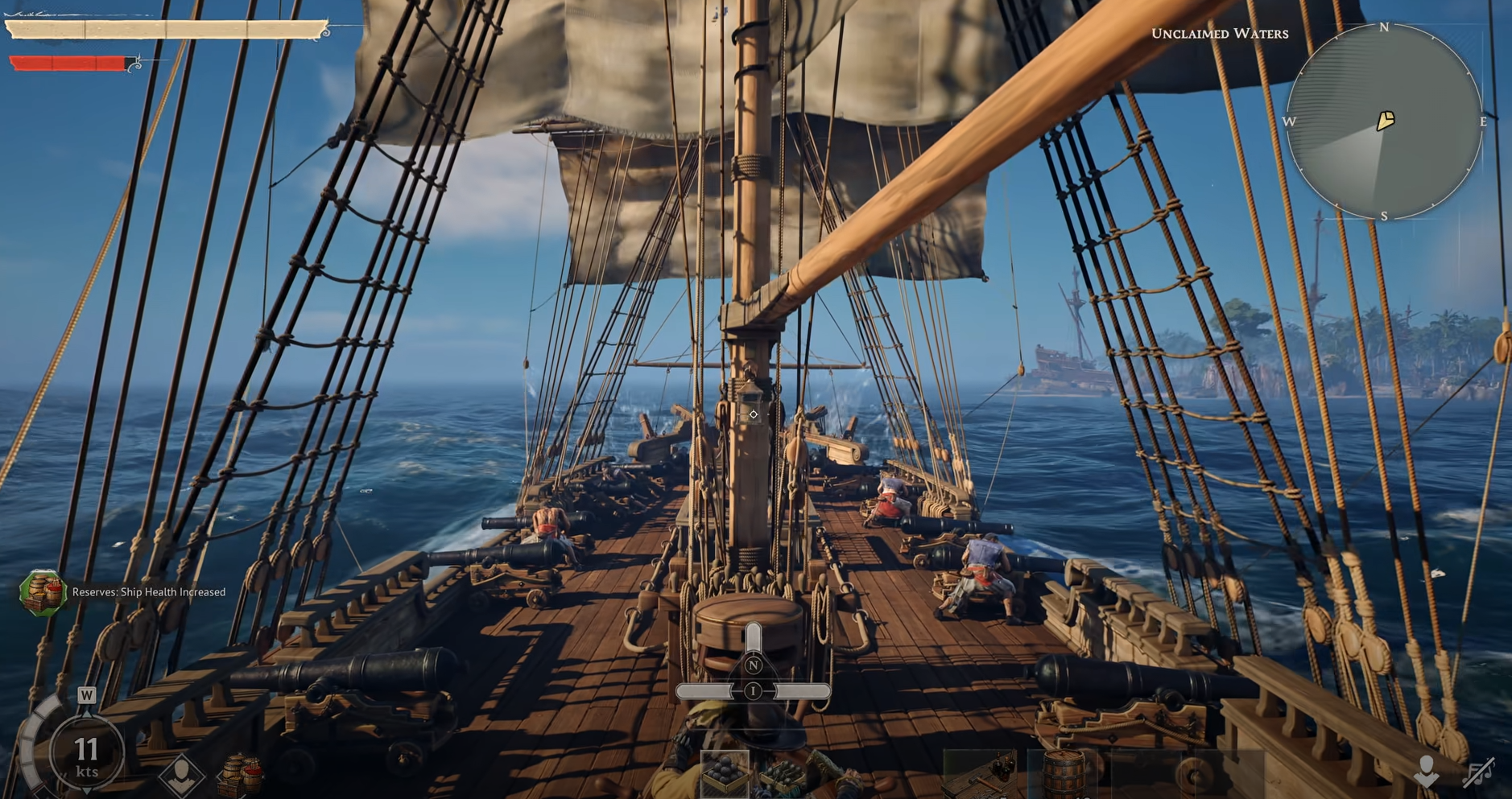
To remove the HUD in Windrose, press the backslash key to hide it.
For most players, that means the \ key, not the forward slash. If the shortcut is working correctly, the HUD disappears and gives you a much cleaner view of the game world.
That is the direct answer, but it is not a polished feature yet. The shortcut exists, though it does not seem to be exposed well in the interface, and some players run into bugs after using it.
The Correct Key Is Backslash, Not Forward Slash
A lot of the confusion comes from people mixing up / and \. Early replies about the feature pointed to the slash key, but the working input for players who got it to function was the backslash key instead.
That matters because it is easy to test the wrong key and assume the feature does not exist. If the HUD is not disappearing, the first thing to check is that you are using backslash and not forward slash.
On some keyboards, especially non US layouts, that gets even messier because the key position can be different or awkward to access.
What Happens After You Hide The HUD
The main reason this feature feels unfinished is that hiding the HUD can break other interface behavior. Players have reported that menus stop behaving normally after the HUD is turned off, and opening the map can lead to a black screen instead of the normal map view.
That makes this more useful for quick screenshots or a cleaner moment in gameplay than for normal long term play. If you toggle it off just to look around or grab an image, it can do the job. If you are planning to keep playing normally with the HUD hidden, expect some problems.
Why The HUD Toggle May Not Work On Your Keyboard
Keyboard layout is a real issue here. On European layouts, the expected key may not be in the same place as it is on an English keyboard. That means the shortcut can feel like it is missing when it is really just mapped to a different physical key location.
For some layouts, the usable key may sit to the left of right Shift instead of where you expect the backslash to be on a US keyboard. That is why 2 players can get completely different results even while trying to use what sounds like the same shortcut.
If the key still will not work, some players have gotten around it by switching to an English keyboard layout temporarily. That is clunky, but right now it may be the easiest workaround if your layout is fighting the default bind.
Can You Resize The Hotbar In Windrose
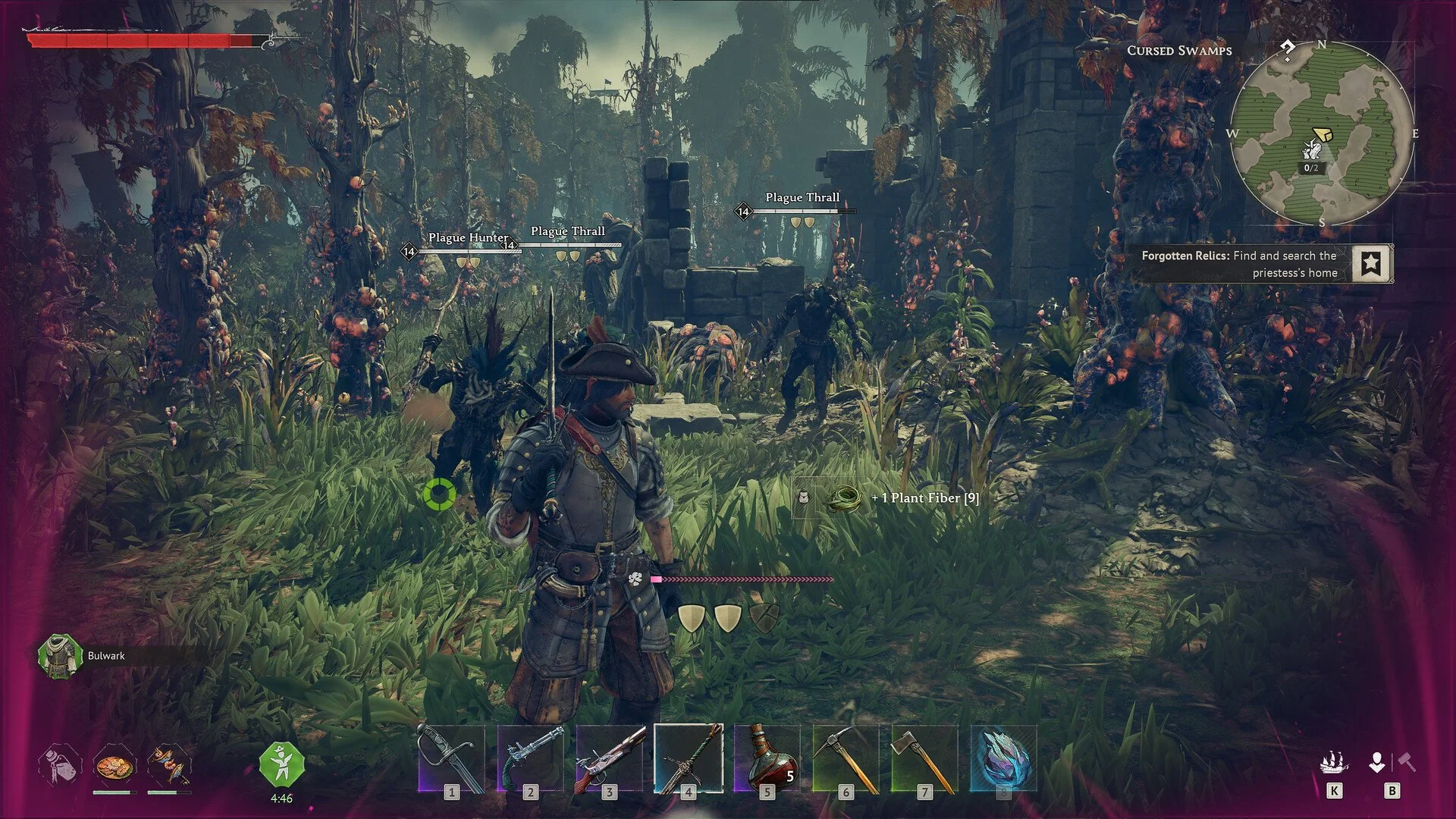
No, there does not appear to be a current option to resize the hotbar in Windrose.
That is the other half of this question, and right now the answer is much less helpful than the HUD toggle. Players looking for a way to shrink the hotbar have not found a working setting for it, which is why the interface still feels crowded for a lot of people.
This is worth pointing out clearly because the HUD shortcut and hotbar resizing are 2 separate things. Hiding the HUD can remove clutter for a moment, but it does not solve the problem of the hotbar being too large during normal play.
Best Way To Use The HUD Toggle Right Now
At the moment, the HUD toggle is best treated like a temporary screen clean up tool, not a fully reliable gameplay setting. If you want a quick unobstructed view, it can help. If you need menus, map access, or smooth interface behavior right after, it can become more trouble than it is worth.
That is really the state of the feature right now. It exists, but it is not stable enough to feel like a finished accessibility or UI option.
Final Blurb
Removing the HUD in Windrose is possible with the backslash key, but it is a rough feature in its current state. The shortcut can hide the interface, though it may also cause menu issues and a black map screen afterward, especially if you keep trying to play normally with it enabled.
The hotbar side is even simpler right now. There does not seem to be a real resize option yet, which is why the screen can still feel cramped even if you know the HUD toggle exists.