Windrose How to Share Quests
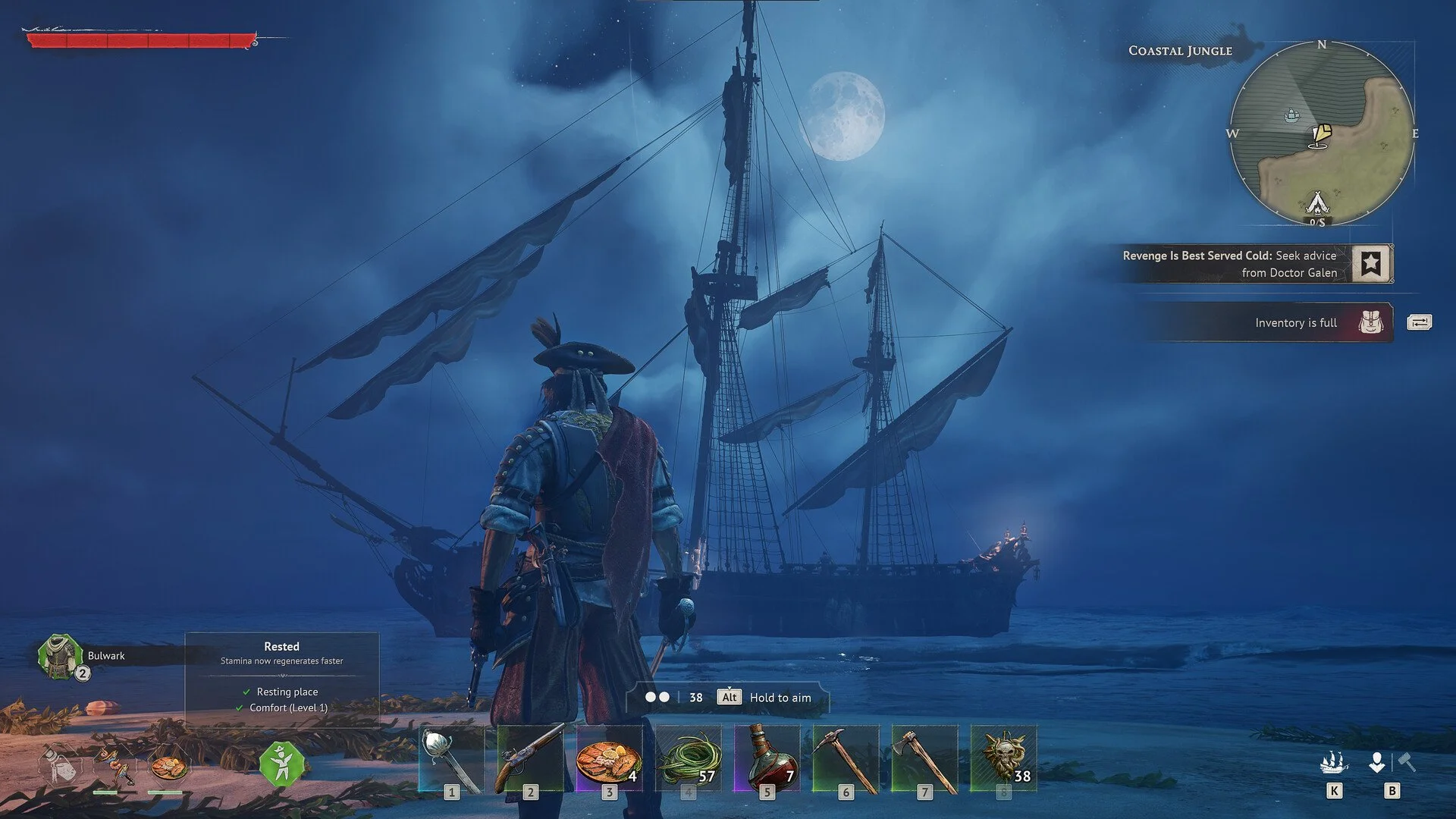
Sharing quests in Windrose isn’t automatic for everything, and the system behaves very differently depending on timing and settings. A lot of confusion comes from players finishing quests together early, then suddenly not sharing progress later. Once you understand how co-op quests actually sync, it becomes predictable instead of inconsistent.
Windrose Shared Quests: How It Works
Shared quest progress in Windrose only applies to co-op quests and only completes for players who have the quest active at the time it is finished.
If one player completes a co-op quest, it will instantly complete for everyone else in the world who also has that same quest active in their journal.
This is why early tutorial quests often complete for everyone. All players start with them active, so they sync automatically.
Later on, this stops happening if players are on different steps or haven’t accepted the same quest yet.
What “Active Players” Actually Means
The system doesn’t track offline progress or future joins.
To receive shared completion, players need to:
Be in the world at the time
Have the quest active in their journal
If someone joins later, they won’t receive completed quests retroactively. They’ll need to do those steps themselves.
You’ll notice this most when playing at different speeds. One player can push ahead while others stay behind, and progress won’t sync backward.
When Quests Will Share And When They Won’t
This is where most players get confused.
Quests WILL share when:
The quest is marked as a co-op quest
All players have it active
Everyone is present when it completes
Quests will NOT share when:
A player hasn’t accepted the quest yet
Players are on different steps
The player is offline during completion
Once you see this pattern, it becomes easy to predict what will sync and what won’t.
How To Enable Or Disable Shared Quest Progress
Shared quest progress is not forced. It’s a setting you can control.
In the world settings, there is a toggle for Shared Quest Progress. When enabled, co-op quests sync between players under the conditions above.
If you turn it off, every player must complete quests individually regardless of party or server.
This is useful if your group wants independent progression instead of shared completion.
Why Early Quests Feel Different
At the start of the game, everything feels fully shared.
That’s because:
Everyone begins with the same quests
Everyone is progressing at the same pace
As soon as players split up or progress unevenly, the system starts to feel inconsistent, even though it’s working exactly as designed.
Best Way To Keep Quests Synced
If you want smooth shared progress, the key is staying aligned.
Start quests together
Stay on the same objectives
Complete them while everyone is online
Avoid progressing too far ahead solo
If one player moves ahead too far, catching up becomes manual instead of automatic.
Final Blurb
Windrose doesn’t fully share all quest progress, it shares co-op quests based on timing and active participation. Once you understand that players need to be present and on the same step, the system stops feeling random.
Keep your group aligned, complete quests together, and shared progression works exactly how you expect.