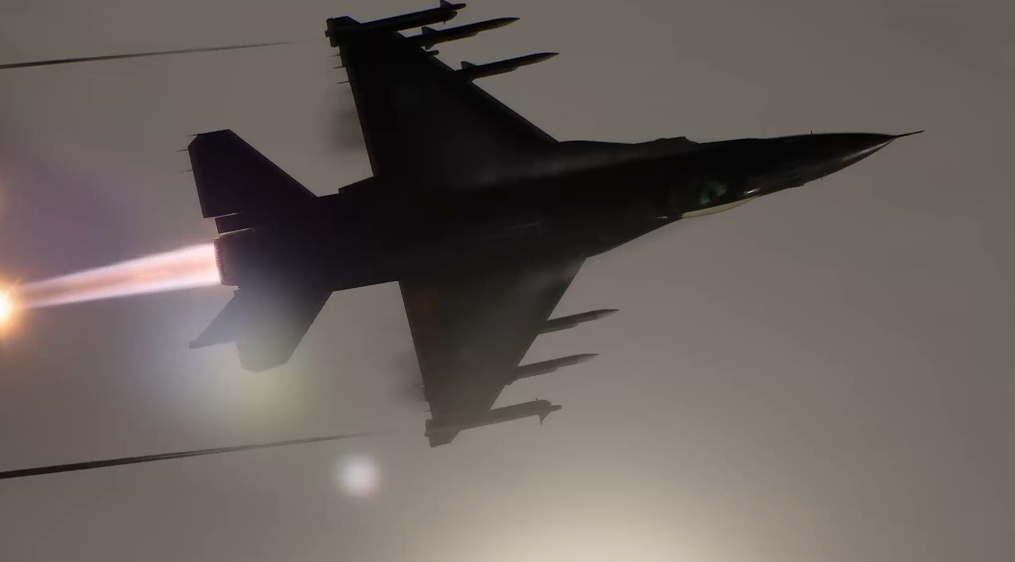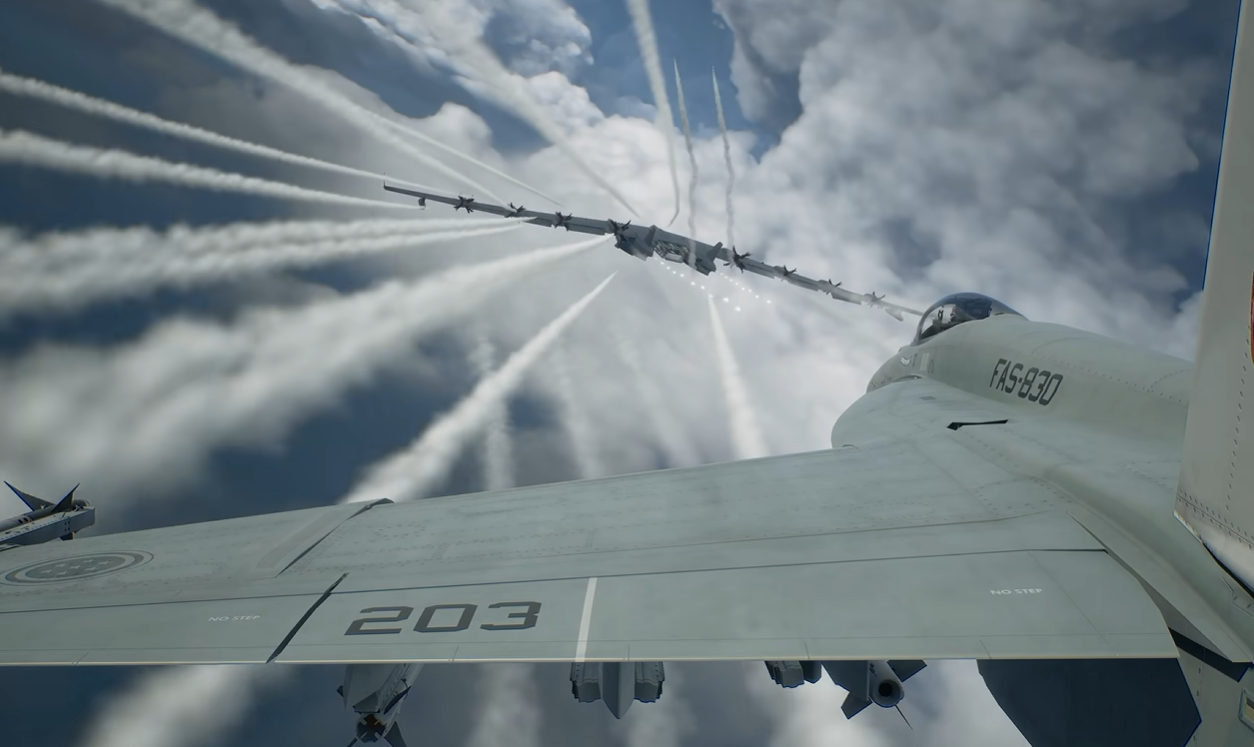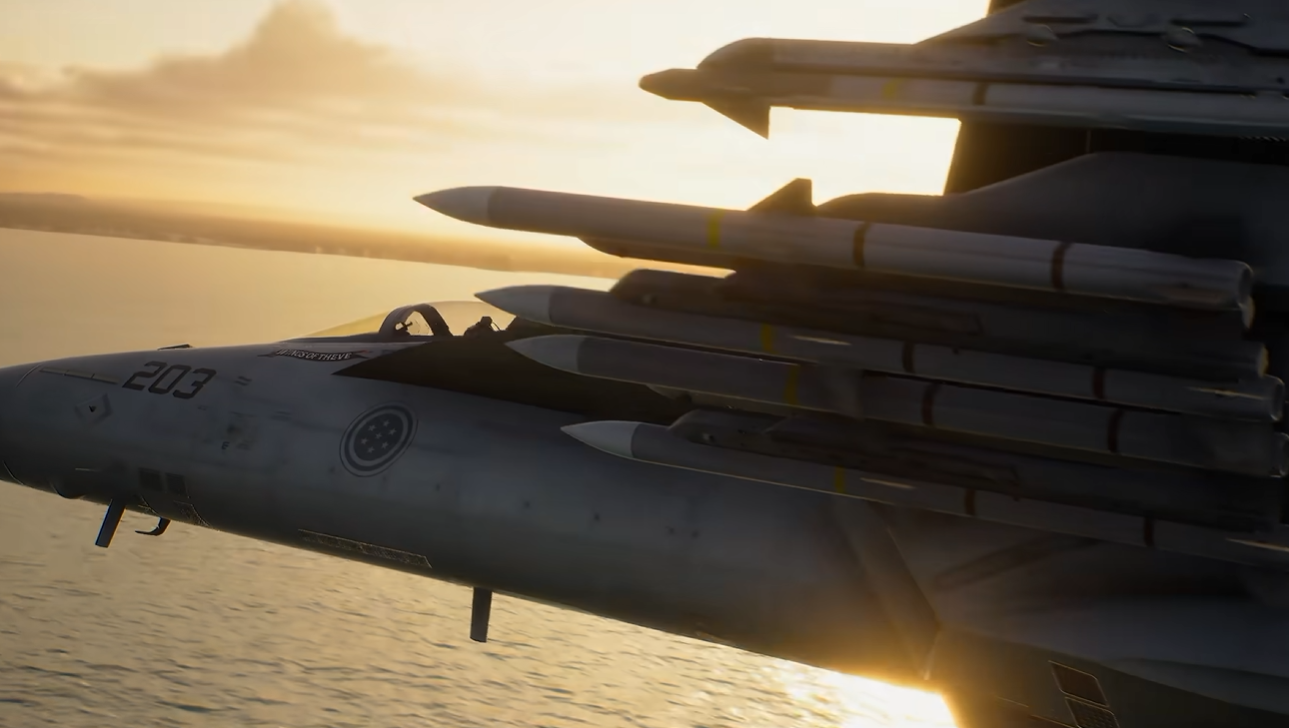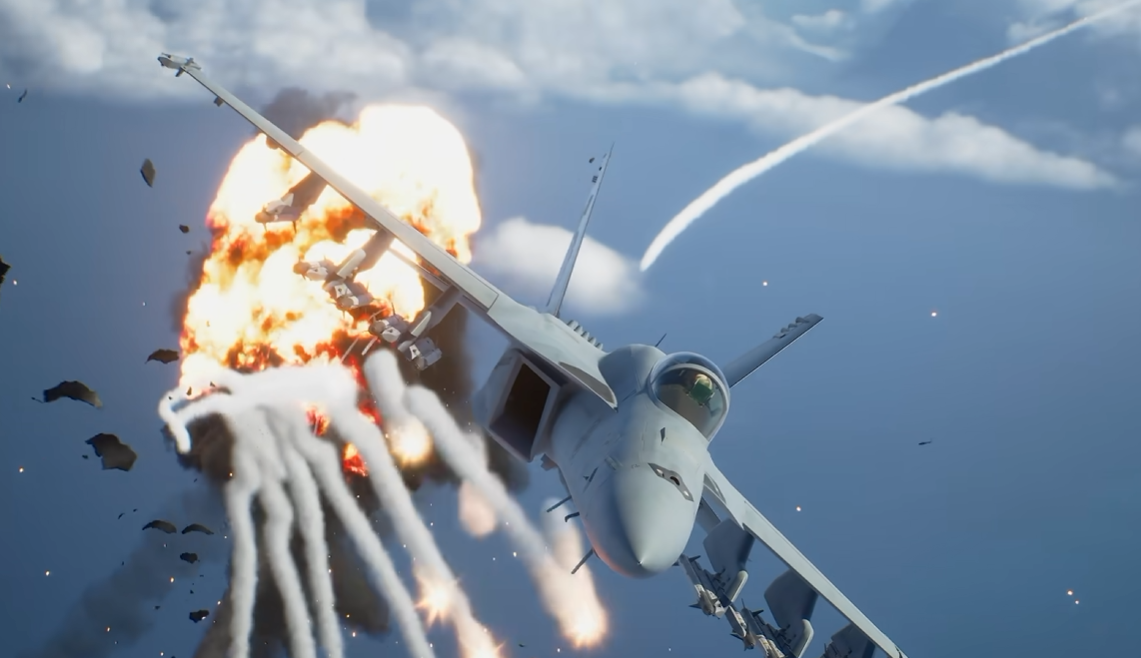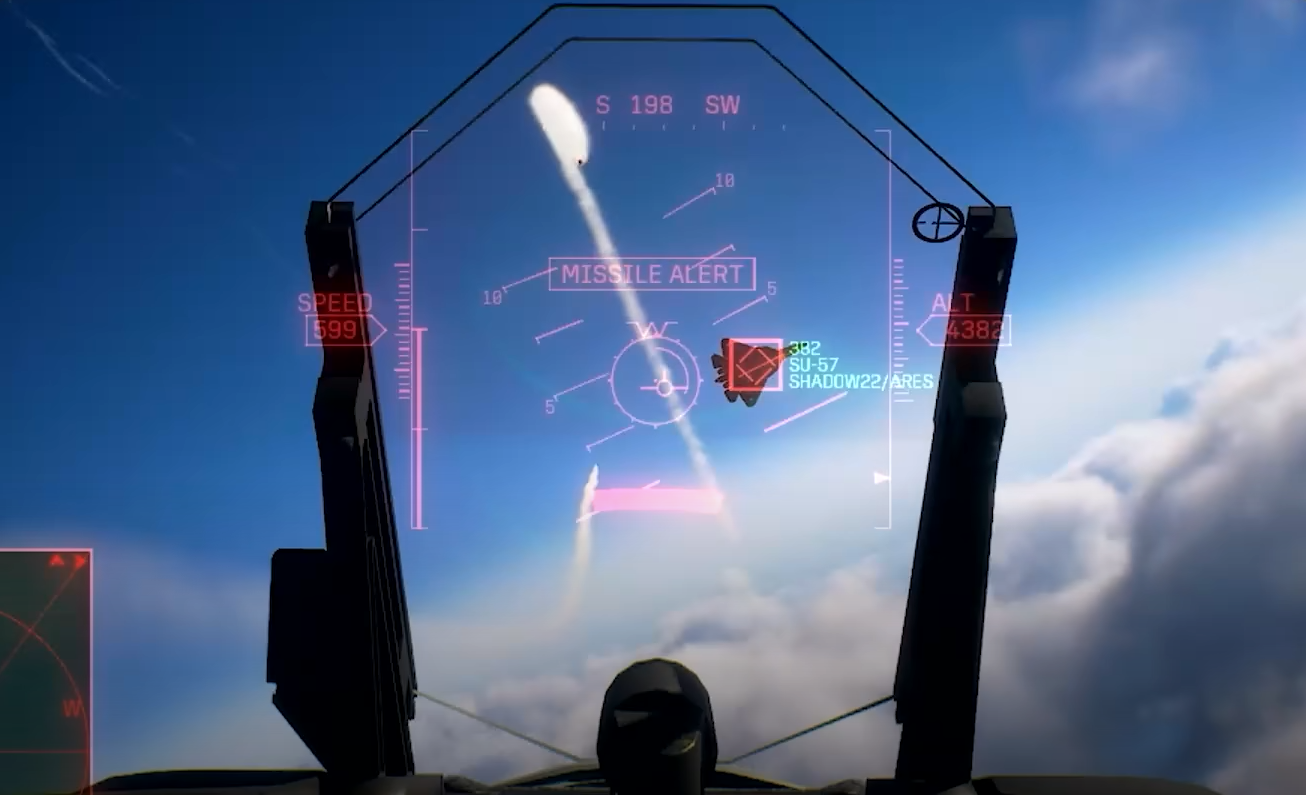
High-G Turns are one of the most useful ways to tighten a dogfight in Ace Combat 8. They let you pull the aircraft around much faster than a normal turn, but the tradeoff is rapid speed loss, so using them constantly can leave you slow, vulnerable, or close to a stall.
Jump To Section:
How to High-G Turn
When to Use High-G Turns
Why High-G Turns Lose Speed
How to Turn Tighter
Best Parts for Turning
Standard vs Expert Controls
How to High-G Turn in Ace Combat 8
To perform a High-G Turn in Ace Combat 8, hold both the acceleration and deceleration buttons while turning.
High-G Turn Controls
PlayStation → Hold L2 + R2 while turning
Xbox → Hold LT + RT while turning
With both triggers held, pull into your turn and the aircraft will rotate much more aggressively than it does during normal flight.
You do not need to stay in a High-G Turn until the aircraft completes an entire circle. In most dogfights, I use it as a short burst to tighten part of a turn, then release the triggers and accelerate again once my nose is where I need it.
That distinction matters because High-G Turns trade speed for turning performance.
When Should You Use a High-G Turn?
The best time to use a High-G Turn is when a normal turn is not bringing your nose around quickly enough.
That commonly happens when an enemy cuts across your flight path, reverses direction, or gets behind you during a close-range dogfight.
High-G Turns are also useful when you need an immediate direction change to avoid terrain or make an aggressive missile-evasion maneuver.
Good Times to High-G Turn
Enemy crosses behind your nose
You overshoot during a dogfight
You need to tighten the final part of a turn
A missile forces an aggressive direction change
You need to quickly reverse toward another target
The important part is not treating High-G as your normal turning mode.
Ace Combat 8 aircraft can feel noticeably heavier than in some previous entries, particularly early aircraft, which makes it tempting to hold High-G during almost every dogfight. Players are doing exactly that, but it also means constantly throwing away speed every time you need to reposition.
If you're still getting comfortable with the rest of the flight model, my Ace Combat 8 tips and tricks guide covers more of the campaign and combat mechanics worth learning early.
Why High-G Turns Make You Lose Speed
The tighter turn comes from exchanging forward speed for maneuverability.
That is why High-G feels so effective when you first activate it. Your nose comes around much faster, but your airspeed falls at the same time.
Hold the maneuver too long and eventually the speed loss becomes more harmful than the tighter turn is useful.
If the aircraft begins approaching a stall, stop forcing the turn, level out enough to recover, and accelerate.
This is the main reason I prefer short High-G bursts over holding both triggers through every engagement.
Simple High-G Rhythm
Normal turn → High-G to tighten → point nose at target → release → accelerate → repeat only when needed
That keeps more energy in the aircraft and prevents every dogfight from turning into a slow-speed circle.
How to Make High-G Turns Even Tighter
Your speed before entering the maneuver matters.
If you enter a High-G Turn at very high speed, the aircraft still has a lot of momentum to bleed before the turn becomes extremely tight. Decelerating first can give you a much sharper change of direction.
That does not mean you should always slow to the minimum possible speed before turning. The tighter you make the turn, the more careful you need to be about leaving yourself with enough speed to recover afterward.
I think of it as choosing how much speed I am willing to spend.
If I only need a small correction, I stay faster and briefly tap into High-G. If an enemy has completely reversed direction and I need to bring the aircraft around immediately, I can afford to sacrifice more speed.
This gives you much more control than simply holding L2 + R2 every time an enemy leaves the center of the screen.
Use Maneuverability Parts Instead of High-G Turning Constantly
If your aircraft feels like it needs a High-G Turn just to make every normal corner, look at your parts setup.
Ace Combat 8's early aircraft can feel heavy, but maneuverability upgrades make a noticeable difference. Players have specifically reported that even the early Hornet becomes much better once the right mobility parts are installed.
That is important because improving normal handling lets you save High-G Turns for the moments where you actually need their extra turning performance.
Superior Maneuverability is my best general-purpose BODY choice because it improves maneuverability in every direction. Flap Auxiliary Pressurization is more focused on pitch performance, while ECU Software Update helps with stall resistance and High-G Turn duration.
My Ace Combat 8 best parts guide covers the strongest BODY, ARMS, and MISC options in more detail.
High-G Turns With Standard vs Expert Controls
High-G Turns work alongside whichever flight-control mode you prefer, but the way you enter and shape the turn feels different.
Standard Controls make left and right inputs directly turn the aircraft, so you can focus primarily on holding the High-G input and steering toward the direction you want.
Expert Controls give you independent roll and pitch control. Roll the aircraft toward the direction you want to turn, then pitch through the High-G maneuver.
Expert therefore gives you more control over the aircraft's exact attitude, while Standard makes the basic turn easier to execute.
If you're deciding which setup to use, my Ace Combat 8 Standard vs Expert controls guide breaks down the difference and which one I recommend based on experience level.
Use High-G Turns to Punish an Overshoot
One of the best uses for a High-G Turn is immediately after you overshoot another aircraft.
Instead of continuing forward and making a huge normal circle, dump some speed and use High-G to bring the nose back toward the fight.
The same principle works when an enemy overshoots you. If they fly past at high speed, a quick High-G reversal can give you a firing angle before they build distance again.
This becomes particularly useful against Ace Combat 8's more aggressive enemies, where simply following their flight path can turn into a long chase.
For example, my Shadow 22 guide is built around recognizing the moments when the enemy dumps momentum rather than blindly trying to follow every maneuver.
High-G Turn vs Post-Stall Maneuver
A High-G Turn is not the same thing as a Post-Stall Maneuver.
High-G Turns are a normal combat maneuver you can use to tighten your turn by sacrificing speed. A PSM is a more extreme low-speed maneuver available only to aircraft capable of performing it.
You will use High-G Turns far more often during normal combat.
PSMs are better treated as a specialized tool for extreme nose repositioning rather than a replacement for ordinary turning.
If you want to learn those separately, my Ace Combat 8 PSM guide covers the aircraft, speed, and inputs required.
Common High-G Turn Mistakes
The most common mistake is simply holding High-G for too long.
If you're constantly at minimum speed, struggling to accelerate after every turn, or repeatedly seeing stall warnings, you're spending too much energy on each maneuver.
Another mistake is using High-G to compensate for an aircraft that would benefit more from better maneuverability parts.
Finally, don't assume a tighter turn is automatically a better turn. If the enemy is already going to cross your nose, maintaining speed and taking the shot can be better than pulling an unnecessarily aggressive High-G maneuver and ending up almost stationary afterward.
In Short
PlayStation → Hold L2 + R2 while turning
Xbox → Hold LT + RT while turning
Use High-G to tighten part of a turn
Release once your nose is where you need it
Accelerate afterward to recover speed
Do not use High-G as a replacement for every normal turn
If your current aircraft still feels too sluggish even after getting comfortable with High-G Turns, my Ace Combat 8 best planes guide covers stronger dogfighters and more maneuverable options to work toward.