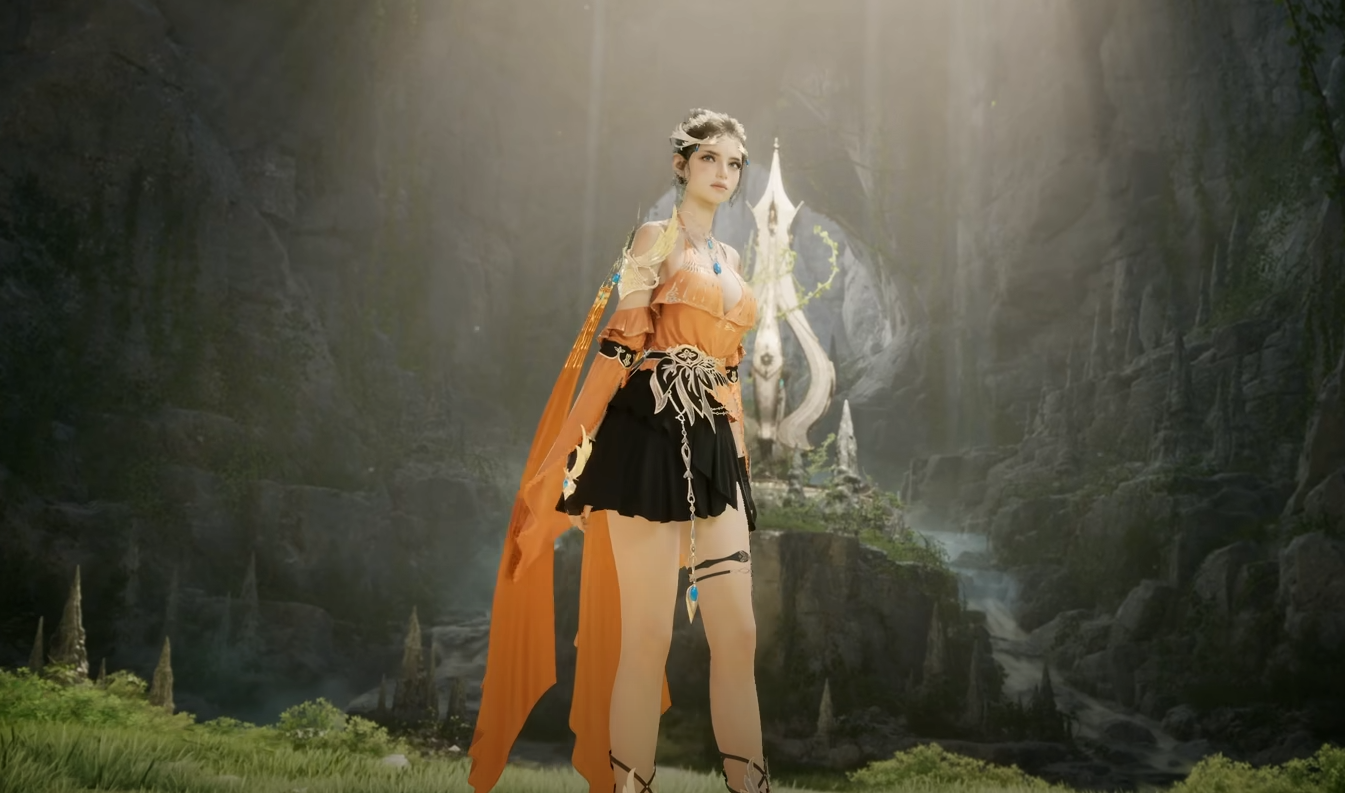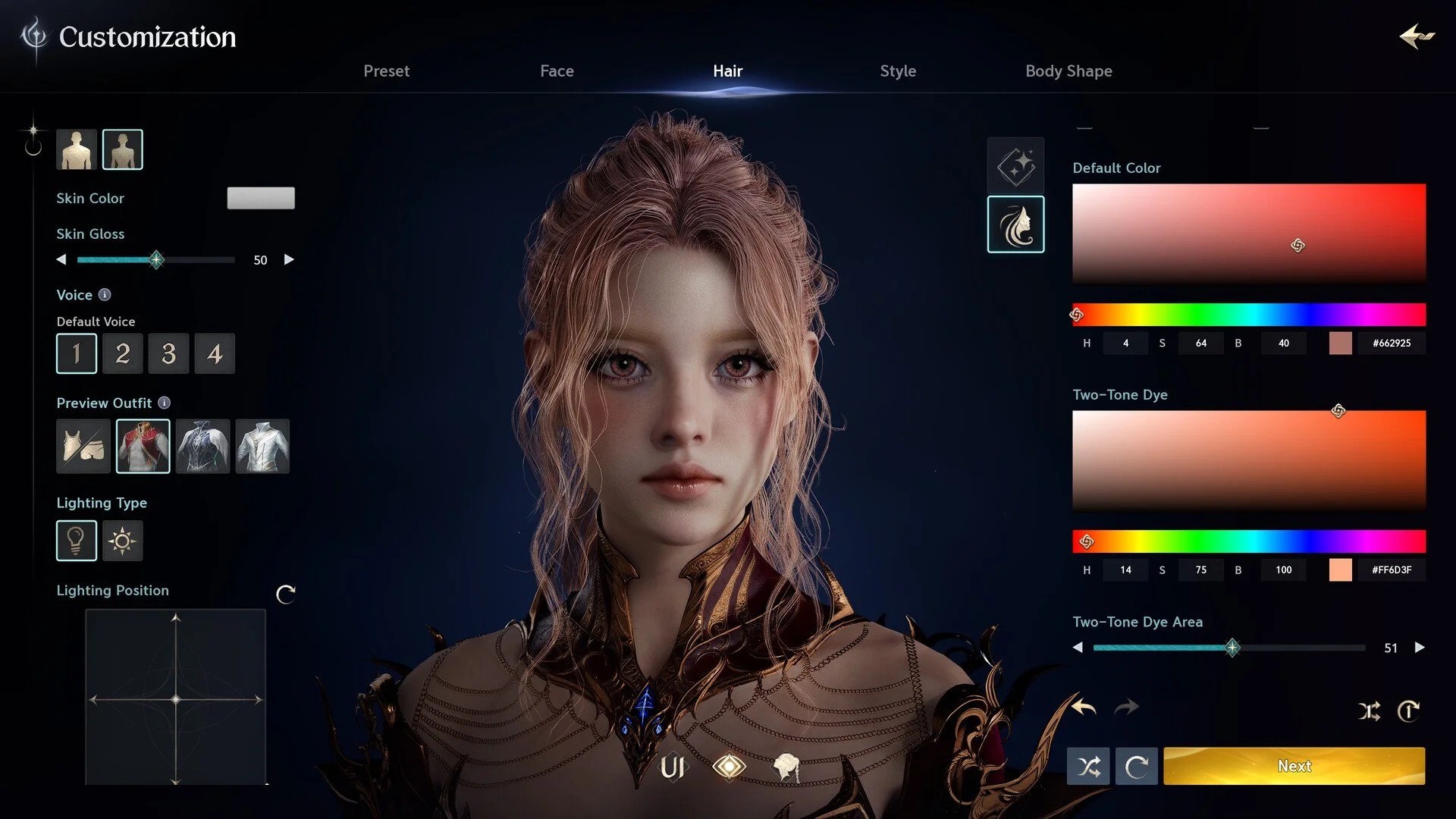
AION 2 has an unusually deep character creator, but its preset system is not as simple as saving a face and loading it on every character. Built-in presets, your own saved appearance slots, and community Style Book presets are separate things, and the current Global version has some important restrictions when you try to move an appearance between characters or regions.
Jump To Section:
How Character Presets Work
Using the Starting Presets
How to Save Your Preset
Use a Preset on Another Character
Community and Style Book Presets
KR and TW Presets on Global
Best Way to Copy a Character
How Character Creation Presets Work in AION 2
There are three different things players commonly mean when they talk about AION 2 character presets: the preset faces available when you first enter character creation, appearances you save while editing an existing character, and community appearances distributed through the Style Book or Style Shop system.
Built-in presets: Starting appearances you can select and completely customize.
Saved appearance presets: Saves attached to the character/customization system.
Style Book presets: Appearances shared by other players through AION 2's online appearance system.
The important limitation is that your personal saved appearance should not be treated like a normal preset file that can automatically be loaded when creating another character. On the current Global version, players are finding that appearance saves can remain tied to the character they were created on rather than appearing account-wide in every new character creator.
Using the AION 2 Starting Presets
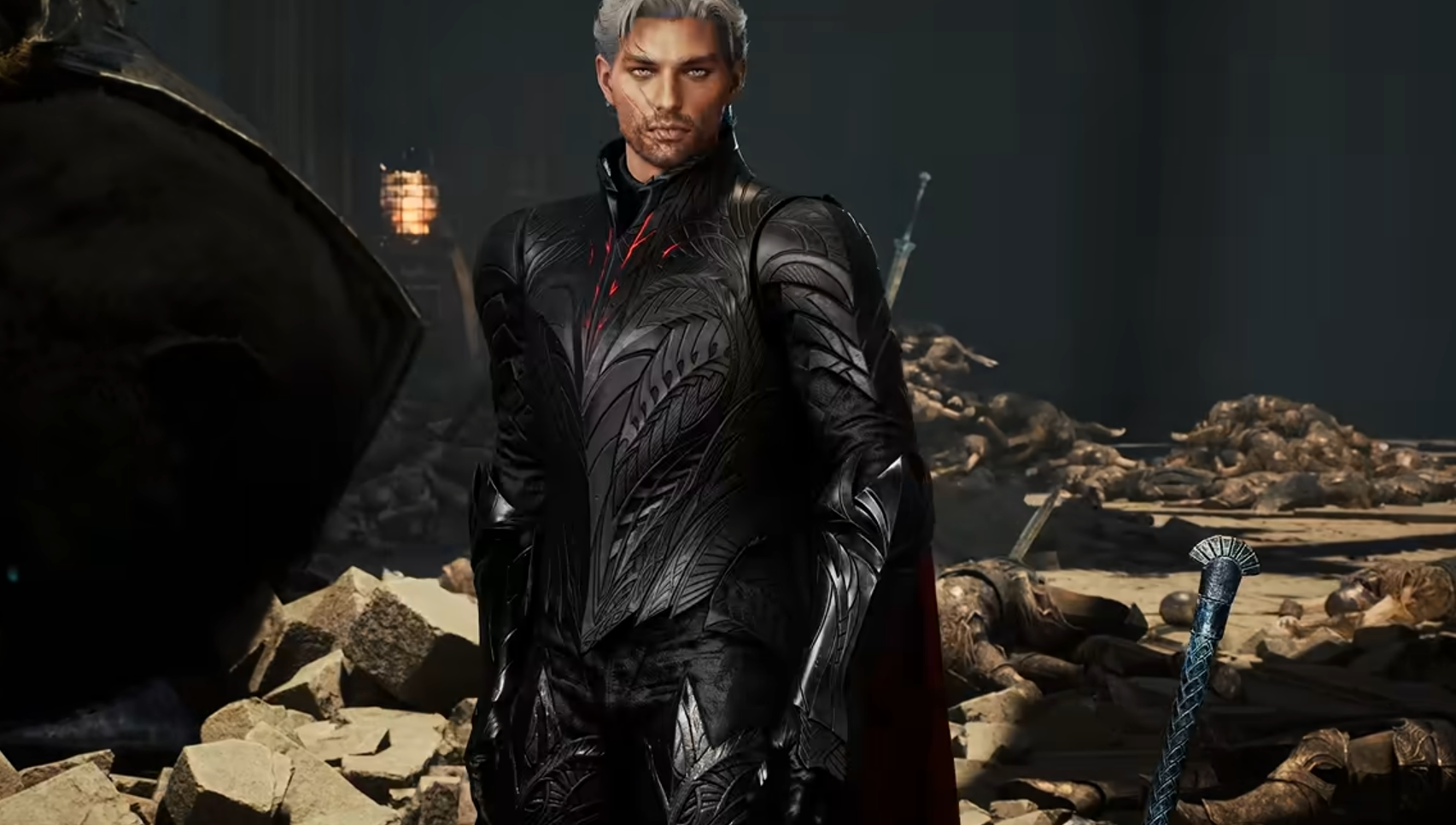
When creating a character, you can begin with one of AION 2's built-in male or female presets and then change the individual features yourself. A preset is only a starting point; selecting one does not lock you into that face or body.
This is usually the fastest way to make a character from scratch. Pick the preset with the closest overall face shape to what you want before changing individual eyes, eyebrows, nose, mouth, jaw, hair, makeup, skin, and body settings.
AION 2 has more than 200 appearance adjustments across its creator, so getting the underlying face shape close before editing the smaller details can save a lot of slider work.
I would also check the character from multiple angles before finalizing it. Face proportions that look good at maximum zoom can look noticeably different when the camera is pulled back to normal gameplay distance.
How to Save a Character Preset in AION 2
AION 2 does have appearance-saving options once you are working with an existing character through the customization system. These allow you to preserve an appearance while experimenting with another look.
The catch is that these saved slots currently behave more like character-specific appearance saves than a universal preset library. Saving an appearance on one character does not necessarily make that preset appear when you go back to the initial character creator for a new character.
That distinction is especially important if you spent a long time creating a face specifically because you planned to reuse it on several classes.
Important: Do not assume that pressing Save inside an existing character's customization menu creates an account-wide preset that can be loaded during new character creation.
Can You Use a Preset on Another Character?
Not reliably through the normal saved-preset slots in the current Global version. This is one of the biggest quirks of AION 2's character creator.
If you save the appearance of one character and then create another, that original save may not be available in the new character creator. Players attempting to copy the same appearance to another class have consequently been recreating the sliders manually or going through the separate Style Book system.
Because of that, I strongly recommend recording your customization settings before you finish any character you might want to recreate later.
This is also useful if you decide to reroll onto another class or server. A beautiful character preset is not much help if the only copy of the appearance is attached to the character you are abandoning.
How Community Presets and the Style Book Work
AION 2 also has a community appearance system commonly referred to as the Style Book or Style Shop. This is separate from your personal preset slots and allows player-created appearances to be published and viewed by other players.
You generally access these shared appearances through the appearance/customization systems on an existing character rather than downloading a preset file into a folder on your PC.
This is why community posts may give you a Style Book link or shared appearance rather than a traditional file such as you might expect from another MMO.
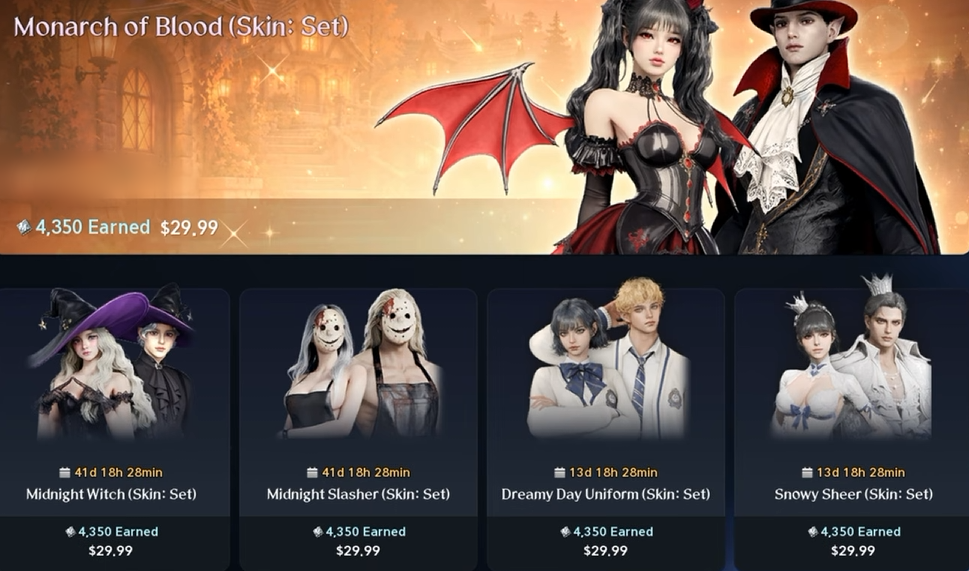
There are two catches. Applying a community appearance can involve the game's appearance-change currency or voucher system, and availability is currently dependent on the service or region where that appearance was published.
In other words, finding a preset online does not automatically mean your character can load it directly.
Can You Use Korean or Taiwan Presets on AION 2 Global?
You can use Korean and Taiwanese characters as visual references, but you should not assume their shared Style Book preset will directly transfer to your Global character.
AION 2's shared appearance system uses online character and Style Book data rather than one universal local preset file. Current players have reported that appearances shared through another service or Global region may not appear on their own server.
This is why you will often see Korean or Taiwanese preset posts accompanied by screenshots of every slider. Those screenshots remain useful even when the original online preset cannot be imported.
If you find a KR or TW character you want to recreate on Global, the safest method is therefore to copy the creator settings manually rather than relying entirely on the shared preset link.
Best Way to Save or Copy an AION 2 Character
If you create an appearance you really care about, take screenshots of every customization page before finalizing the character. This is currently the safest way to preserve a design independently of your server, class, account preset slots, or Style Book availability.
Save screenshots of:
Base face or preset
Face shape and jaw
Eyes and eyebrows
Nose
Mouth and lips
Hair and colors
Skin settings
Makeup and other facial details
Body and proportions
Any additional advanced sliders
Keep the screenshots in the same order as the character creator. If you later need to rebuild the character on another class or region, you can move through each page and reproduce the values instead of trying to match the face by eye.
I would also take one clean front-facing screenshot and one side profile. The numerical settings let you rebuild the preset, while those reference images make it much easier to notice if a slider was entered incorrectly.
This workaround is less convenient than a true account-wide import system, but it is considerably safer than assuming an appearance saved on one character will always remain accessible somewhere else.
If you cannot reach character creation at all because your chosen world is locked, that is a separate issue from presets. Our AION 2 Character Creation Restricted guide covers server restrictions and cases where every server incorrectly appears unavailable.