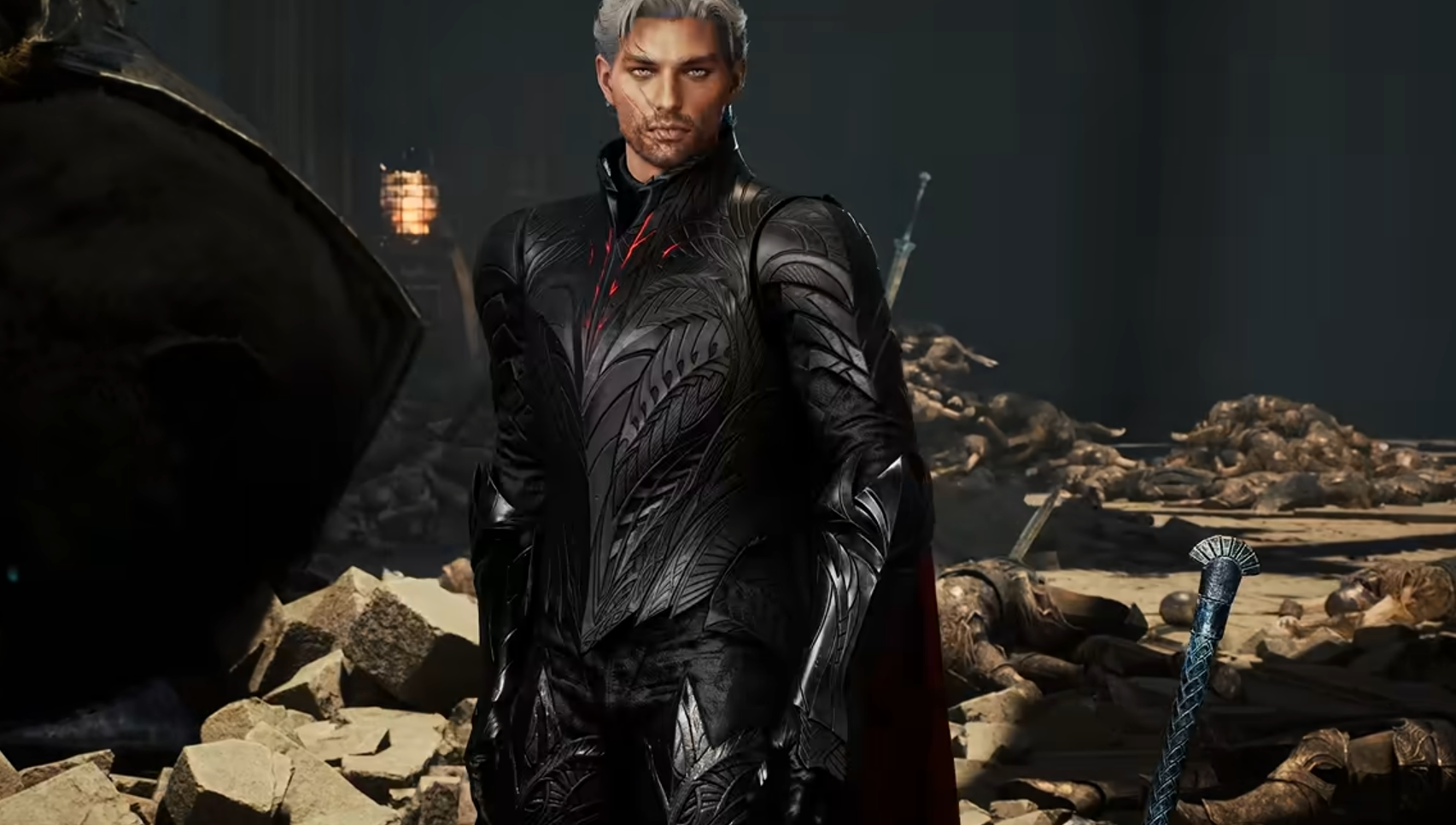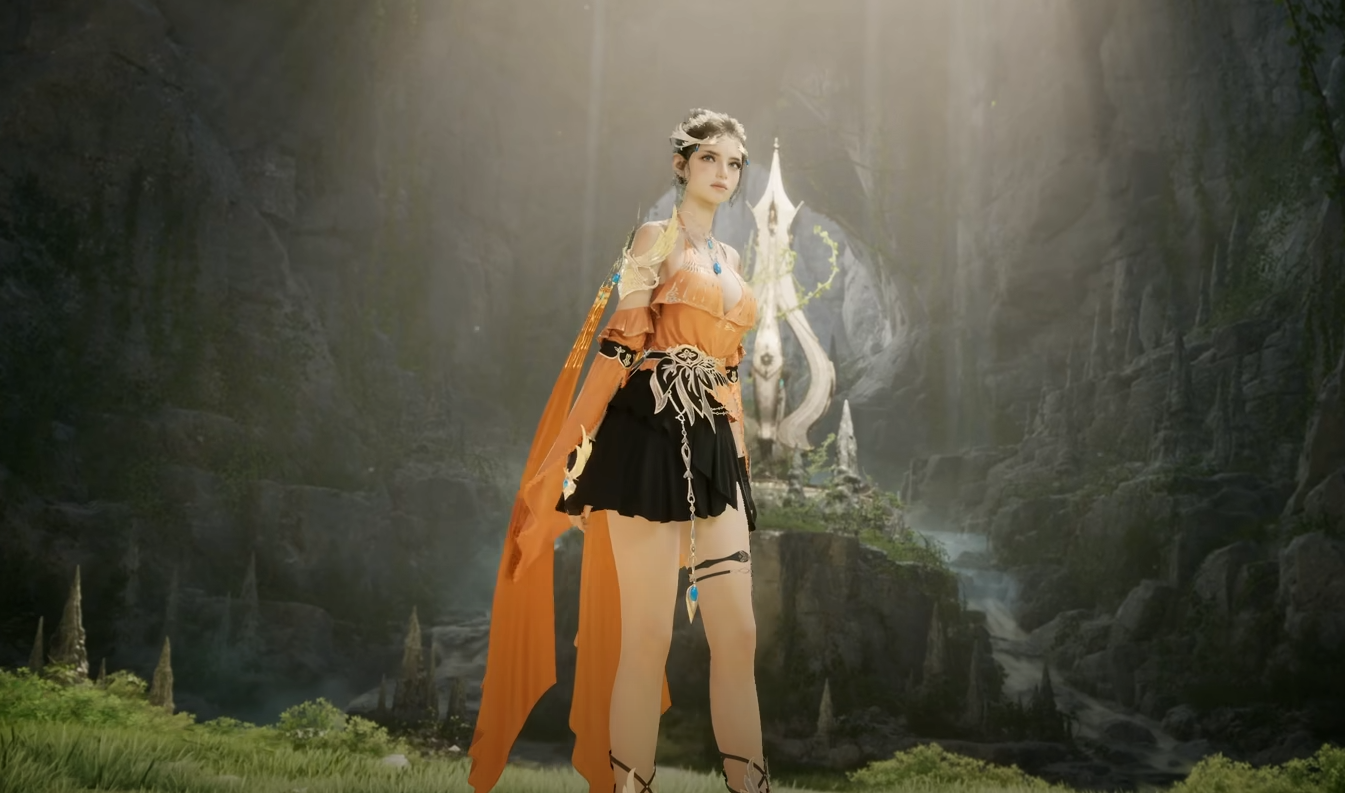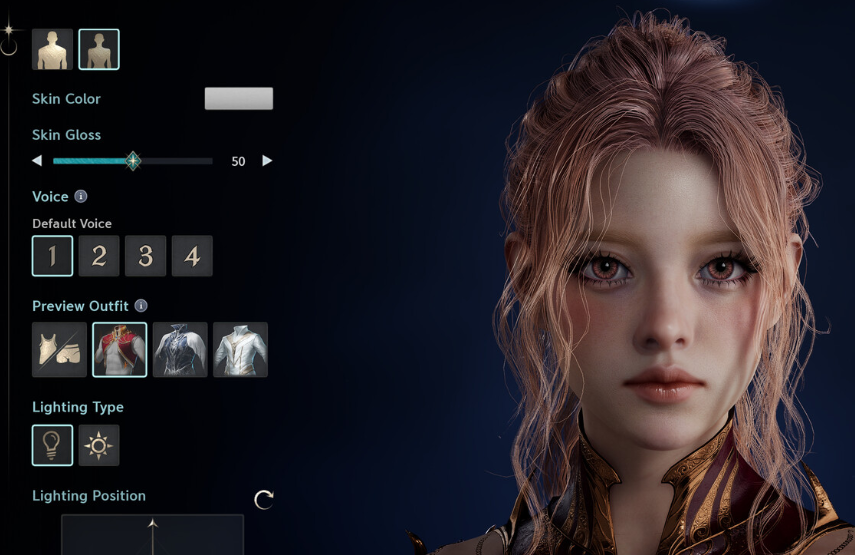
Your AION 2 character is not permanently locked to the face, hair, and other physical options you picked during character creation. There is a separate customization system available after starting the game, although changing your actual character works differently from swapping armor skins in the Closet.
Jump To Section:
How to Change Character Appearance
Appearance Change Cost
Appearance Change Vouchers
Character Appearance vs Skins
How to Change Character Appearance in AION 2
Open the Customization menu through Settings to change your character's physical appearance in AION 2. From there, you can return to the character editor and change options including your face, hairstyle, body appearance, and gender.
You do not need to delete the character or start over just because you want to change how they look.
Menu: Settings → Customization
Face: Can be changed
Hair: Can be changed
Body: Can be changed
Gender: Can be changed
If you are making a new character rather than editing an existing one, our AION 2 character presets guide covers how presets work during character creation.
Does It Cost Money to Change Appearance?
Changing your physical appearance is not normally free. After finishing your edits, you need to either pay the required Kuna cost or use an Appearance Change Voucher.
The important part is that you can enter the editor and work on the new appearance before committing to the change, so there is no reason to rush through the customization screen.
How Appearance Change Vouchers Work
An Appearance Change Voucher lets you make the character change without paying the normal Kuna cost.
There are also Appearance Change Vouchers that remain active for seven days. These give you 168 hours to repeatedly customize your character while the voucher is active instead of treating it as a single edit.
That makes the longer voucher much more useful if you are still experimenting with hairstyles, facial proportions, or an entirely different character look.
Changing Character Appearance Is Different From Changing Skins
If you only want to change how your armor looks, you do not need the physical character customization system.
Press Alt + O on PC to open the Closet, where you can apply unlocked cosmetic appearances to your equipped gear. The Closet handles armor and outfit skins, while the Customization menu handles the character underneath that equipment.
Change face, hair, body, or gender: Use Customization
Change armor appearance: Use the Closet
Closet shortcut on PC: Alt + O
So if you simply regret the character you made at launch, you do not have to reroll. Open the Customization menu, rebuild the appearance you want, and then confirm the change using Kuna or an Appearance Change Voucher.
If you are still working toward Level 45 and unlocking more of AION 2's endgame systems, our AION 2 leveling guide covers the full 1-45 route, which content is worth doing along the way, and what to prioritize once you hit the level cap.