If Dressmaker will not let you finish a dress or complete a commission, there is usually still one construction step the game considers unfinished. The problem can come from the cutting table, the mannequin, or even the tab you currently have selected, so a dress that looks completely finished may still be missing something small.
Jump To Section:
Why You Can't Finish the Dress
Check for a Missing Fabric Piece
Check for Unfinished Sewing
Switch Back to the Fabric Tab
Can't Finish the Commission
Finish Dress Option Still Missing
Why Can't I Finish My Dress in Dressmaker?
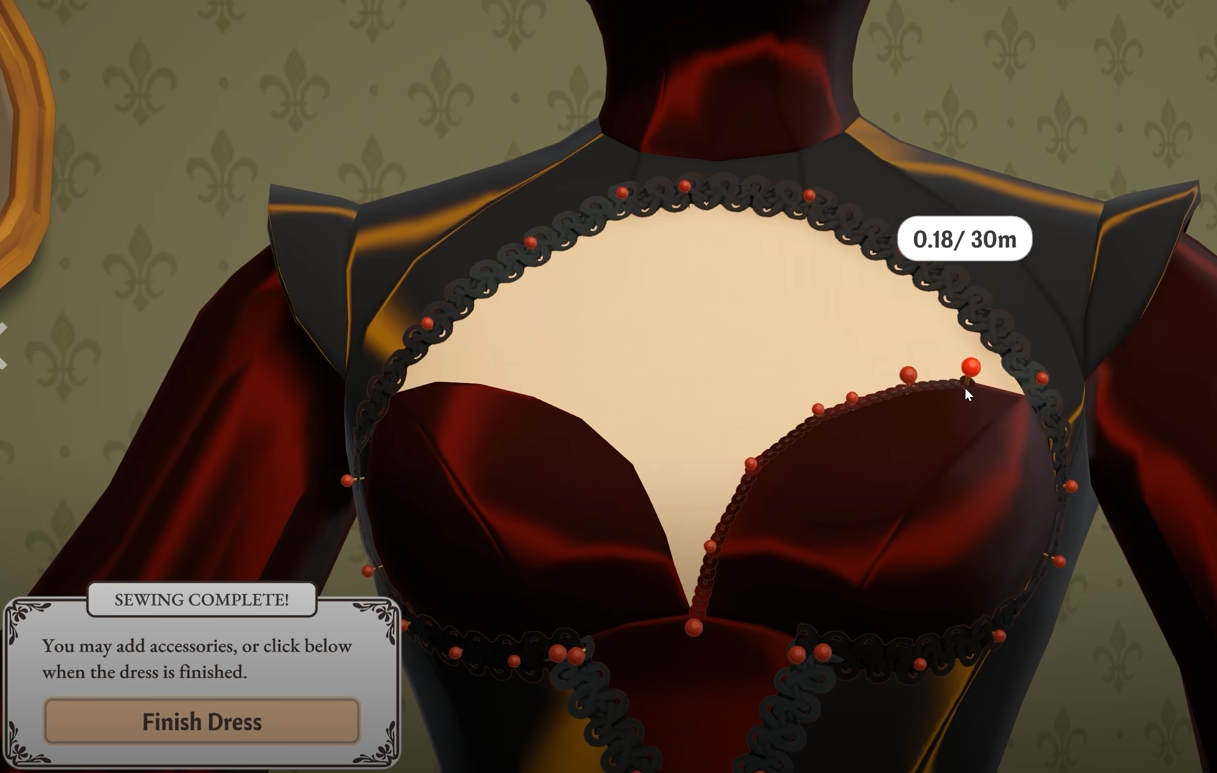
If you can't finish a dress in Dressmaker, the most common cause is a required fabric piece or sewing step that has not been completed yet. Return to the cutting table and make sure every cut piece has been collected, then go back to the mannequin, switch to the Fabric tab, and rotate the dress to check for any remaining sewing prompts.
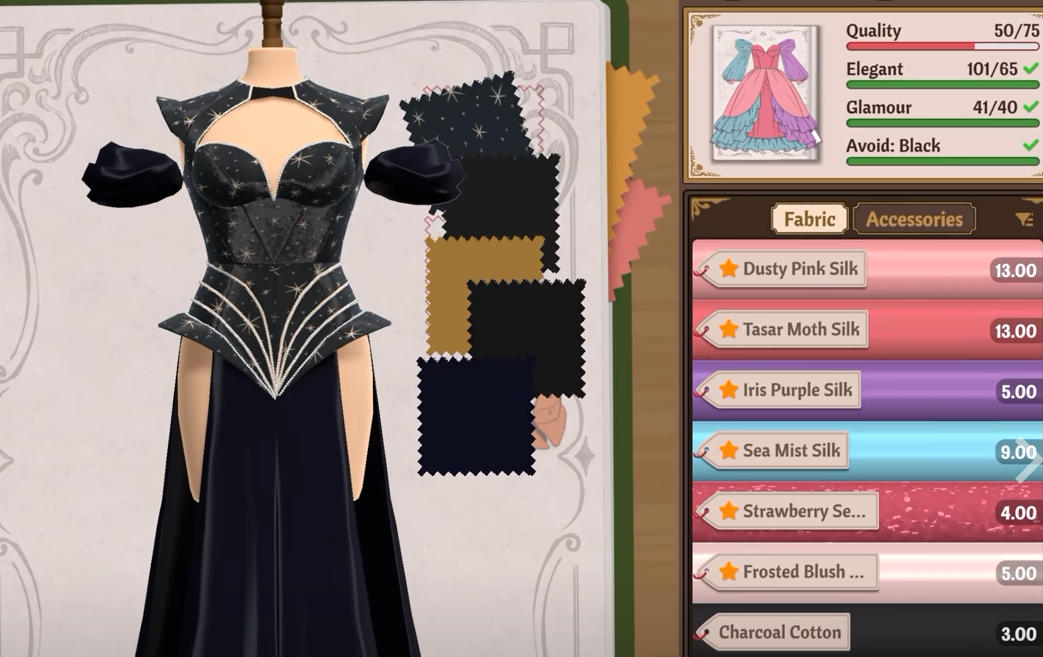
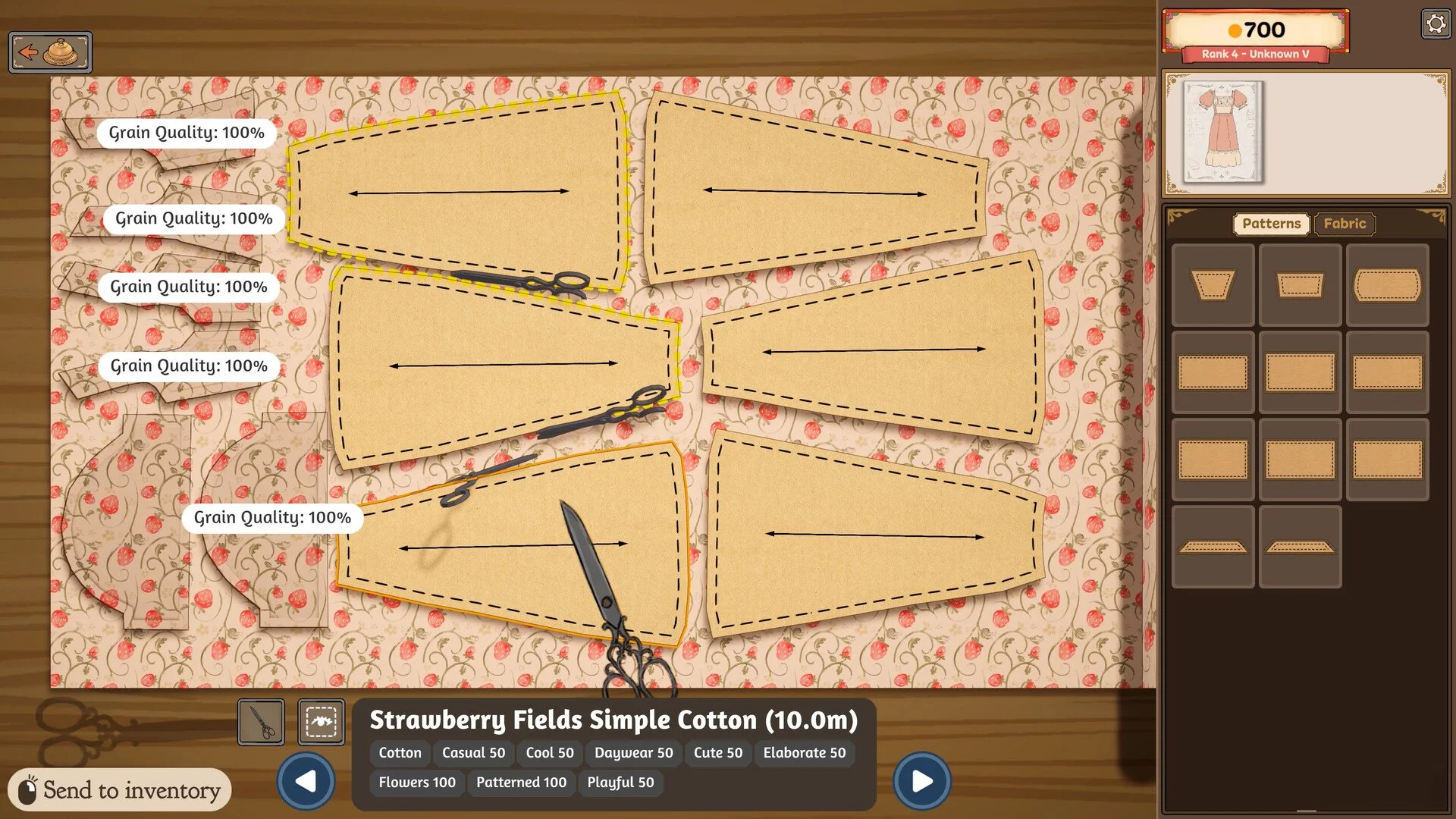
Small pieces are particularly easy to miss. Players have found thin strips left behind on the cutting table, including narrow sections around the back of a bodice, and the game will not allow the dress to be completed until those pieces are picked up and attached.
Return to every fabric used for the dress.
Check for small cut pieces still sitting on the table.
Return to the mannequin and select the Fabric tab.
Rotate the dress and look for another sewing prompt.
Save and reload only if everything is genuinely complete.
Check for a Missing Fabric Piece
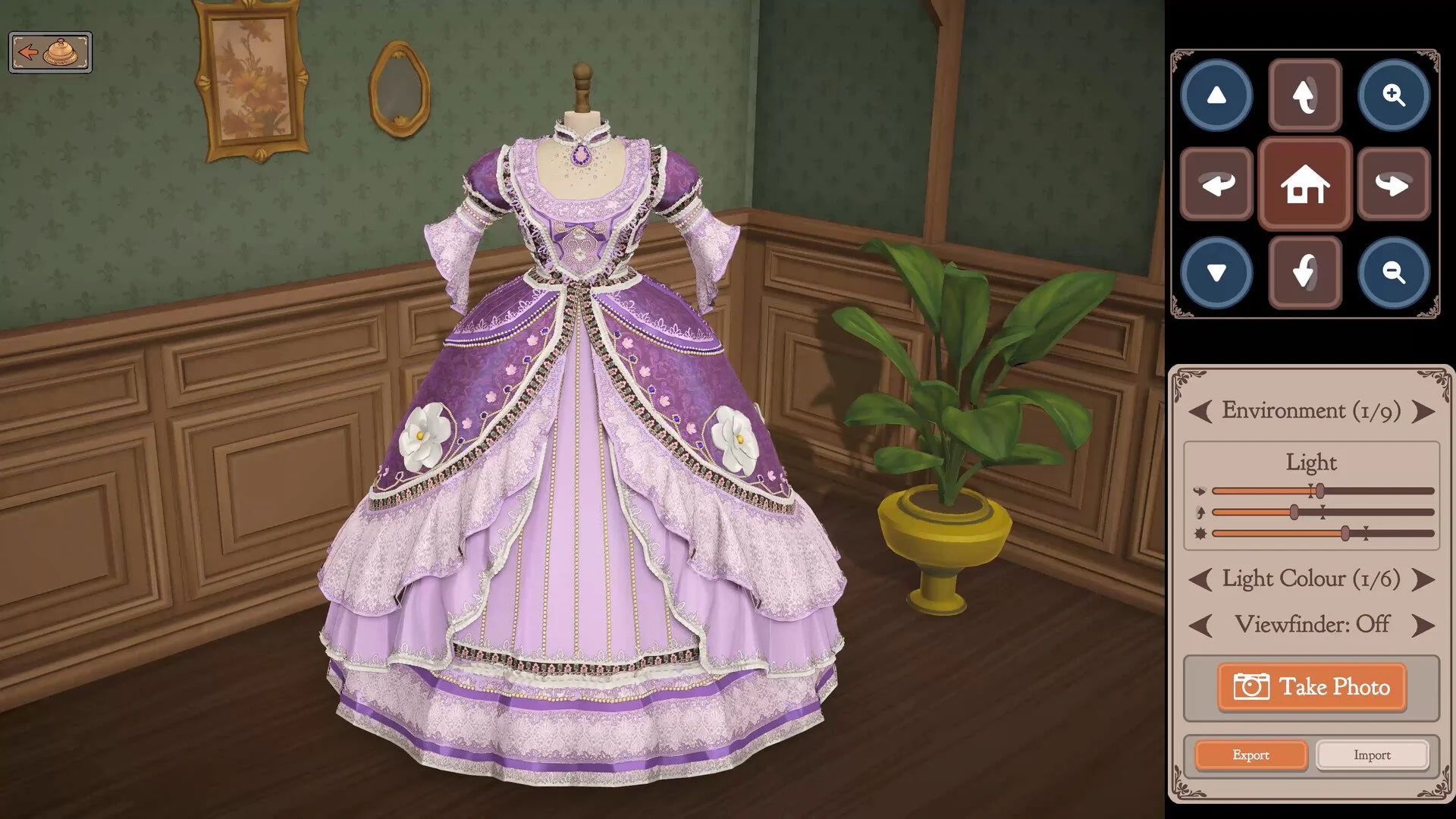
The first place I would check is the cutting table. Dressmaker does not consider a garment complete if one of its pattern pieces was cut but never collected, even if the dress already looks finished on the mannequin.
This becomes especially easy to overlook with narrow strips, trim sections, or pieces cut from dark fabric. A small section can blend into the remaining material well enough that it looks like scrap rather than part of the dress.
If you used more than one fabric, go back through all of them. A required piece can remain on an earlier material after you switch to another one, so checking only the fabric currently selected may not reveal the problem.
You can also use the eye icon while checking the cutting table if you are having trouble identifying what remains. Once the missing piece has been collected, return to the mannequin and see whether another construction step becomes available.
If you are having trouble with the cutting process itself, the Dressmaker how to cut fabric guide covers pattern placement, scissors controls, and common cutting problems.
Check for Unfinished Sewing
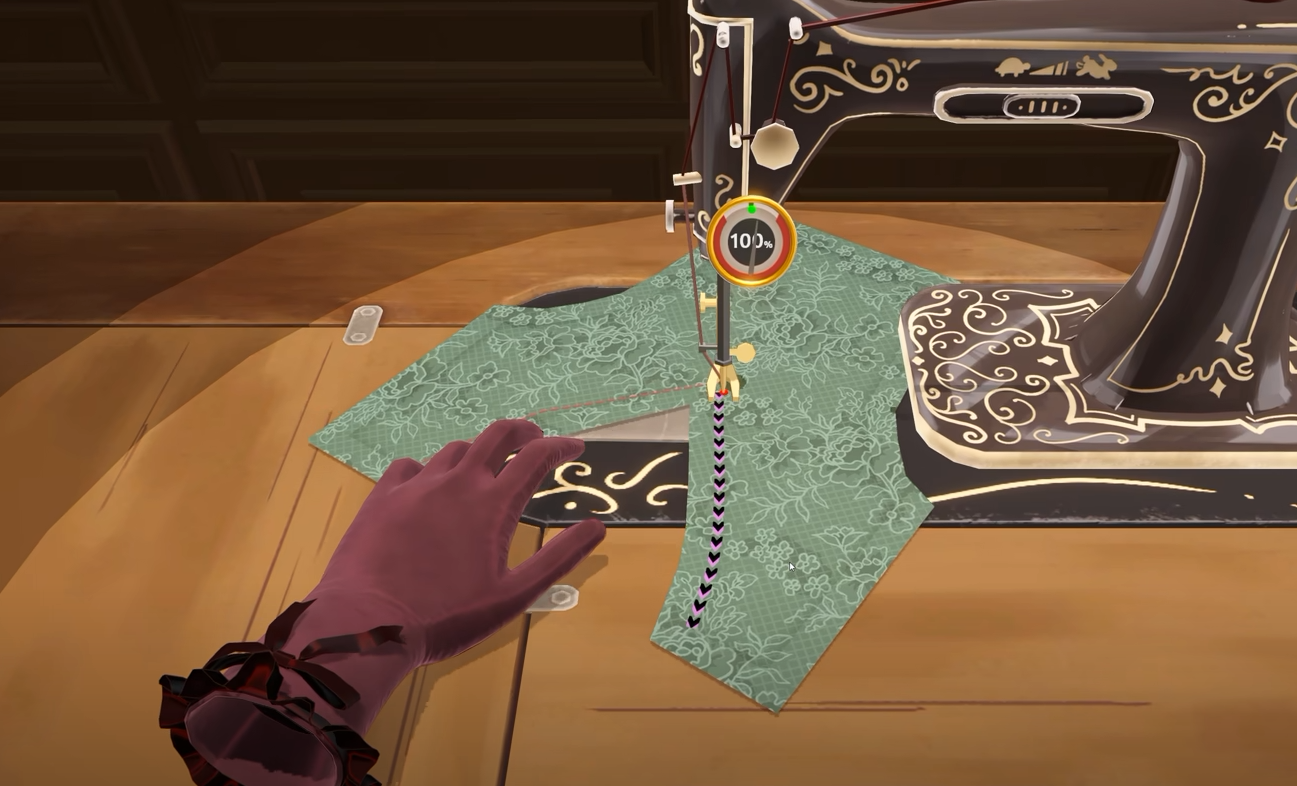
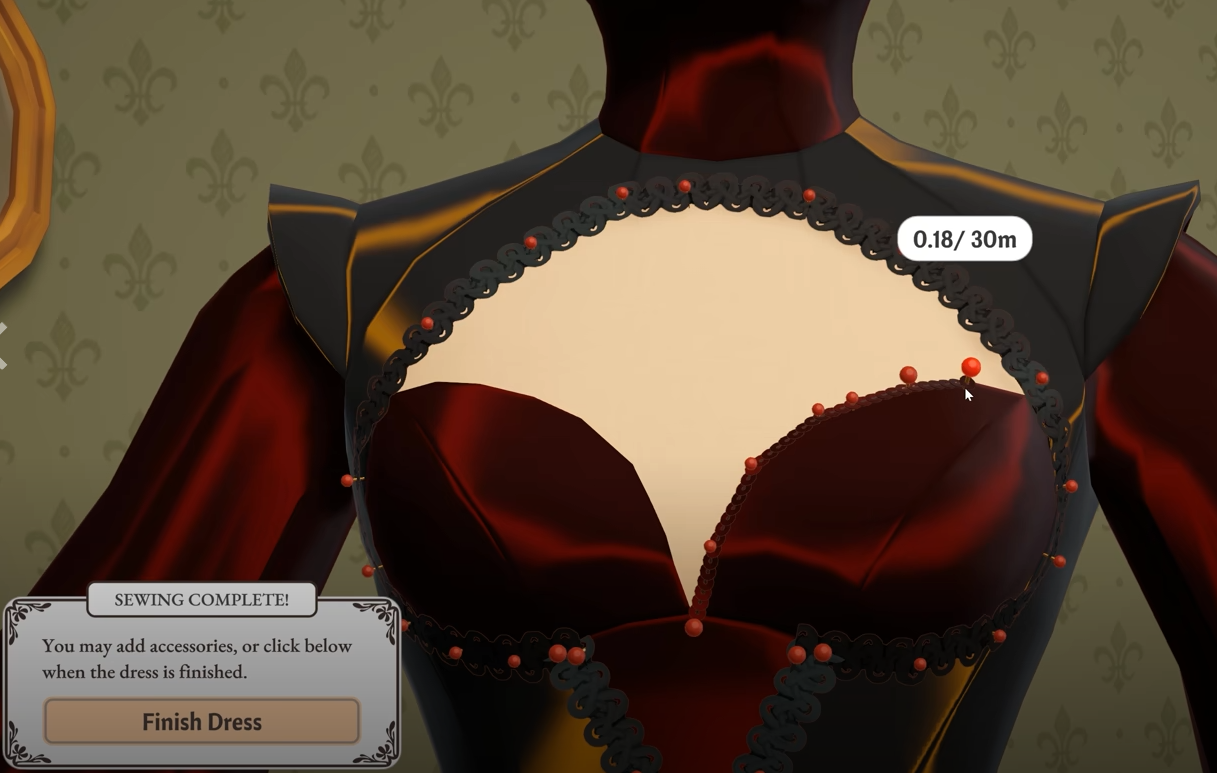
If every pattern piece has been collected, the next likely cause is an unfinished seam. One small section of the garment can still need sewing even when the dress appears complete from the front.
Rotate the mannequin all the way around and check the back, sides, sleeves, hems, and any smaller connections between pieces. The remaining prompt may only become visible from a certain angle.
This is also worth checking slowly rather than spinning through the dress quickly. A small sewing icon can be easy to pass over, particularly on more complicated garments with several overlapping pieces.
Switch Back to the Fabric Tab If Sewing Is Not Showing
If you cannot see any sewing prompts, make sure you are actually on the Fabric tab rather than Accessories.
Players have reported that unfinished sewing interactions can disappear from view while the Accessories tab is selected. The dress can therefore look completely finished even though another seam is waiting underneath the customization interface.
Switch back to Fabric, rotate the mannequin again, and check each side of the garment. If another sewing prompt appears, complete it before looking for the Finish Dress option again.
Why Can't I Finish the Commission?
If the dress is part of a commission, decorations and accessories do not replace the required construction steps. You still need every necessary fabric piece collected and every required seam completed before the commission can move forward.
This means a dress can visually satisfy the design you had in mind while still being incomplete according to the game. If the Finish Dress option is missing, work backward through the actual construction rather than adding more accessories.
Quality is separate from whether the garment is structurally finished. If the game lets you complete the dress but the commission score is too low, the Dressmaker how to increase quality guide covers measurements, Grain Quality, and sewing accuracy.
Finish Dress Option Not Showing
When the Finish Dress option is not showing, check the cutting table before assuming the game has bugged. A missing fabric piece is one of the most common explanations, followed by an unfinished sewing point that is either hidden around the back of the mannequin or invisible while the Accessories tab is open.
Once those checks are complete, return to the mannequin and make sure no sewing icon appears from any angle. If the garment is fully assembled, the finish option should become available normally.
What to Do If the Dress Is Finished but the Button Is Still Missing
If you have checked every fabric, collected every pattern piece, switched back to the Fabric tab, and confirmed that there are no sewing prompts left, the interface may have failed to update correctly.
Save the game, return to the main menu, and load the save again. Players have reported cases where the mannequin or missing interaction returned after reloading.
I would use this as the final troubleshooting step rather than the first. Most cases where Dressmaker will not let you finish a dress appear to come down to one small piece or sewing interaction that was overlooked rather than a permanently broken commission.