Cutting fabric is one of the first hands-on steps in Dressmaker, but the opening tutorial can leave you stuck at the cutting table if the scissors do not appear or the game is waiting for a specific pattern piece. The process itself is straightforward once the cutting tool is active, and there are a few things worth checking before assuming your save is broken.
Jump To Section:
How to Cut Fabric
First Dress Tutorial
Scissors Not Showing
Pattern Placement & Grain
Fabric Will Not Cut
How to Cut Fabric in Dressmaker
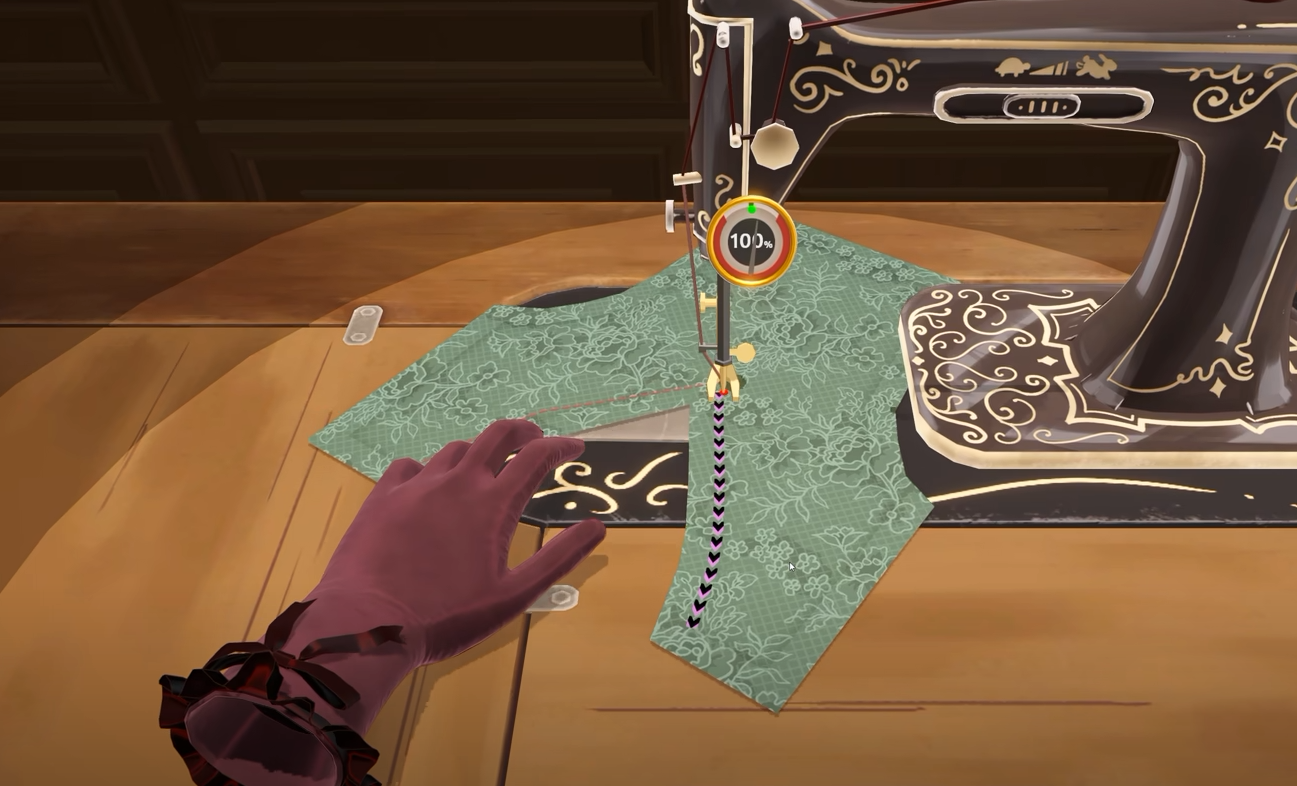
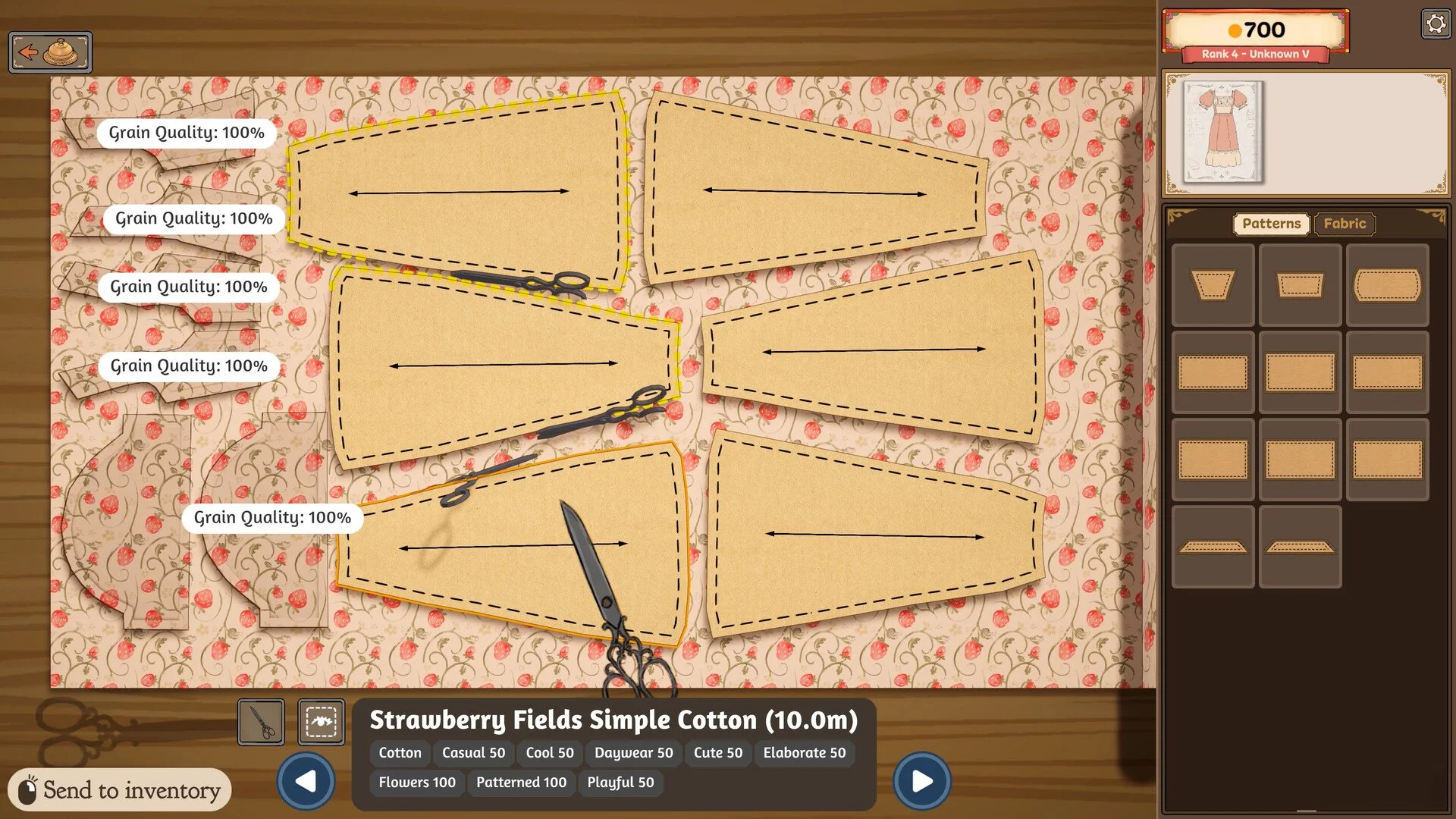
To cut fabric in Dressmaker, place a pattern piece onto the fabric roll, position and rotate it where you want it, then select the scissors button in the bottom-right corner of the cutting screen. With the cutting tool active, click the pattern piece on the fabric to begin cutting it out.
Wait until the cutting animation has completely finished before moving to another screen. Once the cut is complete, the piece becomes available for the next stage of constructing the dress.
Place the pattern piece on your chosen fabric.
Rotate and position the piece.
Select the scissors button in the bottom-right corner.
Click the pattern piece to cut it.
Wait for the scissors animation to finish before moving on.
How to Cut Fabric During the First Dress Tutorial
If you are still making the first tutorial dress, follow the tutorial prompts in the order they appear. In particular, players have found that the game may expect you to cut the first pattern piece it gives you before placing the rest of the pieces on the fabric.
If you have already arranged everything but the scissors will not respond, try removing the additional pieces and returning to the first piece the tutorial asked you to place. Cut that one first, then continue arranging and cutting the remaining pattern pieces.
This is worth trying before restarting because the tutorial can be more restrictive than the normal cutting process once you are making dresses without the introductory prompts.
What to Do If the Scissors Are Not Showing
If you only see the shadow of the scissors or the scissors themselves appear to have disappeared, try the scissors button in the bottom-right corner anyway. Players have reported that the cutting tool can still activate even when the scissors model is not displaying correctly.
Click the scissors button, then click the pattern piece on the fabric. If the cut begins, the problem is only visual and you can continue normally.
If none of the cutting controls respond, save your game and reload the save. Fully exiting Dressmaker and reopening it has also restored the scissors for some players.
If the scissors disappear:
Try the scissors button in the bottom-right anyway.
Click the fabric piece after selecting the tool.
Save and reload your game if nothing happens.
Fully close and restart Dressmaker if the problem remains.
How to Place Pattern Pieces Before Cutting
Each pattern piece can be positioned and rotated on the fabric before you cut it. The cutting screen provides grain and placement feedback so you can see how the piece is oriented before committing to the cut.
In the current game, fabric direction affects how the material pattern appears on the finished dress, so it is worth checking the visible Grain Quality feedback rather than placing pieces wherever they happen to fit. A piece can be moved and rotated while it is still on the cutting table, giving you time to correct its orientation before using the scissors.
You should also make sure the entire piece is actually sitting on the usable fabric area. If part of a pattern is hanging beyond the roll or overlapping something in a way the game does not accept, reposition it and try the scissors again.
Do the Arrows Matter When Cutting Fabric?
Yes, but they are primarily about the orientation and quality of the finished piece rather than simply making the scissors appear.
The pattern pieces display directional information that helps you line them up with the fabric. Earlier versions of Dressmaker placed particularly heavy emphasis on horizontal grain alignment, while the released game provides its own visible Grain Quality feedback and also allows fabric direction to affect how patterns appear on the finished garment.
The safest approach is to use the feedback shown on the current cutting screen rather than relying on older prototype rules. Arrange the piece until the game is giving you the result you want, then cut it.
Why Dressmaker Will Not Let You Cut the Fabric
If the scissors are visible but clicking still does nothing, first check whether the tutorial is waiting for a specific piece. On the first dress, try cutting the initial pattern piece before laying out everything else.
Next, make sure the pattern piece is fully positioned on the fabric and is not interfering with another piece or the edge of the roll. Removing and replacing the piece can sometimes clear a placement issue.
Another problem can occur if you leave the cutting table while a cut is still in progress. Wait for the scissors animation to finish and for the game to register the completed piece before changing screens. Leaving in the middle of the animation has caused pieces to become stuck in older reported builds.
If the interface itself appears broken, saving and reloading is the next step. If that does not restore the scissors or make the controls responsive, fully restart the game. A small number of players have reported needing to restart a new save when the opening tutorial became completely unresponsive, although I would only try that after the normal reload options fail.
Make Sure You Pick Up Every Cut Piece
After cutting, do not leave small pieces sitting behind at the cutting table. Narrow strips and other tiny pattern sections can be difficult to spot against the remaining fabric, and leaving one behind can prevent the game from recognizing the dress as complete later.
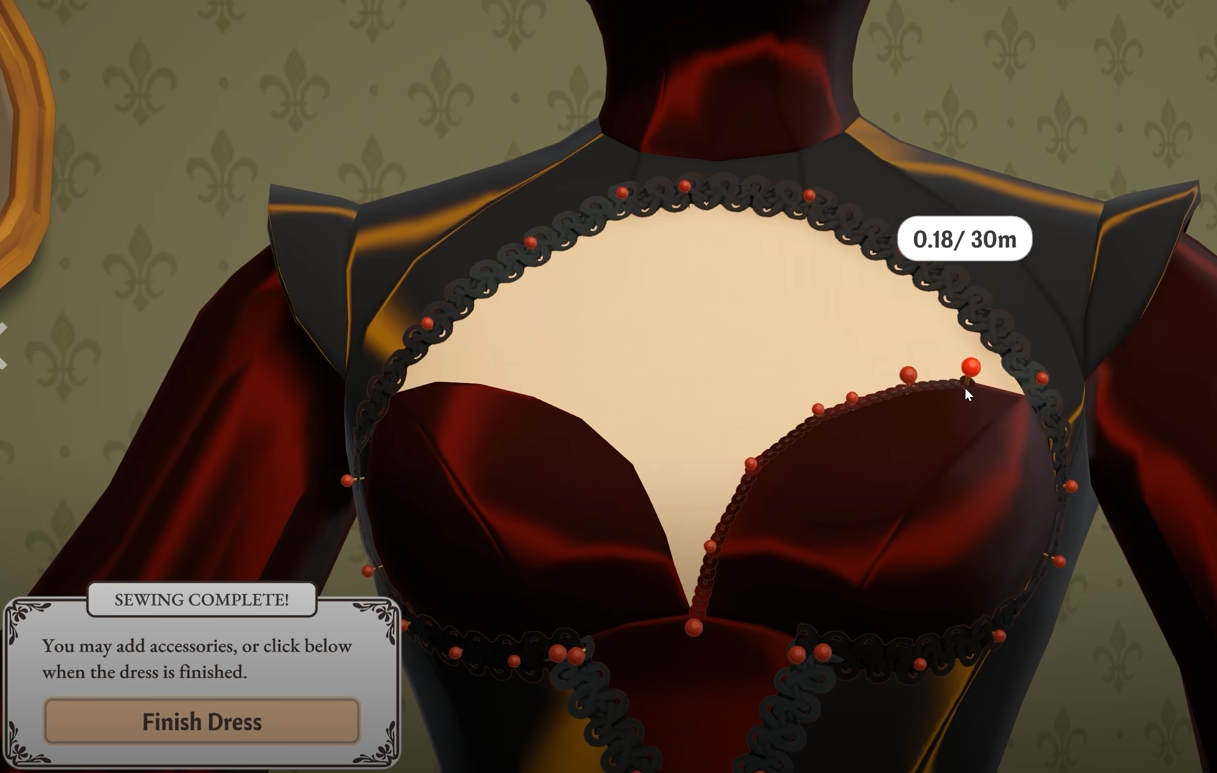
If you eventually reach the mannequin and the commission refuses to finish, check the cutting table again before assuming the dress is bugged. The Dressmaker how to finish a dress guide covers the other sewing and fabric checks that can prevent the Finish Dress option from appearing.
Can You Recut Fabric in Dressmaker?
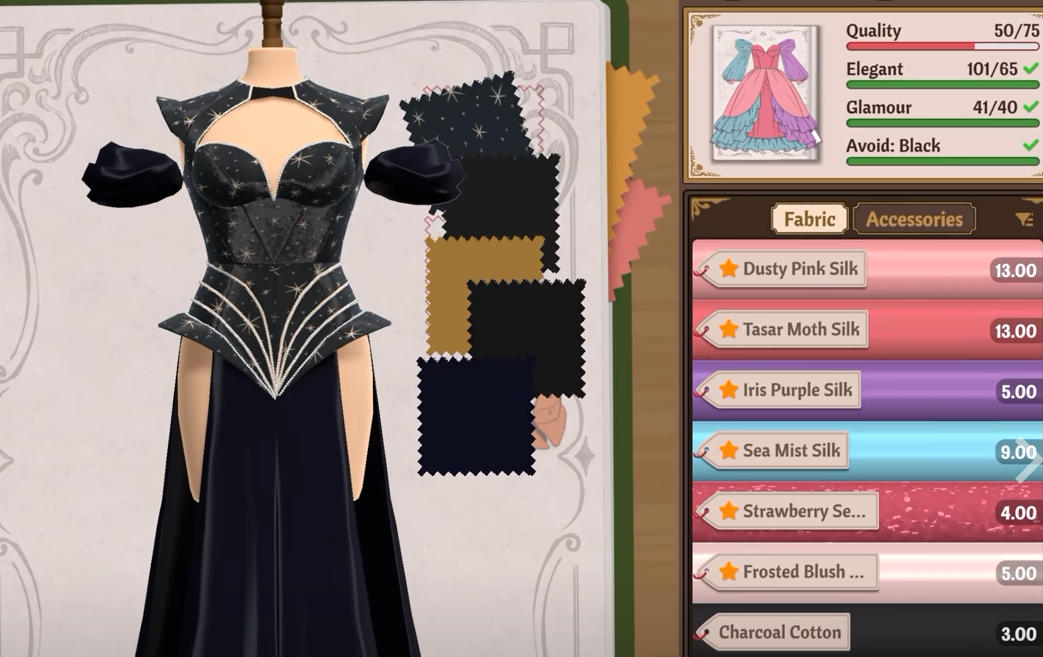
You can move a cut pattern piece back and cut another version if you decide you want to use a different fabric or orientation. The original fabric used for that cut is not restored, however, so recutting a piece consumes additional material.
For that reason, it is worth checking the fabric, placement and Grain Quality feedback before committing to the scissors, particularly when you are working with a more expensive material.