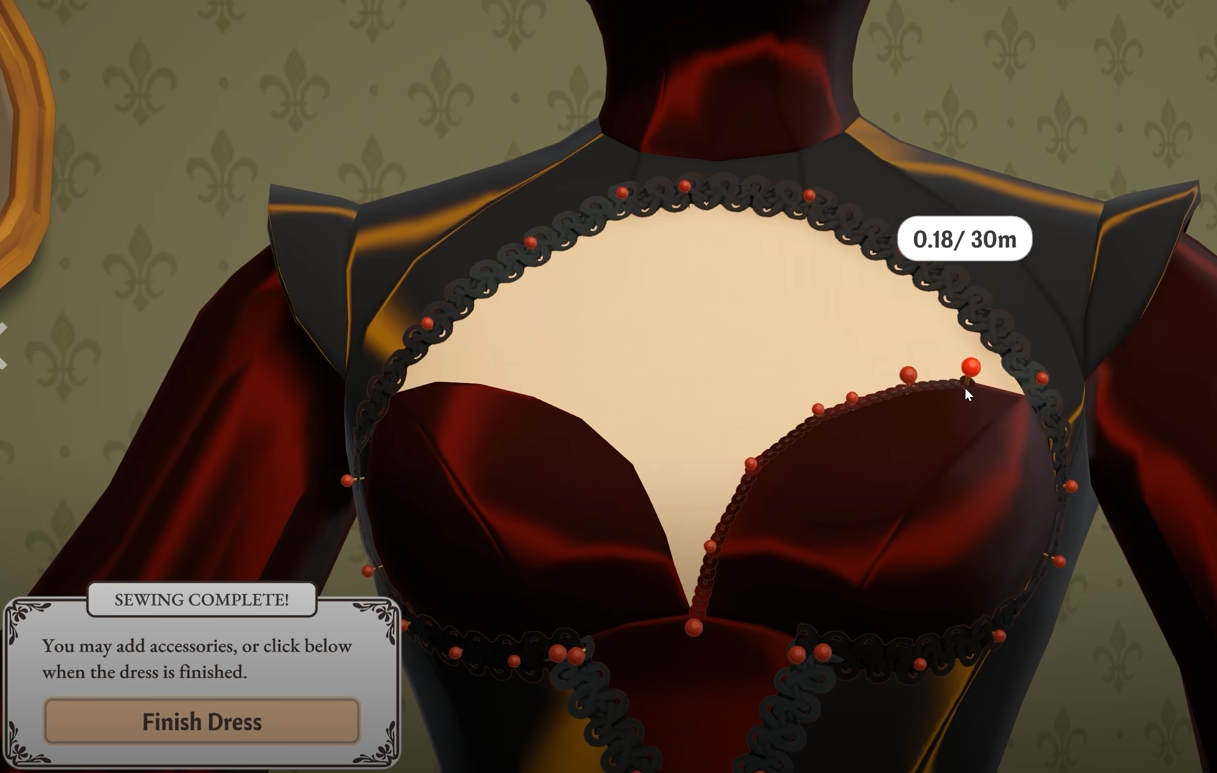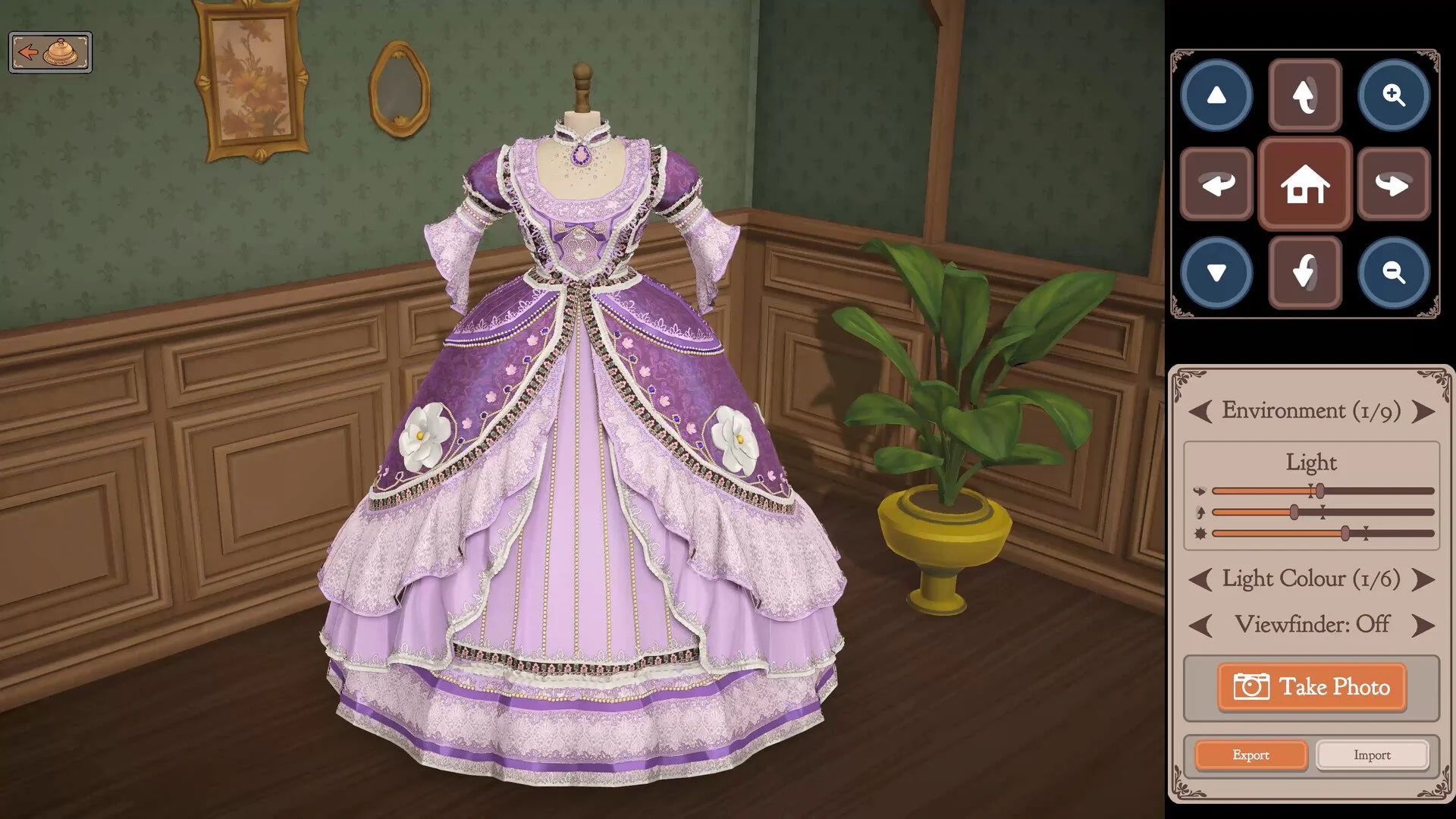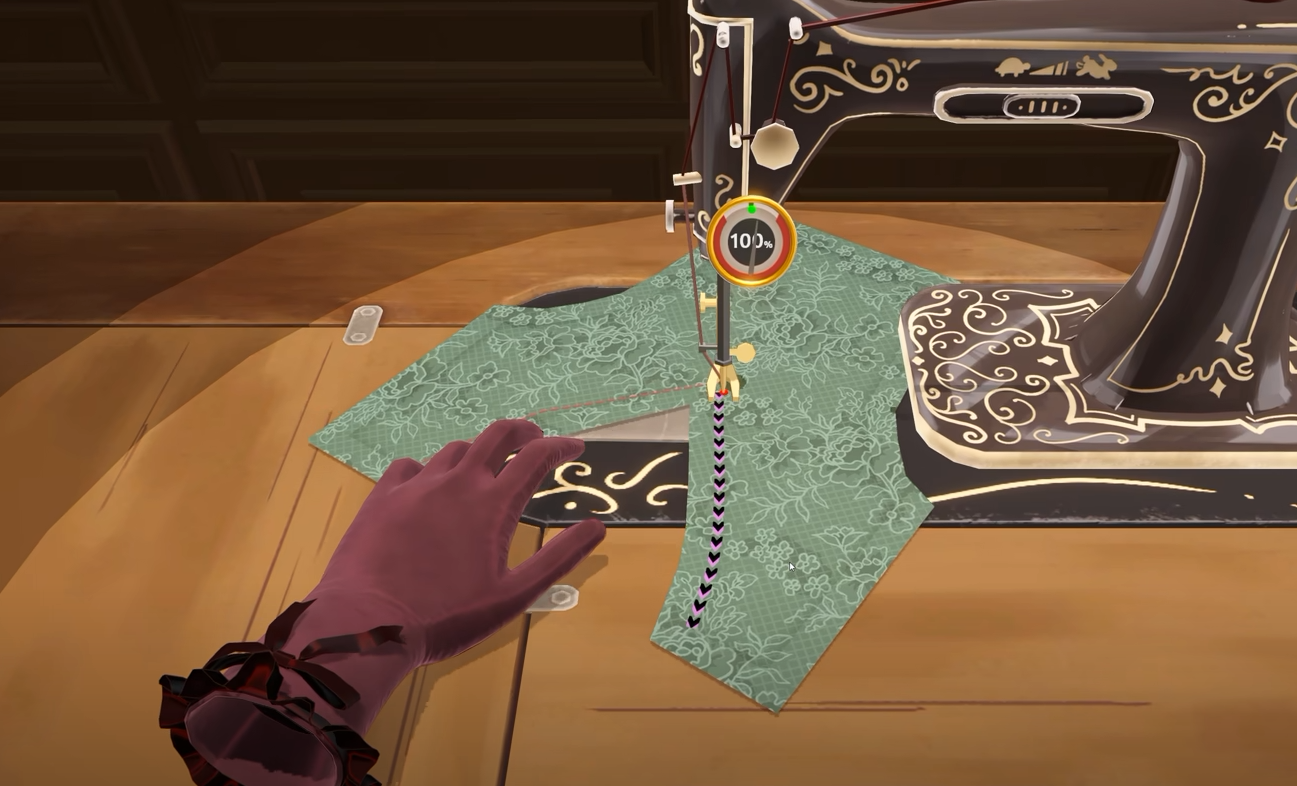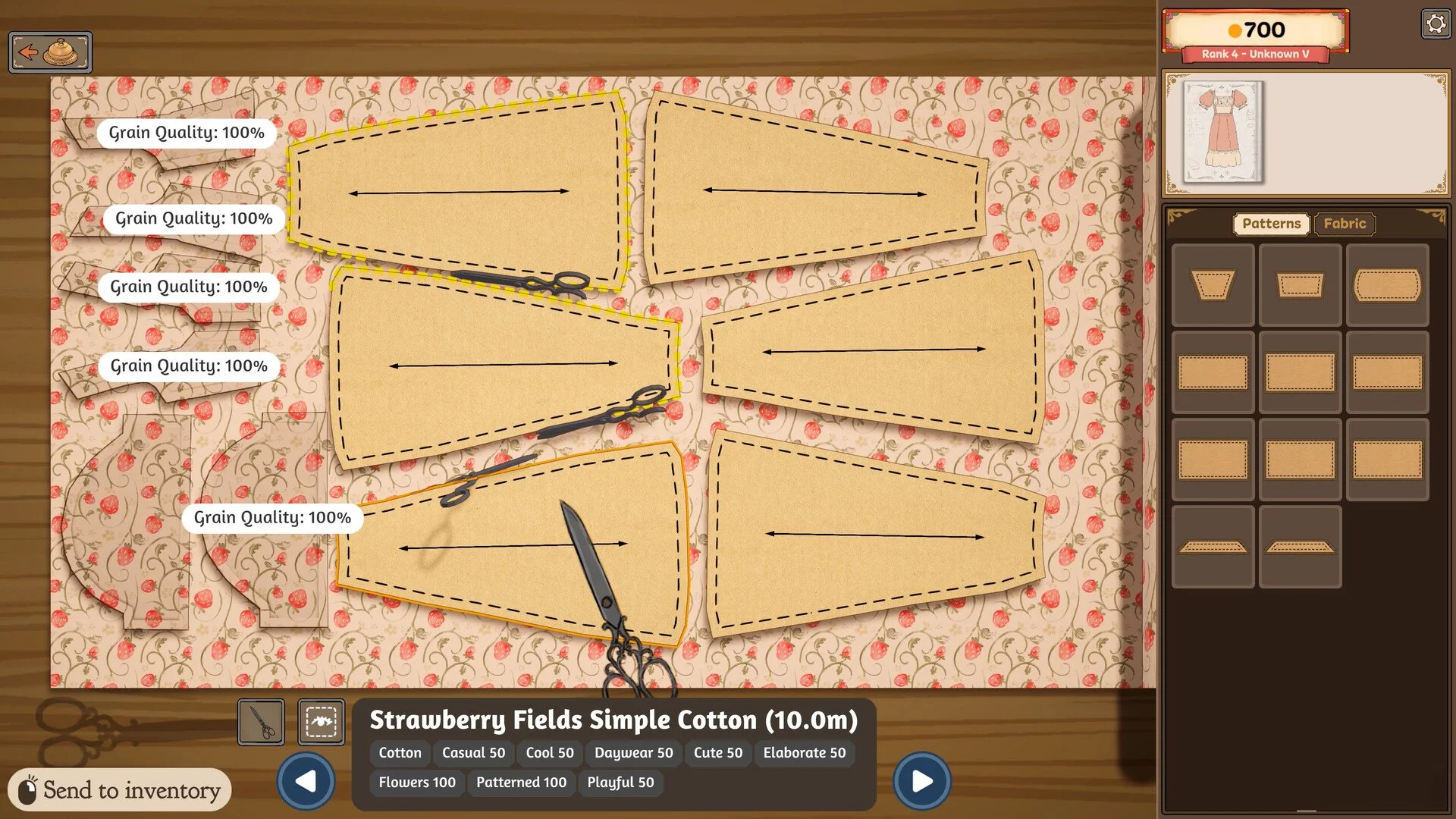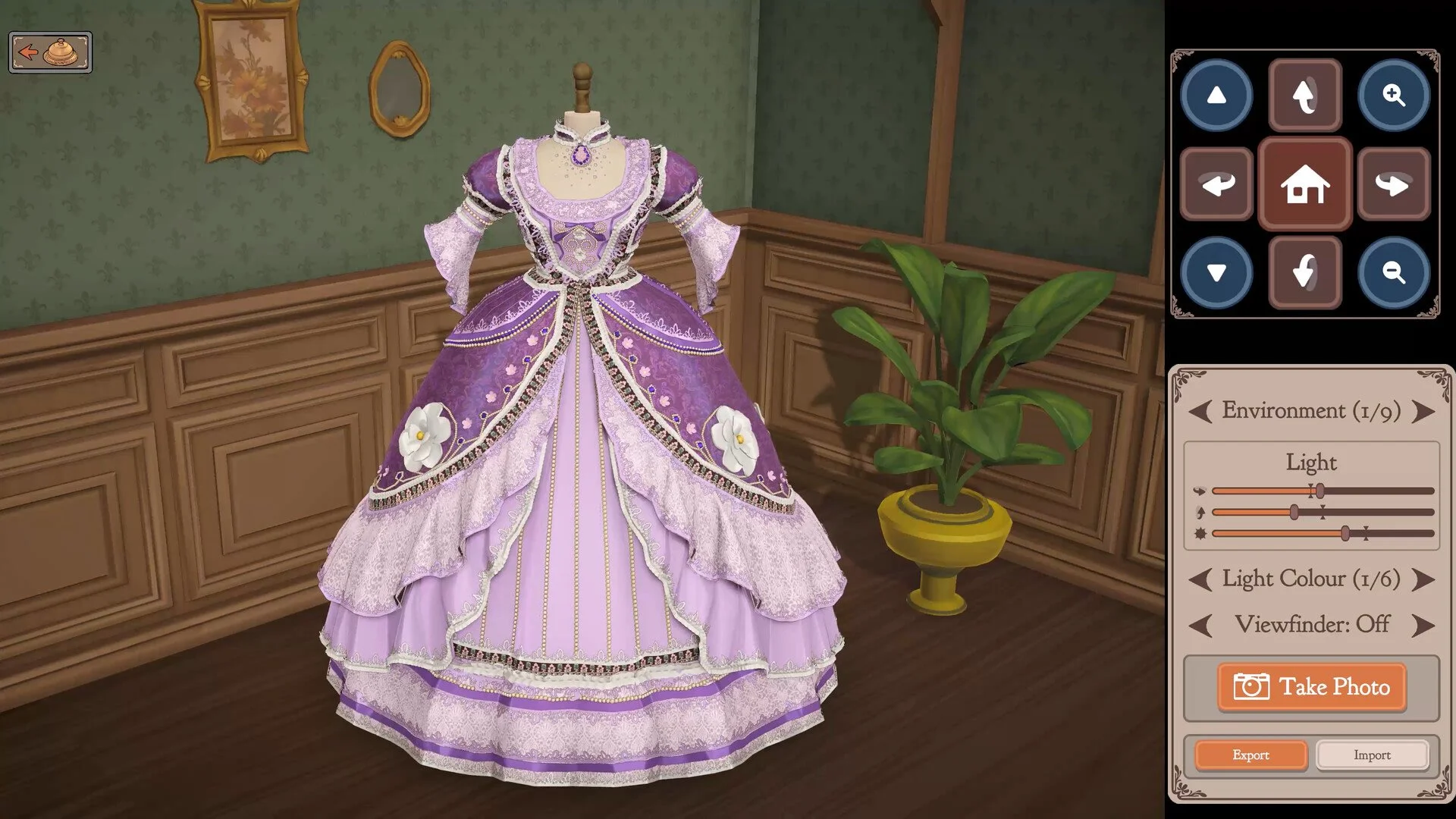
Dressmaker's camera controls can be easy to misread because scrolling the mouse wheel, clicking it and using the Z key all affect the view in different ways. If you are trying to zoom while adjusting a dress and nothing seems to happen, the important part is that zoom uses the mouse-wheel button itself rather than scrolling the wheel.
Jump To Section:
How to Zoom In & Out
Mouse Wheel Controls
What the Z Key Does
Zoom Not Working
MacBook & Trackpad
How to Zoom Out and Zoom In in Dressmaker
Dressmaker uses the mouse-wheel button for zoom. Place your cursor over the part of the dress you want to inspect and click the mouse wheel rather than scrolling it.
Scrolling the wheel rotates the view, while pressing the wheel itself controls zoom. On areas such as the bodice and skirt, you can click again to move into a closer view.
If you have been holding Z while scrolling, that is why the camera is not zooming the way you expect. Z controls camera tilt rather than the main zoom function.
Click mouse wheel → Zoom control
Scroll mouse wheel → Rotate the view
Z key → Camera tilt
Move cursor first → Determines the area you are trying to inspect
Click the Mouse Wheel Instead of Scrolling
The biggest source of confusion is that the middle mouse button and the scroll action perform different functions.
Scrolling the wheel rotates the dress or camera, which can make it seem like the zoom control is not responding. Instead, move the cursor over the section of the garment you want to focus on and press the mouse wheel down like a normal button.
For larger garment areas such as bodices and skirts, players have reported that another middle click can move the camera in even closer. This is useful when you need a better view of stitching or another small part of the dress.
What Does the Z Key Do in Dressmaker?
Z is used for camera tilt rather than standard zoom.
This is why pressing Z and then rotating or scrolling the mouse wheel does not work as a normal zoom shortcut. The game's control display can make the relationship between the inputs look less clear than it actually is, but the basic distinction is simple: clicking the wheel handles zoom, scrolling handles rotation and Z changes the camera angle.
If you are adjusting the mannequin or trying to inspect a seam, use those controls separately instead of holding Z while attempting to zoom.
What to Do If Zoom Is Not Working
If clicking the mouse wheel does nothing, first make sure the cursor is positioned over the section of the dress you want to inspect. The zoom focuses on the area beneath the cursor rather than simply moving straight toward the center of the screen.
Next, verify that your mouse can actually register a middle-button click. A damaged or disabled wheel button can still scroll normally while failing to register when pressed, which makes Dressmaker's zoom control appear broken.
If the middle click works elsewhere but Dressmaker still does not respond, save your progress and reload the game before trying again. Camera and interface problems have been reported elsewhere in the game, so a reload is worth trying before assuming the control itself is unavailable.
Why Can't I Zoom Out?
The supplied player reports clearly identify middle-click as Dressmaker's zoom control, but they do not document a separate keyboard command specifically for zooming back out.
If you are already in a close view, continue using the middle mouse button rather than the scroll wheel and watch how the camera changes from the currently selected garment area. The important part is not to use scrolling as the zoom-out control, since scrolling is reserved for rotation.
If the camera becomes stuck and repeated middle clicks are not changing the view, save and reload the game. That is more likely to help than cycling through unrelated keyboard shortcuts.
How to Zoom on MacBook or With a Trackpad
Trackpads are less straightforward because Dressmaker's normal zoom control expects a middle mouse click. Players using MacBooks and other trackpad-only setups have reported inconsistent results, and the discussion does not establish one universal trackpad gesture that works for everyone.
One player reported that Option + W worked on their setup, while others said clicking, pinching and rotating on a MacBook trackpad did not work at all. Because those reports conflict, I would not treat Option + W as a guaranteed replacement for the normal mouse control.
If you are playing on a laptop and cannot reproduce a middle click through the trackpad, connecting a mouse with a clickable scroll wheel is the most reliable way to use the documented zoom control.
When Zoom Is Useful
Zoom becomes particularly useful while checking small construction details, since Dressmaker can score sewing accuracy closely and tiny deviations are easier to spot from a closer view.
If you are struggling to reach a commission's required score, the Dressmaker how to increase quality guide covers the measurements, grain alignment and sewing accuracy that affect the final result.
If the dress itself is complete but the game still refuses to let you deliver it, the Dressmaker how to finish a dress guide covers missing fabric pieces, hidden sewing prompts and other common causes.