Quality in Dressmaker is determined by more than the fabric or accessories you choose. A dress can use expensive materials and still fall short of a commission requirement if something went wrong earlier during measurements, cutting or sewing, which is why a score can sometimes seem stuck even when the finished garment looks correct.
Jump To Section:
How to Increase Quality
How to Get 75 Quality
Check Measurements
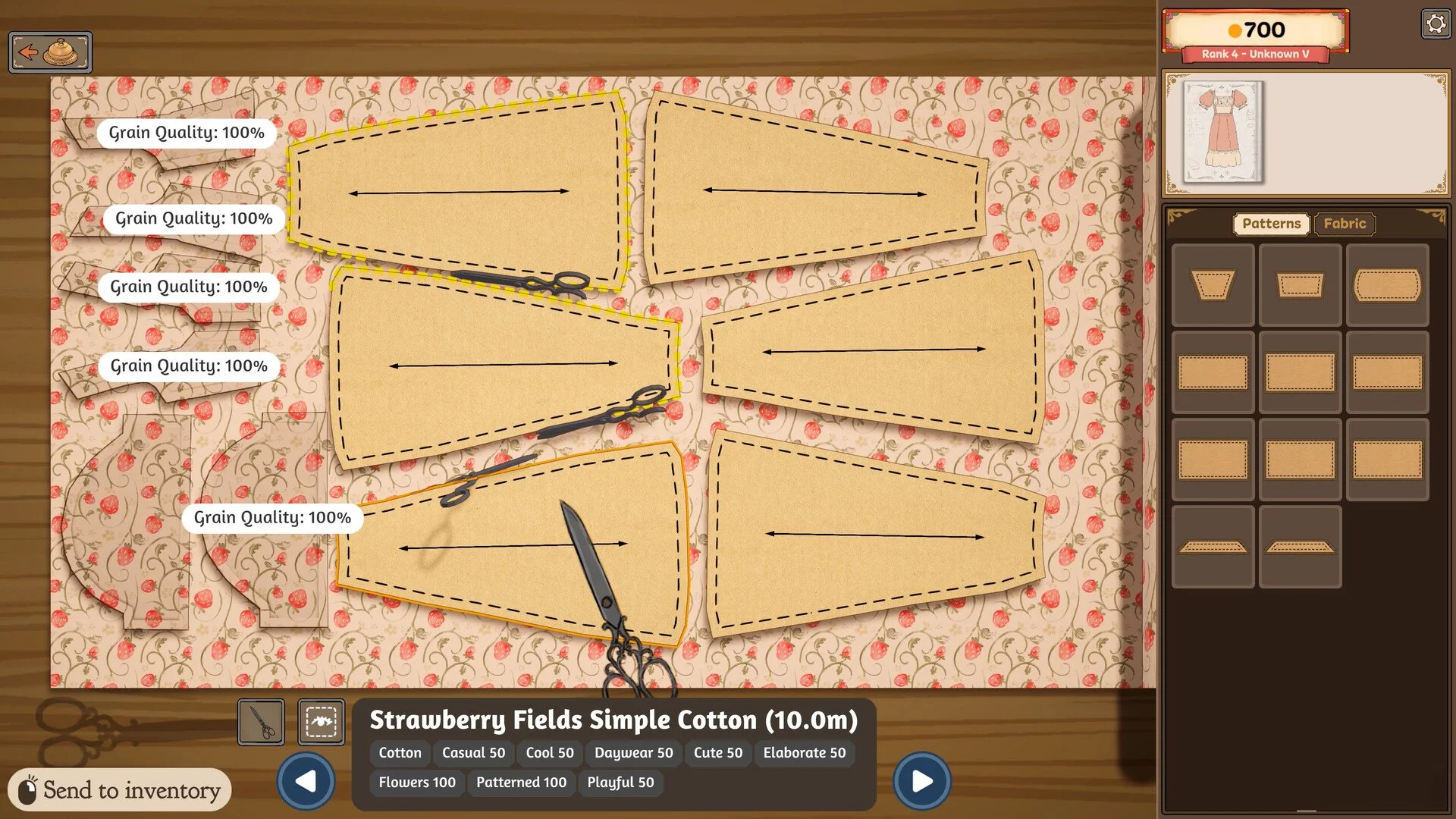
Get 100% Grain Quality
Improve Sewing Quality
Redo a Low-Quality Dress
Quality Stuck Below 100
How to Increase Quality in Dressmaker
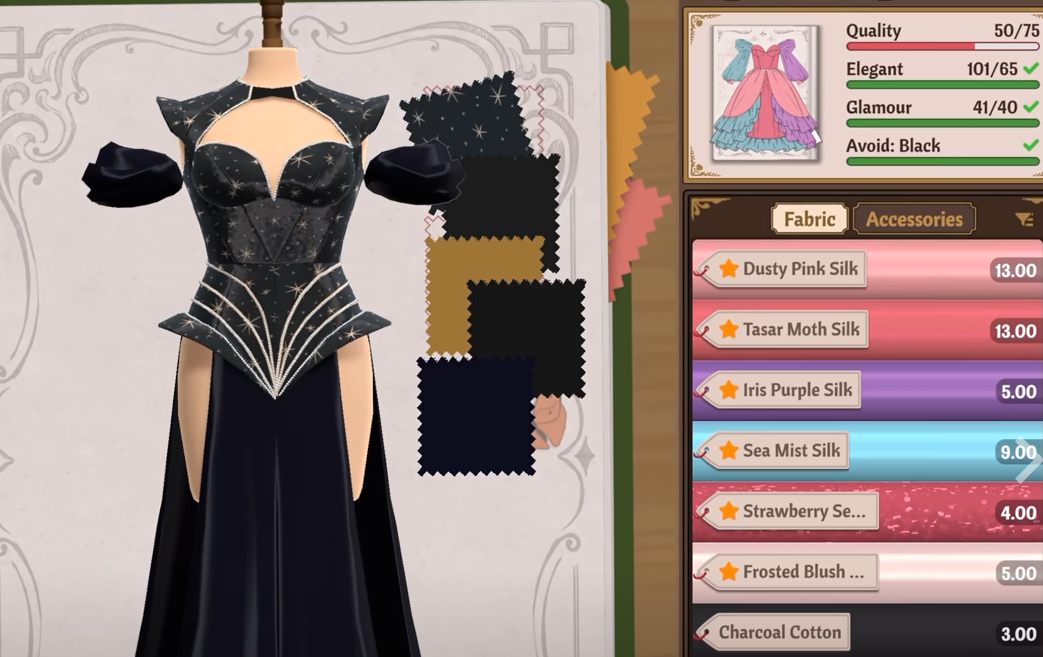
To increase dress quality, make sure the client's measurements are accurate, every pattern piece reaches 100% Grain Quality before you cut it, and each sewing section stays at 100% while you stitch it. Those construction steps are what determine whether a dress reaches a high quality score; simply buying more expensive fabric does not fix mistakes made during measurements, cutting or sewing.
A useful way to troubleshoot low quality is to check the score throughout the process rather than waiting until the dress is finished. If the score is already lower than expected before cutting, the problem is likely the measurements or mannequin. If that stage is correct but the score drops after cutting, check the grain alignment. If everything looks right until sewing, the stitching is the most likely cause.
Measurements and mannequin → Get them as exact as possible
Pattern placement → Rotate every piece until Grain Quality reads 100%
Cutting → Verify each piece before committing to the cut
Sewing → Keep every seam at 100% on the guide
Low finished score → Work backward through those three stages
How to Get 75 Quality in Dressmaker
If a commission requires 75 quality and you are stuck somewhere below it, start with the construction quality rather than replacing your fabrics. Players who have run into scores such as 61/75 have been able to raise them by correcting grain alignment or another earlier construction step without changing to more expensive materials.
The fastest check is the cutting table. Rotate every pattern piece until the game itself shows 100% Grain Quality before cutting. Do not assume every piece should face the same direction, because some patterns can reach their correct orientation vertically or diagonally rather than horizontally.
If the cutting is already correct, check the mannequin measurements and then the sewing. A small measurement error or a seam that slips below 100% can reduce the final quality even if the rest of the dress is perfect.
Check the Client Measurements and Mannequin
Quality starts before you ever reach the fabric table. Inaccurate measurements can lower the score of the entire dress, and the mannequin needs to match the measurements you recorded for the client.
Community testing has found that a perfectly measured setup can begin with 20 quality before any pattern pieces are cut. If your quality is already below that point at the beginning of construction, go back and check the measurements rather than trying to compensate later with better sewing.
Repeat customers are worth checking as well. Do not simply assume the mannequin is already correct because you have made a dress for that character before. Compare the values with your recorded measurements and adjust them again if necessary.
The controls can be fairly precise, so even a small difference may matter. If a dress repeatedly falls short despite perfect grain and sewing scores, measurements are one of the first things I would recheck.
Get 100% Grain Quality Before Cutting
Grain alignment is one of the easiest ways to lose quality without realizing it. Each pattern piece should read 100% Grain Quality before you cut it from the fabric.
Do not rely entirely on how the piece looks. Some pattern pieces naturally reach 100% while positioned differently from others, including diagonal or vertical orientations. Rotate the piece and use the game's percentage as the deciding factor.
It is also worth checking the percentage again if you move a pattern after initially lining it up. Repositioning a piece can slightly rotate it and leave it below 100% even if it was correct a moment earlier.
If you need help with the cutting controls themselves, the Dressmaker how to cut fabric guide covers pattern placement, rotation and the scissors tool.
Keep Sewing Quality at 100%
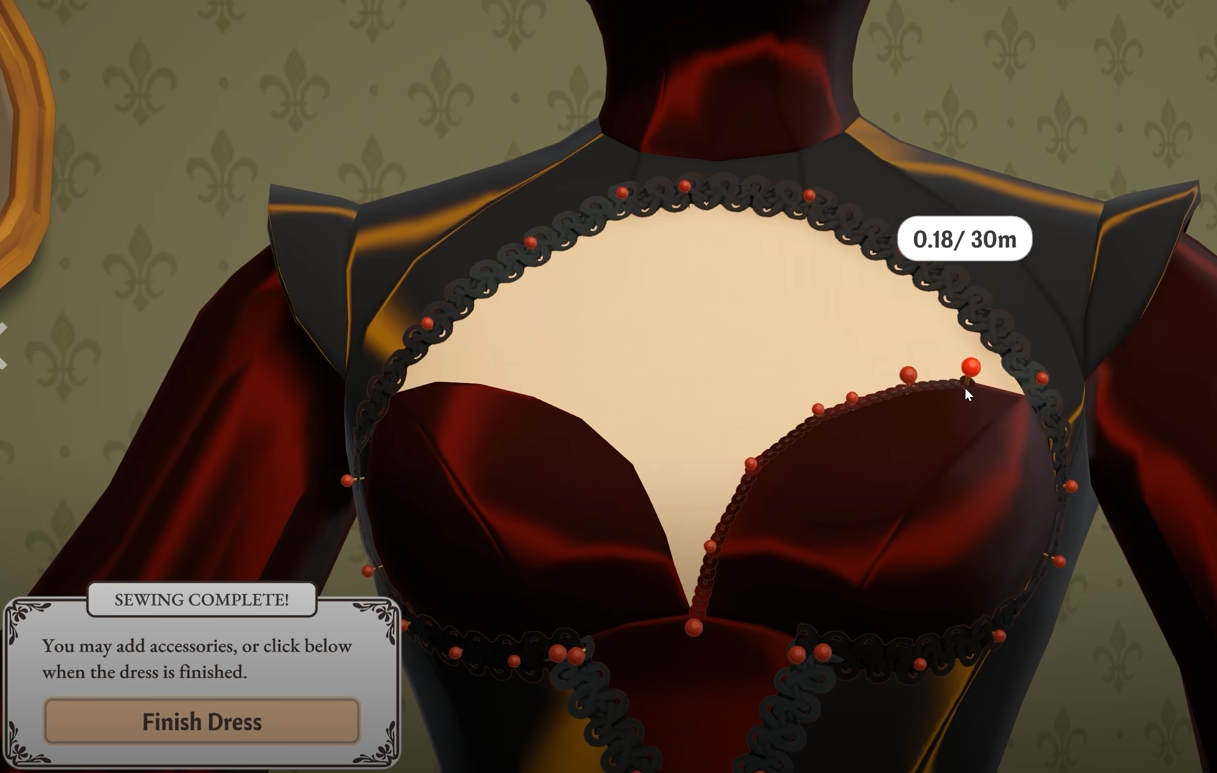
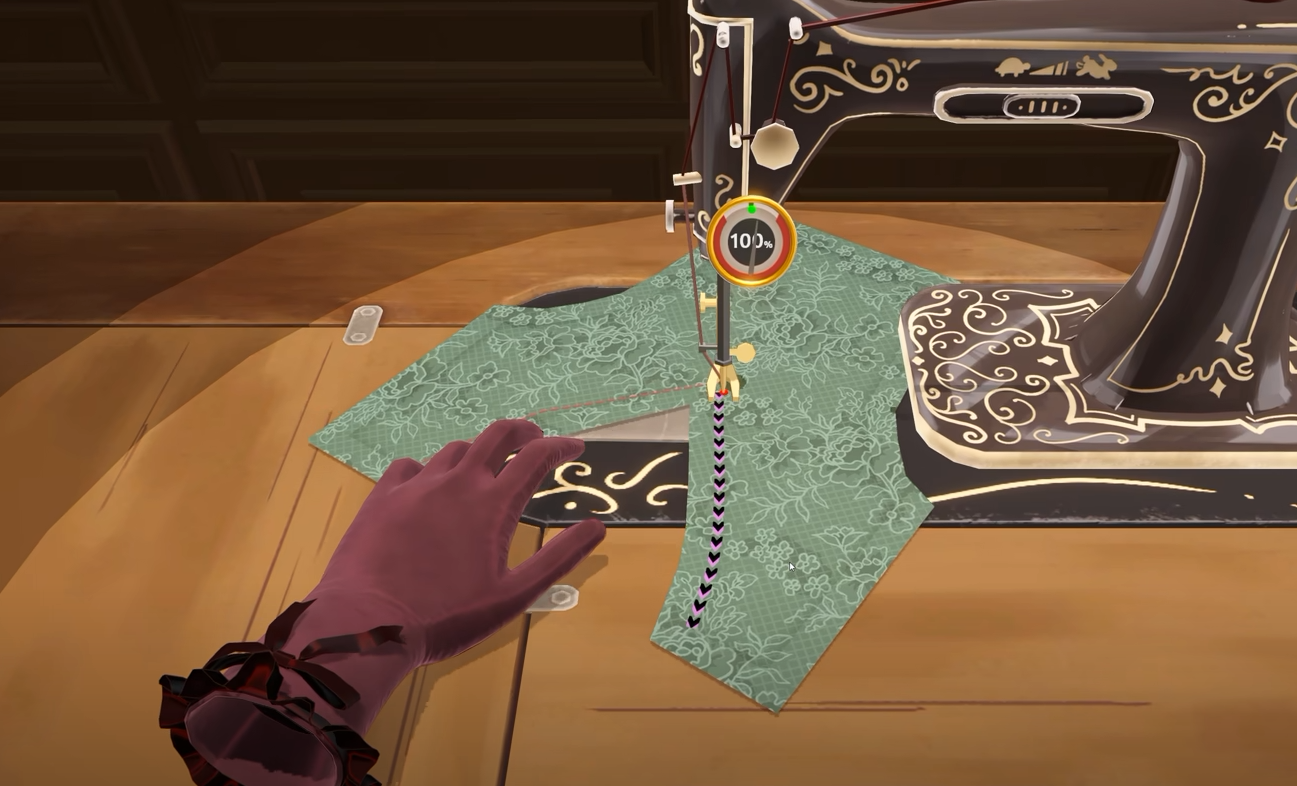
The final major contributor is sewing accuracy. As you follow the sewing guide, watch the quality indicator and keep it at 100% through the entire seam rather than only checking the number when you begin.
A small deviation can briefly drop the sewing percentage without being visually dramatic on the finished dress. If you are working quickly, it is possible to miss a short dip to 99% or lower and only notice the effect when the overall quality is calculated later.
For commissions with strict requirements, slow down around corners and tighter sections of the seam. It is generally easier to redo one imperfect stitch immediately than to finish the entire garment and then work backward trying to find where the score was lost.
How to Find What Is Lowering Your Quality
Dressmaker does not currently give you a detailed breakdown showing exactly which individual piece or seam cost you points, so checking the score between stages is the easiest way to isolate the problem.
Low quality before cutting → Recheck client measurements and mannequin settings
Quality drops after cutting → Check Grain Quality on the pattern pieces
Quality drops during assembly → Check sewing accuracy
Every stage appears perfect → The dress may be affected by a bug
Players have reported that accurate measurements and mannequin setup account for the initial portion of the score, followed by the cutting and sewing stages. Tracking the number as you work makes it much easier to determine which part of the process needs to be redone.
How to Redo a Low-Quality Dress
If you have already sewn the dress together, you do not necessarily have to abandon the entire commission.
Use the Seam Ripper from the mannequin view to separate the panels that need to be redone. You can then return those pieces to the cutting stage and recycle them back into their pattern form before cutting them again with the correct grain alignment.
This is particularly useful when you discover that the quality problem came from one or more incorrectly oriented pattern pieces. Instead of rebuilding everything from the beginning, redo the affected pieces and then sew the garment again carefully.
If you reach the end of that process and the game will not let you complete the garment, the Dressmaker how to finish a dress guide covers missing pieces, hidden sewing points and the Fabric tab.
Does Expensive Fabric Increase Quality?
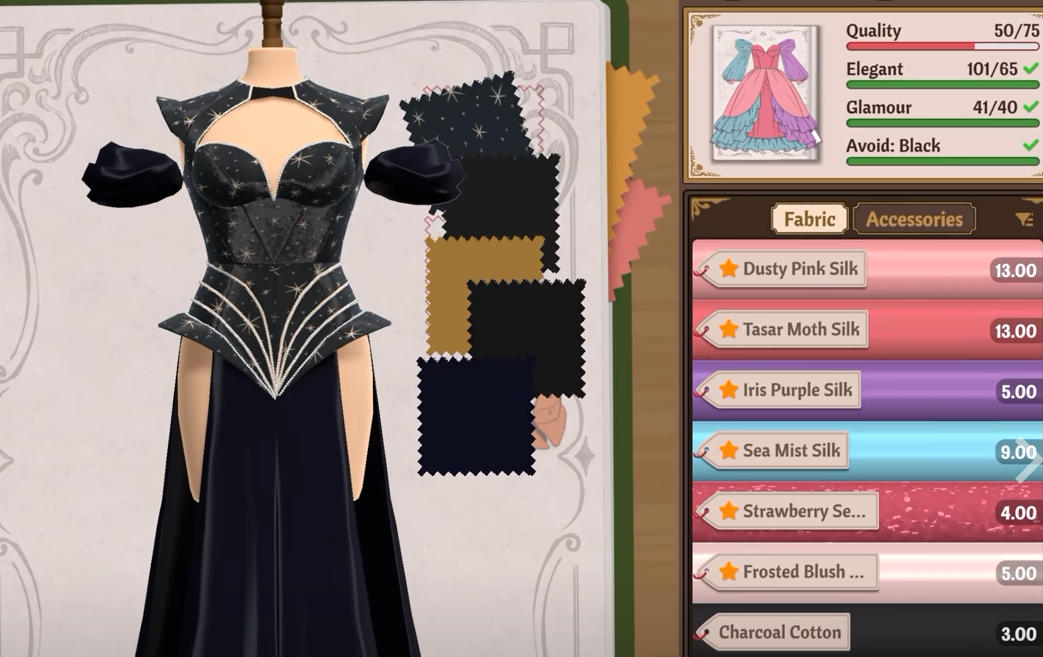
Do not treat expensive fabric as the solution to a low construction score. If your dress is missing a commission's quality requirement, check the measurements, Grain Quality and sewing accuracy first.
The quality problems players have reported around commissions such as Prudence's are commonly tied to one of those construction stages rather than simply using cotton instead of a more expensive material. A perfectly constructed dress made from the materials you already have can still reach the required quality.
Why Is Quality Stuck Below 100?
If the score remains below 100 despite every visible step appearing perfect, first check the measurements again. Players have found cases where the cutting and sewing both showed 100%, only for an earlier mannequin or measurement error to be responsible for the missing points.
Also verify the Grain Quality of every individual piece rather than assuming a sideways orientation is automatically correct. Some patterns need a different angle to reach 100%, and moving them around the cutting table can alter that alignment.
If measurements, grain and sewing have all been checked carefully and the score still refuses to change, a bug is possible. Players have reported rare cases where a dress remained stuck at a lower quality despite being rebuilt correctly, while restarting that particular dress from scratch produced the expected score.
I would only restart the commission after checking the individual construction stages, since most low-quality dresses can be traced back to measurements, grain alignment or sewing rather than a broken save.