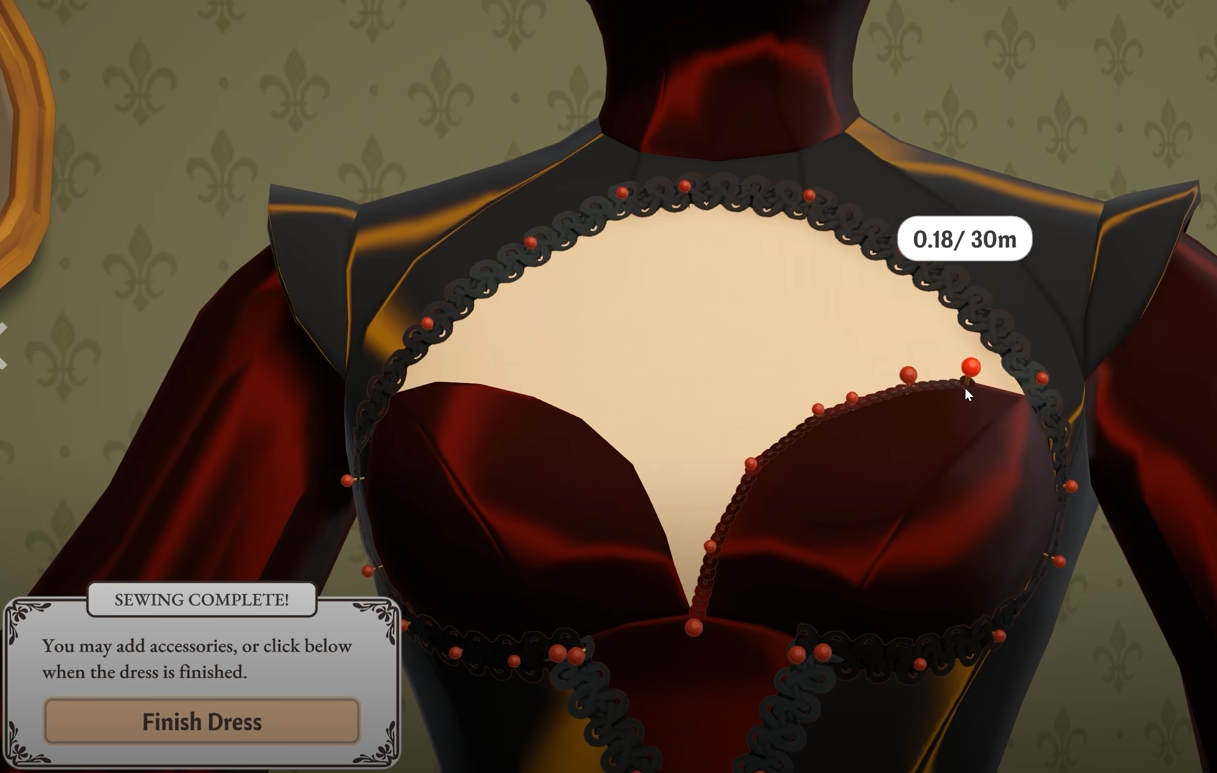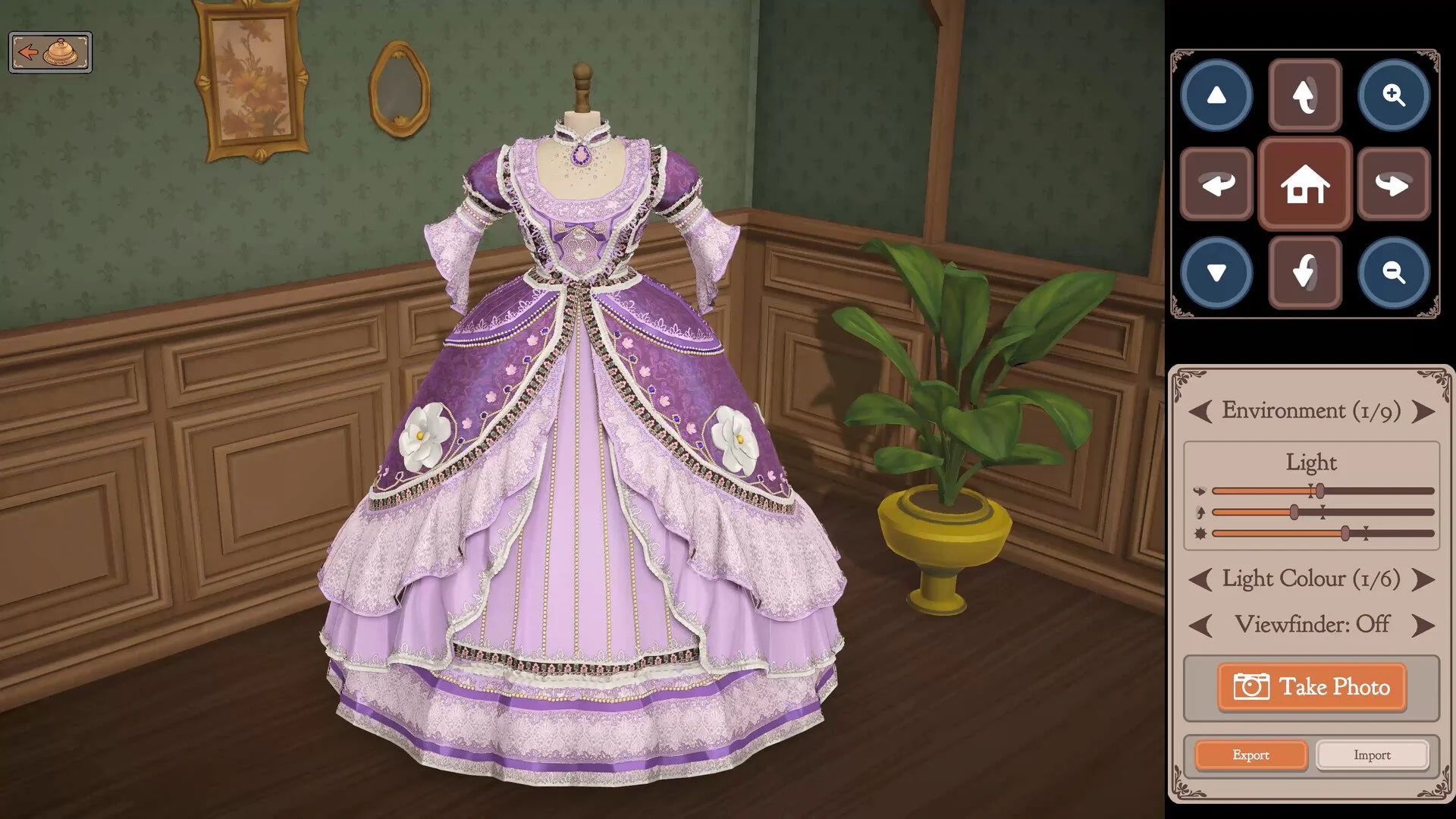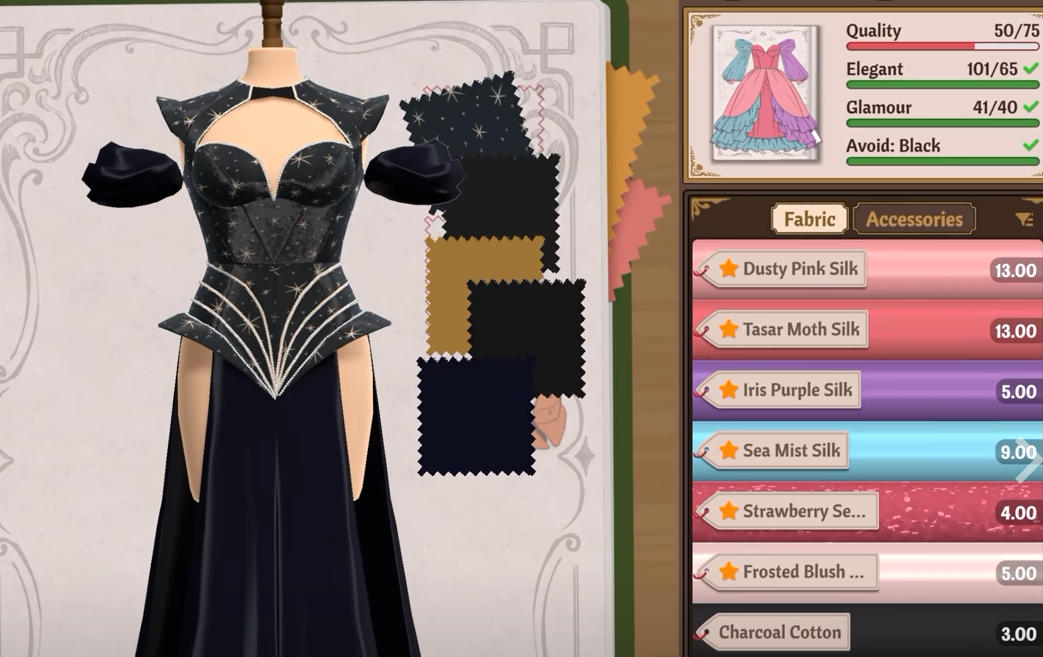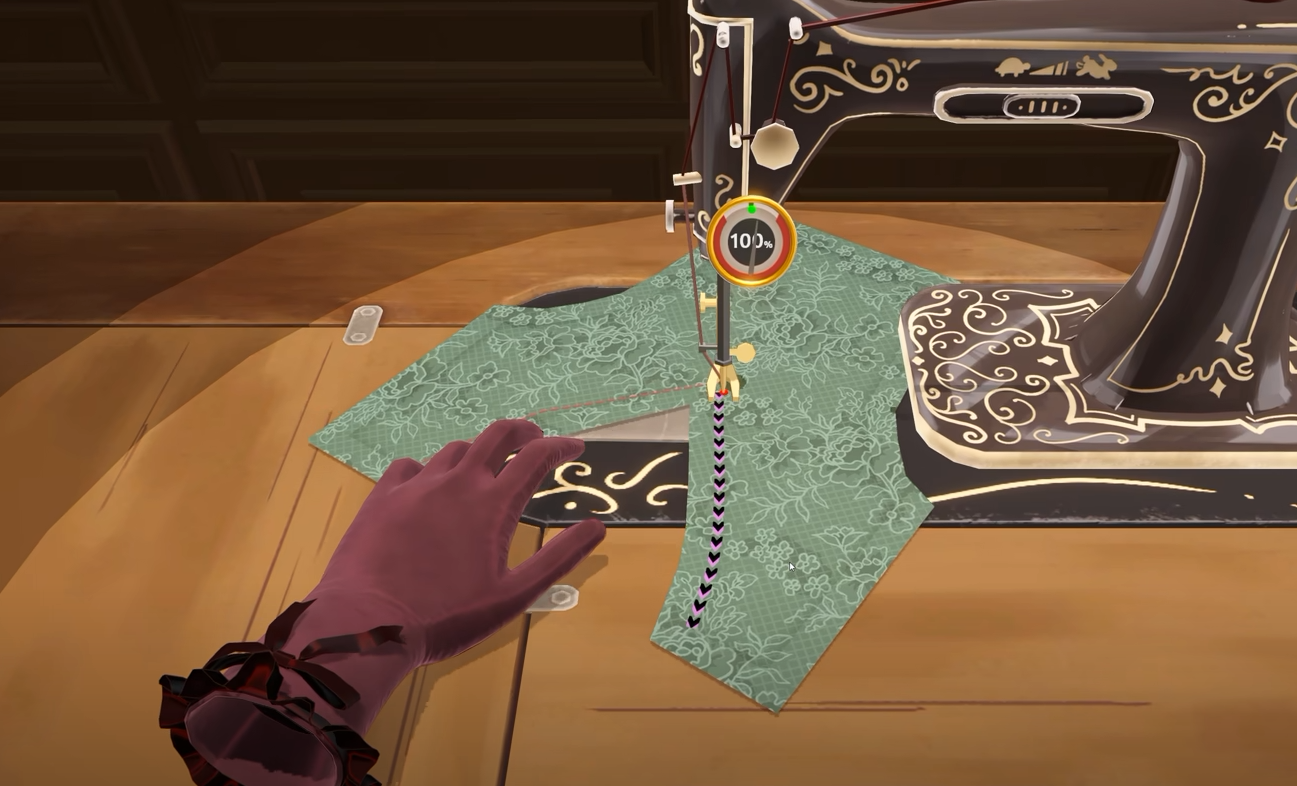
If Dressmaker will not let you finish a dress or complete a commission, there is usually still part of the garment waiting to be collected or sewn. Small cut pieces can be left behind at the fabric table, while remaining sewing prompts may not appear if you are looking at the dress through the Accessories tab.
Jump To Section:
How to Finish a Dress
Check the Cutting Table
Check for Unfinished Sewing
Switch to the Fabric Tab
Reload If It Is Still Stuck
How to Finish a Dress in Dressmaker
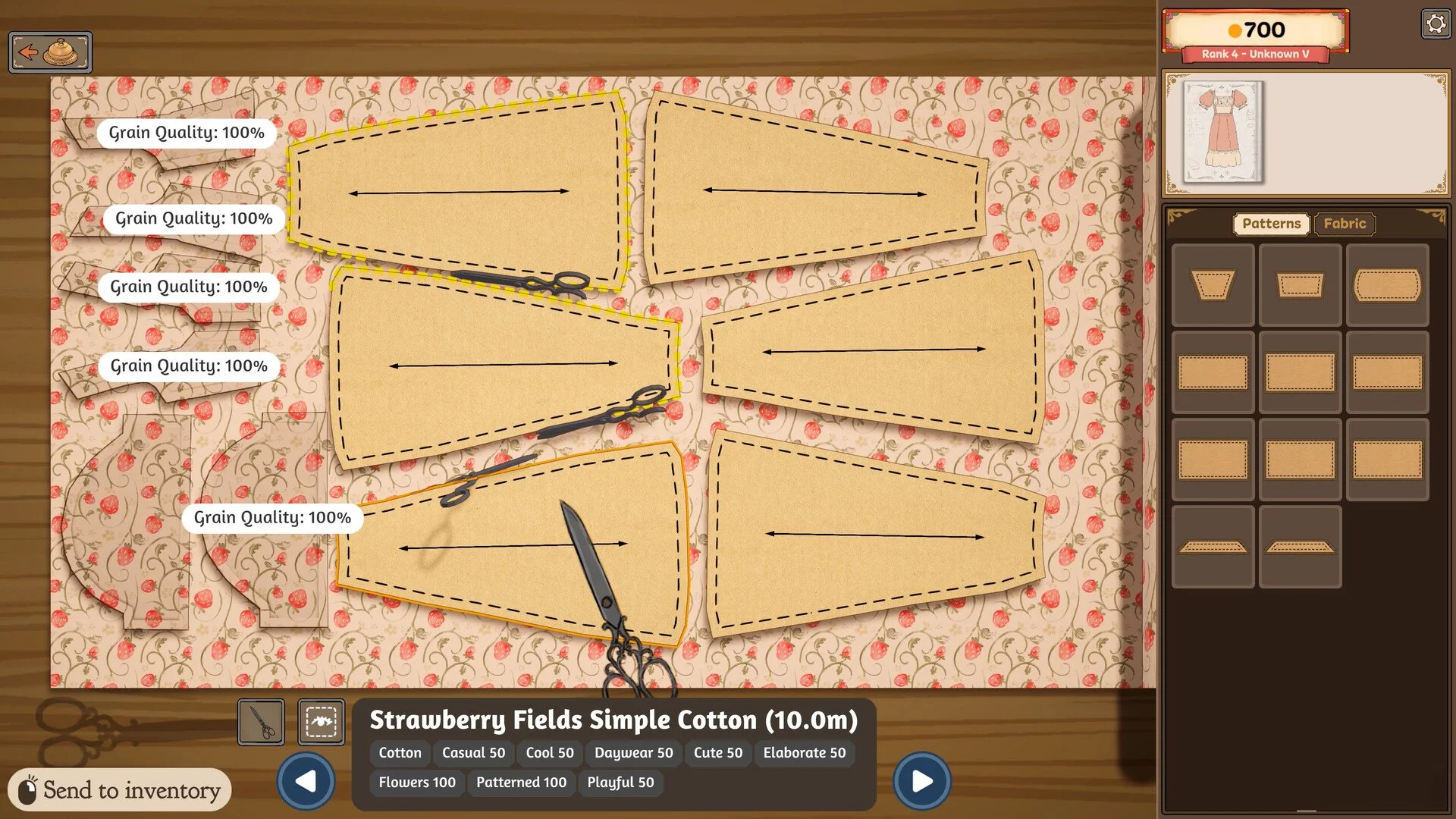
If the Finish Dress option is not appearing, return to the cutting table first and make sure you collected every piece of fabric you cut. Even a very thin strip left behind can prevent the dress from being completed.
Once you have checked the fabric, return to the mannequin, switch to the Fabric tab and rotate the dress from every angle. Look for any remaining sewing prompt around the front, back, sleeves, hems or other edges. The finish option should appear once all required pieces have been collected and the remaining sewing has been completed.
Return to the cutting table and check every fabric you used.
Pick up any small pieces that were left behind.
Go back to the mannequin and select the Fabric tab.
Rotate the dress and check for another sewing prompt.
If everything is complete but the option is still missing, save and reload the game.
Check the Cutting Table for a Missing Fabric Piece
A leftover pattern piece is one of the most frequently reported reasons players cannot finish a dress. Some pieces are extremely narrow and can blend into the remaining cloth, especially when the fabric itself is dark or when the cutout runs along the edge of a larger section.
Go back to the material you used and look carefully around the entire cutting area. Players have specifically reported missing thin strips around parts such as the back of a bodice, only realizing afterward that the piece was still sitting on the fabric.
If the dress used several different fabrics, check all of them rather than only the one currently selected. A pattern piece can remain behind after you move on to another material.
You can also use the eye icon while inspecting the fabric if you are having trouble spotting what is still there.
Check for Unfinished Sewing on the Dress
If every cut piece has been collected, the next thing to check is the mannequin. A dress can appear finished while still having one small section that needs to be sewn.
Rotate the mannequin completely instead of judging the dress from the front. Remaining sewing points can be located along the back, sleeves, hems or other areas that are difficult to see from the default camera position.
Several players have run into this with very small unfinished sections that were visually easy to overlook. Once the final sewing interaction is completed, the game should recognize the garment as finished.
Switch Back to the Fabric Tab
If you are currently working in the Accessories tab, switch back to Fabric before checking the dress again.
Sewing prompts may not be visible while the Accessories section is selected. This can make it look as though there is nothing left to do even though another seam is still waiting to be completed.
After switching tabs, rotate the mannequin again and watch for any sewing interaction that appears. This is particularly worth checking if you have already collected every fabric piece but still cannot finish the commission.
Check Every Fabric Used for the Dress
Dresses that use multiple fabrics create another opportunity to leave a required piece behind. Pattern pieces remain associated with the material they were cut from, so switching fabrics before collecting everything can leave a small section sitting at the cutting table.
Return to each fabric used for the commission and scan the entire cutting area. Narrow strips, trim pieces and other small sections are much easier to overlook than the main bodice or skirt panels.
Save and Reload If Finish Dress Still Does Not Appear
If you have checked every fabric, collected all of the pieces and confirmed that there are no remaining sewing prompts, the game may have failed to update the dress correctly.
Save your game, return to the main menu and load the save again. Players have reported situations where the mannequin or remaining interaction became available again after reloading.
I would only try this after checking the cutting table and Fabric tab, since those appear to account for many of the cases where the Finish Dress option seems to be missing.
Why the Commission Will Not Finish
Dressmaker will not let you complete the commission while a required construction step is still unfinished. Accessories can make the garment look complete, but they do not replace a missing fabric piece or an unsewn section of the dress.
If the button is missing, start with the cutting table, then check the mannequin again from every angle while the Fabric tab is selected. In many cases, the problem turns out to be one tiny piece or sewing point that was left behind rather than anything wrong with the commission itself.