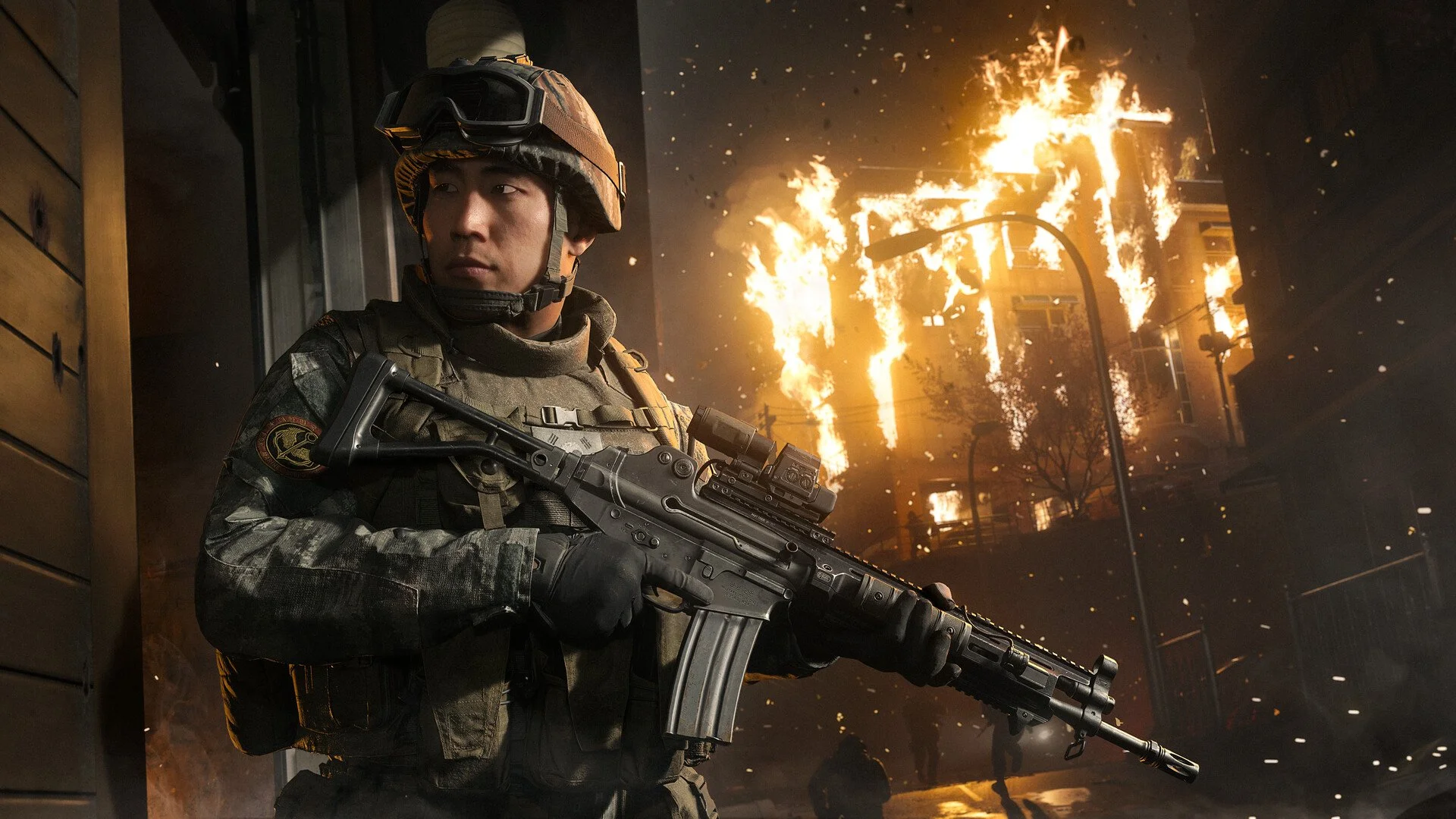
Changing your Operator in Call of Duty: Modern Warfare 4 DMZ works differently from switching characters in Multiplayer. Each Operator has their own progression, equipment, and Traits, which means replacing one can cost you hours of progress. Fortunately, you don't always need to dismiss your current character just to use someone else. Here's how to change Operators in MW4 DMZ, including how to switch appearances without losing your existing character.
Jump To Section:
How to Change Operator
Will You Lose Progress?
How to Change Operator Skin
How to Unlock More Operator Slots
How to Change Operator in MW4 DMZ
To change Operators in MW4 DMZ, return to your home base and access the Operator selection screen through the Operator locker. If you have another available Operator slot, you can recruit a different character there and select them for your next deployment without removing your existing Operator.
If you've already filled your available slots and want to replace one of your characters, you'll need to dismiss that Operator first.
- Enter DMZ and return to your home base.
- Open the Operator selection screen at the locker.
- Select the Operator you want to replace and open Manage.
- Choose Dismiss Operator.
- Confirm the dismissal to free the Operator slot.
- Select a new Operator to recruit into the available slot.
On PC, you can open an Operator's management options by right-clicking their character in the selection screen. These options include dismissing the Operator and changing their Finishing Move, with additional appearance options available for certain characters.
We recommend recruiting a second Operator before dismissing your first character. Players have reported that the dismissal option may not become available while only one Operator is active. Having another recruited character also gives you someone to deploy with while you decide whether to replace your original choice.
Do You Lose Progress When Changing Operators?
Yes, but only if you dismiss the Operator. Simply selecting another recruited character does not erase your original Operator's progression.
Dismissing an Operator permanently removes their Dog Tag Rank, purchased Traits, unspent Trait Points, and equipped loadout. There's no way to transfer that character's progression directly to a replacement Operator.
Before dismissing anyone, move valuable items from their Backpack into your Stash. This is especially worthwhile if you've collected equipment or supplies that would be difficult to replace during another deployment.
We'd avoid dismissing a character with substantial Dog Tag progression unless you're certain you want to replace them. Operator Traits take time to develop, and losing that investment merely to change your appearance is rarely worthwhile.
If you're already building a character around particular abilities, our MW4 Best DMZ Traits guide explains which upgrades are worth prioritizing before committing more points.
How to Change Operator Skin in MW4 DMZ
If you only want a different appearance for your current Operator, you may not need to replace the character at all. Certain Operators have alternate skins or variants that can be selected separately from their progression.
Changing Skins at the Operator Locker
At your DMZ home base, open the Operator locker and select your current character. Access their management options and look for Change Skin. On PC, this menu can be opened by right-clicking the Operator, while Xbox players can use Y to access the relevant options.
The Change Skin option only appears when an alternative appearance is available for that Operator. If you don't see it, your currently selected character may not have another usable skin.
This is the option to check before dismissing an Operator you've already leveled. Switching an available skin is different from recruiting a completely new character and does not require deleting your current Operator.
Changing Operator Variants During a Match
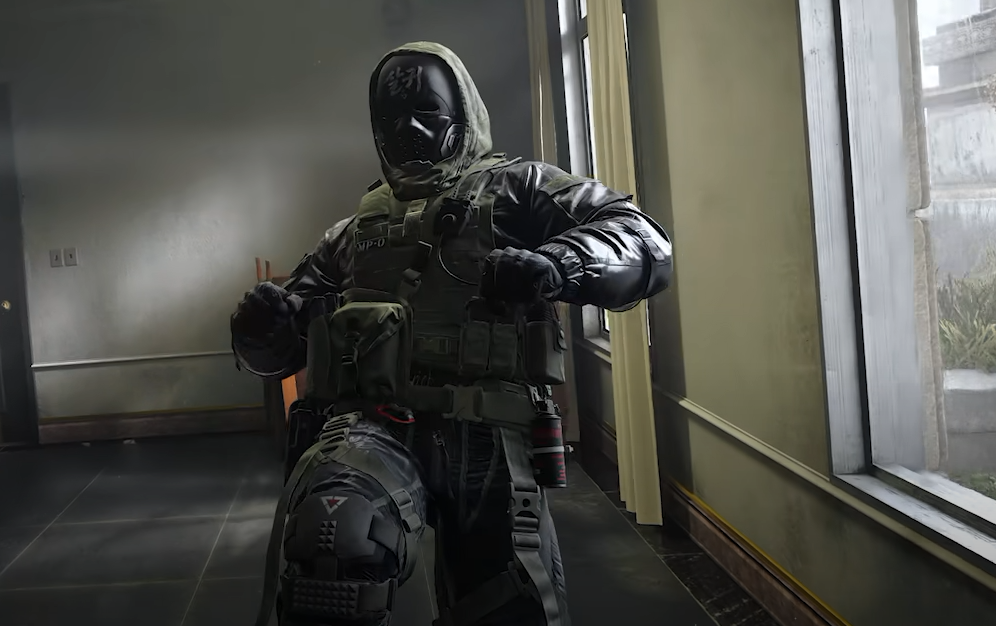
MW4 also lets certain Operators change their appearance during a deployment. These variants are typically smaller cosmetic changes, such as putting on a mask, rather than replacing the character's entire outfit.
While deployed, hold the Ping button to open the interaction wheel and select Operator Variant. On PlayStation, this wheel can be accessed using Up on the D-pad.
Ghost, Blix, Valeria, and Price have Vault Edition variants, although not every Operator supports this feature. If the Operator Variant option is missing, check whether your selected character actually has an alternate variant available.
It's worth distinguishing between these two appearance systems. The locker is where you manage available Operator skins, while the in-match interaction wheel handles supported appearance variants. Neither is the same as dismissing a character to recruit someone entirely different.
How to Unlock More Operator Slots in MW4 DMZ
You begin MW4 DMZ with two Operator slots and unlock a third at Player Level 15. These slots allow you to maintain separate characters without having to erase your progress whenever you want to change your playstyle.
We recommend using the additional slots rather than repeatedly dismissing characters. For example, you could maintain one Operator focused on Warfighter and Scout Traits for solo deployments, while developing another with Survivalist abilities for squad support.
Each character maintains their own progression and loadout, so switching between them gives you flexibility without sacrificing the time invested in either build.
If your goal is simply to play as a different character, recruit another Operator first. Save dismissal for situations where you've run out of slots or no longer want to maintain a particular character. And if you're only trying to change how your Operator looks, check their available skins and variants before making any permanent changes.