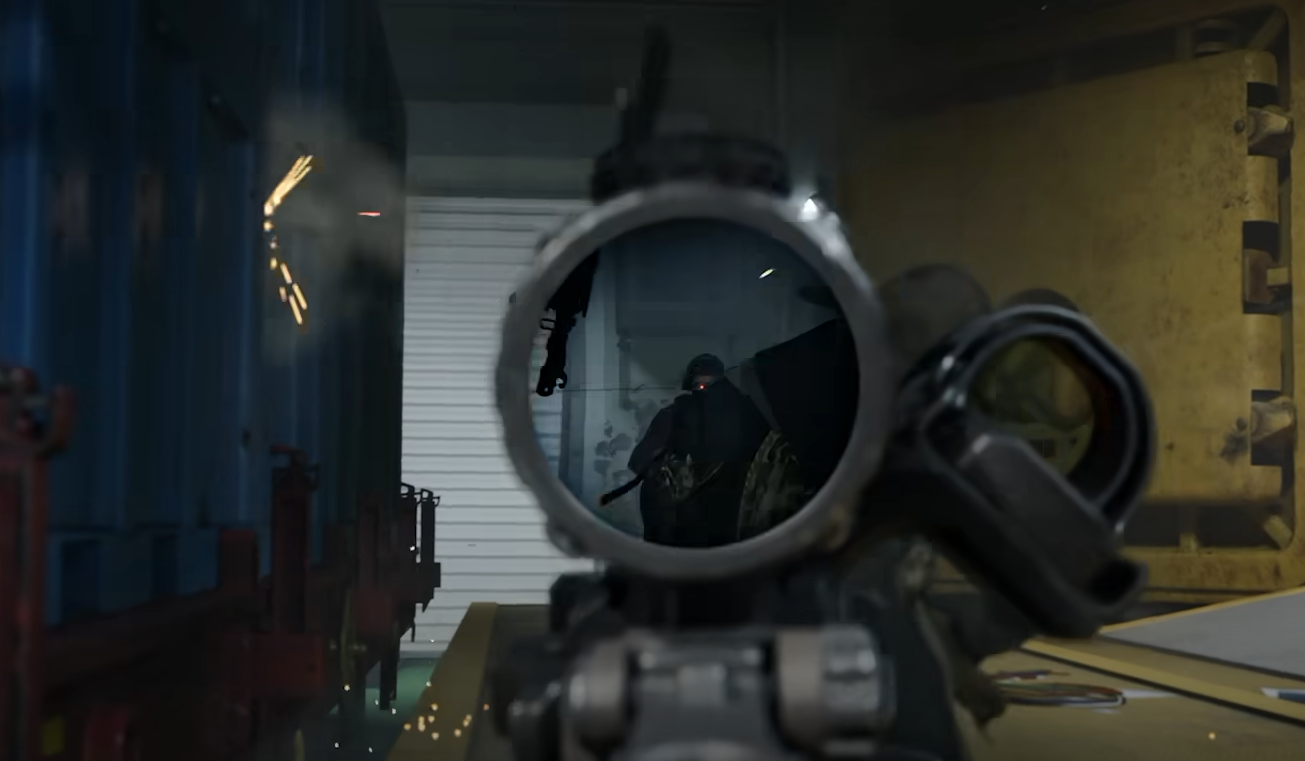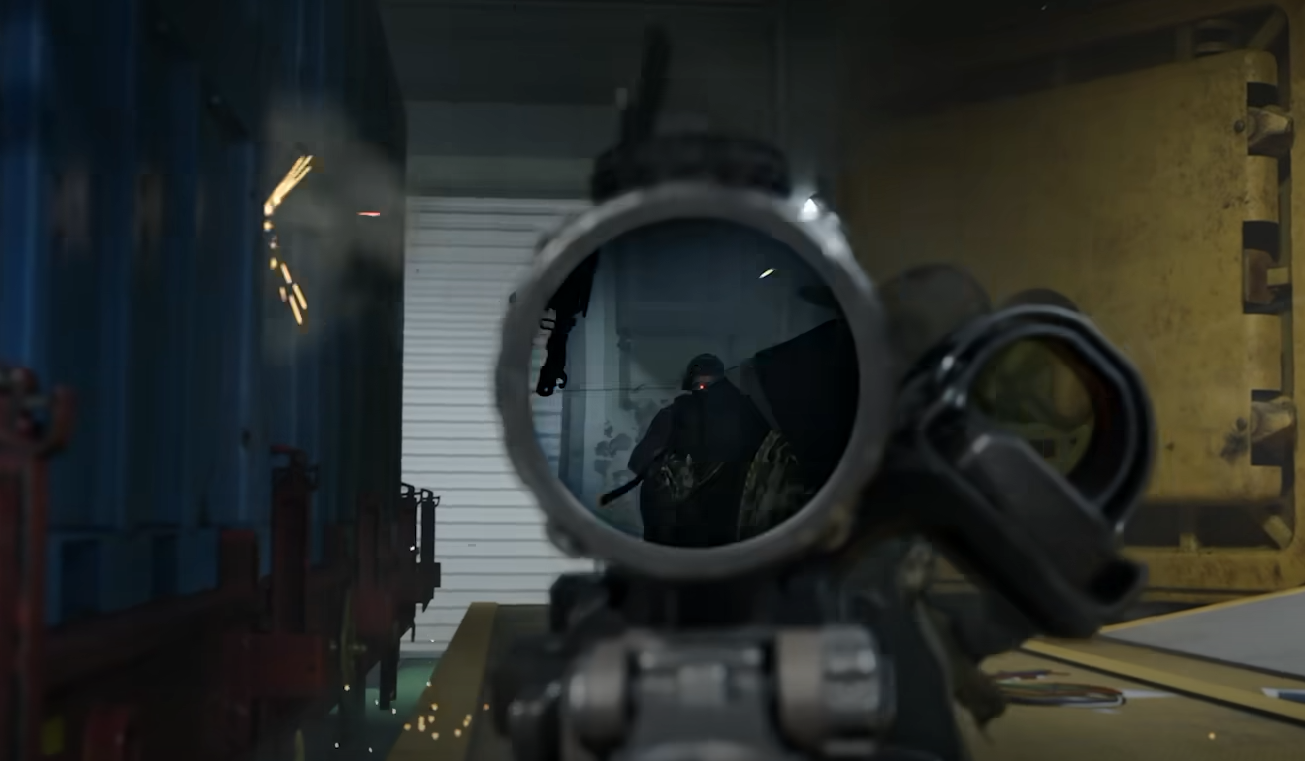
In Call of Duty: Modern Warfare 4 (MW4), you can move your scope closer to or farther from your screen by changing its Rail Position in Gunsmith. This works with supported non-magnified optics and lets you adjust how the sight looks when aiming down sights, without changing the attachment itself.
Jump To Section:
How to Move Your Scope
Best Rail Position
Rail Position Not Showing
How to Move Your Scope in MW4
The Rail Position option is located inside the Optic attachment menu in Gunsmith. It appears on the right side of the screen when browsing compatible non-magnified sights.
- Open Multiplayer Loadouts and select your weapon.
- Enter Gunsmith and navigate to the Optic category.
- Select a supported non-magnified sight.
- Find the Rail Position setting on the right side of the screen.
- Use L1/R1 on PlayStation or LB/RB on Xbox to move the sight between Near and Far.
- On PC, follow the adjustment prompts displayed beside the setting.
You can preview the result in the Firing Range by pressing Triangle on PlayStation or X on Xbox. Aim down sights after each adjustment to see how the sight picture changes.
Best Rail Position in MW4: Near or Far?
We recommend trying Near first if your optic feels too small when aiming. Moving the sight closer makes its window appear larger, which may help you see and track the reticle more comfortably.
Far does the opposite. It places the sight farther along your weapon's rail, making the optic appear smaller and reducing how much screen space its housing occupies.
- Near: Larger-looking optic window, but the sight housing also takes up more screen space.
- Middle: A compromise between optic size and surrounding visibility.
- Far: Smaller-looking optic with less screen space occupied by its housing.
Rail Position doesn't change your weapon's recoil statistics or the optic's actual magnification. Moving the sight can affect how recoil looks while aiming, but it won't make the gun physically kick less.
I'd start with Near on red dot sights, then test Far if the optic housing feels distracting. Try firing at the same target with both settings to see which is easier to use during sustained fire.
MW4 Rail Position Not Showing
If you can't find Rail Position, check that you've selected a compatible optic. The adjustment appears for supported non-magnified sights, so it may be unavailable on magnified scopes.
Make sure you're inside the Optic attachment menu in Gunsmith rather than the main gameplay settings. You can also switch to another non-magnified sight to check whether Rail Position becomes available.
Once you find a comfortable placement, you can keep using that optic without sacrificing another attachment slot. The adjustment changes where the sight sits on your weapon, so you can fine-tune visibility without rebuilding your loadout.