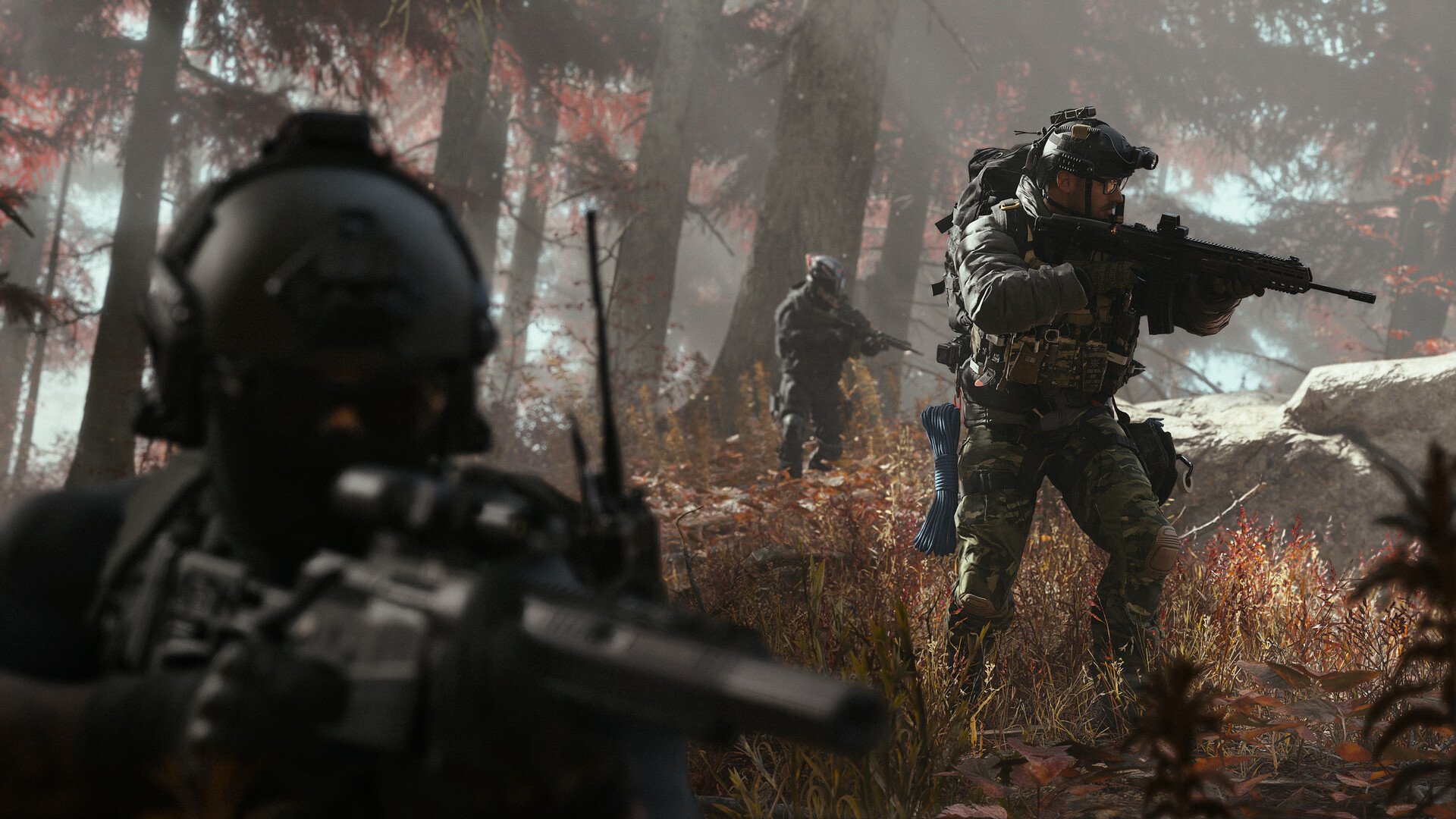
Crossplay in Call of Duty: Modern Warfare 4 allows players across PlayStation, Xbox, Nintendo Switch 2, and PC to compete in the same Multiplayer matches. While this helps keep matchmaking populated, you may prefer to play against opponents using your own platform or avoid PC lobbies entirely. MW4 offers separate crossplay controls for different modes, although the options available depend on which system you're playing on.
Jump To Section:
How to Turn Off Crossplay
Crossplay Off vs Console Only
Can PC Players Disable Crossplay?
Crossplay Settings Not Working
How to Turn Off Crossplay in MW4
To turn off crossplay in MW4, open Settings, navigate to Account & Network, and find the Crossplay options under Online. Set Multiplayer Unranked to Off if you want to restrict regular Multiplayer matchmaking to your own platform.
- Open the Settings menu using the three-horizontal-lines icon.
- Navigate to the final tab, Account & Network.
- Scroll to the Online section.
- Find Multiplayer Unranked, Multiplayer Ranked, or Warzone Ranked under Crossplay.
- Change the relevant option from On to Off.
Crossplay is controlled separately for these playlists, so changing Multiplayer Unranked won't automatically disable it for Ranked matches. Make sure you're adjusting the setting that corresponds to the mode you actually intend to play.
The setting is available on PS5, Xbox, and Nintendo Switch 2. You can also choose Console Only if you'd prefer to continue matchmaking with other console players while excluding PC.
Crossplay Off vs Console Only in MW4
MW4 gives console players three crossplay options, and choosing between Off and Console Only can make a meaningful difference to your matchmaking experience.
- On: Allows matchmaking across supported consoles and PC.
- Off: Restricts matchmaking to players using your platform.
- Console Only: Allows matchmaking between supported consoles while excluding PC players.
For most console players who simply want to avoid PC opponents, we'd recommend Console Only instead of turning crossplay off completely. This maintains access to a broader matchmaking pool while removing PC players from your matches.
Turning crossplay Off is the better option if you specifically want to play against others on the same platform. However, restricting matchmaking more heavily can reduce the number of eligible players, potentially resulting in longer queue times depending on your region and selected playlist.
Console Only also doesn't guarantee controller-only matches. It filters by platform rather than individually checking whether every opponent uses a controller or mouse and keyboard. If your concern is input fairness, keep that distinction in mind when choosing your setting.
Can You Turn Off Crossplay on PC in MW4?
No. MW4 does not currently provide a built-in option for PC players to disable crossplay. The On, Off, and Console Only settings are available to console users, while PC players cannot restrict matchmaking to PC-only opponents through the same menu.
This means changing your input device or using a controller on PC won't unlock the console-exclusive crossplay options. The restriction is based on your platform, not whether you're playing with a mouse or controller.
MW4 Crossplay Settings Not Working
If changing your crossplay setting doesn't appear to affect matchmaking, first confirm you've modified the option for the correct mode. MW4 separates Unranked Multiplayer, Ranked Multiplayer, and Warzone Ranked, so a setting applied to one category doesn't necessarily affect another.
If you're playing on PC and cannot find the Off option, that's an existing platform limitation rather than a missing setting you need to unlock.
On consoles, try returning to the main menu after changing your preference and checking the setting again before entering matchmaking. If it doesn't appear to have been retained, close and reopen the game, then verify your selection.
Finally, remember that disabling crossplay limits who can enter your matches. If matchmaking becomes noticeably slower after selecting Off, switching to Console Only provides a compromise by retaining console-to-console matchmaking without including PC players.