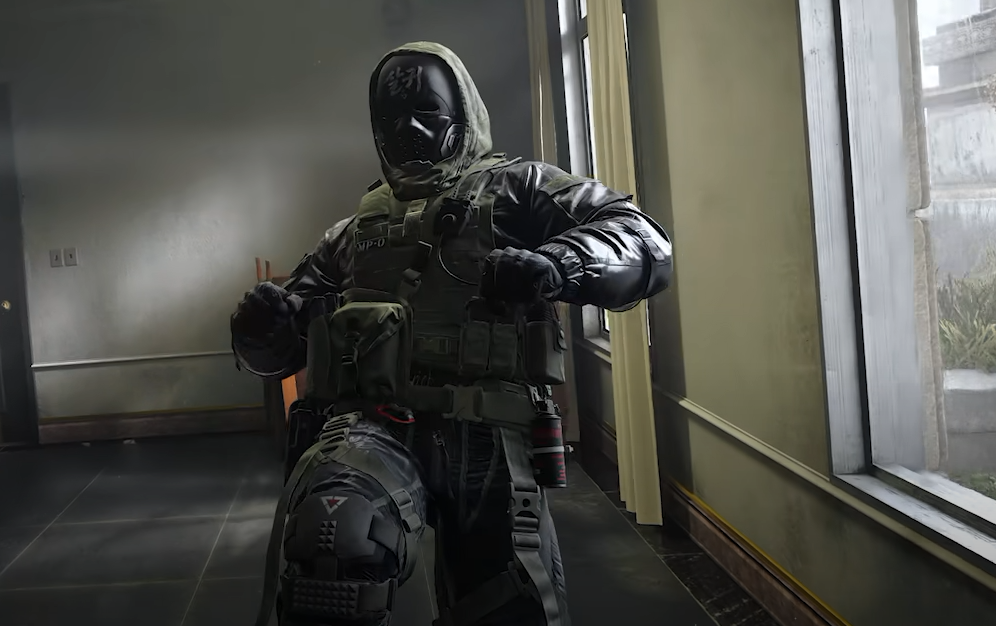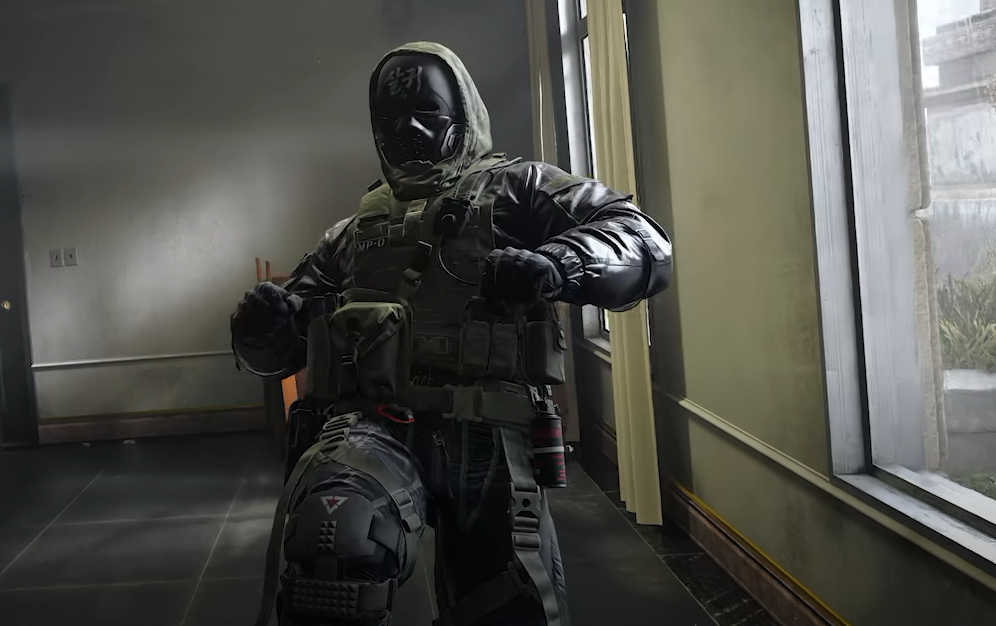
Pulling out your knife in Call of Duty: Modern Warfare 4 works differently from switching between your primary and secondary weapons. The knife has its own dedicated melee slot, allowing you to draw it without replacing your pistol or other backup weapon. However, simply pressing the melee button performs a melee attack instead of keeping the knife equipped. Here's how to pull out your knife in MW4 on PlayStation, Xbox, and PC, along with the settings you can change if the default controls aren't comfortable.
Jump To Section:
How to Pull Out Your Knife
How to Change Knife Controls
Knife Not Equipping Fix
How to Pull Out Your Knife in MW4
To pull out your knife in MW4, press and hold the melee button instead of tapping it. Your character will draw the equipped melee weapon, allowing you to run around with your knife out and attack using your normal fire button.
- PS5 and PS4: Hold R3 (press and hold the right analog stick).
- Xbox: Hold RS (press and hold the right analog stick).
- PC: Hold V on your keyboard.
Once the knife is equipped, use R2 on PlayStation, RT on Xbox, or left-click on PC to attack. You can switch back to your firearm using your normal weapon-switch controls.
The default melee weapon in MW4 is the FSS Carbon Edge 1095, which occupies a dedicated melee slot. You don't need to sacrifice your secondary weapon slot just to carry a knife.
How to Change Knife Controls in MW4
If holding the right stick or melee key feels awkward, you can change how MW4 activates your dedicated melee weapon through the settings menu.
Open Settings, navigate to Controller or Keyboard & Mouse, and find the Combat settings. Look for Dedicated Melee Weapon Activation, which uses Hold Melee by default.
Depending on your preferred controls, you can change knife activation to a double-tap melee input or include your melee weapon in the normal weapon-switching cycle.
For controller players, we'd recommend trying the double-tap option if you frequently pull out your knife during aggressive Multiplayer matches. This avoids having to hold the right stick down while also trying to control your movement and camera.
If you're on PC, consider assigning melee to a convenient mouse button through your keybind settings. The ideal input is one you can activate without interrupting your movement or taking your fingers away from important controls.
Why Won't My Knife Come Out in MW4?
If pressing melee only performs a quick attack, you're probably tapping the button instead of holding it. Under the default control scheme, a tap and a hold perform different actions.
First, check Dedicated Melee Weapon Activation in your Combat settings. If you've changed it to Double Tap Melee or Weapon Cycle, holding the melee button may no longer draw your knife as expected.
Also, make sure you're using the correct melee input for your current button layout. Players using a customized controller configuration may have melee assigned to a different button than R3 or RS.
Finally, don't confuse drawing your knife with performing a Finishing Move. These actions can use overlapping melee controls, but a Finishing Move requires the appropriate positioning near an opponent. Holding melee outside that situation draws your dedicated knife instead.
For most players, holding R3 on PlayStation, RS on Xbox, or V on PC is all that's needed. If you regularly use melee weapons, changing the activation behavior can make switching to your knife more comfortable without affecting your primary and secondary weapon loadout.