How to Emote in Marvel Rivals
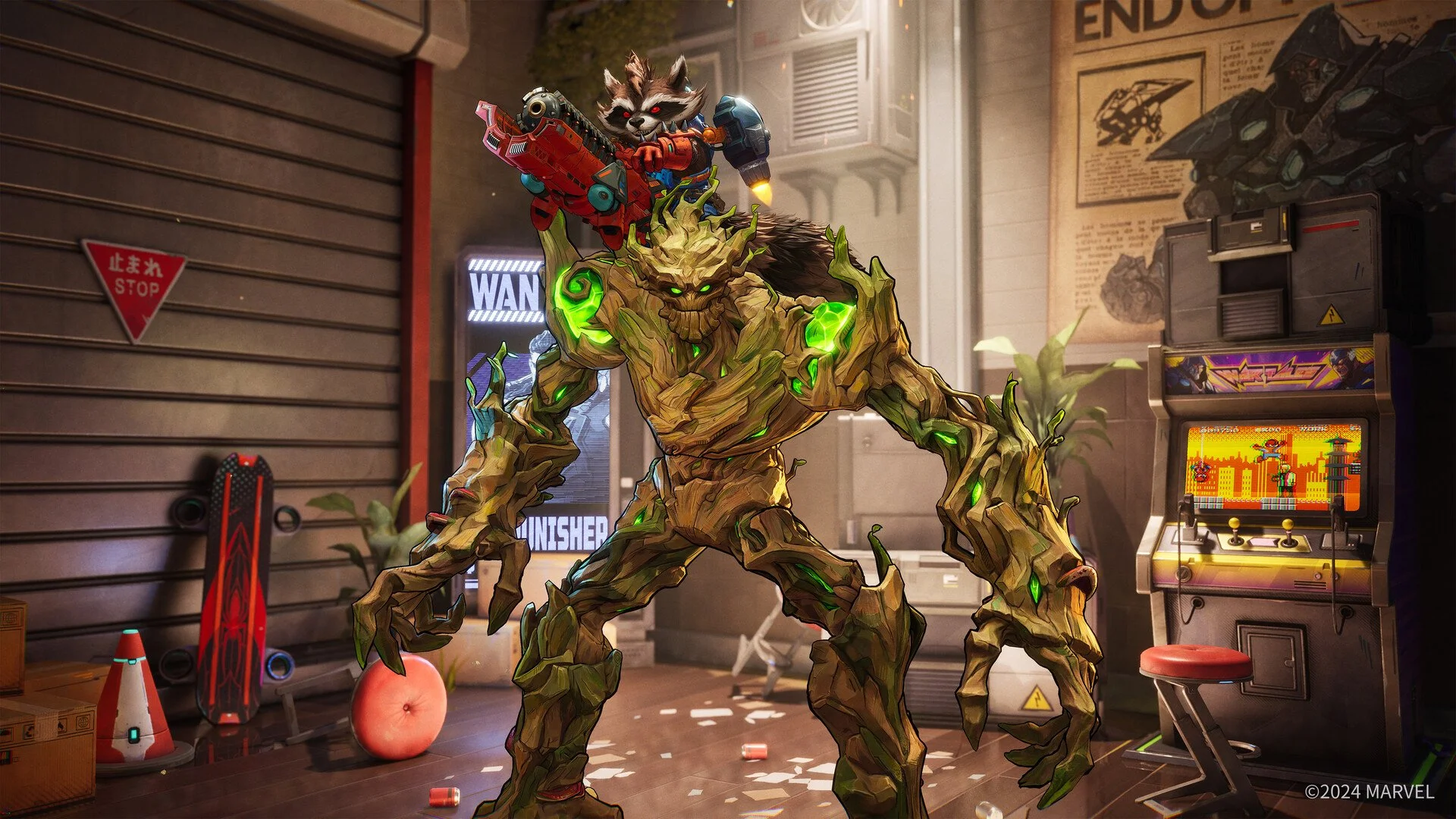
Image Credit: Marvel Rivals
If you’re new to Marvel Rivals or just not sure how to use emotes, don’t worry. This guide will walk you through it step by step:
How to Equip Emotes
Before you can use an emote in a match, you need to equip it. Here’s how:
Go to the Main Menu: Open Marvel Rivals and look for the customization area.
Select Emotes: You’ll find a section for emotes in your character’s customization options.
Choose Your Emotes: Pick your favorite emotes from the list. Some might be locked, so you’ll need to unlock them by playing the game, earning rewards, or buying them.
Save Your Changes: Once you’ve selected your emotes, confirm or save your loadout.
How to Use Emotes in a Match
Using emotes during a match is easy:
Use the Emote Button: While playing, look for a button or menu that lets you use emotes. This is default ‘T’ on the PC, or left on the D-pad on console.
Open the Emote Wheel: When you press the emote button, a wheel or menu will pop up showing the emotes you’ve equipped.
Pick an Emote: Move your joystick or cursor to the emote you want to use and select it.
Watch the Action: Your character will perform the emote right on the battlefield.
Tips for Using Emotes
Be Fun, Not Rude: Emotes are meant for fun. Don’t overuse taunts or spam them, as it might annoy other players.
Celebrate Wins: Use emotes to show excitement when you win a fight or complete an objective.
Communicate: Some emotes can help you share information, like a thumbs-up to show teamwork or a “thank you” emote to show appreciation.
Unlock More: Keep playing to earn more emotes. Special events or challenges might give you rare ones.