How to Slow Walk in Marvel Rivals on PC and Console

Image Credit: Marvel Rivals
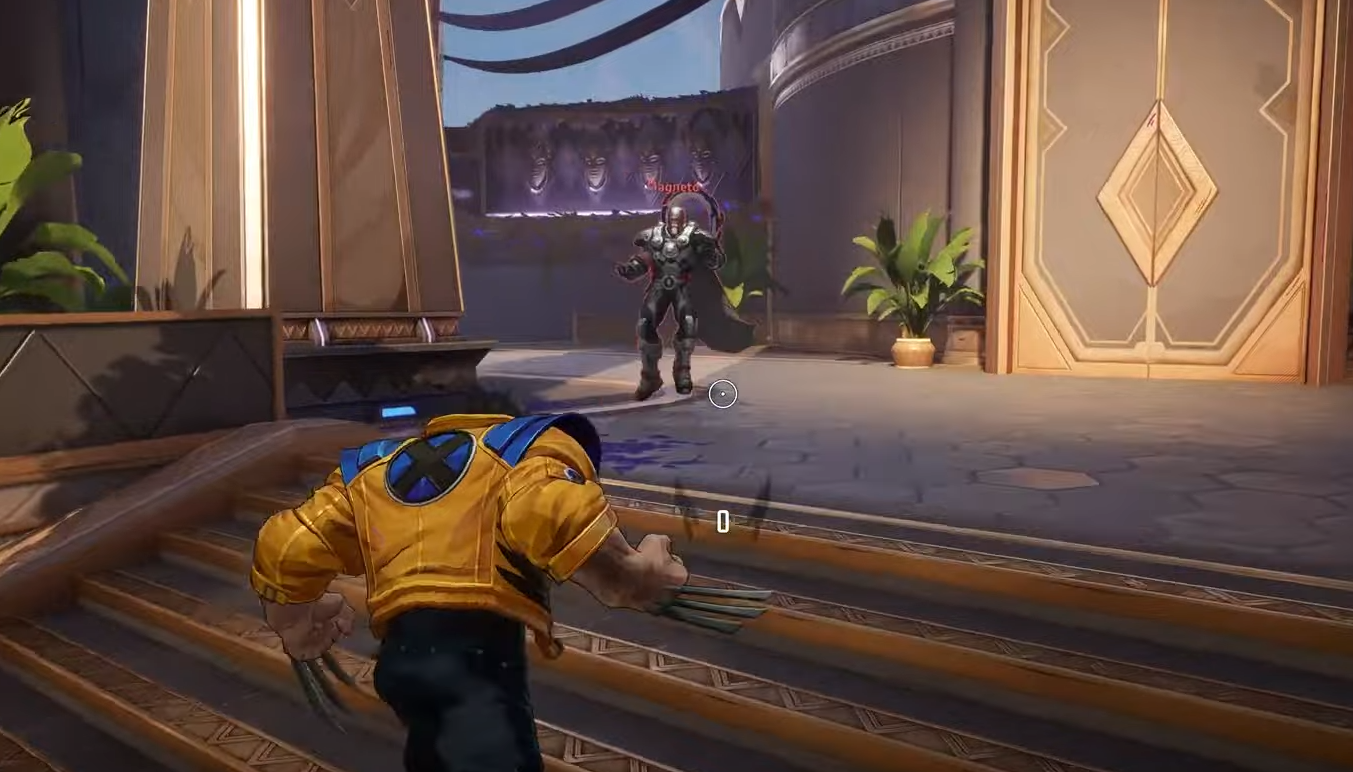
In Marvel Rivals, moving at a slower pace can… Well… Make you look cool (and strike fear into the hearts of your opponents). Here's how to slow walk:
For Console Players:
Use the Left Analog Stick: Gently push the left analog stick forward to make your character walk slowly. The softer you press, the slower your character moves.
For PC Players:
Keyboard Movement: By default, pressing the 'W', 'A', 'S', and 'D' keys moves your character at a standard speed, but unfortunately there is not a way to make your character move slower on the PC. As of now you will need to plug in a controller, even when using a PC because you cannot adjust speed using a keyboard.
We’ll update this for PC players if they make a change at some point.