

How to Enable Secure Boot for Battlefield 6 (BF6)
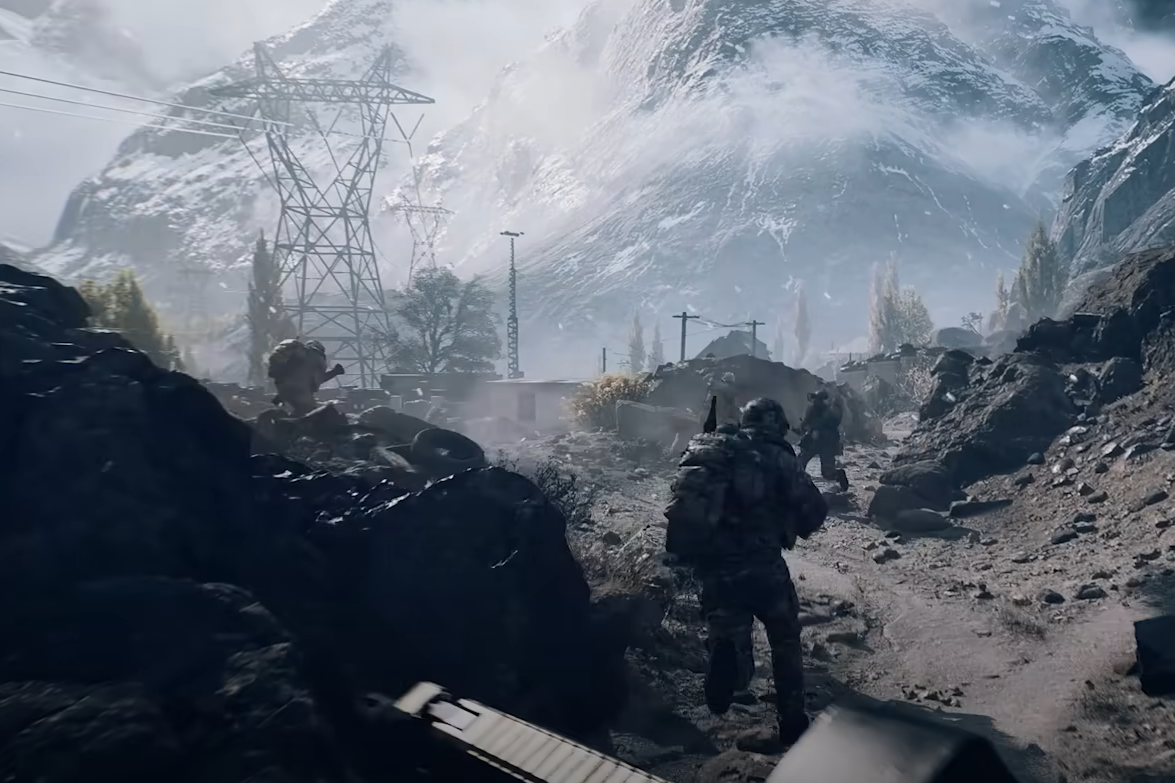
If Battlefield 6’s Open Beta refuses to launch on your PC because of a Secure Boot error, you’ll need to adjust system settings before you can play. Secure Boot runs before Windows starts, blocking malicious programs and preventing cheat software from loading into memory.
To enable it, you must check your BIOS mode, disk partition style, and change settings inside your BIOS menu. The process takes a few minutes, but once done, Battlefield 6 should run without Secure Boot warnings.
Step 1: Check Secure Boot State and BIOS Mode
Press Windows Key, type msinfo32, and open System Information.
Find Secure Boot State in the list. If it says Off, you’ll need to enable it.
Look for BIOS Mode above it. It must say UEFI. If it says Legacy, you will not be able to enable Secure Boot without hardware or firmware changes from your manufacturer.
Step 2: Check Disk Partition Style
Press Windows Key, type Disk Management, and open it.
Right-click the disk number for your Windows drive (usually Disk 0) and select Properties.
Go to the Volumes tab and look for Partition Style. It must be GPT. If it’s already GPT, skip to Step 4.
Step 3: Convert Disk from MBR to GPT
Open Command Prompt as Administrator.
Type
mbr2gpt /validate /disk:X /allowFullOSreplacing X with your Windows disk number.If validation passes, type
mbr2gpt /convert /disk:X /allowFullOS.Once complete, return to Step 2 to confirm the drive is now GPT.
Step 4: Enable Secure Boot in BIOS
Restart your PC and press the correct key for your BIOS menu (often F12 or Delete).
Navigate to Security or Advanced settings.
Enable Secure Boot.
If it won’t activate, look for an option called Restore Factory Keys, apply it, then try enabling Secure Boot again.
Save changes and exit BIOS.
When Windows loads, Battlefield 6 should now start without Secure Boot errors.
Final Blurb
Enabling Secure Boot in Battlefield 6 is a one-time setup that improves system security and ensures the game launches properly. Once configured, you won’t need to repeat the process unless your BIOS settings are reset.
FAQ
Why does Battlefield 6 require Secure Boot?
It helps prevent cheat software and malicious programs from loading before Windows starts.
Can I enable Secure Boot if my BIOS Mode is Legacy?
No, your system must use UEFI to enable Secure Boot.
Does enabling Secure Boot erase my files?
No, it only changes firmware settings. However, converting MBR to GPT should be done carefully.
Where is Secure Boot in BIOS?
It is usually under Advanced, Boot, or Security settings, depending on your motherboard.
Do I need to leave Secure Boot on after enabling it?
Yes, turning it off again could cause Battlefield 6 to block launch.
More Battlefield 6 Articles


